
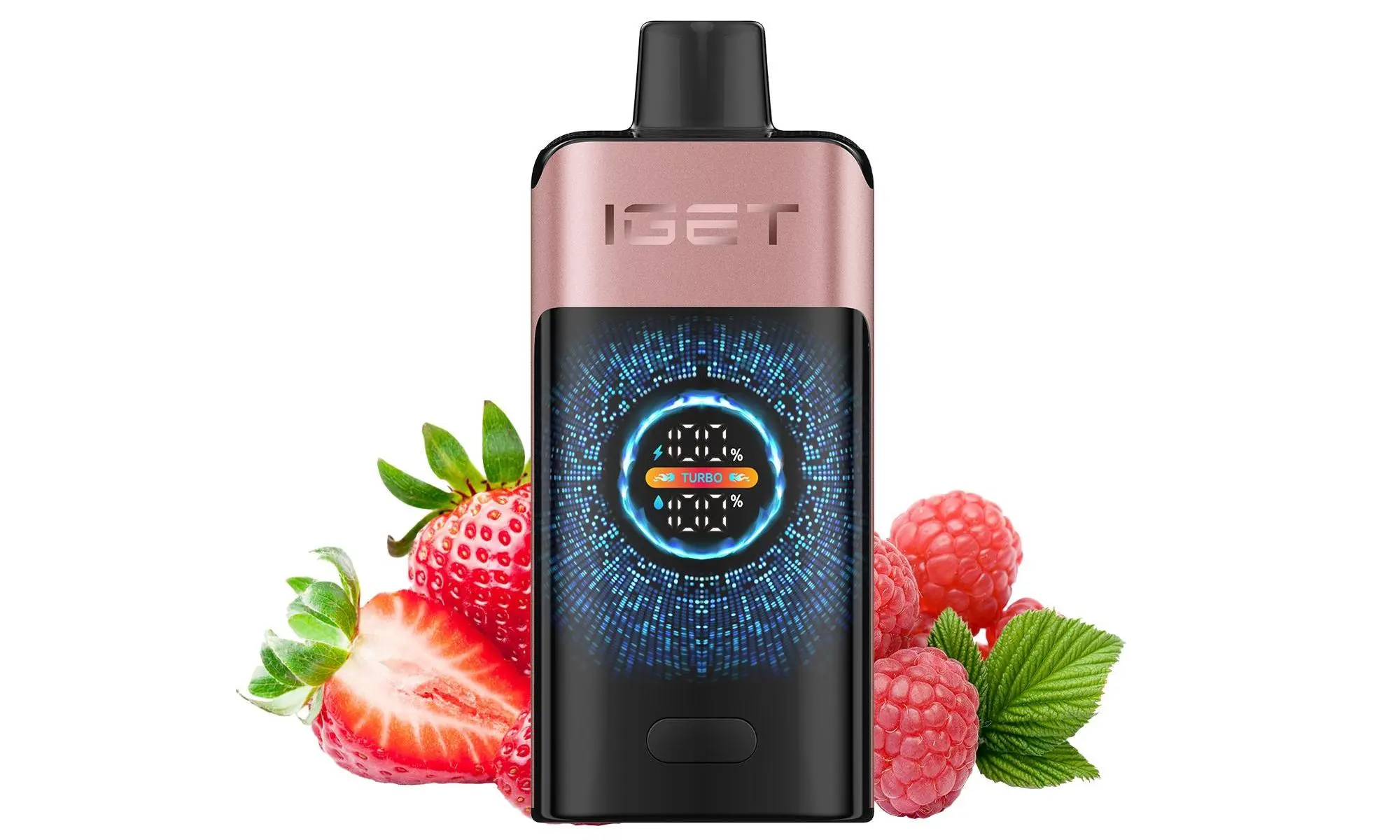
A common question we hear at iGetBaroz is, “How do I recharge my new IGET Bar?” The answer depends entirely on which specific IGET device you have. With multiple series on the market, it’s easy to get confused. This guide will clearly explain which IGET Bars are rechargeable, provide step-by-step charging instructions, and highlight crucial safety tips.
The Short Answer:
Most “IGET Bar” models (the classic rectangular disposables) are not designed to be recharged. However, newer series like the IGET Bar Plus, IGET Legend, and IGET ONE are explicitly designed with USB-C ports for convenient recharging. Attempting to recharge a non-rechargeable model is dangerous and can damage the device or cause a battery fault.
Part 1: Identifying Your IGET Device
First, check your device:
Non-Rechargeable IGET Bar (Original): The classic, rectangular disposable. It has no charging port of any kind on its body. Its battery is intended to last for the full advertised puff count (e.g., 3500 puffs) and then be disposed of responsibly.
Rechargeable IGET Models: Look for a small rubber flap or a visible USB-C port on the bottom or side of the device. Popular rechargeable series include:
IGET Bar Plus
IGET Legend
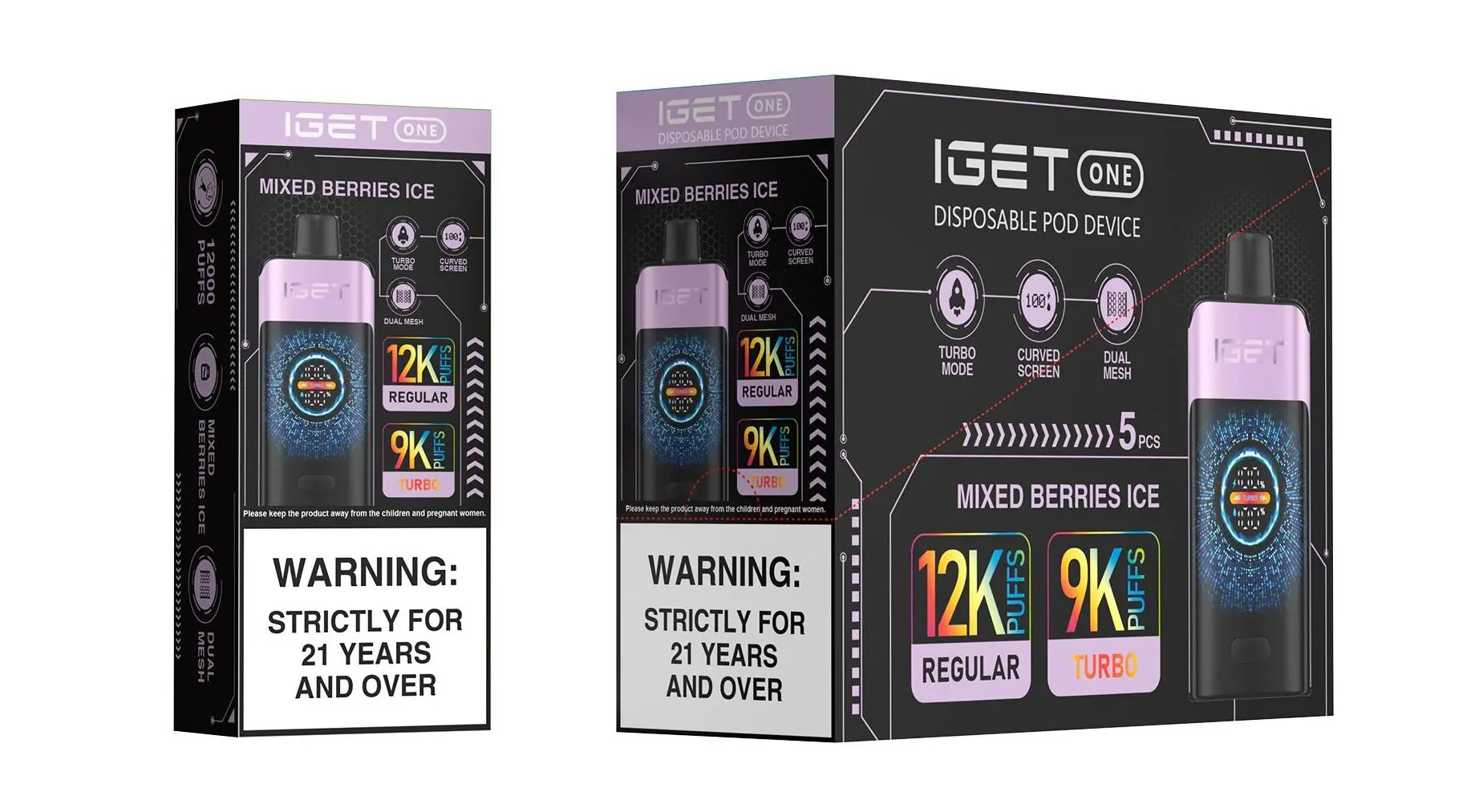
IGET ONE
IGET E-HOOKAH Series
Part 2: Step-by-Step Charging Guide for Rechargeable Models
If your device has a USB-C port, follow these steps:
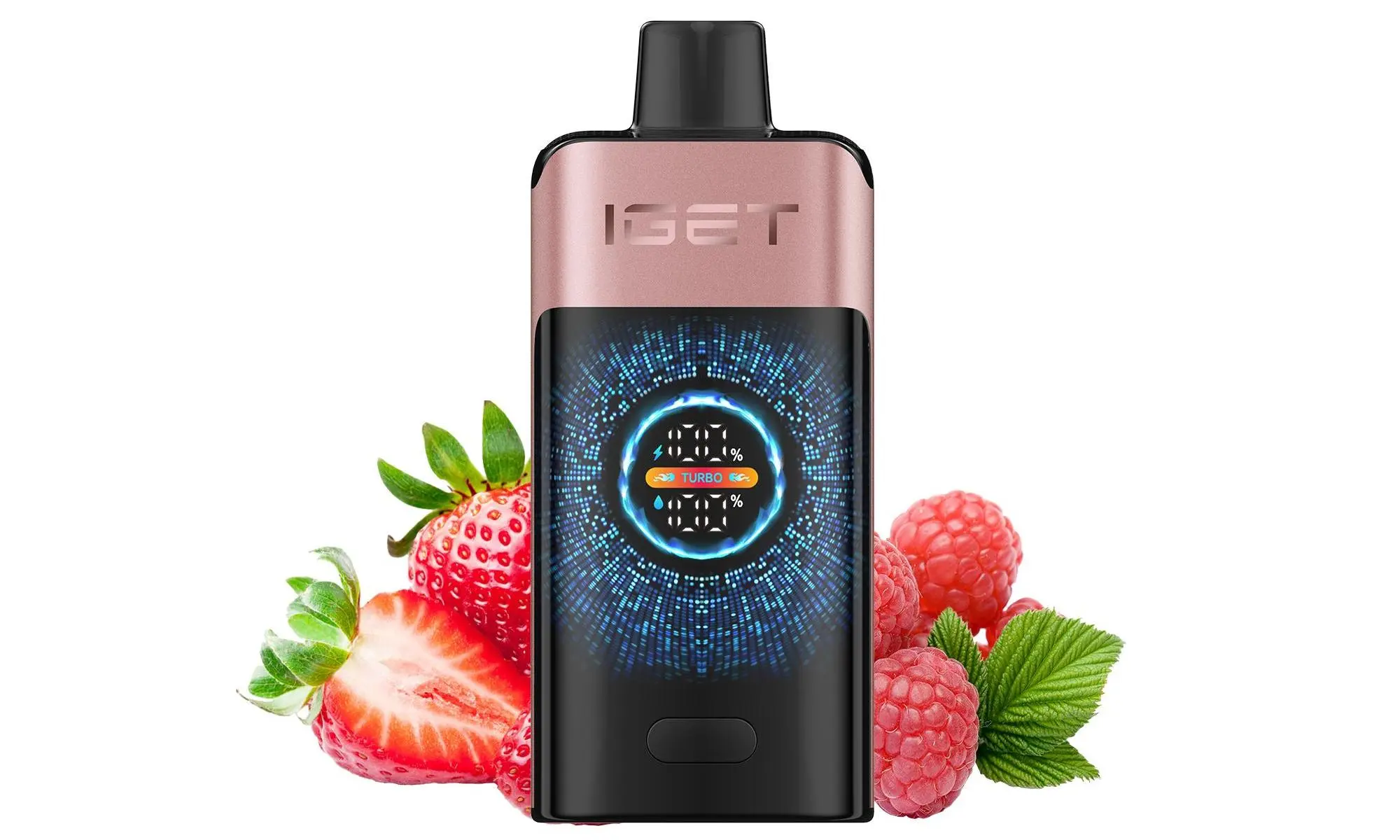
Locate the Port: Find the USB-C charging port. It is usually protected by a small rubber seal or plug.
Use the Correct Cable: Use a standard USB-A to USB-C or USB-C to USB-C cable. Avoid using fast chargers or laptop ports that deliver high, unregulated power.
Connect to Power Source: Plug the cable into a low-power source, such as a standard 5V/1A or 5V/2A wall adapter or a computer USB port.
Monitor the Indicator: Most rechargeable IGET devices have an LED indicator that will light up while charging. The light typically turns off or changes colour (e.g., from red to blue or green) when charging is complete.
Disconnect Promptly: Once fully charged, disconnect the device. A full charge usually takes 45-90 minutes. Do not leave it charging overnight or unattended for extended periods.
⚠️ Critical Safety Notes:
NEVER use a fast charger (e.g., for smartphones or tablets).
NEVER use the device while it is charging.
NEVER attempt to recharge a disposable that lacks a designated charging port.
Always charge on a non-flammable surface and in a well-ventilated area.
Part 3: What If My IGET Bar Has No Port?
If you have a classic, non-rechargeable IGET Bar, it is not designed for recharging. The device is sealed for safety and performance. When the battery is depleted or the Capacity runs out, the device has reached its end of life and should be disposed of according to your local council’s guidelines for electronic waste (e-waste).
A note on “hacks”: Online tutorials showing how to manually wire a charger to a disposable are extremely dangerous. They bypass all built-in safety circuitry, risk short-circuiting the lithium battery, and can lead to overheating, leakage, or even fire. We strongly advise against this.
Frequently Asked Questions (FAQ)
Q: How can I tell if my IGET Bar Plus is fully charged?
A: The LED indicator on the device will typically turn off or change colour (consult your specific packaging) when the battery is full. Charging time is usually under 90 minutes.
Q: My rechargeable IGET is blinking when I try to use it. What does this mean?
A: A blinking light usually indicates a low battery. Connect it to a charger using the method above. If it blinks during use immediately after charging, there may be a fault with the device or a connection issue with the pod.
Q: Can I recharge any disposable vape?
A: No. Only devices explicitly designed and advertised as “rechargeable” with a visible charging port should be recharged. Brands like Alibarbar, FISCO, and WALA also have both disposable and rechargeable lines—always check the product description.
Q: Where can I buy authentic, rechargeable IGET devices in Australia?
A: For guaranteed authenticity and clear product descriptions, purchase from authorised retailers like iGetBaroz{:target=”_blank”}. We clearly label which devices are rechargeable and provide all necessary usage information.
Q: How many times can I recharge my IGET Bar Plus?
A: The battery is designed to last the lifespan of the pre-filled Capacity pod. You can recharge it as needed until the Capacity is depleted, which typically aligns with the advertised puff count.
Conclusion
Understanding your device is key to a safe and satisfying vaping experience. Always verify if your IGET model is rechargeable by checking for a USB-C port. Follow the safe charging practices outlined above to maximise the life of your rechargeable device. For non-rechargeable models, enjoy them for their intended lifespan and dispose of them responsibly.
For the full range of IGET products, from classic disposables to advanced rechargeable systems, visit your trusted Australian source, iGetBaroz{:target=”_blank”}, where product authenticity and clear customer guidance are our top priorities.
How To Recharge New Iget Bar? — 补充说明
Of course. Here is a comprehensive guide on how to recharge a new IGET Bar, including important safety information and how to identify if your specific device is rechargeable.
Important First Step: Is Your IGET Bar Actually Rechargeable?
This is the most critical point. Not all IGET Bar models are designed to be recharged.

Standard IGET Bar (Non-Rechargeable): The original and most common IGET Bar is a fully disposable, single-use device. It is not designed to be recharged or refilled. Attempting to recharge a non-rechargeable device is not recommended and can damage the battery, cause leakage, or create a safety hazard.
How to identify: It typically has no charging port. The device is used until the battery or capacity is depleted, then disposed of responsibly.
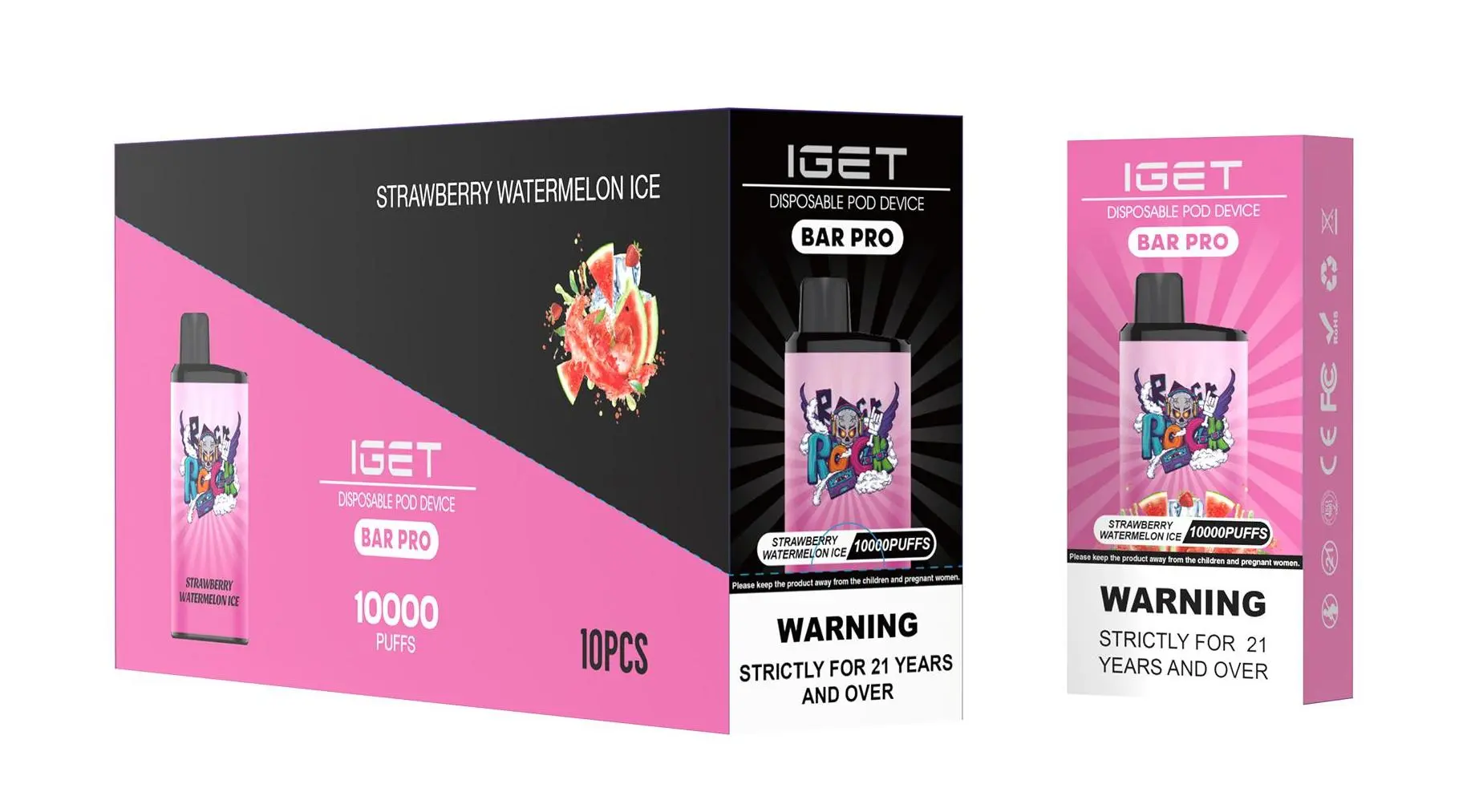
Rechargeable IGET Models (IGET Bar Plus, IGET Go, IGET King, etc.): Newer generations and larger-capacity models come with a built-in USB-C (most common) or Micro-USB port specifically for recharging the battery, allowing you to use the full capacity.
How to identify: Look for a small rubber or plastic plug at the bottom or on the side of the device. This covers the charging port.
How to Recharge a Rechargeable IGET Device (e.g., IGET Bar Plus)
If you have confirmed your device has a charging port, follow these steps:
What You’ll Need:
Your IGET device (e.g., IGET Bar Plus).
A standard USB-A to USB-C cable (or Micro-USB, depending on model).
A safe power source (e.g., computer USB port, wall adapter with 5V/1A output).
Step-by-Step Guide:
Locate the Port: Find the small rubber or silicone seal on your device. It is usually located at the bottom.
Open the Port: Gently pull open the protective seal to reveal the USB-C (or Micro-USB) port underneath.
Connect the Cable: Plug the correct end of your USB cable into the device’s port.
Connect to Power Source: Plug the other end of the cable into your chosen power source (computer, power bank, or wall adapter).
Check for Indicator: Most rechargeable IGET devices have a small LED light near the mouthpiece or charging port.
While Charging: The LED will typically glow red or white.
Fully Charged: The LED light will turn off or change to blue/green (this varies by model). A full charge usually takes 30-60 minutes.
Disconnect and Close: Once charged, disconnect the cable and firmly press the protective seal back into place until it’s flush. This is crucial to prevent dust or liquid from entering and to maintain the device’s integrity.
⚠️ Crucial Safety & Care Tips:
Use the Right Cable: Always use a data/charging cable from a reputable brand. Avoid using fast-charging adapters meant for phones, as they can deliver too much current.
Never Leave Unattended: Do not leave your device charging overnight or unattended for long periods.
Stop if There’s an Issue: If the device becomes unusually hot, emits a strange smell, or shows no charging indicator, disconnect immediately and discontinue use.
Keep the Seal Clean & Closed: Always ensure the charging port seal is closed tightly when not in use to prevent leakage.
Do Not Attempt to Recharge a Disposable Model: For your safety, only recharge devices explicitly designed for it.
FAQ
Q: My standard IGET Bar has died, can I recharge it somehow?
A: No. The standard IGET Bar is not designed for recharging. Attempting to modify or recharge it is unsafe. Please dispose of it responsibly at a designated battery recycling point.
Q: How do I know which IGET model I have?
A: Check the packaging or the printed text on the device itself. Rechargeable models are usually clearly labeled as “IGET Bar Plus,” “IGET Go,” or “IGET King.” The puff count is also a clue—higher puff count models (2500+) are often rechargeable.
Q: Where can I buy authentic, rechargeable IGET products in Australia?
A: For guaranteed authentic devices with clear model descriptions, purchase from an authorised retailer like iGetBaroz. They provide detailed product specifications, so you’ll know exactly if the device is rechargeable before you buy, ensuring you get a safe and genuine product.
For a full selection of genuine IGET products, including the latest rechargeable models, you can visit iGetBaroz{:target=”_blank”}.
Need a visual guide? Check out this helpful video on device maintenance and more on our official channel: AidiHK on YouTube{:target=”_blank”}.