
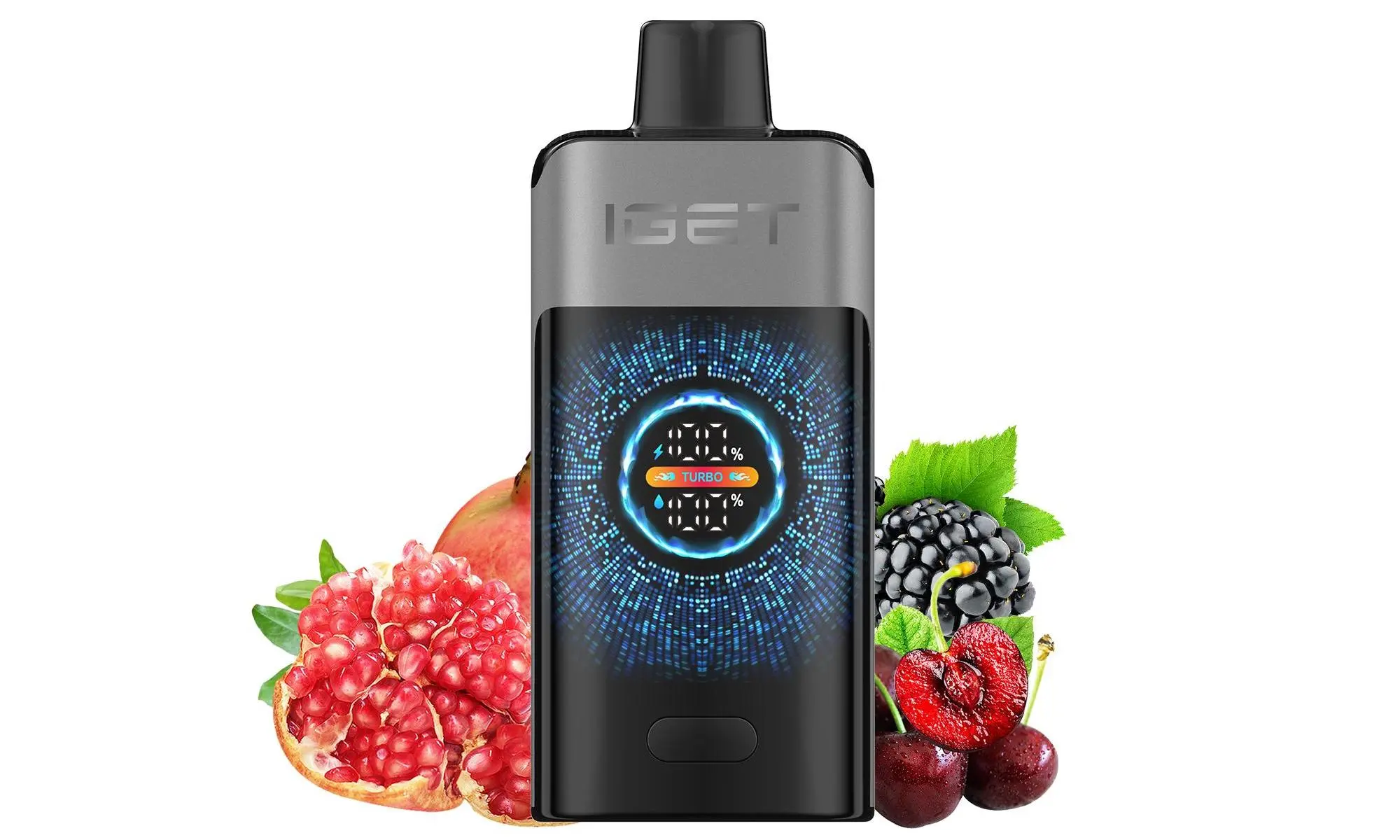
The IGET Legend is one of the most popular high-capacity disposable vapes in Australia, known for its impressive 4000+ puff count and rechargeable battery. Unlike standard single-use disposables, the Legend is designed to be recharged, allowing you to enjoy every last drop of e-liquid. Here’s exactly how to do it safely and effectively.
What You’ll Need:
Your IGET Legend device.
A standard USB Type-C cable (the one included in the box is recommended).
A low-power USB power source, such as a computer USB port, a USB wall adapter (5V/1A), or a power bank.
Step-by-Step Charging Process:
Locate the Port: Find the USB Type-C charging port on the bottom of your IGET Legend device.
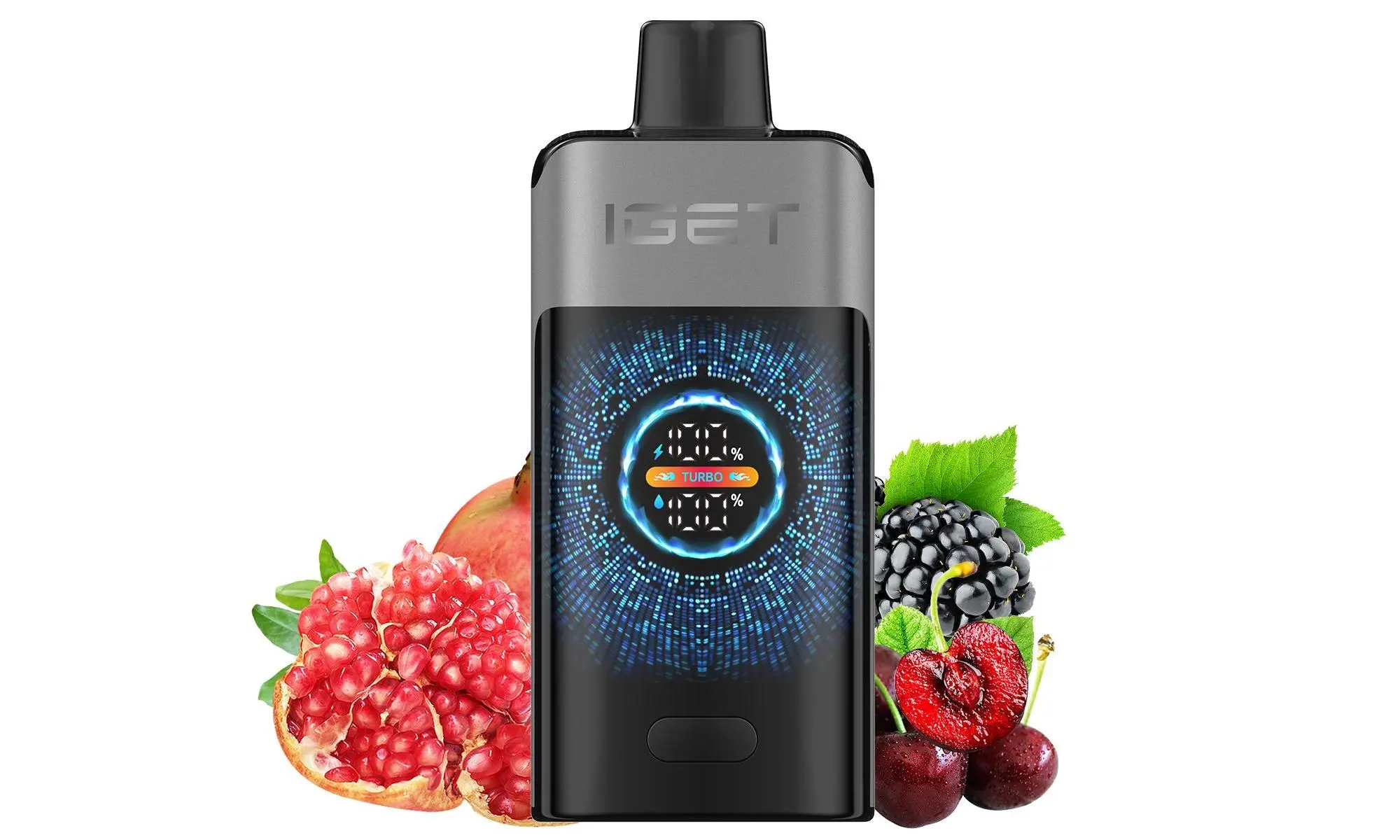
Connect the Cable: Gently insert the USB Type-C connector into the port. Ensure it’s connected the right way up; the connector should slide in smoothly without force.
Plug into Power Source: Connect the other end of the cable to your chosen power source (e.g., laptop, standard phone charger block).
Check the Indicator Light: Once connected, the LED indicator light on the front of the device will illuminate RED, signaling that charging has started.
Wait for a Full Charge: Leave the device to charge undisturbed. The charging time from empty to full typically takes 60-90 minutes. It’s best not to use the vape while it’s charging.
Confirm Completion: The LED indicator will turn GREEN when the battery is fully charged. You can now disconnect the cable.
Disconnect & Enjoy: Unplug the USB-C cable, and your IGET Legend is ready for use.
⚠️ Crucial Safety & Best Practice Tips:
Use the Right Cable & Adapter: Always use the provided cable or a certified USB-C cable. Avoid using fast chargers (e.g., for modern smartphones or tablets), as they can deliver too much current and damage the battery.
Supervise Charging: Never leave your device charging unattended or overnight. While modern circuits have protections, it’s a fundamental safety practice.
Check for Damage: Before plugging in, inspect the cable and the device’s port for any signs of damage, lint, or e-liquid residue. Keep the port clean and dry.
Optimal Charging: For battery longevity, try to avoid letting the Legend drain completely to 0% before recharging. Partial charges are perfectly fine.
Authenticity is Key: These steps apply to genuine IGET Legend devices. Counterfeit products may have faulty batteries or incorrect circuitry, posing safety risks. Always purchase from authorised retailers like iGetBaroz{:target=”_blank”} to guarantee you get a safe, authentic product with correct specifications.
Troubleshooting Common Issues:
No LED Light When Plugged In: Try a different cable and power source. Ensure the connections are clean and secure.
Device Gets Excessively Warm While Charging: Disconnect immediately. This is not normal and indicates a potential battery or circuit fault.
Not Holding Charge: If the device dies very quickly after a full charge, the battery may have reached the end of its life cycle. With disposables, this indicates the e-liquid is likely also finished.
Still have questions? For more detailed support, you can always refer to the official resources or contact the retailer you purchased from. For Australian vapers seeking reliable service and authentic products, visiting iGetBaroz{:target=”_blank”} ensures you get the correct device and support. You can also find visual guides and community tips on platforms like YouTube{:target=”_blank”}.