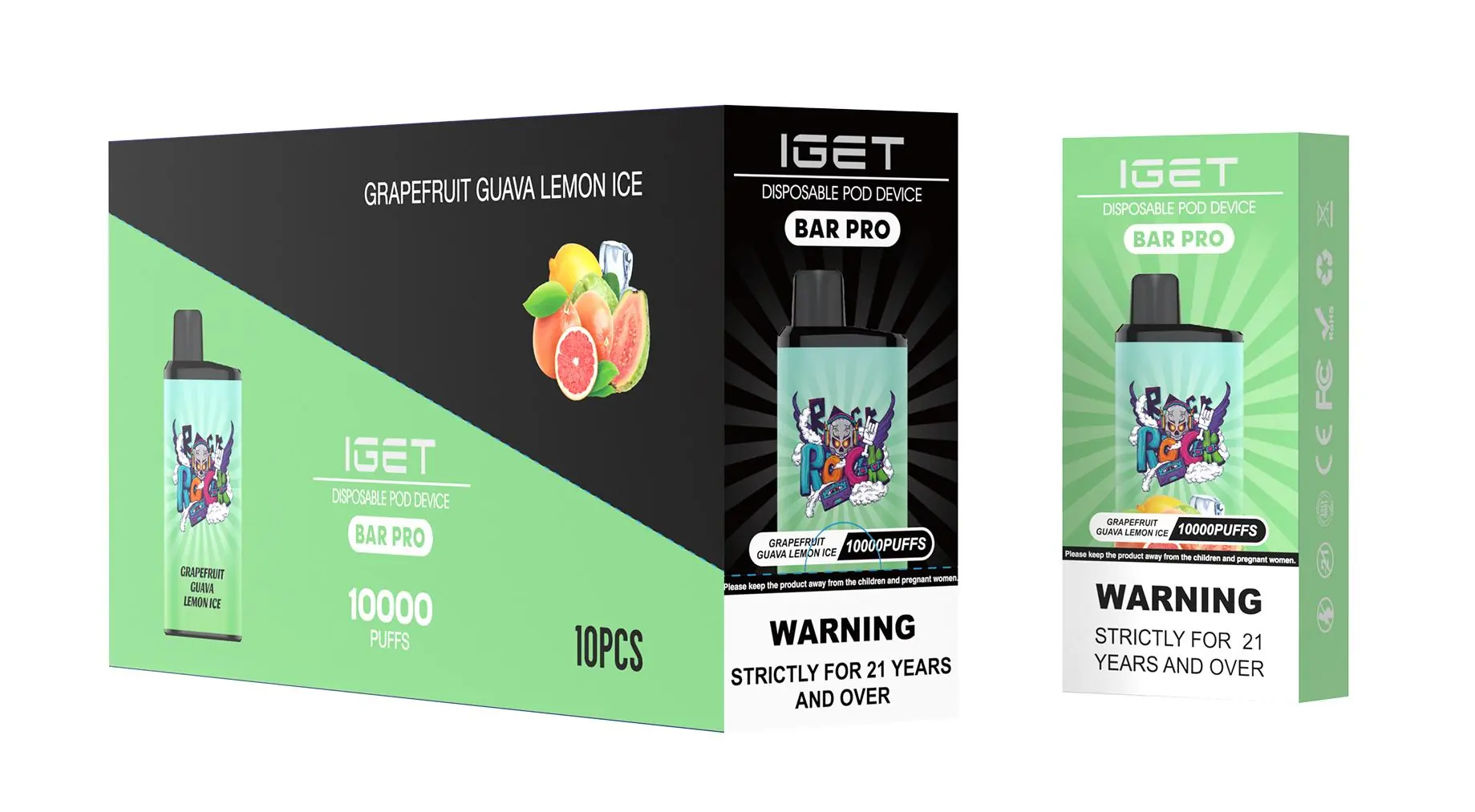
The IGET B5000 should be charged for approximately 1 hour (60 minutes) using a standard 5V/1A USB-C charger. Charging it fully from a completely dead battery typically takes no more than 60-75 minutes.
For optimal performance and battery health, follow this detailed guide.
Detailed Charging Instructions & Tips
Use the Correct Charger: Always use a standard 5V/1A (5W) USB wall adapter. Avoid using fast chargers (e.g., 18W, 20W, or laptop USB ports) as they can overwhelm the device's circuitry, potentially damaging the battery or causing it to overheat.
Charging Indicator: The IGET B5000 has a small LED light on the device.While Charging: The LED will light up (usually white or blue, depending on the model).
Fully Charged: The LED light will turn off automatically. This is your signal that the device is ready to use.
Do Not Overcharge: While the device has basic protection, it's best practice to unplug it once the light turns off. Avoid leaving it plugged in overnight or for extended periods unattended.
First Charge: For a new device, it's recommended to give it a full 1-hour charge before first use to ensure the battery is properly calibrated.
Important Safety & Performance Notes
Battery Capacity: The IGET B5000 contains a built-in 850mAh rechargeable battery, which is why a 1-hour charge is sufficient.
Never Use While Charging: For safety, do not puff on the device while it is connected to the charger.
Signs of a Full Charge: Apart from the LED turning off, the device will also stop drawing current. If you're unsure, 1 hour is a safe benchmark.
What If It Won't Charge? If the device shows no charging indication:
Ensure you are using a working USB-C cable and a reliable power source.
Try cleaning the USB-C port gently with a dry toothpick to remove any pocket lint or debris.
If there's still no response after 15 minutes on a known-good charger, the battery may have reached its end of life or the device could be faulty.
Pro Tip from iGetBaroz: For the longest-lasting performance from your IGET B5000, avoid letting the battery run completely flat before recharging. Plugging it in when the flavour or vapour production begins to noticeably diminish can help maintain long-term battery health.

For authentic IGET B5000 devices and accessories, always source from authorised retailers like iGetBaroz to guarantee product safety, battery quality, and full manufacturer specifications.
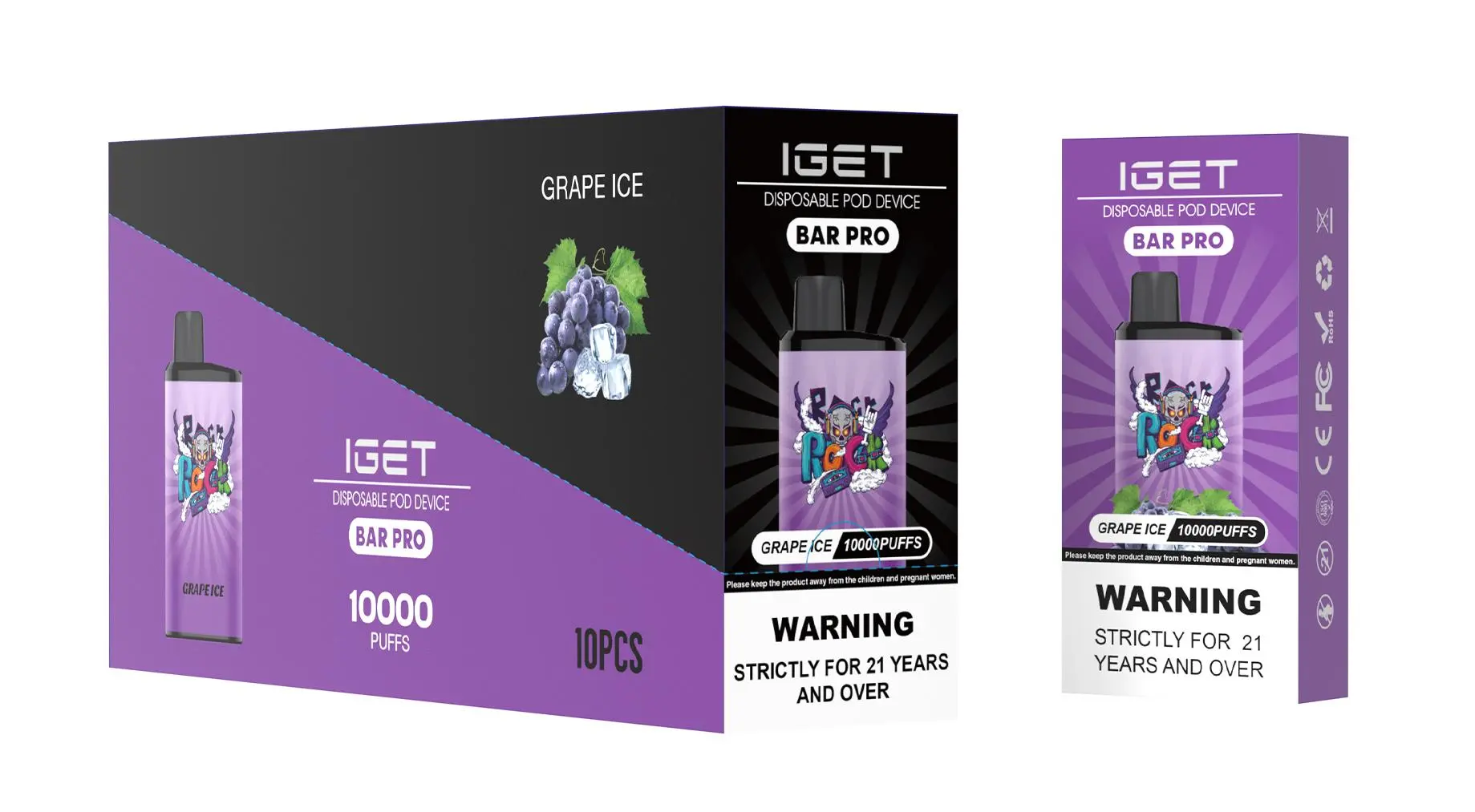
How Long Do I Charge My Iget B5000? — 补充说明
A full charge for your IGET B5000 typically takes approximately 45 minutes to 1 hour using the correct charging equipment.
To ensure optimal performance and battery health, here is a detailed breakdown of the charging process and best practices:
Charging Indicators & Process
While Charging: The LED light on the device will usually illuminate (often in red or another color) to indicate it is actively charging.
Fully Charged: The light will turn off or change to a solid green/blue color, signaling the battery is full. It’s best to unplug the device shortly after it indicates a full charge.
Essential Charging Tips for Safety & Longevity
Use the Right Cable: Always use a standard, high-quality USB-C cable and a low-power USB port (like a computer USB port or a 5V/1A wall adapter). Avoid fast chargers or high-power adapters, as they can damage the battery.
Never Leave Charging Unattended: It’s a good safety practice to avoid leaving any vaping device plugged in overnight or for extended periods after it’s fully charged.
Inspect Before Charging: Ensure the device’s USB-C port is clean, dry, and free of debris before plugging it in.
Device Reset if Needed: If your B5000 is not activating after charging, try taking a few gentle “primer” puffs without pressing the button (if it has one) to help draw power through the device. Ensure it is fully charged first.
Why Charging Correctly Matters
Using the proper charging method protects the integrated battery, maintains the device’s intended puff count, and ensures consistent performance for the lifespan of the product. Incorrect charging is a common cause of premature failure in disposable-style devices.
Pro Tip: For guaranteed performance, always start with an authentic device. Products from trusted retailers like iGetBaroz are sourced directly from authorized suppliers, ensuring you get a genuine IGET B5000 with a properly functioning battery system from the very first use.
Q: What if my IGET B5000 charges much faster or slower than an hour?
A: Significant deviations could indicate a faulty cable, adapter, or a problem with the device itself. If it charges in under 20 minutes, the battery may be degraded. If it takes many hours, the cable or power source may not be delivering adequate current. In either case, discontinue use for safety.
Q: Can I use my IGET B5000 while it’s charging?
A: No, most disposable-style devices like the B5000 are not designed for “pass-through” charging. You should not use the device while it is plugged in, as this can strain the battery and circuit.