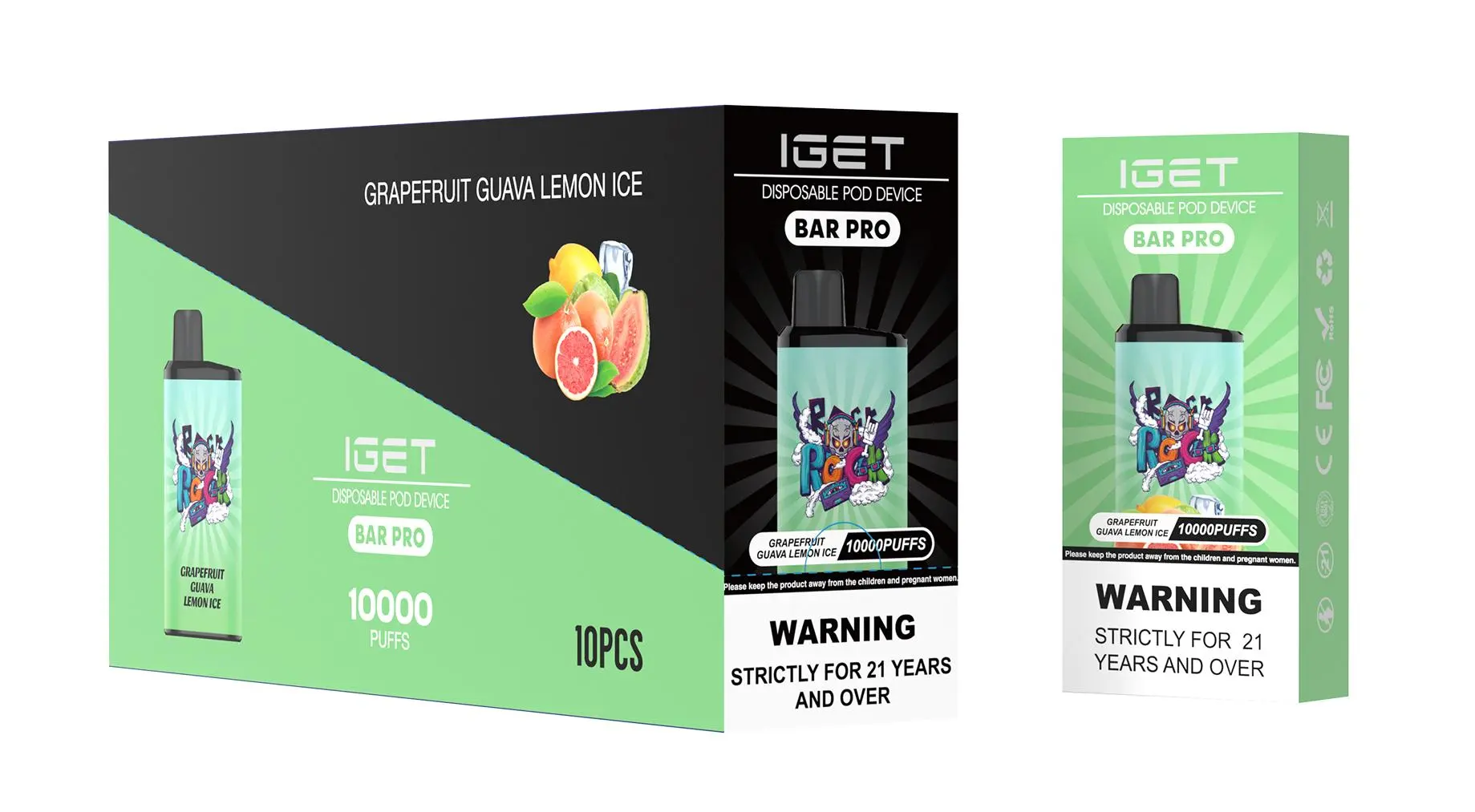
The IGET ONE is a popular choice for its balance of performance and portability, and a key feature is its rechargeable battery, which allows you to use all the e-liquid before disposal. If you’re unsure how to recharge it, follow this simple guide.
Step 1: Locate the Charging Port
First, examine your IGET ONE device. On the bottom, you will find a small, sealed rubber plug. Gently peel this plug back to reveal the USB-C charging port underneath.
Step 2: Use the Correct Cable & Charger
Cable: Use a standard USB-A to USB-C cable or a USB-C to USB-C cable.
Charger: Plug the cable into a low-power USB port, such as:
A computer USB port.
A USB wall adapter with a standard 5V/1A output (like an old phone charger).
⚠️ Safety Tip: Avoid using fast chargers (e.g., Quick Charge, USB-PD) as they can damage the battery.
Step 3: Connect and Charge
Insert the USB-C end of the cable into your IGET ONE’s port.
Connect the other end to your power source.
An LED indicator light on the device will typically illuminate (often white or red) to show it’s charging.
A full charge usually takes about 30-60 minutes. The light may turn off or change colour when complete.
Step 4: Disconnect and Resume Use
Once charged, disconnect the cable and press the rubber plug firmly back into place to seal the port and prevent dust or liquid ingress. Your device is now ready to use.

Important Tips & Best Practices
Do Not Vape While Charging: For safety and battery longevity, avoid using the device while it is plugged in.
Partial Charges Are Fine: You don’t need to drain the battery completely. Plugging it in for a short top-up is perfectly safe.
Store Properly: If storing, ensure the rubber seal is fully closed and keep the device in a cool, dry place.
One Device, One Charge: The IGET ONE is designed to be recharged only as needed to exhaust its pre-filled e-liquid. Once the liquid is finished, dispose of the device responsibly.
Troubleshooting
No LED Light? Ensure the cable is fully inserted and try a different USB port or cable.
Not Charging? The battery may have reached its full cycle life, which coincides with the e-liquid running out.
Device Gets Warm? Slight warmth is normal, but if it becomes hot, disconnect immediately.
For authentic IGET ONE devices and accessories, visit iGetBaroz. If you encounter persistent issues, consult the retailer for support.