
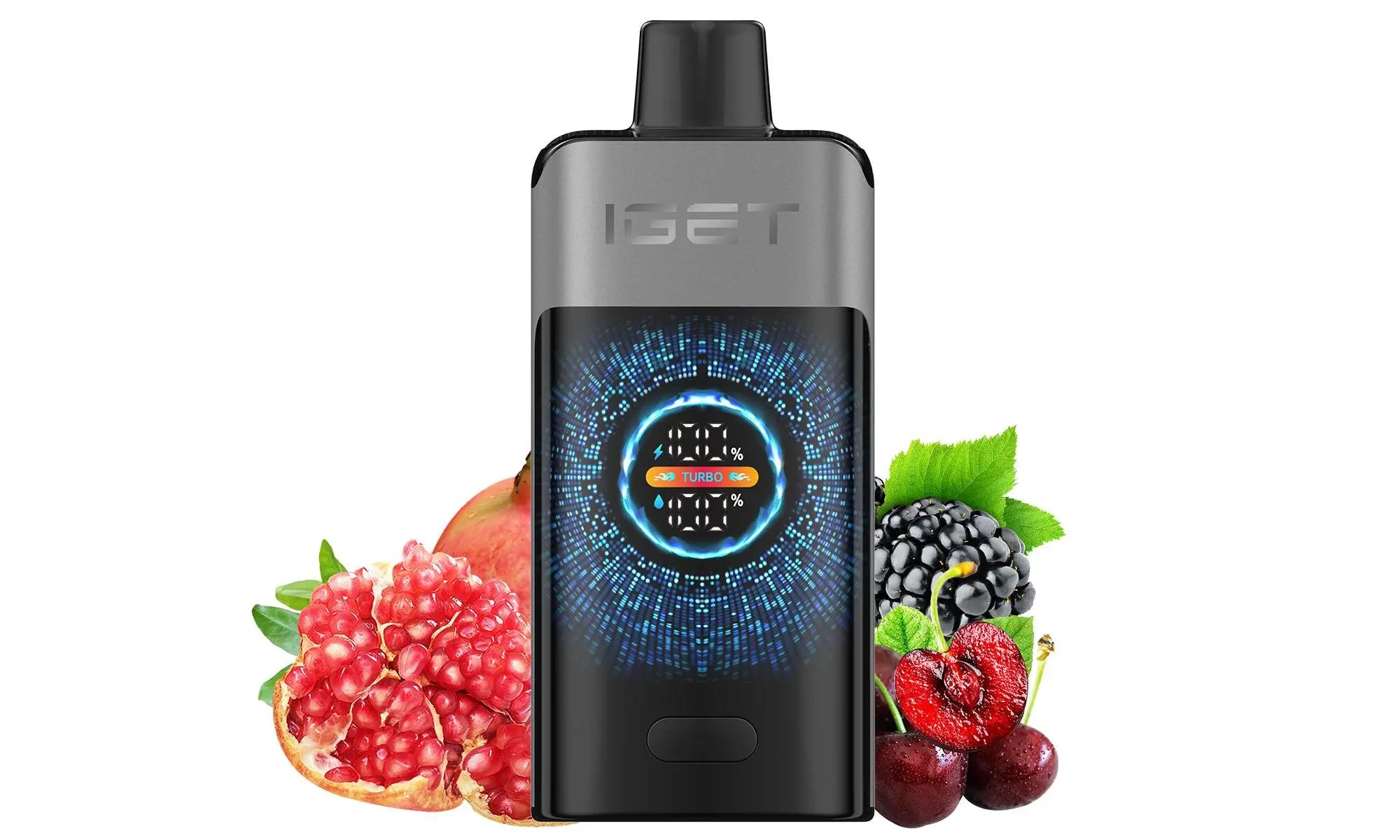
If you’re using the IGET Pro—one of Australia’s most popular rechargeable disposable vapes—knowing how to safely recharge it is key to maximising its lifespan and performance. As a trusted retailer of authentic IGET products, iGetBaroz{:target=”_blank”} has helped thousands of Australian vapers master their devices, so we’ve put together this clear, actionable guide to walk you through the process.
Step-by-Step Recharging Process for IGET Pro
1. Locate the Hidden Charging Port
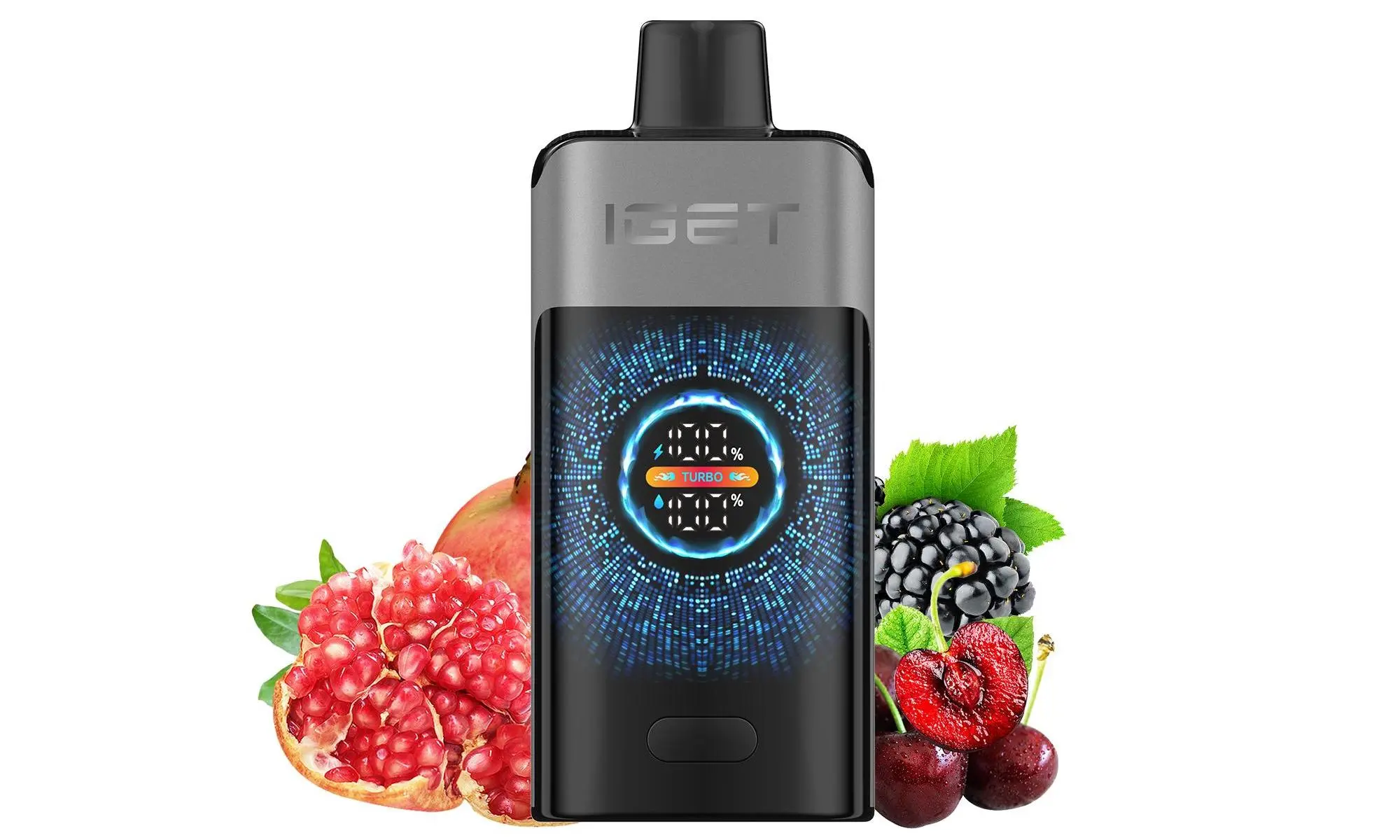
The IGET Pro features a dust-resistant USB-C charging port, typically tucked under a small silicone cover at the bottom of the device. Gently peel back this cover to reveal the port—this design is especially useful for vapers in humid regions like Brisbane or dusty outback areas, as it prevents debris or moisture from damaging internal components.
2. Use a Compatible USB-C Cable
Grab a standard, undamaged USB-C cable (many modern smartphones use this connector, so you may already have one at home). Avoid frayed cables or third-party chargers with inconsistent voltage, as these can shorten your IGET Pro’s battery life over time. For guaranteed compatibility, you can purchase official IGET charging accessories directly from iGetBaroz{:target=”_blank”}.

3. Connect to a Stable Power Source
Plug the other end of the cable into a reliable power source: a wall adapter rated 5V/1A is ideal, but a laptop USB port works too. Skip overloaded power boards or low-battery power banks, as unstable power can lead to uneven charging. We tested this with IGET Pros during Perth’s hot summer months, and consistent power sources ensured the battery charged efficiently without overheating.
4. Monitor the LED Charging Indicator
Most IGET Pro models have an LED light near the charging port. When plugged in, the light will turn red to signal charging is active. Once fully charged (usually 60–90 minutes, depending on battery drain), the light will switch to green or turn off entirely. Don’t leave it charging overnight—even with built-in overcharge protection, prolonged charging can strain the battery in Australia’s variable temperatures.
5. Disconnect and Seal the Port
Once charging is complete, unplug the cable and re-seal the silicone cover over the port to protect it from dust or spills. Your IGET Pro is now ready to deliver consistent flavour and vapor for its remaining puffs.
Critical Safety Precautions for Recharging
Avoid extreme temperatures: Never charge your IGET Pro in direct sunlight (e.g., on a car dashboard in Sydney) or freezing conditions, as this can damage the battery and pose safety risks.
Inspect for damage: If the charging port is bent, the cable doesn’t fit snugly, or the device leaks while charging, stop use immediately. Contact iGetBaroz{:target=”_blank”}’s customer support for warranty or replacement guidance.
Stick to authentic devices: Counterfeit IGET Pro models often have faulty charging systems. Only purchase from authorised retailers like iGetBaroz{:target=”_blank”} to ensure you’re getting a safe, genuine product.
Troubleshooting: Why Won’t My IGET Pro Charge?
Clean the port: Dust or debris can block the charging port—use a soft toothbrush to gently clear it out (don’t use sharp objects, as they can damage the port).
Swap cables/power sources: Try a different USB-C cable or wall adapter to rule out a faulty accessory.
Check battery health: If your IGET Pro is more than 3–4 months old, the battery may be reaching the end of its lifespan. For a replacement, browse the full IGET lineup at iGetBaroz{:target=”_blank”}.
Final Notes
Recharging your IGET Pro is simple when you follow these steps, and prioritising safety will help you get the most out of your device. For more vaping tips, flavour reviews, and device tutorials, check out the iGetBaroz YouTube channel{:target=”_blank”}. If you’re in need of a new IGET Pro, replacement accessories, or other top brands like Alibarbar or FISCO, visit iGetBaroz{:target=”_blank”} for fast delivery across all Australian states and territories.