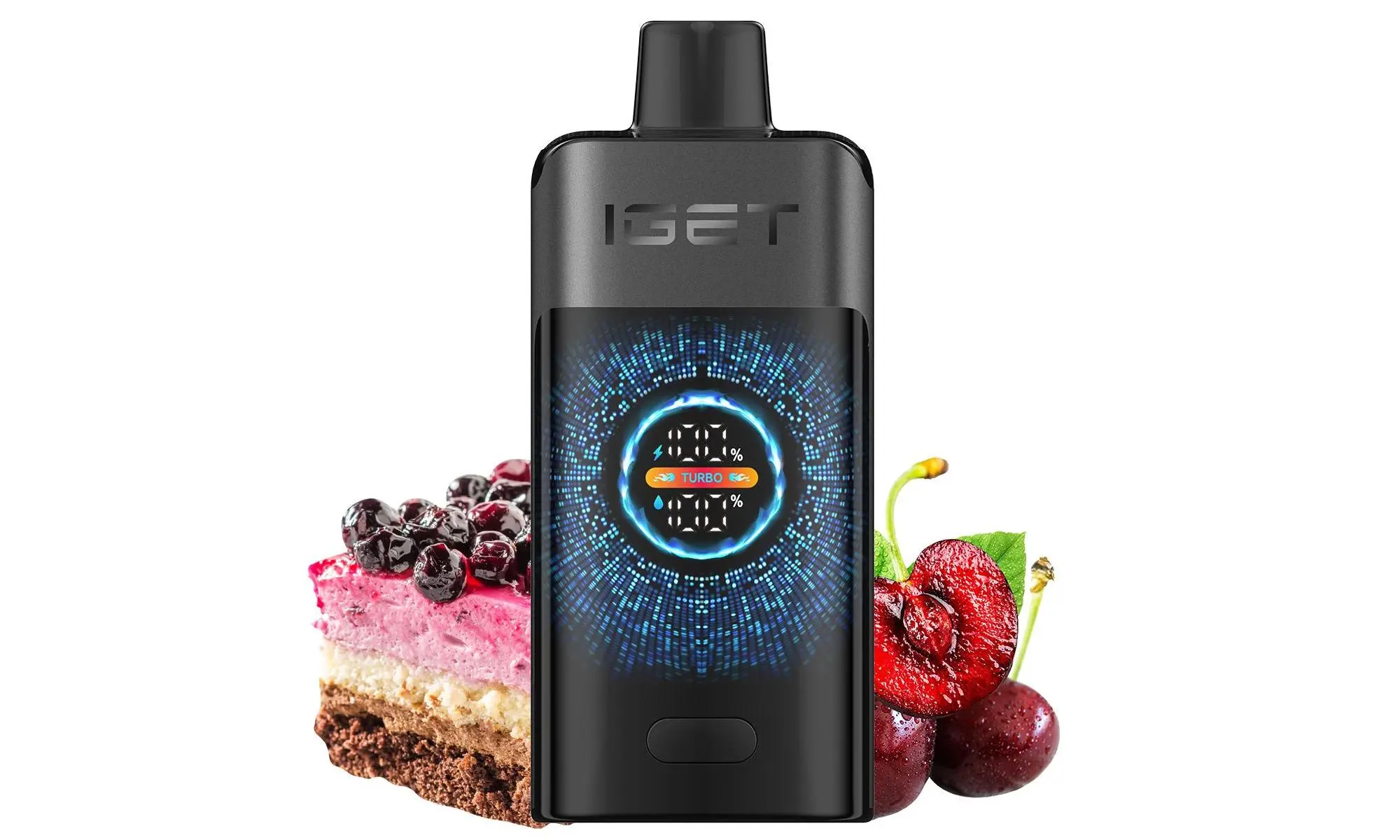
Knowing when your IGET Bar Plus is fully charged is simple once you understand its indicator light system. Unlike some earlier disposable models, the IGET Bar Plus features a convenient LED light that communicates the battery status during charging and use.
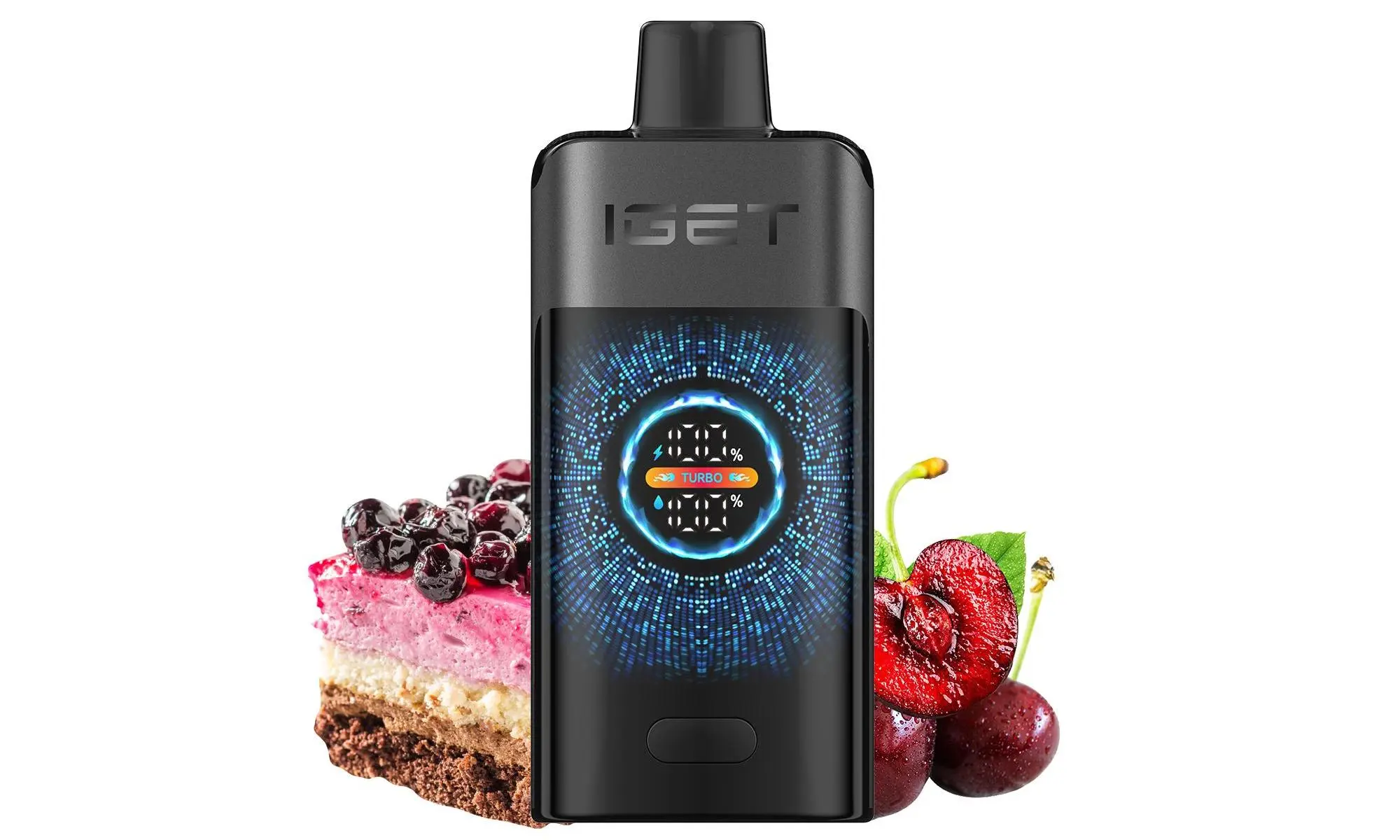
Here is a clear, step-by-step guide.
The Charging Process & Light Indicators
Connect to Power: Use the provided USB-C cable (or a compatible one) to connect your IGET Bar Plus to a power source, such as a computer USB port, a phone adapter, or a power bank.
Observe the Light: Upon connection, the LED light on the device will turn on.
Red Light: A solid or blinking red light indicates the battery is charging.
Blue Light: A solid or blinking blue light typically indicates the device is in use or activated. During charging, if you see blue, it may be near full, but the final confirmation is the next step.
The Key Signal – Light Goes Out: The most important indicator for the IGET Bar Plus is that the LED light will turn OFF completely once the battery is 100% fully charged. This is your primary signal that charging is complete and you should disconnect the device.
Best Practices & Tips
Do Not Overcharge: While modern devices have protection circuits, it’s good practice to unplug your vape once the light turns off to preserve long-term battery health.
Typical Charging Time: A completely depleted IGET Bar Plus usually takes about 30-45 minutes to charge fully.
If The Light Doesn’t Come On: If you connect the cable and no light appears, try a different cable or power source. If there is still no light, the battery may be fully depleted beyond recovery or there could be a connection issue.
Safety First: Always use the recommended cable and a reliable power source. Never charge a damaged or leaking device.
Need a reliable source for authentic IGET products with clear documentation? At iGetBaroz{:target=”_blank”}, we provide genuine IGET Bar Plus devices and are committed to helping our customers with straightforward advice. Visit us for your next purchase and experience the difference of trusted service.