

If you’re an Australian vaper using an IGET device, you might be wondering whether your model can be charged—and how to do it safely. The truth is, not all IGET vapes are rechargeable: most entry-level disposable models (like IGET Bar or Bar Plus) are single-use and can’t be recharged, but high-capacity IGET devices (such as the IGET E-HOOKAH G1 from the Ultra-High Capacity series) come with rechargeable batteries. As a trusted Australian vape retailer, [iGetBaroz](https://igetbaroz.com/ target=”_blank”) only stocks authentic IGET models with clear charging instructions, so you can use your device with confidence.
Step-by-Step Guide to Charging Rechargeable IGET Vapes
Rechargeable IGET models are designed for heavy users, and their charging process is simple when you follow these steps:
Step 1: Confirm Your Model Is Rechargeable
First, check if your device has a visible charging port (usually a USB-C port on the bottom or side, often covered by a rubber dust flap). Rechargeable IGET models include the IGET E-HOOKAH G1 (60,000 puffs) and other ultra-high-capacity systems. If you purchased from [iGetBaroz](https://igetbaroz.com/ target=”_blank”), you can cross-reference the product page to confirm rechargeability.
Step 2: Access the Charging Port
Gently lift the rubber flap covering the USB-C port to expose it. This flap is crucial for protecting the port from dust and moisture—especially handy during Sydney’s humid summers or Darwin’s wet season.
Step 3: Use the Correct Cable
Always use the official USB-C cable included with your IGET device, or a high-quality third-party USB-C cable. Avoid cheap, unbranded cables, as they can deliver unstable power and damage the battery over time. IGET’s rechargeable models are optimized for standard USB charging, so no special fast charger is needed.

Step 4: Connect to a Safe Power Source
Plug the cable into a reliable power source, such as:
A wall adapter with a 5V/1A output (most standard phone chargers work)
A laptop or desktop computer USB port
Avoid fast-charging adapters, car chargers with high voltage, or power banks with inconsistent output—these can overheat the battery and pose safety risks.
Step 5: Monitor Charging with LED Indicators
Most rechargeable IGET vapes have an LED light that signals charging status:
A red light means the battery is low and charging is in progress.
A green or blue light indicates full charge.
Leave the device to charge for 1–2 hours (depending on the model) until the LED changes colour. Never leave your IGET vape charging overnight—overcharging shortens battery life and can cause overheating.
Step 6: Unplug and Secure the Port
Once fully charged, unplug the cable from both the device and power source. Replace the rubber flap over the charging port to keep it protected from dust and moisture, and your IGET vape is ready to use again.
Critical Safety Tips for Australian Vapers
Australia’s climate and strict safety regulations mean these tips are non-negotiable:
Avoid device modification: Never attempt to open or tamper with the battery compartment—this can lead to leaks, overheating, or even explosions.
Protect from extreme temperatures: Don’t charge your IGET vape in direct sunlight (e.g., on a car dashboard during a Melbourne heatwave) or in damp areas like a bathroom.
Stick to authentic products: Counterfeit IGET vapes often have faulty charging ports or unregulated batteries. Always buy from trusted retailers like [iGetBaroz](https://igetbaroz.com/ target=”_blank”), which sources directly from authorized distributors to guarantee safety.
Recycle old batteries properly: When your rechargeable IGET battery stops holding a charge, don’t throw it in the bin. Take it to a local battery recycling centre (most Australian supermarkets or council facilities offer this service).
Troubleshooting Common Charging Issues
LED doesn’t light up: Check if the cable is securely connected, try a different power source, or gently clean the charging port with a soft brush to remove dust buildup.
Battery doesn’t hold charge: If your IGET vape dies quickly after charging, the battery may be at the end of its lifespan. Contact [iGetBaroz’s customer support](https://igetbaroz.com/ target=”_blank”) for warranty checks or replacement guidance.
Port is damaged: If the charging port is bent or broken, do not attempt to force a cable into it. Reach out to the retailer for repair or replacement options.
Note on Single-Use IGET Models
Entry-level disposables like the IGET Bar (3,500 puffs) or IGET Bar Plus (5,000 puffs) are designed to be discarded once the Capacity or battery runs out. Attempting to charge these models is ineffective and dangerous—their batteries aren’t engineered for recharging, which can cause leaks or fire hazards. For a rechargeable option, explore high-capacity IGET models on [iGetBaroz](https://igetbaroz.com/ target=”_blank”).
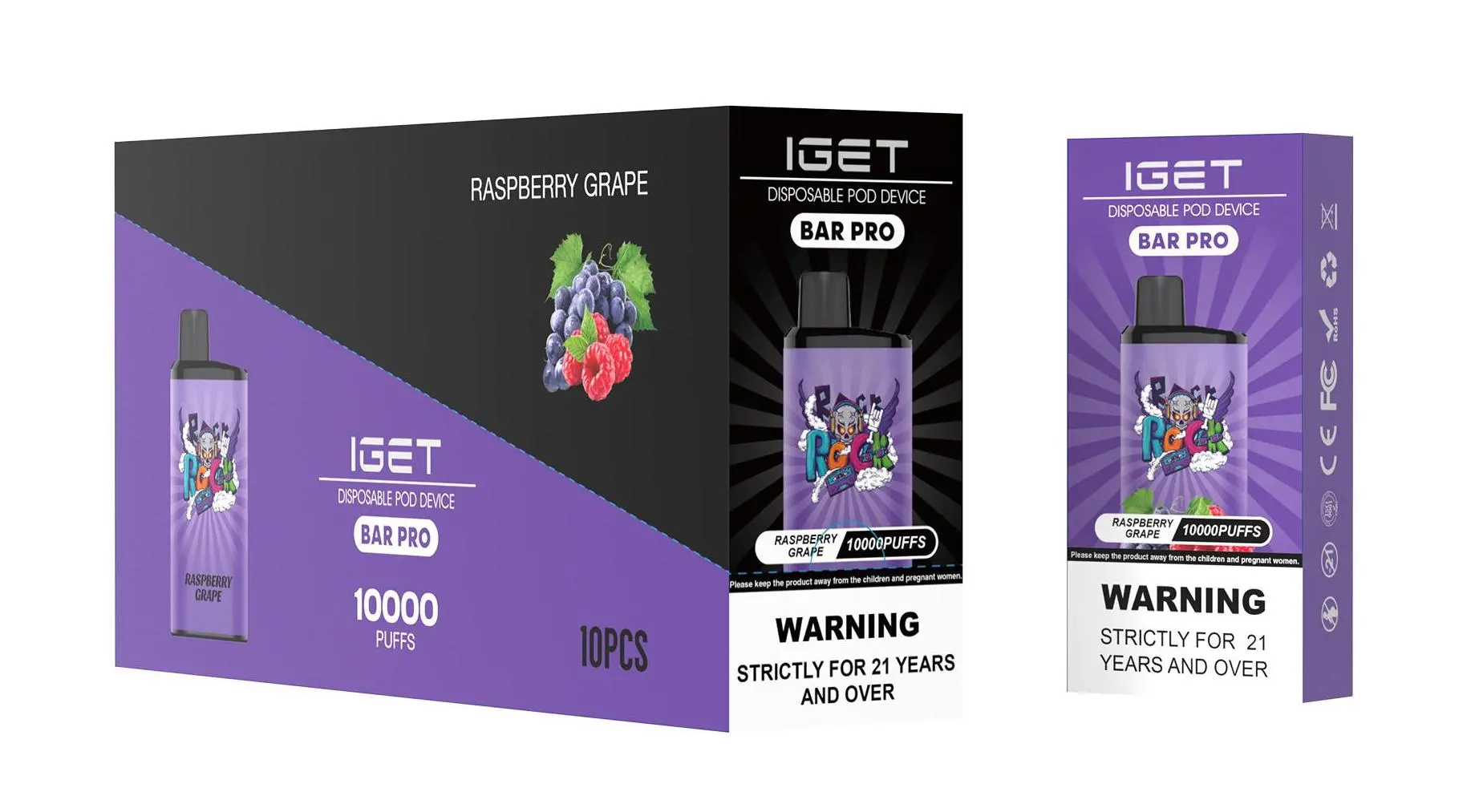
For more guidance on IGET vape maintenance or to shop authentic rechargeable models, visit [iGetBaroz](https://igetbaroz.com/ target=”_blank”)—your go-to destination for safe, reliable vaping products in Australia. If you have further questions, their team is available via email to assist you promptly.