
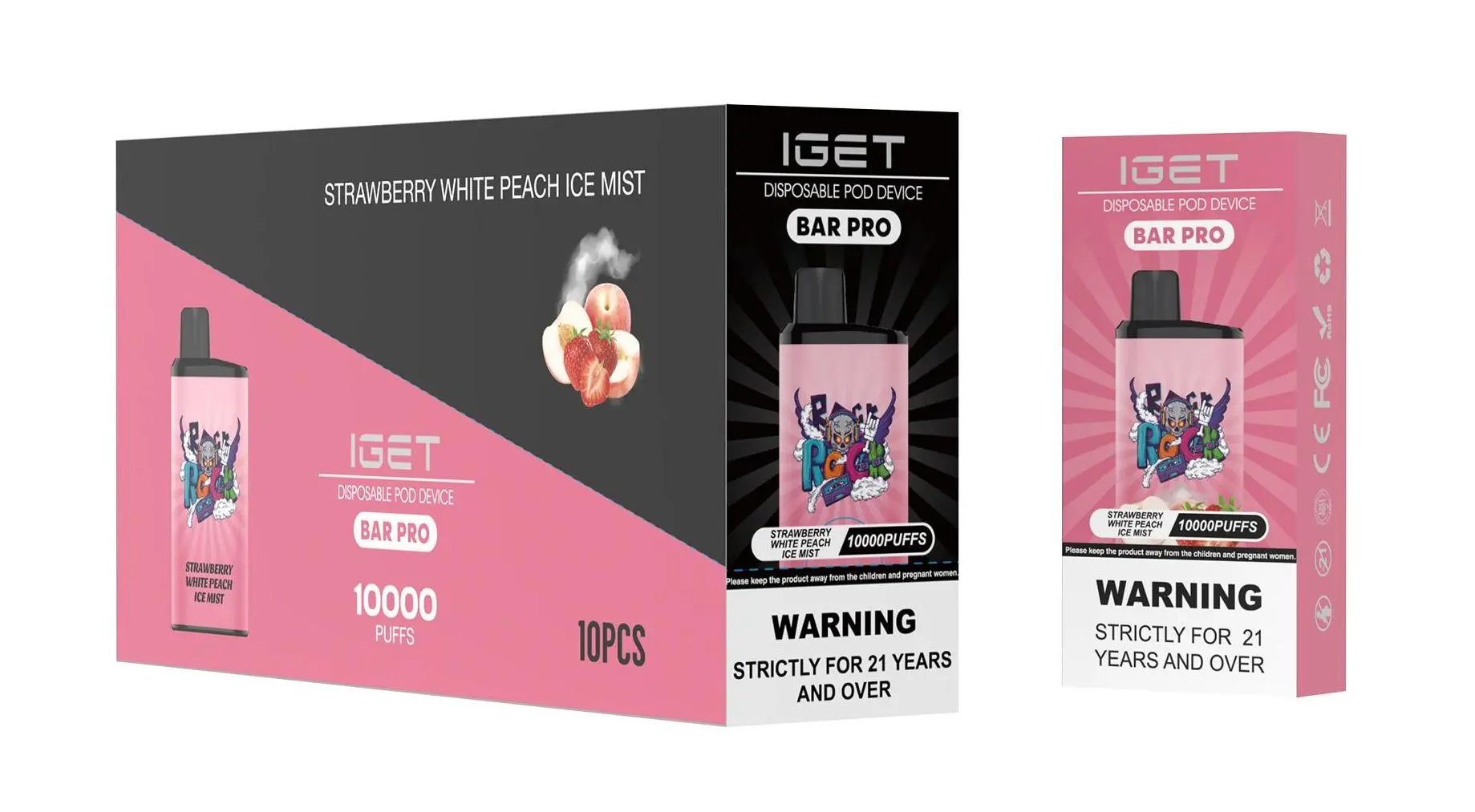
The IGET King is a rechargeable disposable vape designed to let you finish all its e-liquid even after the battery runs low. Below is a clear, safe step-by-step guide to charging your IGET King, plus critical precautions to protect both the device and yourself:
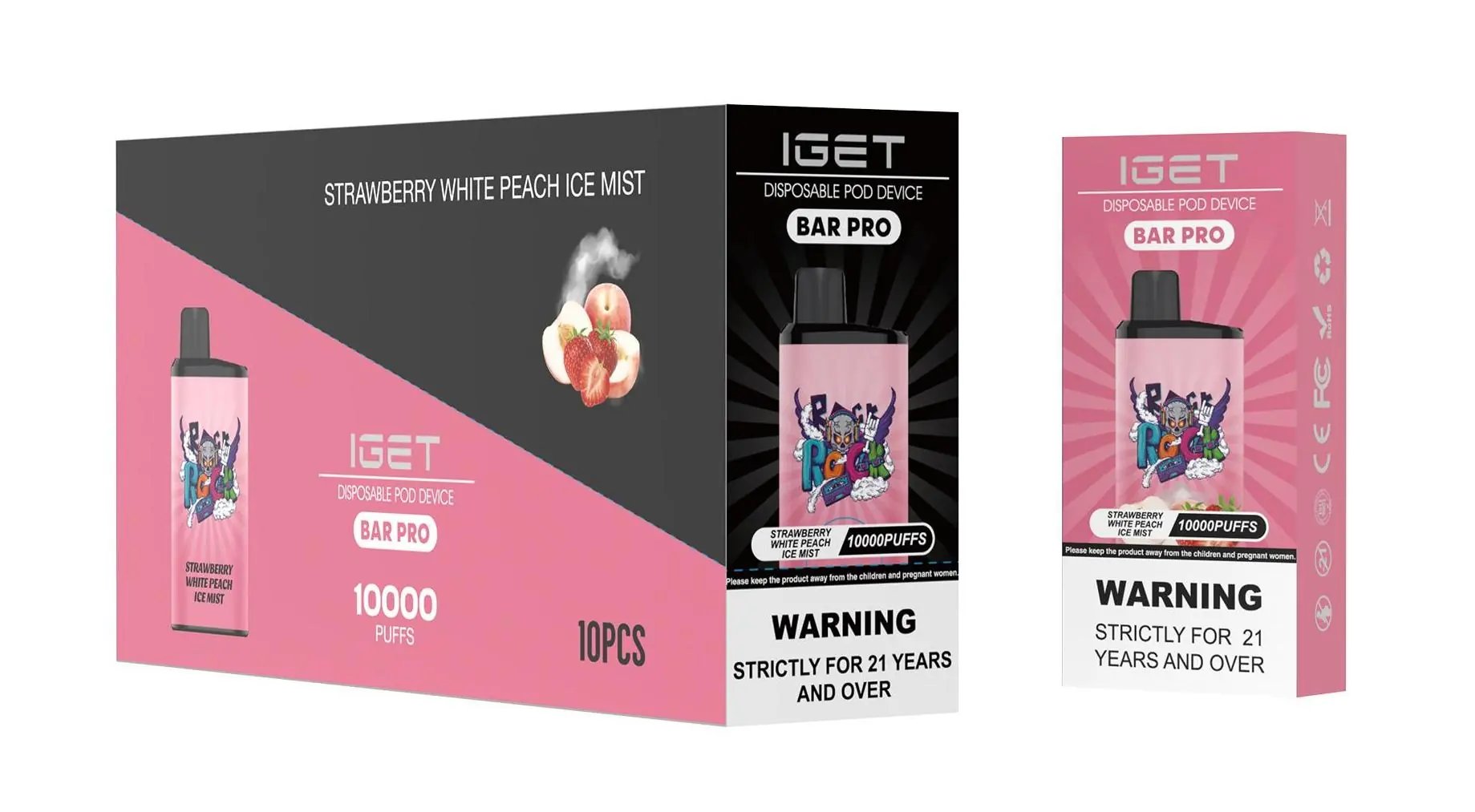
What You’ll Need
Your IGET King device
A standard Type-C USB charging cable (compatible with most modern phones/laptops)
A reputable USB power source (e.g., a certified phone charger, laptop USB port, or power bank)
Step-by-Step Charging Process
Locate the Charging Port: Flip your IGET King to the bottom end—you’ll find a small rubber plug covering the Type-C charging port. This plug is designed to keep dust and moisture out, so handle it gently.
Access the Port: Peel back the rubber plug carefully (avoid yanking it to prevent tearing). You should now see the exposed Type-C connector.
Connect the Cable: Plug the Type-C end of your cable into the IGET King’s port, then connect the other end to your chosen USB power source. Ensure the connection is secure but not forced—snug fit is ideal.
Monitor Charging Status: The IGET King features an LED indicator light (usually near the port or on the device body). When charging, the light will glow red; once fully charged, it will turn green or shut off completely. Charging typically takes 1–2 hours (avoid leaving it plugged in longer to prevent overcharging).
Disconnect and Secure: Once fully charged, unplug the cable from both the device and power source. Replace the rubber plug over the port to protect it from dirt and humidity, especially important for Australia’s coastal or humid climates (e.g., Sydney, Brisbane).
Critical Safety Precautions
Avoid Overcharging: Never leave your IGET King plugged in for more than 2 hours. Overcharging can damage the battery and reduce its lifespan.
Use Reputable Chargers: Steer clear of cheap, uncertified chargers—these can deliver unstable voltage and pose fire or battery swelling risks.
Don’t Charge While Vaping: Using the device during charging can overheat the battery and compromise safety.
Check for Damage: If the charging port or cable is frayed, cracked, or damaged, do not use it. Replace the cable immediately, or if the device port is broken, dispose of the IGET King safely (per local Australian vape disposal guidelines).
Note on Authenticity
Counterfeit IGET King devices often have faulty charging ports or unsafe batteries that can malfunction during charging. To ensure you’re using a genuine, safe product, always purchase your IGET King from authorised retailers like iGetBaroz (visit iGetBaroz in a new window for authentic stock and after-sales support). Fake devices not only risk safety but also fail to deliver the consistent flavour and performance of genuine IGET products.
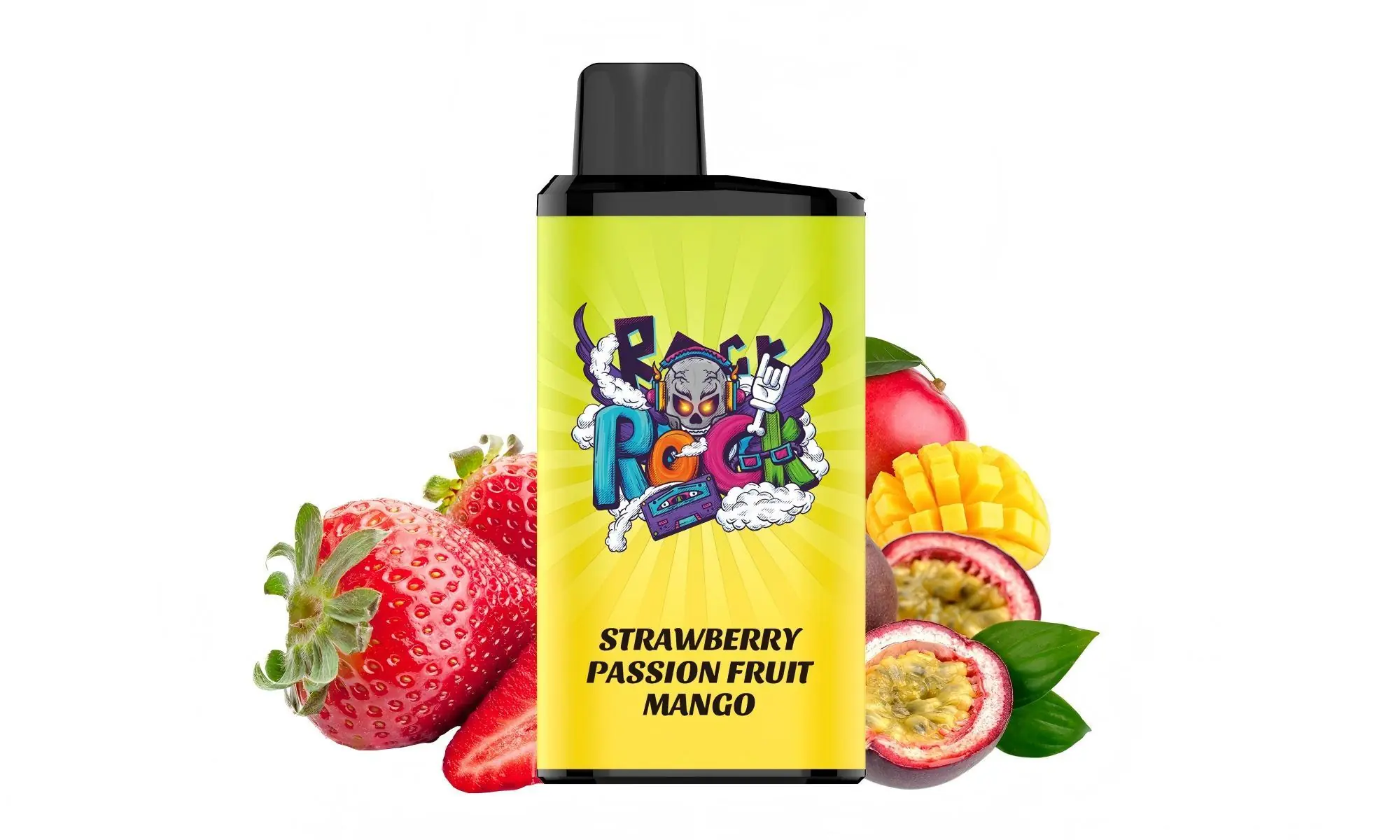
How To Charge Iget King? — 补充说明
Charging your IGET King disposable vape is a simple process, but doing it correctly is crucial for both safety and the longevity of your device. This guide provides clear, detailed instructions.
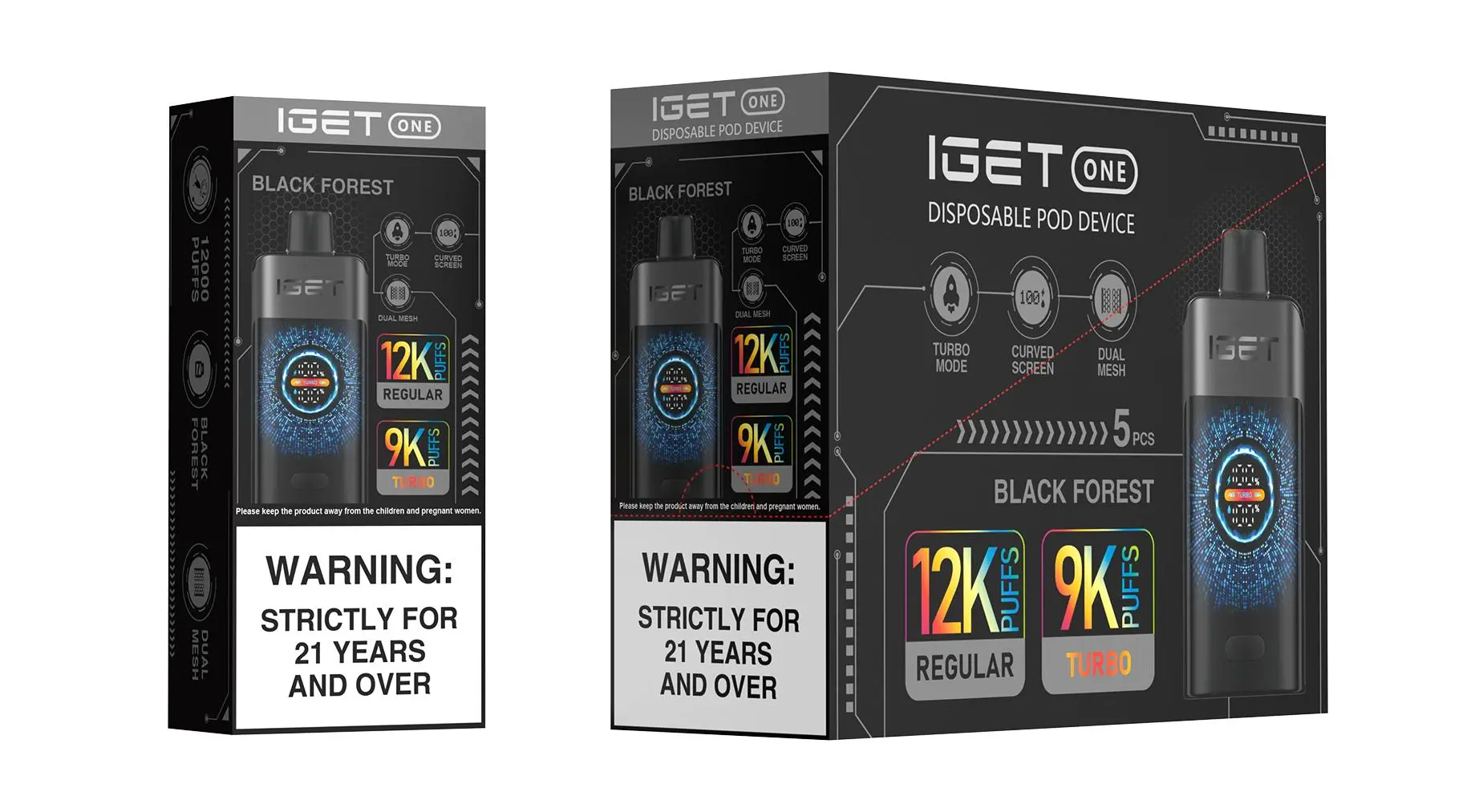
Step 1: Verify Your IGET King Model is Rechargeable
First, confirm your device is designed to be recharged. Most IGET King models are rechargeable, featuring a built-in USB-C port. Check the bottom of the device for a small, covered charging port.
Step 2: The Charging Process
Locate the Port: Find the USB-C charging port, typically on the bottom end of the device.
Connect the Cable: Use the provided or a standard USB-A to USB-C cable. Plug the USB-C end firmly into your IGET King.
Connect to Power Source: Plug the USB-A end into a low-power source, such as:
A computer USB port
A USB wall adapter with 5V/1A output (standard phone charger)
A power bank
⚠️ Important: Avoid using fast chargers or high-output adapters, as they can damage the battery.
Step 3: Monitoring the Charge
An indicator light (usually near the port or on the body) will typically glow red while charging.
The light will turn green or turn off once the battery is fully charged.
A full charge usually takes 30 to 60 minutes. Do not leave the device charging unattended for extended periods or overnight.
Step 4: Safety & Best Practices
Never use a damaged cable or charger.
Charge on a hard, flat, non-flammable surface away from bedding or fabrics.
If the device becomes excessively hot during charging, disconnect it immediately.
Do not use the vape while it is plugged in.
Troubleshooting Common Issues
Device Not Charging: Ensure the cable is firmly connected at both ends. Try a different cable and power source. The battery may have reached the end of its total lifespan.
Flashing Light When Charging: This can indicate a poor connection, a faulty cable, or a battery issue. Check connections and try a different cable.
Device Not Hitting After Charging: Ensure it is fully charged. The device may have reached the end of its usable life once the e-liquid is depleted, even if the battery is charged.
For 100% authentic IGET products and expert support, visit your trusted source, iGetBaroz. If you encounter persistent issues, their customer service team can provide assistance and help verify your product’s authenticity.
Disclaimer: This guide is for educational purposes. Always follow the manufacturer’s instructions and practice safe battery handling.