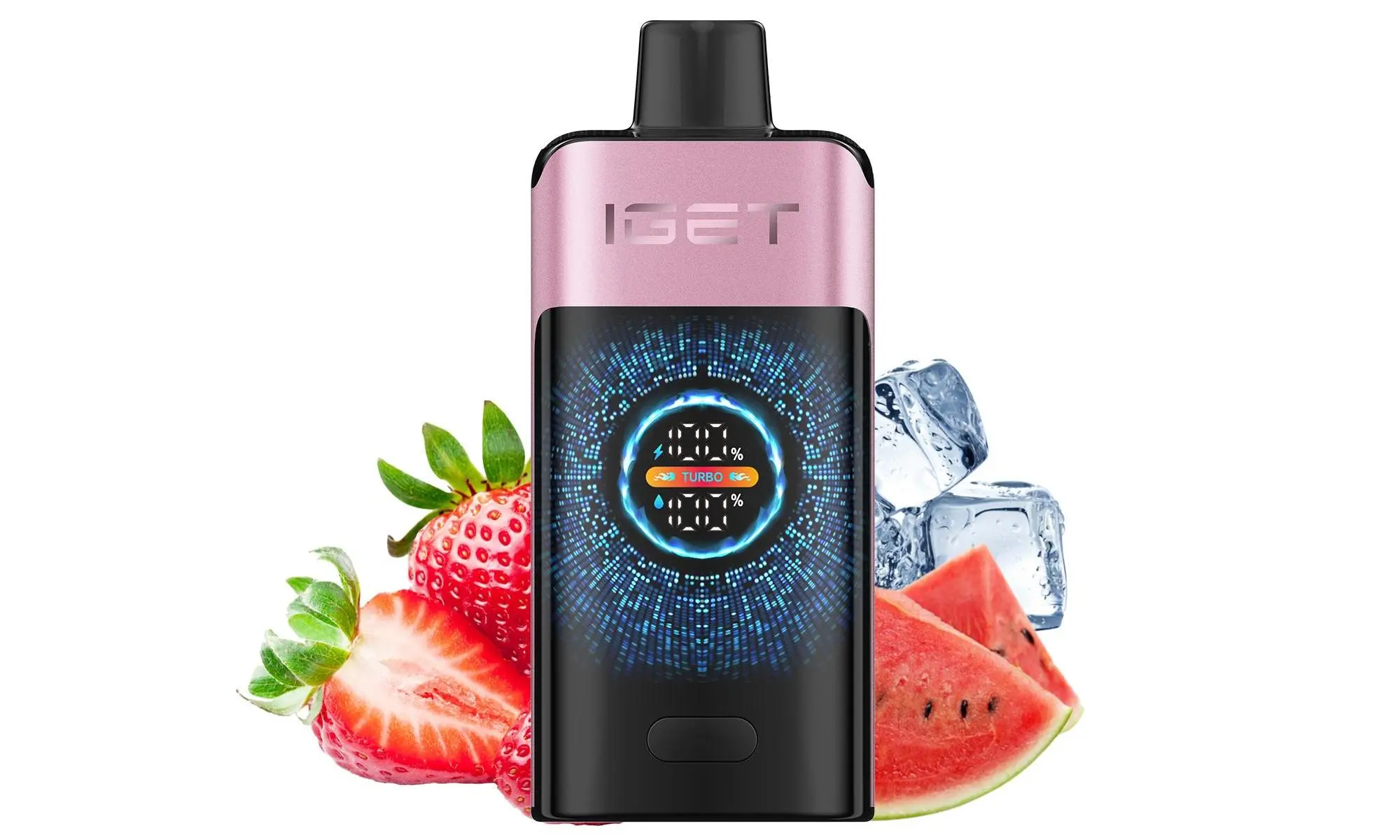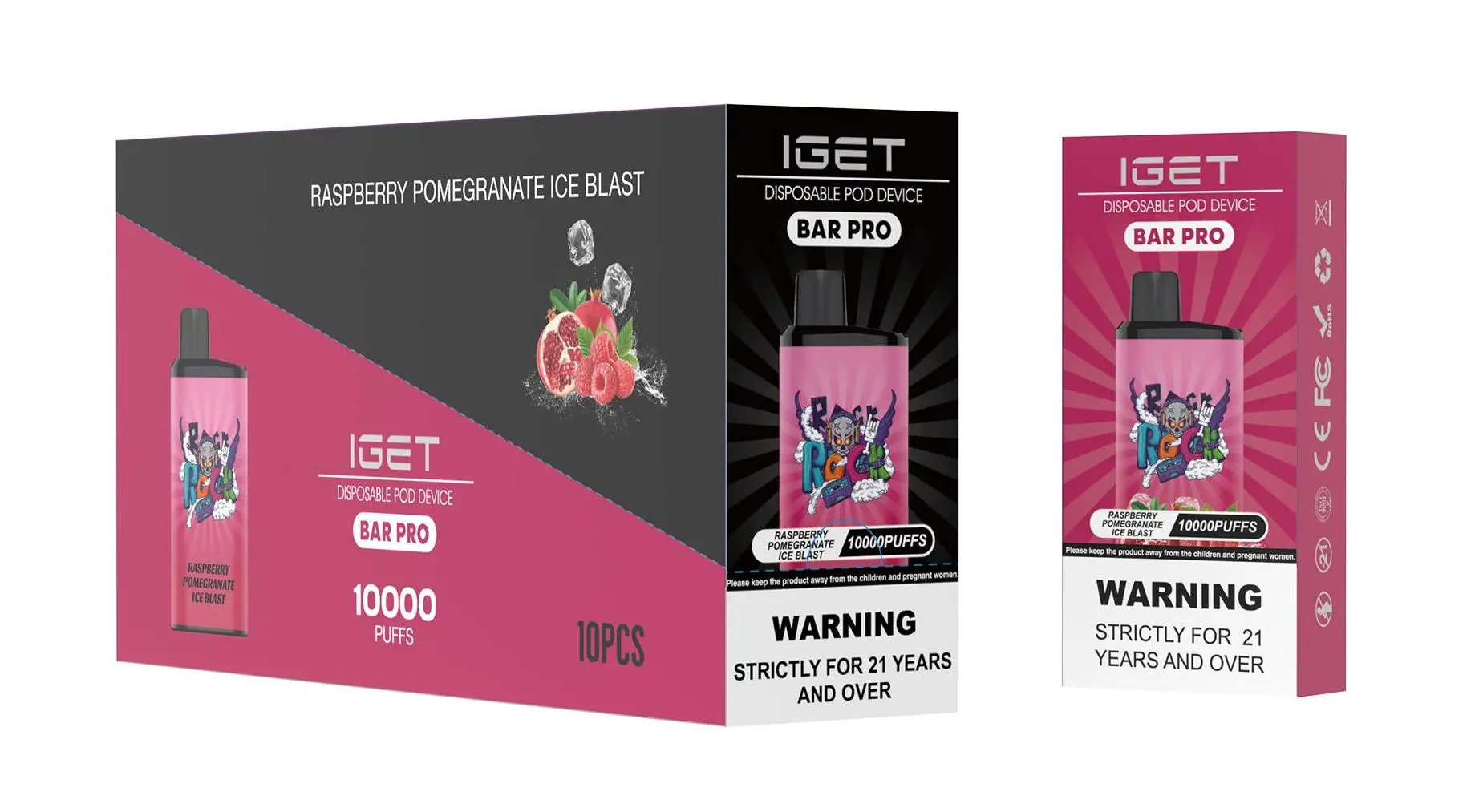
As a trusted authority on disposable vapes in Australia, iGetBaroz (open in new window) wants to clarify a key question many users have: not all IGET Bars are designed to be recharged. Below’s a detailed breakdown to help you navigate charging for IGET devices safely and correctly.
Which IGET Models Are Rechargeable?
Most standard IGET disposable vapes (like the IGET Bar, Bar Plus, or ONE series) are single-use, non-rechargeable devices. These are engineered to last for their advertised puff count without needing a charge, and attempting to open or charge them poses serious safety risks.
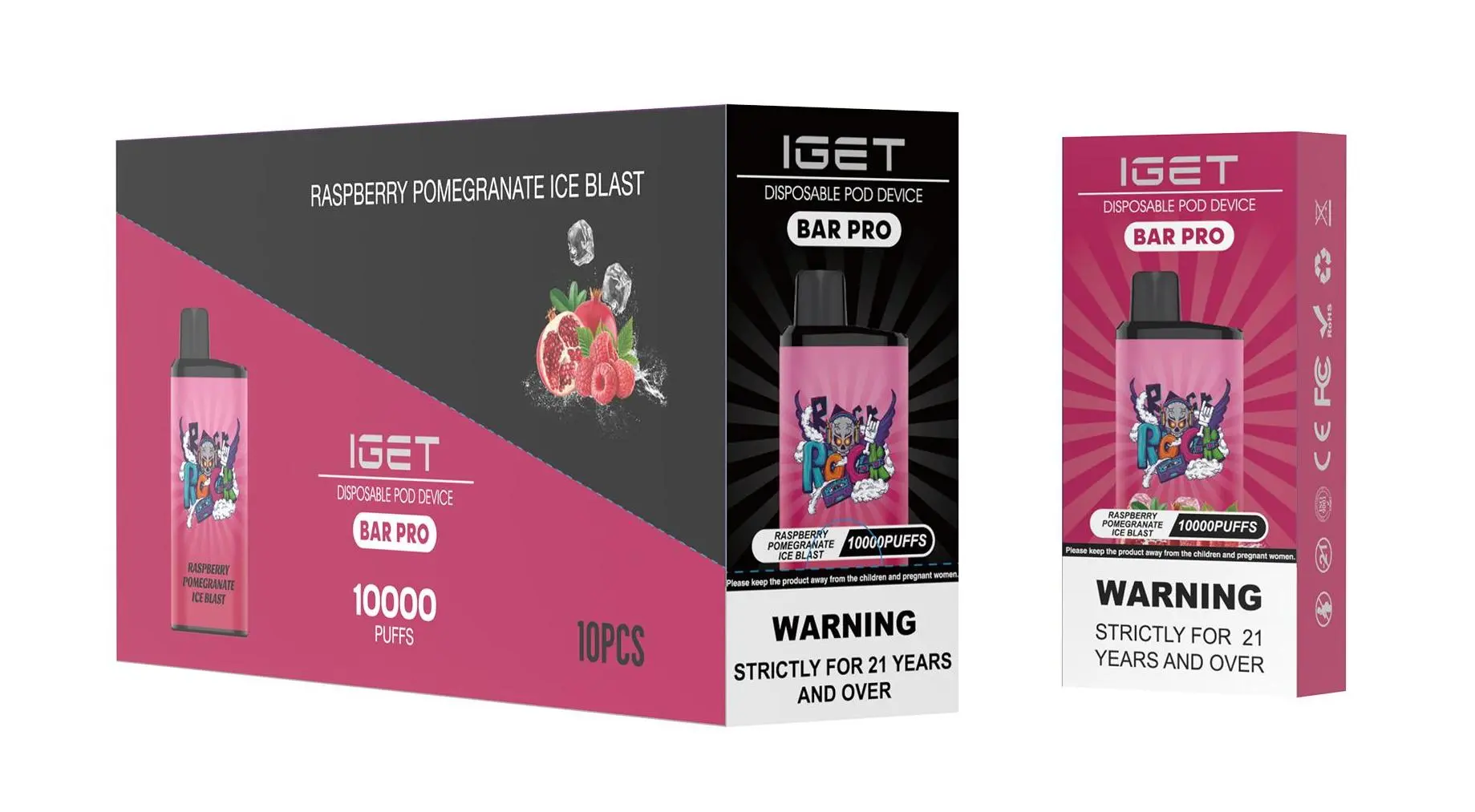
However, ultra-high capacity IGET models—like the IGET E-HOOKAH G1 (60,000 puffs) and select premium lines available exclusively through authorised retailers like iGetBaroz—are designed with rechargeable batteries to extend their lifespan. These models feature a built-in charging port for convenience.
Step-by-Step Guide to Recharge Rechargeable IGET Bars
If you own a rechargeable IGET device (e.g., E-HOOKAH G1), follow these simple steps:
Locate the charging port: Most rechargeable IGET models use a Type-C port, typically found at the bottom of the device. It may be covered by a small rubber flap to prevent dust or Capacity leakage.
Use a compatible cable: Always use an official IGET charging cable or a high-quality, MFi-certified Type-C cable. Cheap, uncertified cables can damage the battery or cause safety issues.
Connect to a safe power source: Plug the cable into a standard wall adapter (5V/2A is ideal) or a reliable USB port. Avoid charging your device in extreme temperatures—like a hot car during Sydney’s summer or a freezing Tasmanian winter—as this can degrade battery life.
Monitor the charging indicator: Most rechargeable IGETs have an LED light that turns red when charging and green (or turns off) when fully charged. Charging time usually ranges from 1–2 hours, depending on the battery size.
Unplug once fully charged: Do not leave your device charging overnight or for extended periods, as overcharging can shorten battery lifespan or lead to safety hazards.
Critical Safety Tips for IGET Bar Charging
Never attempt to charge non-rechargeable IGET Bars: Drilling into the device, prying it open, or using external chargers on single-use models can cause battery leakage, overheating, or even explosion. Dispose of used non-rechargeable IGETs safely at a local e-waste facility.
Avoid counterfeit products: Many fake IGET Bars sold by unauthorised sellers claim to be rechargeable but use unsafe, unregulated batteries. Only purchase authentic IGET devices from trusted retailers like iGetBaroz, which sources directly from official distributors.
Inspect for damage: If your rechargeable IGET’s charging port is cracked, or if you notice Capacity leakage near the port, stop using and charging the device immediately. Contact iGetBaroz’s customer support for guidance on returns or replacements.
What If Your Non-Rechargeable IGET Bar Dies Early?
If your single-use IGET Bar stops working before reaching its advertised puff count, it’s likely due to a counterfeit product or a manufacturing defect. Authentic IGET devices from iGetBaroz come with a satisfaction guarantee—reach out to their support team (response within 24 hours for most queries) for assistance with returns or refunds.
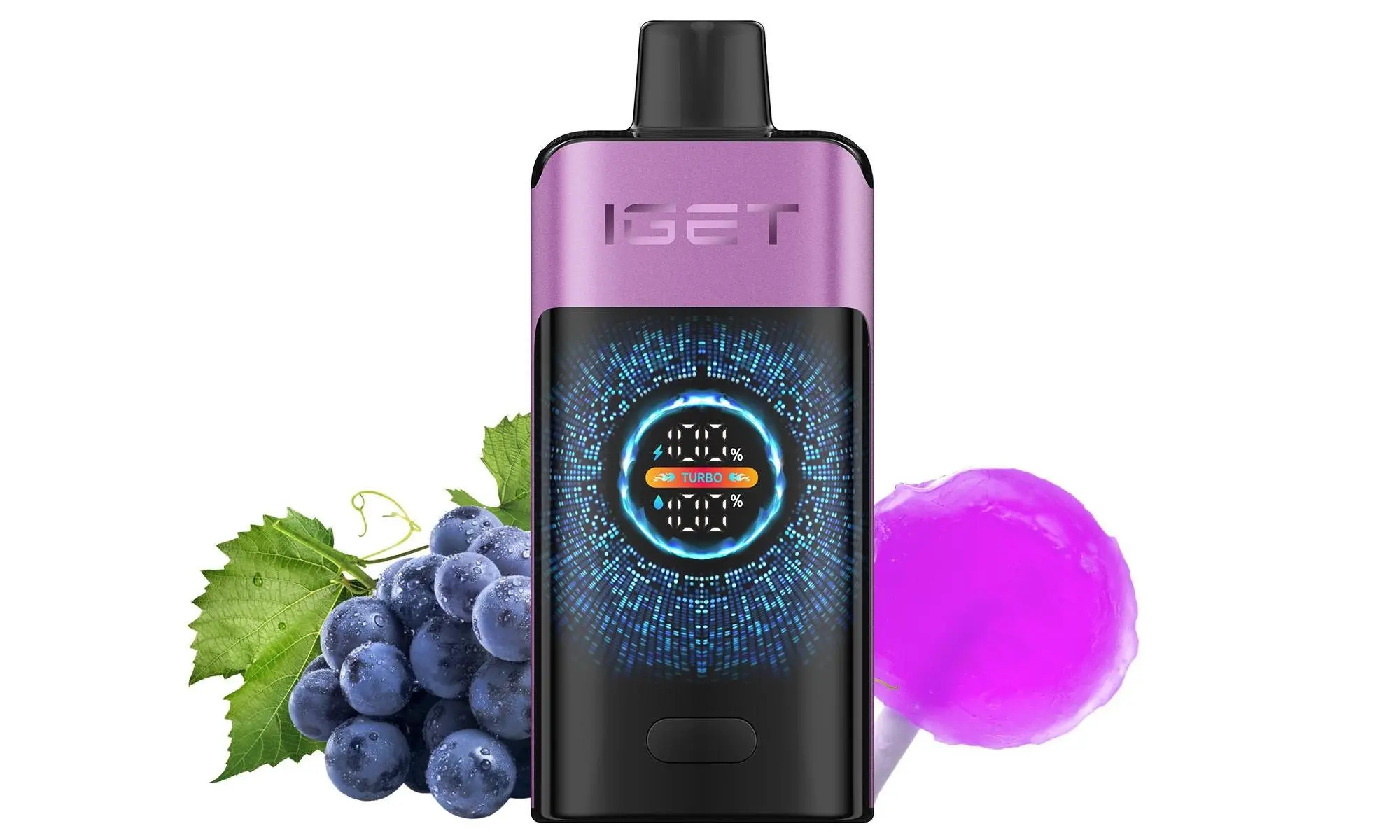
For more detailed info on IGET’s full product line, including rechargeable options, visit iGetBaroz’s official site or check out their YouTube channel here (open in new window) for visual tutorials.
How To Charge Iget Bars? — 补充说明
A common question from vapers across Australia is: “How do I charge my IGET Bar?” The answer depends entirely on the specific IGET model you own. While the classic IGET Bar and IGET Go are non-rechargeable disposables, many of the newer and larger-capacity models are designed to be recharged, extending their usable life and providing better value.
This guide will help you identify your device and charge it safely and correctly.
Step 1: Identify Your IGET Model
First, determine if your IGET device is rechargeable.
Non-Rechargeable (Disposable): These are designed for single use until the battery or e-liquid is depleted. They do not have a charging port.
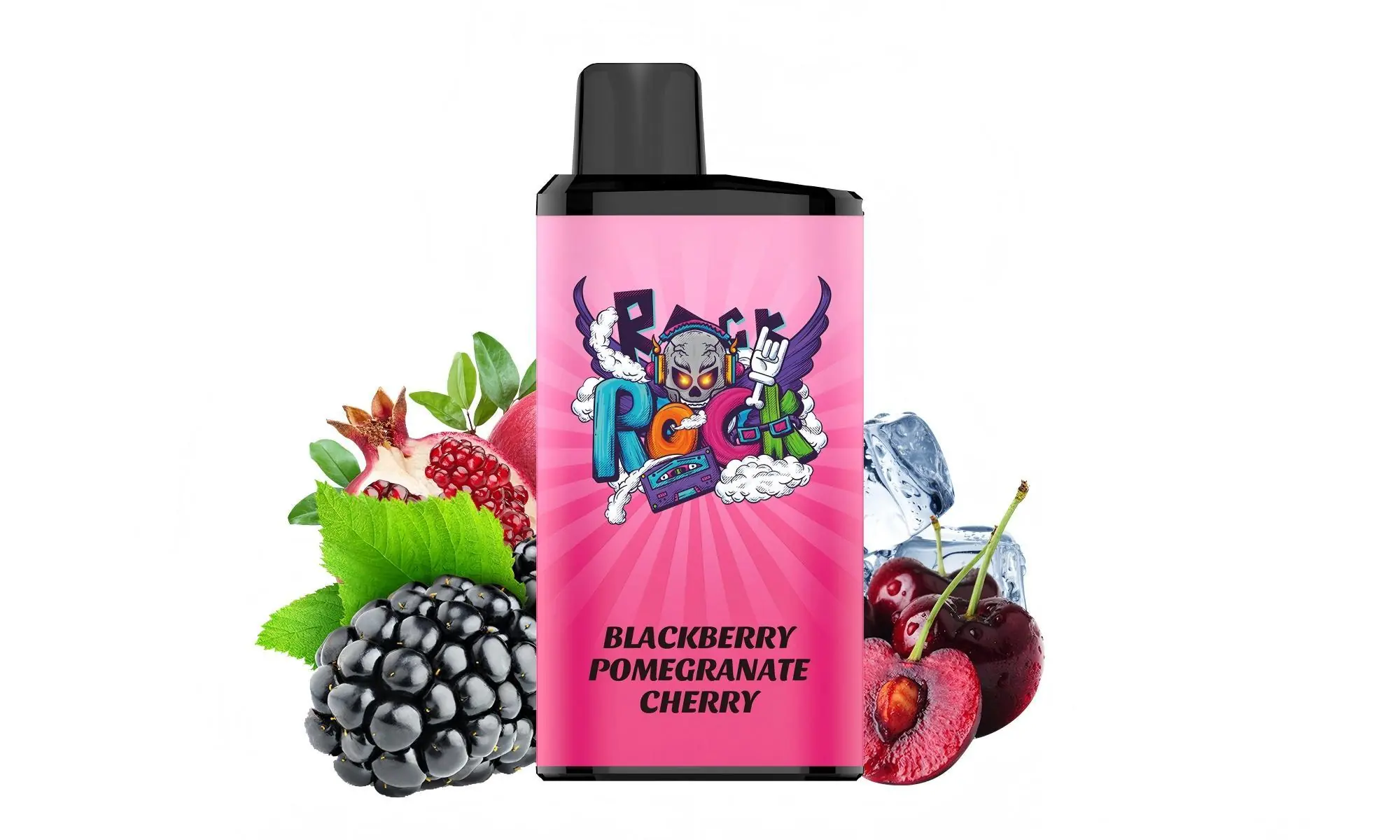
Models: Classic IGET Bar (often 600-800 puffs), IGET Go, some older IGET King models.
What to do: When the battery dies or the flavour fades, dispose of the device responsibly at a designated B-cycle battery collection point (available at most supermarkets and electronics stores).
Rechargeable: These devices have a built-in USB-C (most common) or Micro-USB port and are intended to be recharged multiple times.
Models: IGET Bar Plus, IGET Bar XXL, IGET Legend, IGET Hero, IGET E-HOOKAH series, and most devices advertised with 2500 puffs or more.
What to do: Proceed to the steps below.
Step 2: What You’ll Need
Your rechargeable IGET device.
A standard USB-C cable (for most modern models) or a Micro-USB cable.
A safe, low-power USB power source:
A computer USB port.
A USB wall adapter from a phone or tablet (5V/1A or 5V/2A is ideal).
Avoid: Fast-charging blocks (e.g., for modern smartphones) or car chargers unless they are regulated, as they can deliver too much current.
Step 3: The Charging Process
Locate the Port: Find the rubber or silicone sealing plug on the bottom or side of your IGET device. Carefully peel it back to reveal the USB charging port.
Connect the Cable: Gently insert your USB cable into the device’s port.
Connect to Power Source: Plug the other end of the cable into your chosen power source (e.g., laptop, standard wall adapter).
Monitor the Indicator: Most rechargeable IGET devices have an LED indicator light near the mouthpiece or port.
While Charging: The light will typically glow red or white.
Fully Charged: The light will turn blue, green, or turn off.
Disconnect: Once fully charged (usually within 60-90 minutes), disconnect the cable and firmly press the sealing plug back into place to prevent dust or liquid ingress.
⚠️ Critical Safety & Best Practices
Never Use While Charging: Do not attempt to vape from the device while it is plugged in. This can damage the battery and is a safety hazard.
Avoid Overcharging: While modern devices have some protection, it’s best not to leave them charging unattended or overnight. Unplug once fully charged.
Keep It Dry: Ensure the charging port and plug are completely dry before connecting the cable. Moisture can cause a short circuit.
Use the Right Cable: A damaged or poor-quality cable can cause charging issues or damage. Use a cable in good condition.
Let It Cool: If the device feels warm after heavy use, let it cool to room temperature before charging.
Troubleshooting Common Issues
Device Won’t Charge:
Ensure you have a rechargeable model.
Check that the sealing plug is fully removed and the cable is firmly inserted.
Try a different USB cable and power source.
Device Gets Very Hot While Charging: Disconnect immediately. This is not normal. Allow it to cool completely in a safe area before attempting to troubleshoot. A faulty device should not be used again.
No Vapour Production After Charging: The device may have reached the end of its e-liquid life. Even with a charged battery, it will stop producing vapour once the e-liquid is finished.
Where to Find Authentic Rechargeable IGET Products
For guaranteed performance and safety, always purchase authentic IGET devices from authorised retailers like iGetBaroz. We provide:
100% genuine products with the correct, safe charging specifications.
Clear product descriptions so you know exactly which rechargeable model you’re buying.
Reliable support should you have any questions about your device.
Need a visual guide? For a detailed walkthrough on charging specific models like the IGET Bar Plus, check out helpful tutorial videos on our official channel: AidiHK on YouTube{:target=”_blank”}.
Ready for a long-lasting, rechargeable vape? Explore the full range of authentic IGET devices at iGetBaroz{:target=”_blank”}, your trusted Australian source for premium vaping products.