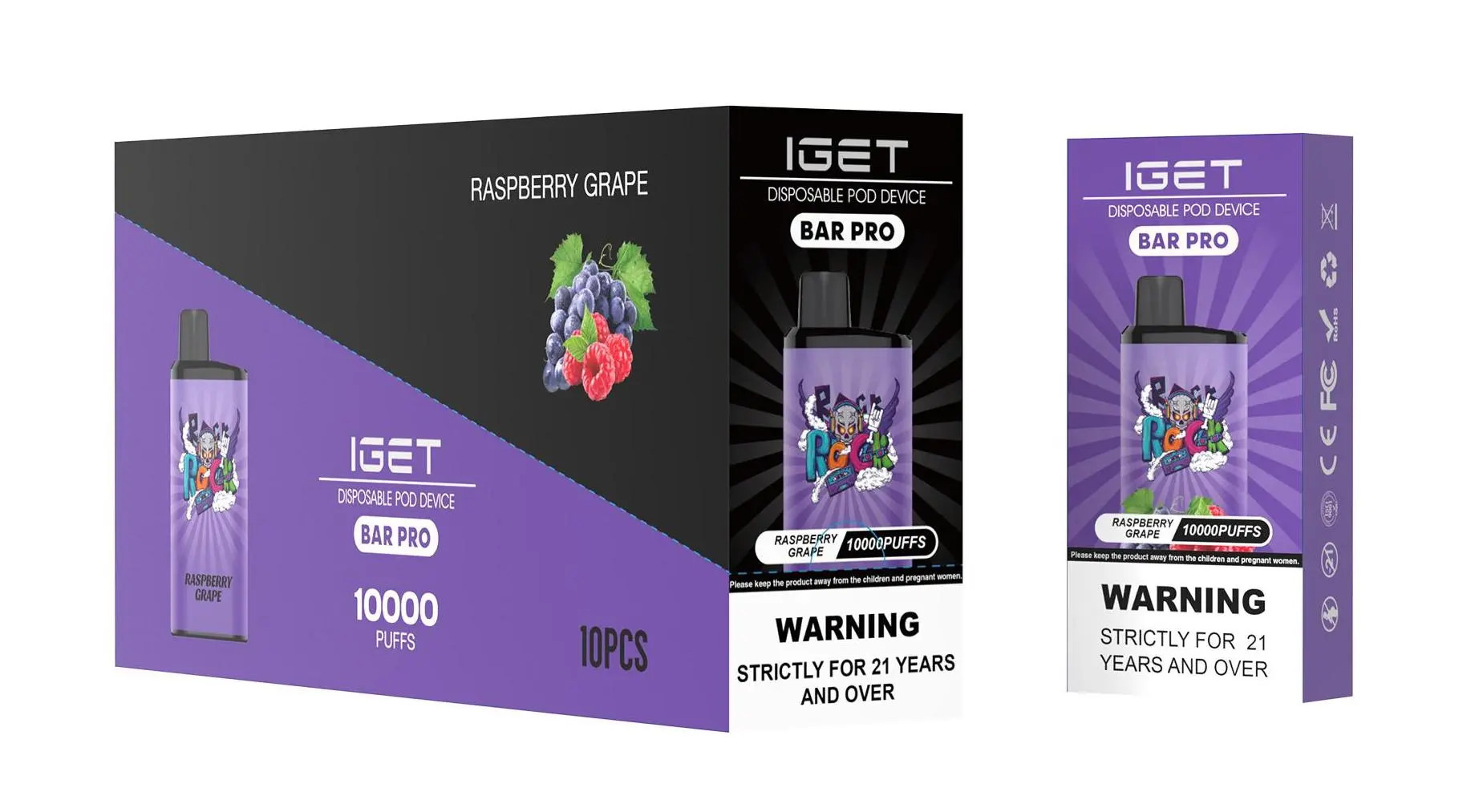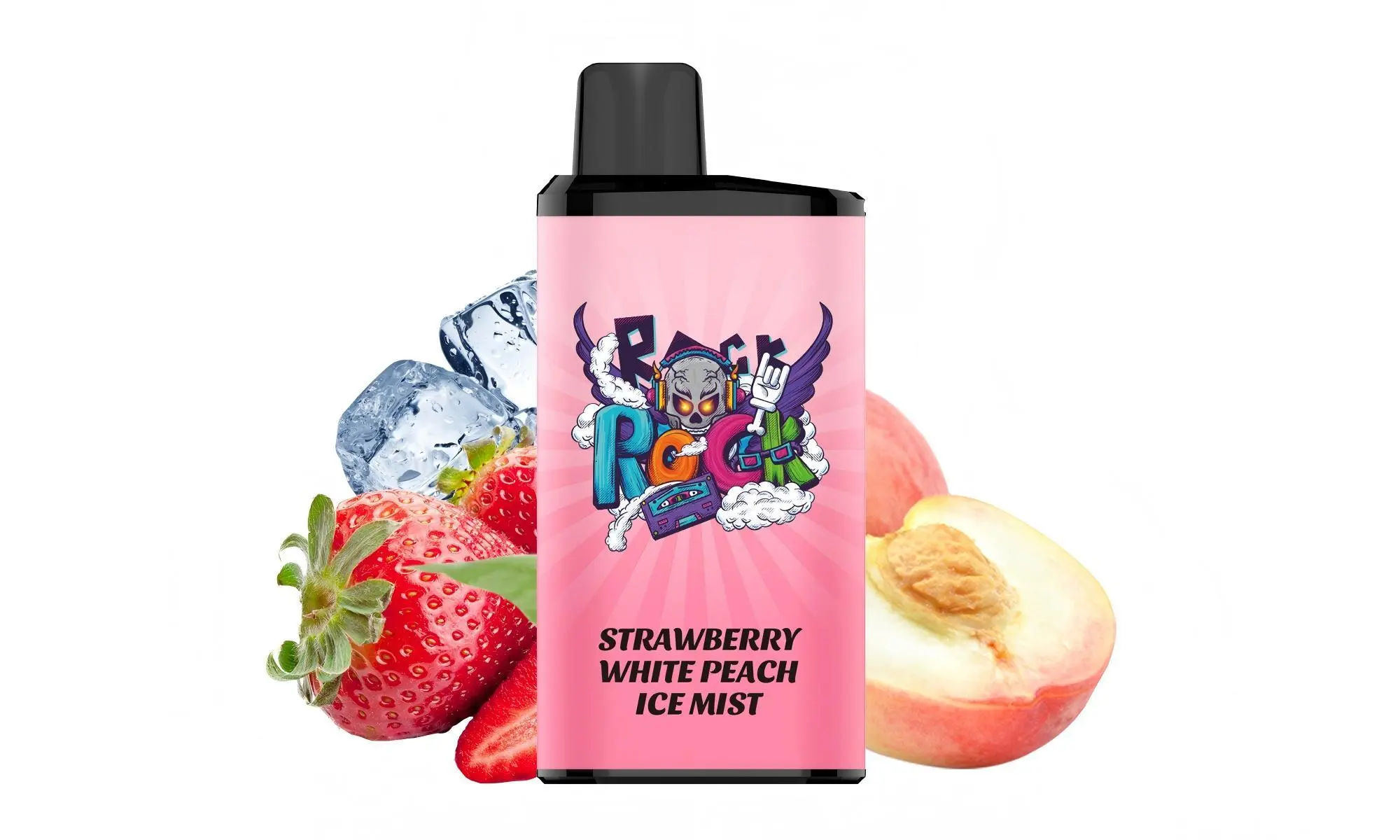
One of the most common questions we hear from vapers is, “Can I recharge my IGET Bar?” The answer depends entirely on which specific IGET device you have. Let’s clear up the confusion.
The Standard IGET Bar (Non-Rechargeable)
The classic IGET Bar (often offering around 3500 puffs) is designed as a true disposable device. It does not have a charging port and is not intended to be recharged. Its integrated battery is pre-charged and contains enough e-liquid to last for its advertised puff count. Once the battery is depleted or the e-liquid runs out, the device is meant to be responsibly disposed of.
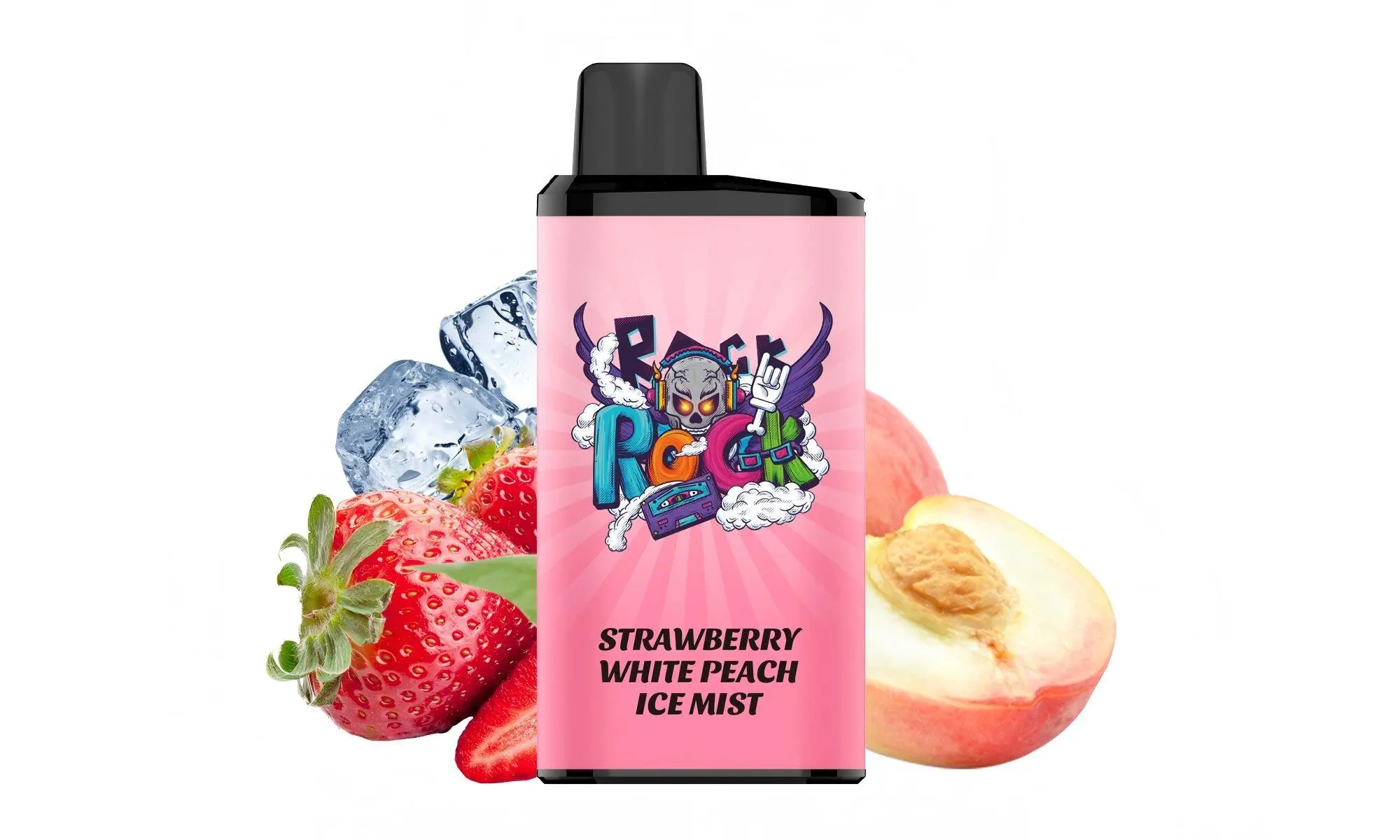
⚠️ Important: Attempting to open or modify a standard IGET Bar to recharge it is not recommended. It can damage the device, pose a safety risk, and will likely not work as the e-liquid reservoir will be empty.
The IGET Bar Plus & Other Rechargeable Models
This is where things get easier! Models like the IGET Bar Plus, IGET Bar Pro, and other “Plus” variants are designed with a USB-C charging port for extended use. Here’s how to recharge them:
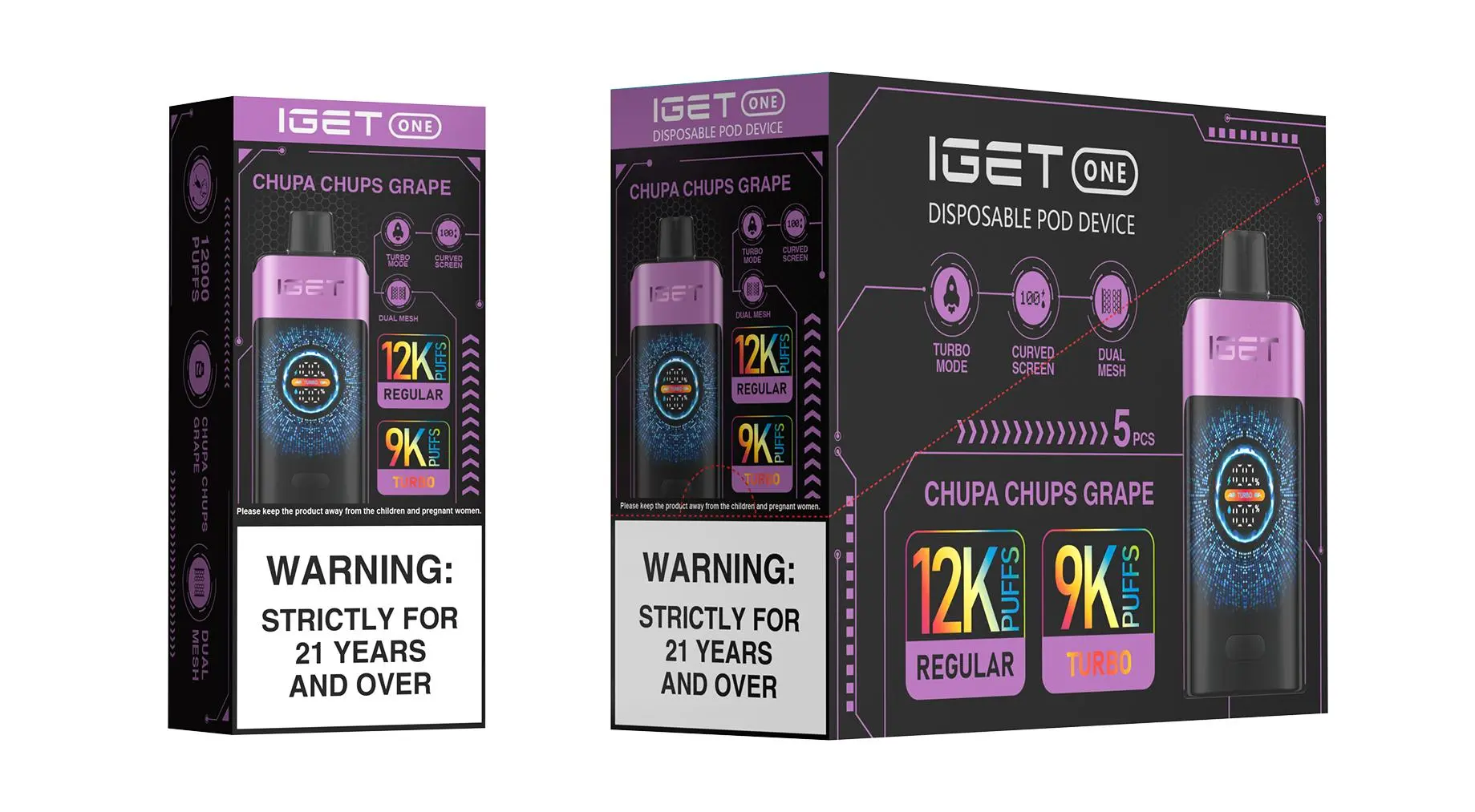
Locate the Port: Find the small rubber or silicone plug at the bottom or side of the device.
Unplug the Port: Carefully remove the protective plug to reveal the USB-C charging port underneath.
Connect the Cable: Use a standard USB-C cable (often included with multi-packs or available for purchase separately) and connect it to any USB power source like a wall adapter, computer, or power bank.
Charging Indicator: The device will typically have a small LED light that illuminates while charging. The light may turn off or change colour once charging is complete (consult your specific device’s manual for exact indicators).
Re-Seal the Port: Once fully charged, disconnect the cable and firmly replace the protective plug to prevent dust or liquid from entering.
Pro Tip: To maximise the lifespan of your rechargeable IGET, avoid letting the battery fully drain before recharging. A partial top-up charge can help maintain battery health.
How to Tell Which IGET Bar You Have
No Port? It’s a standard, non-rechargeable disposable. Enjoy it until it’s finished.
A Sealed Rubber Plug at the Bottom/Side? You likely have a rechargeable model like the IGET Bar Plus. Gently check if the plug can be removed to reveal the port.
Need a Reliable Source for Authentic, Rechargeable IGET Vapes?
For guaranteed authentic products with clear specifications, consider sourcing from a trusted retailer like iGetBaroz{:target=”_blank”}. They clearly label which devices are rechargeable and provide the correct accessories, ensuring you get the performance and safety you expect.
Still unsure about your device? It’s always best to check the original packaging or consult your retailer directly. Using products as intended is the key to a safe and satisfying experience.
How To Recharge Vape Iget Bar? — 补充说明
How to Recharge Your IGET Bar (and Which Models Support Charging)
Not all IGET Bar devices are rechargeable—this is a key distinction to avoid damaging your device or risking safety hazards. Basic IGET Bar models (e.g., 3500-puff standard variant) are designed as single-use, disposable devices with no charging port. However, mid-range and high-capacity IGET Bar variants (like the IGET Bar Plus, IGET Mega 18,000 Puffs, and IGET E-HOOKAH G1 60,000 Puffs) come with built-in rechargeable batteries to extend their lifespan. Below is a step-by-step guide to safely recharge compatible models, plus critical safety tips for Australian vapers.
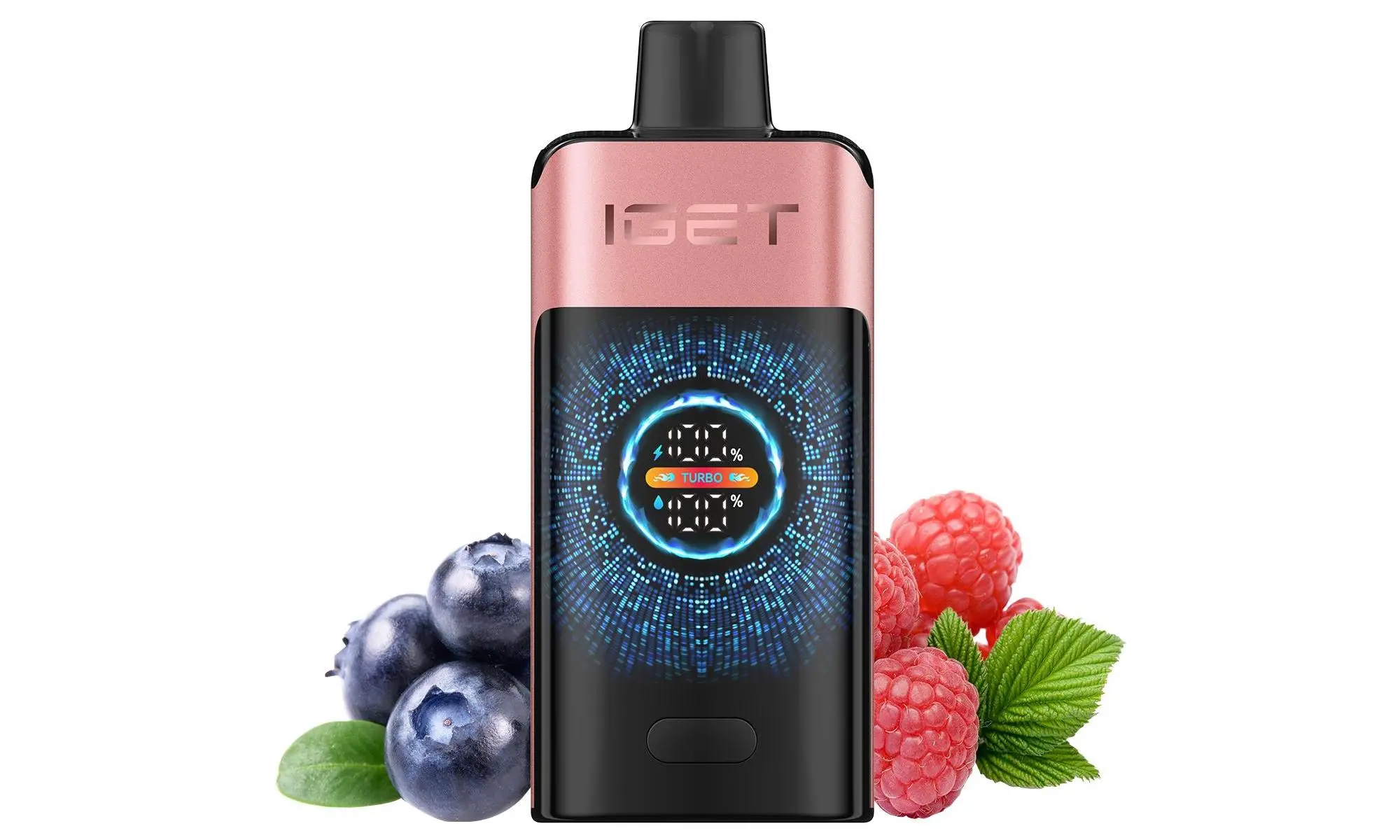
Step-by-Step Guide to Recharge Rechargeable IGET Bar Models
Confirm your device is rechargeable: Locate the USB-C charging port (typically on the bottom or side of the device). If no port exists, your IGET Bar is single-use and cannot be recharged—do not attempt to open or modify it.
Use a certified USB-C cable: Opt for a genuine, high-quality USB-C cable (avoid cheap, unbranded cables which can cause voltage spikes). Most rechargeable IGET models include a cable, but replacements are available from trusted retailers like iGetBaroz (open in new window) to ensure compatibility.
Connect to a safe power source: Plug the cable into a low-power USB port (e.g., laptop, 5V/1A wall adapter). Fast chargers (over 1A) can overheat the battery, leading to damage or safety risks.
Monitor the charging indicator: Most rechargeable IGET Bars have an LED light that turns red when charging and green (or turns off) when fully charged. Charging time varies by model (e.g., 1–2 hours for IGET Bar Plus, 3–4 hours for IGET E-HOOKAH G1).
Disconnect once fully charged: Do not leave the device plugged in overnight or for extended periods, as overcharging can degrade the battery over time.
Critical Safety Tips for Australian Vapers
Avoid counterfeit devices: Counterfeit IGET Bars often have unregulated batteries or faulty charging ports that pose fire or leakage risks. Always purchase from authorized sellers like iGetBaroz, which guarantees 100% authentic products sourced directly from manufacturers.
Never modify non-rechargeable models: Prying open a single-use IGET Bar can expose you to toxic e-liquid or cause battery failure. Dispose of single-use devices at an authorized e-waste facility (use Australia’s Recycling Near Me tool to find local drop-off points).
Watch for warning signs: If your IGET Bar swells, leaks, or feels unusually hot during charging, disconnect it immediately and dispose of it safely. Do not use the device further.
Comply with Australian regulations: Vaping products must be sold to adults over 18, and charging devices should be stored away from children and pets.
Troubleshooting Common Charging Issues
Device won’t charge: Check for debris in the USB-C port (use a soft, dry toothbrush to gently clean it) or test a different cable/power source. If problems persist, contact iGetBaroz customer support—genuine products come with a warranty for manufacturing defects.
Flavour or performance drops after charging: This may indicate the device has reached the end of its usable lifespan (battery capacity decreases over time). Replace the device with a new authentic model from iGetBaroz for consistent performance.
For more details on rechargeable IGET Bar models or to purchase authentic products, visit iGetBaroz—Australia’s trusted destination for safe, reliable vaping products. Their team can also assist with product recommendations tailored to your needs.