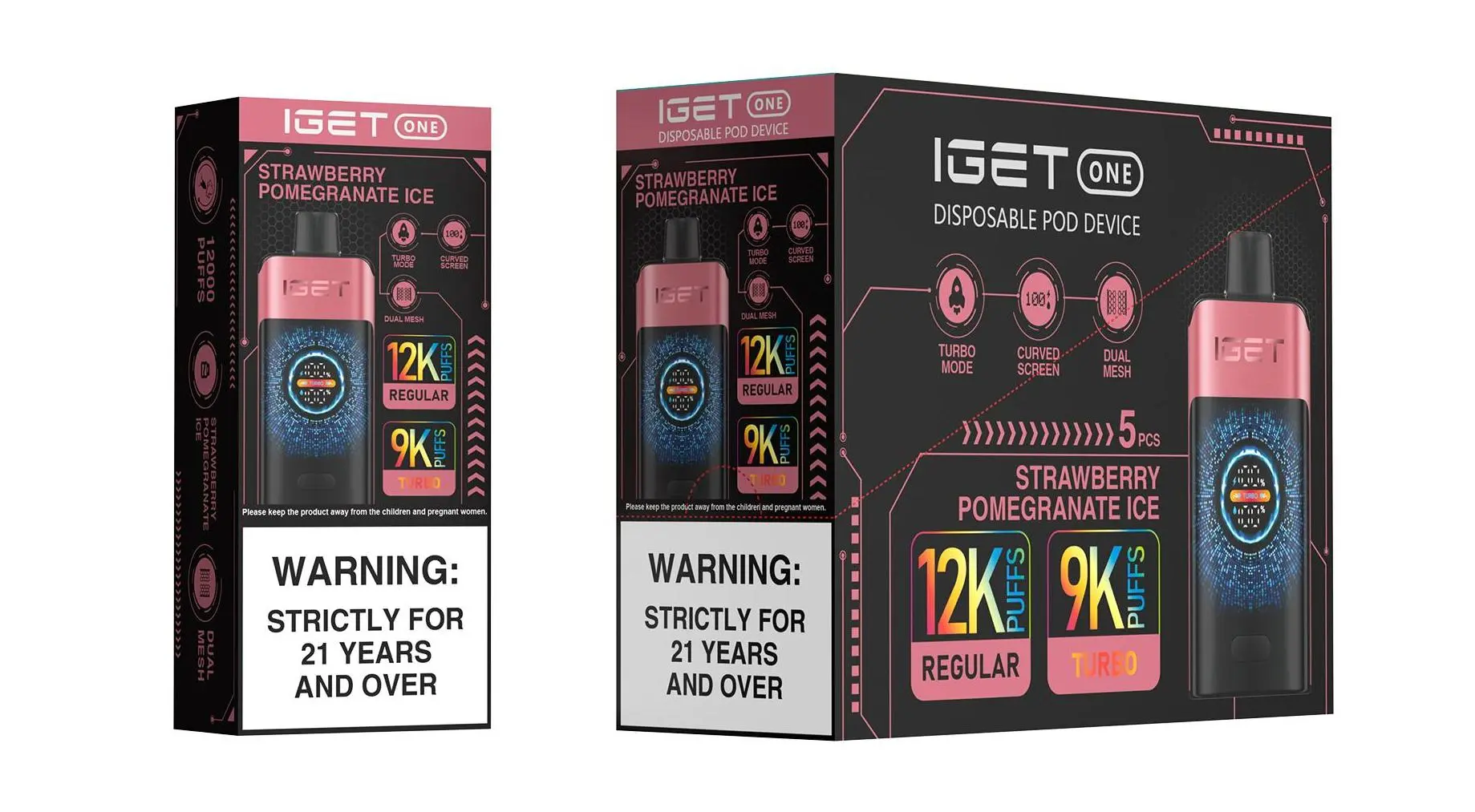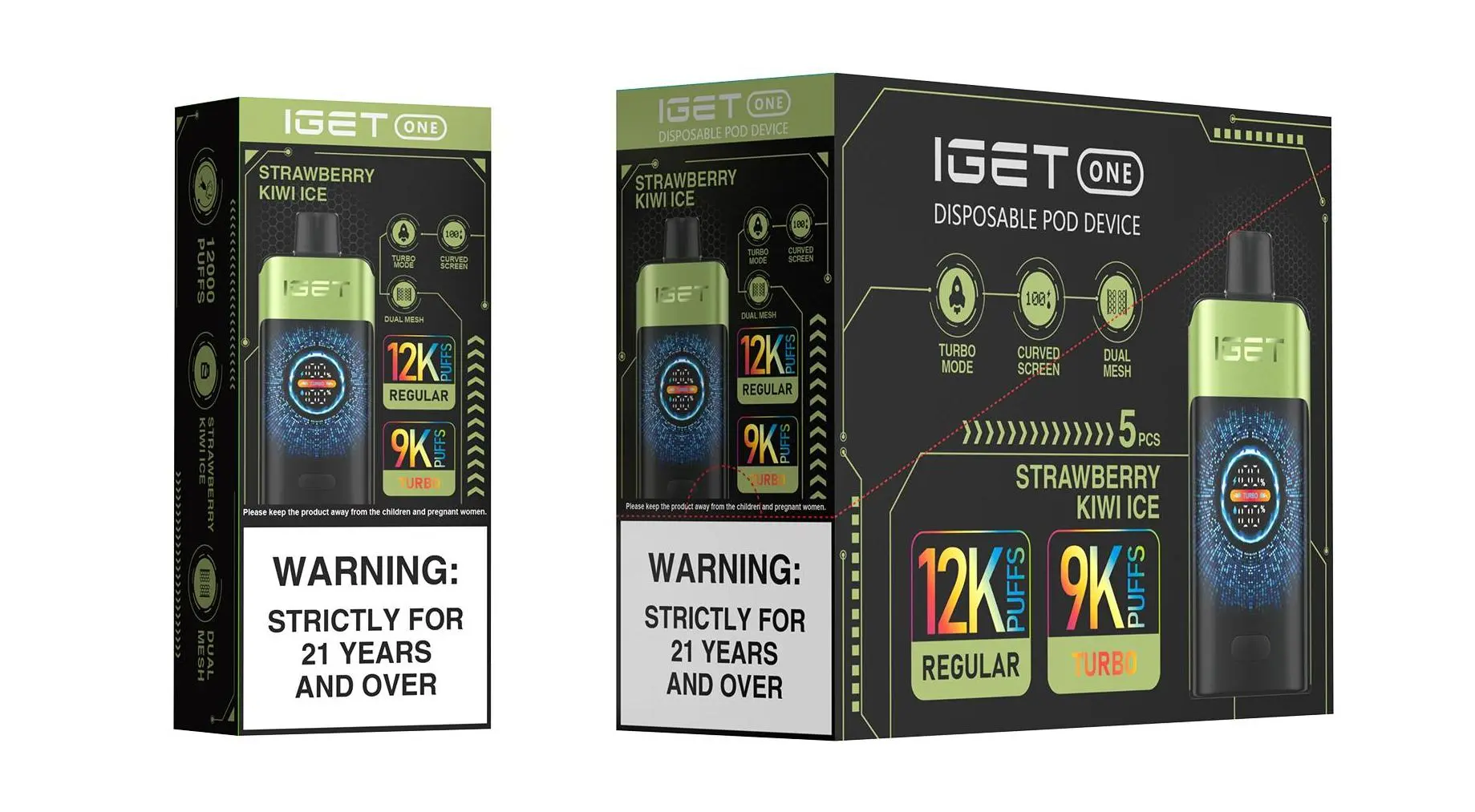
The IGET XXL is a popular high-puff disposable vape designed for extended use, featuring a large integrated battery that supports recharging. Unlike simpler disposable models, the XXL is built to be reused until the e-liquid is depleted. Here is a complete, step-by-step guide on how to recharge it safely and effectively.
Step 1: Identify Your Device & Charging Port
First, confirm you have an IGET XXL model. It is a sizable, rectangular device typically offering 3500+ puffs. Locate the charging port. On most recent IGET XXL units, this is a USB-C port located at the bottom or on the side of the device. Some older models may use a Micro-USB port.
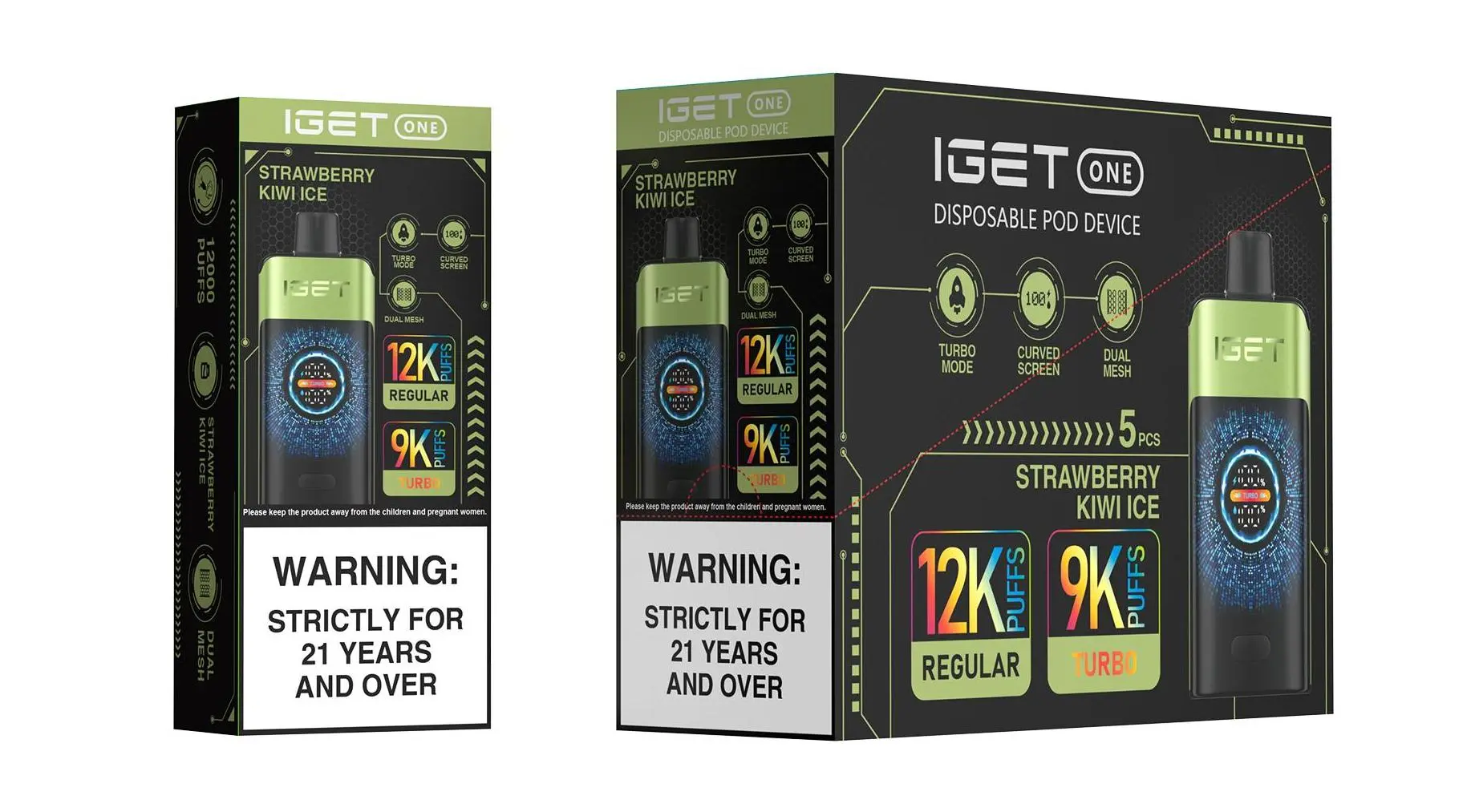
Step 2: Use the Correct Cable and Power Source
Cable: Use the cable that came with your device or a standard, high-quality USB-C (or Micro-USB) cable. Avoid using damaged or frayed cables.
Power Source: Plug the cable into a low-power USB port, such as:
A computer USB port.
A USB wall adapter with a standard 5V/1A or 5V/2A output.
A power bank.
⚠️ Safety Tip: Avoid using fast chargers (e.g., those for modern smartphones with 20W+ output), as they can potentially damage the battery.
Step 3: Connect and Charge
Insert the USB-C or Micro-USB connector firmly into the charging port on your IGET XXL.
Connect the other end to your power source.
Most IGET XXL devices have a small LED indicator light near the mouthpiece or charging port. This light will typically turn on or begin to glow while charging. The light may be red, white, or blue depending on the model.
A full charge usually takes about 60-90 minutes. The LED light may change colour (e.g., from red to blue) or turn off when charging is complete.
Step 4: Disconnect and Use
Once the device is fully charged, disconnect it from the cable. Your IGET XXL is now ready for use. You can recharge it multiple times until the e-liquid tank is finally empty.
Troubleshooting Common Charging Issues
Device Won’t Charge:
Check the cable and power source: Try a different cable and USB port.
Clean the port: Gently use a toothpick or compressed air to remove any lint or debris from the charging port.
Device may be dead: If the device is very old or has been fully depleted for a long time, the battery may no longer hold a charge.
No Vapour Production After Charging:
Ensure the device is activated (most are draw-activated; take a firm puff).
The e-liquid may be fully depleted, even if the battery is charged. The IGET XXL is disposable and cannot be refilled.
LED Light Not Working:
The light may only activate during a puff or when charging. If the device is charging but the light isn’t on, it could be a minor fault, but charging may still be occurring.
Important Safety & Usage Notes
Do not leave charging unattended for extended periods or overnight.
Do not use the vape while it is plugged in.
Keep the device away from extreme heat and direct sunlight during charging and storage.
Dispose of responsibly: Once the flavour diminishes or the device stops producing vapour (indicating the e-liquid is gone), recycle it at an appropriate battery disposal point. Do not attempt to open or modify it.
Need a genuine IGET XXL or replacement? For authentic products and reliable after-sales support, consider sourcing from trusted Australian retailers like iGetBaroz. They provide clear product specifications and can assist with any device-specific queries. For visual guides, you can also check out tutorial videos on platforms like YouTube.