
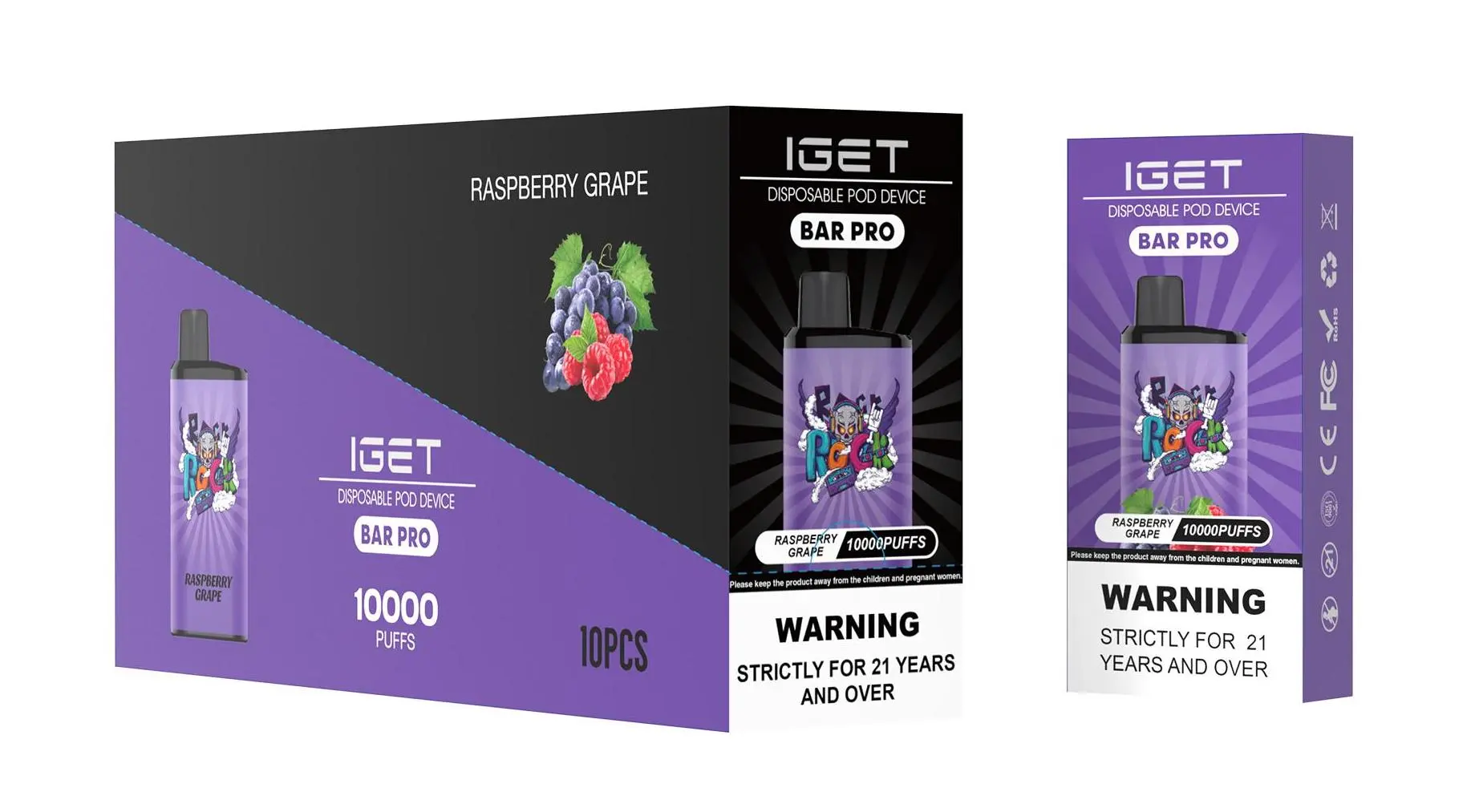
Most modern IGET disposable vapes are designed with a built-in rechargeable battery, allowing you to use the entire e-liquid capacity before disposal. Knowing how to recharge them properly is key to getting the full value and intended experience from your device.
Here is a step-by-step guide covering all major IGET series.
1. Identify Your IGET Model
First, check which IGET device you have. The recharging method is generally the same across most models, but port locations may vary.
IGET Bar / IGET Bar Plus / IGET ONE: The most popular series. The charging port is typically located on the bottom of the device.
IGET Go: A compact stick-style vape. The charging port is also on the bottom.
IGET E-Hookah (G1/G2/G3/K1): High-capacity models. The charging port is usually on the side or bottom of the unit.
2. Locate the Charging Port
Once you’ve identified your model, find the small rubber or silicone plug. Gently remove this plug to reveal the USB-C or Micro-USB charging port. Most newer models (like the IGET Bar Plus) use the modern USB-C standard.
3. Connect to a Power Source
Use the provided cable or any standard USB-C/Micro-USB cable.
Connect the smaller end to your IGET vape.
Plug the standard USB end into a low-power source, such as:
A computer USB port
A USB wall adapter with a standard 5V/1A output (similar to an old phone charger)
A power bank
⚠️ Critical Safety Tip: Avoid using fast-chargers (e.g., for modern smartphones or tablets) as they can deliver too much current and damage the vape’s battery.
4. Monitor the Charging Indicator
While charging, an LED light on your IGET vape will illuminate:
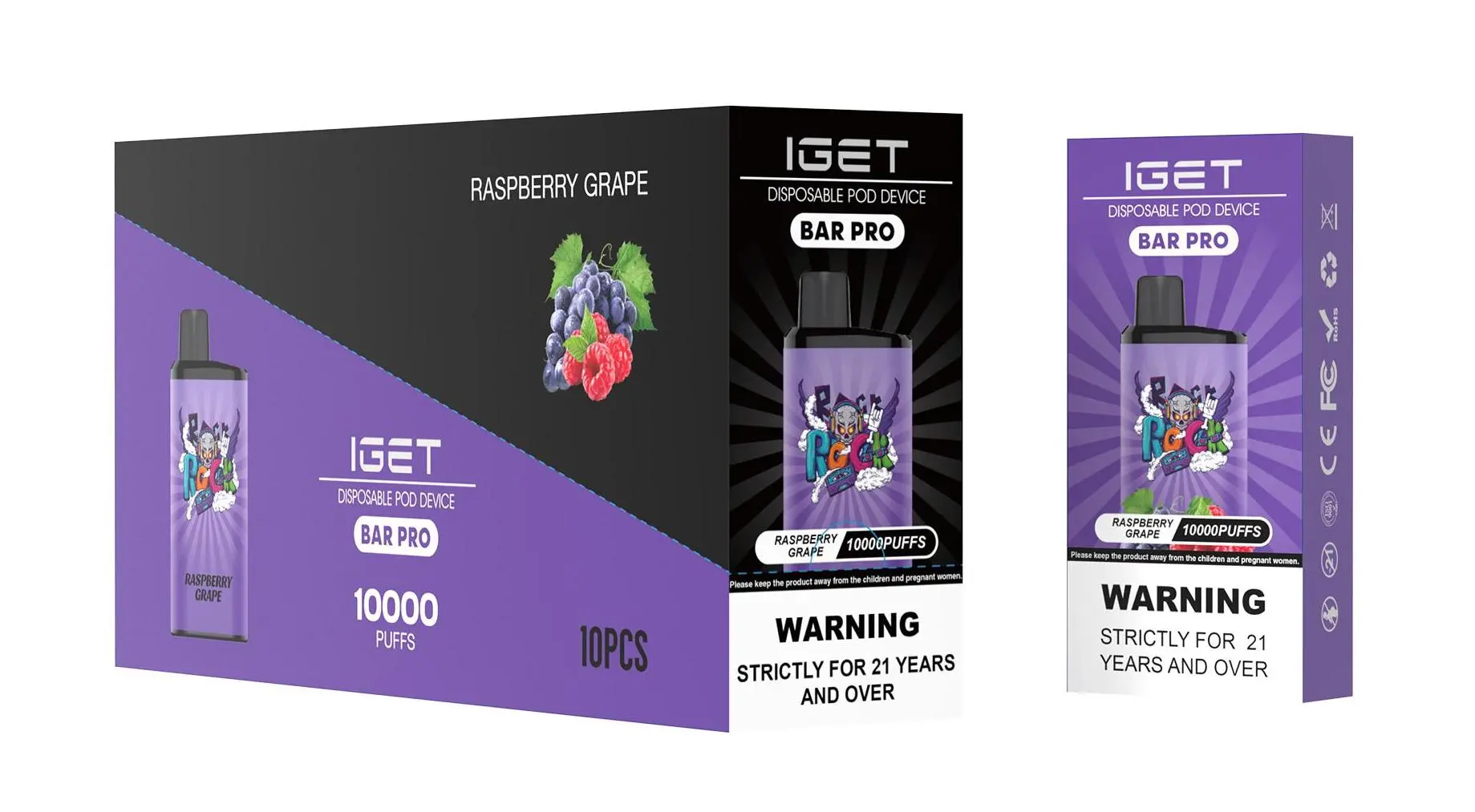
Red Light: The device is actively charging.
Green Light / Light Turns Off: The battery is fully charged.
Charging time is usually quick, ranging from 20 to 40 minutes for standard bars, and up to an hour for larger models like the E-Hookah.

5. Special Note for IGET E-Hookah Models
The IGET E-Hookah G1, G2, G3, and K1 feature a digital screen. When you connect these to charge, the screen will activate and show the battery level increasing. These models have a much larger battery and may take longer to charge fully.
What to Do If Your IGET Vape Won’t Charge
Check the Cable & Port: Try a different USB cable. Ensure the port on the vape is clean and free of debris.
Try a Different Power Source: Switch from a wall adapter to a computer USB port.
Check the Battery: The device may have reached the end of its total lifespan after several recharge cycles.
Contact Your Retailer: If you purchased from an authorised seller like iGetBaroz{:target=”_blank”}, reach out to their customer support for guidance. They can often help troubleshoot or advise on warranty coverage for genuine products.
Final Recommendation
For the safest and most reliable performance, always use genuine IGET products sourced from trusted Australian retailers. iGetBaroz guarantees 100% authentic devices with clear support, ensuring you get the correct charging experience and full device lifespan as intended by the manufacturer.
Need a new device or spare cable? Explore the full range of rechargeable IGET vapes at iGetBaroz{:target=”_blank”}. For visual guides, check out tutorials on our official channel AidiHK on YouTube{:target=”_blank”}.