
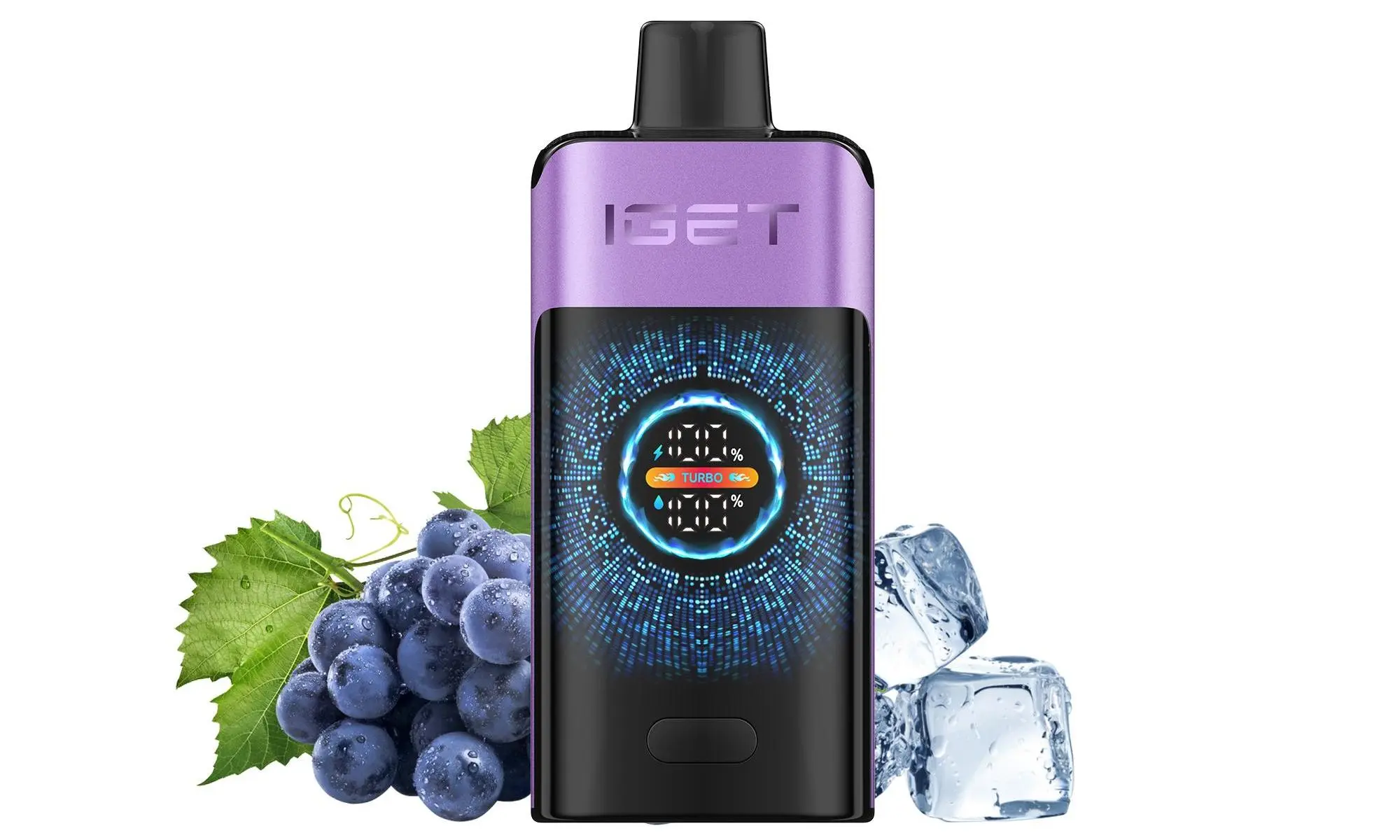
The IGET King is one of the most popular high-capacity disposable devices available in Australia. A common question from users is about extending its life through recharging. It’s crucial to approach this correctly for both safety and performance.
First, Verify Your Device Model
Not all IGET King devices are designed to be recharged. The product line has evolved:
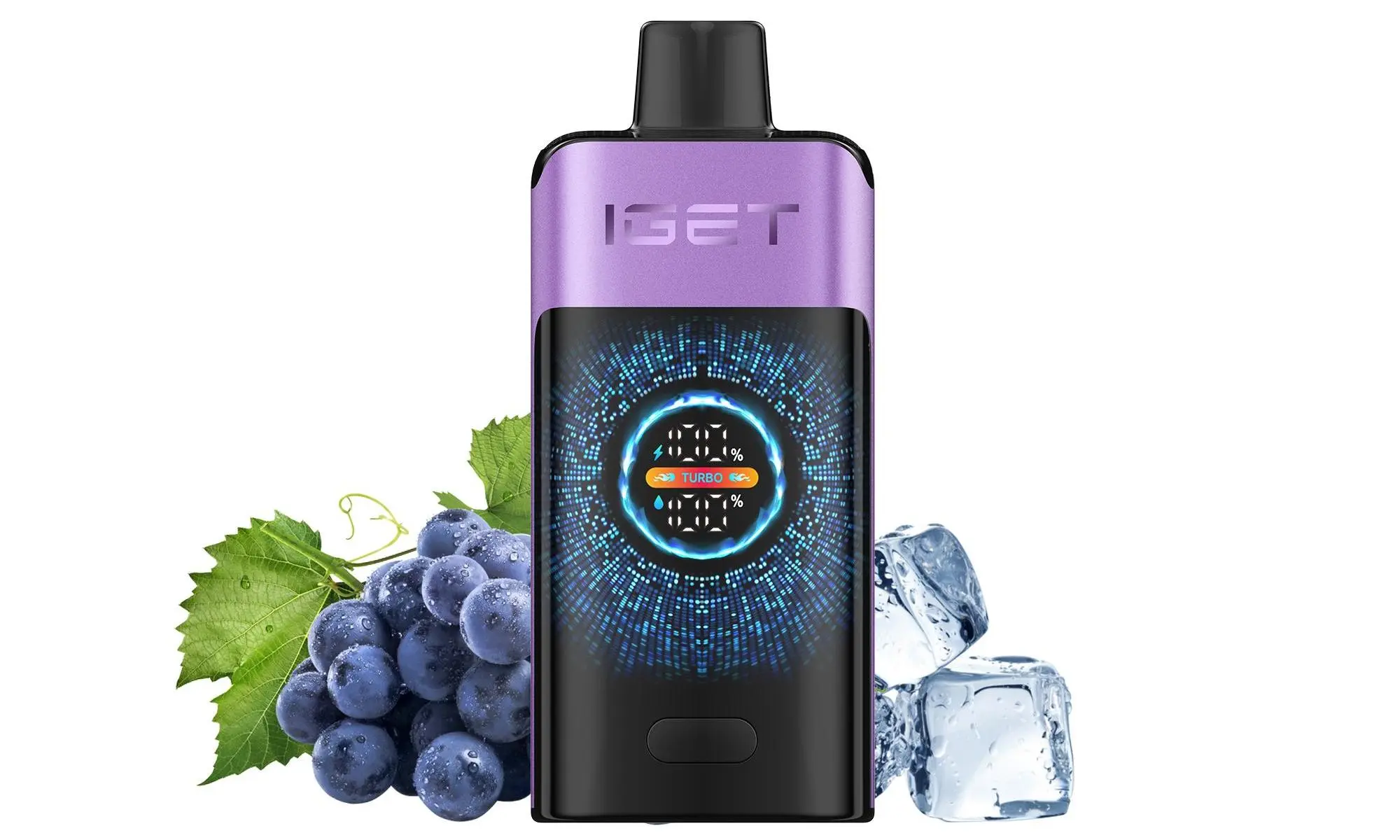
Older/Standard IGET King: These are typically non-rechargeable. They are designed for single use until the pre-charged battery is depleted.
Newer IGET King Rechargeable Models: Some recent batches and specific variants come with a built-in USB-C or Micro-USB charging port, clearly marked on the device.
Step 1: Locate the Charging Port
Examine the bottom or side of your IGET King. If it is rechargeable, you will find a small, sealed charging port. If there is no port, your device is not intended to be recharged.
How to Recharge a Rechargeable IGET King
If your device has a port, follow these steps:
Use the Correct Cable: Use a standard USB-to-USB-C or USB-to-Micro-USB cable (whichever fits your port). Avoid using fast chargers or high-power adapters (like those for laptops).
Connect to a Safe Power Source: Plug the USB end into a low-power source, such as a computer USB port, a TV USB port, or a standard 5V/1A phone wall adapter. A low-power source is safer and helps preserve battery integrity.
Monitor the Charging: Most models do not have an indicator light. A general guideline is to charge for no more than 30-60 minutes. Overcharging can damage the battery.
Disconnect and Test: Unplug the cable after a short period. The device should now function again.
⚠️ Critical Safety Warnings & Best Practices
NEVER Attempt to Recharge a Non-Rechargeable Device: Forcing a charge by modifying a sealed device is extremely dangerous. It can damage the battery, cause leakage, or pose a fire risk.
Do Not Leave Unattended: Always charge your device on a non-flammable surface and be nearby while charging.
Stop If It Gets Hot: If the device becomes unusually warm during charging, disconnect it immediately and discontinue use.
Maximise Battery Life: To get the most out of your IGET King’s original charge, take moderate puffs and avoid chain-vaping in quick succession, which can overwork the battery.
Summary & Recommendation
The safest and most reliable practice is to use your IGET King as intended—until it is depleted—and then dispose of it responsibly. If you specifically want a rechargeable device, consider models explicitly designed for it from the start, such as the IGET Bar Plus or the IGET E-HOOKAH G1, which feature clear charging capabilities and are built for multiple recharge cycles.
For guaranteed authentic IGET products with clear specifications, always purchase from authorised retailers like iGetBaroz. They provide accurate product descriptions and support, ensuring you know exactly what you’re buying. If you’re unsure about your model, checking your purchase source or contacting their customer service is the best first step.
Disclaimer: This guide is for informational purposes. Always prioritise safety and follow the manufacturer’s intended use for your device.
How To Recharge Iget King? — 补充说明
The IGET King is a popular high-capacity disposable vape, offering approximately 2600 puffs. A key feature that sets it apart from many traditional disposables is its built-in rechargeable battery, allowing you to use the full e-liquid capacity without the battery dying first.
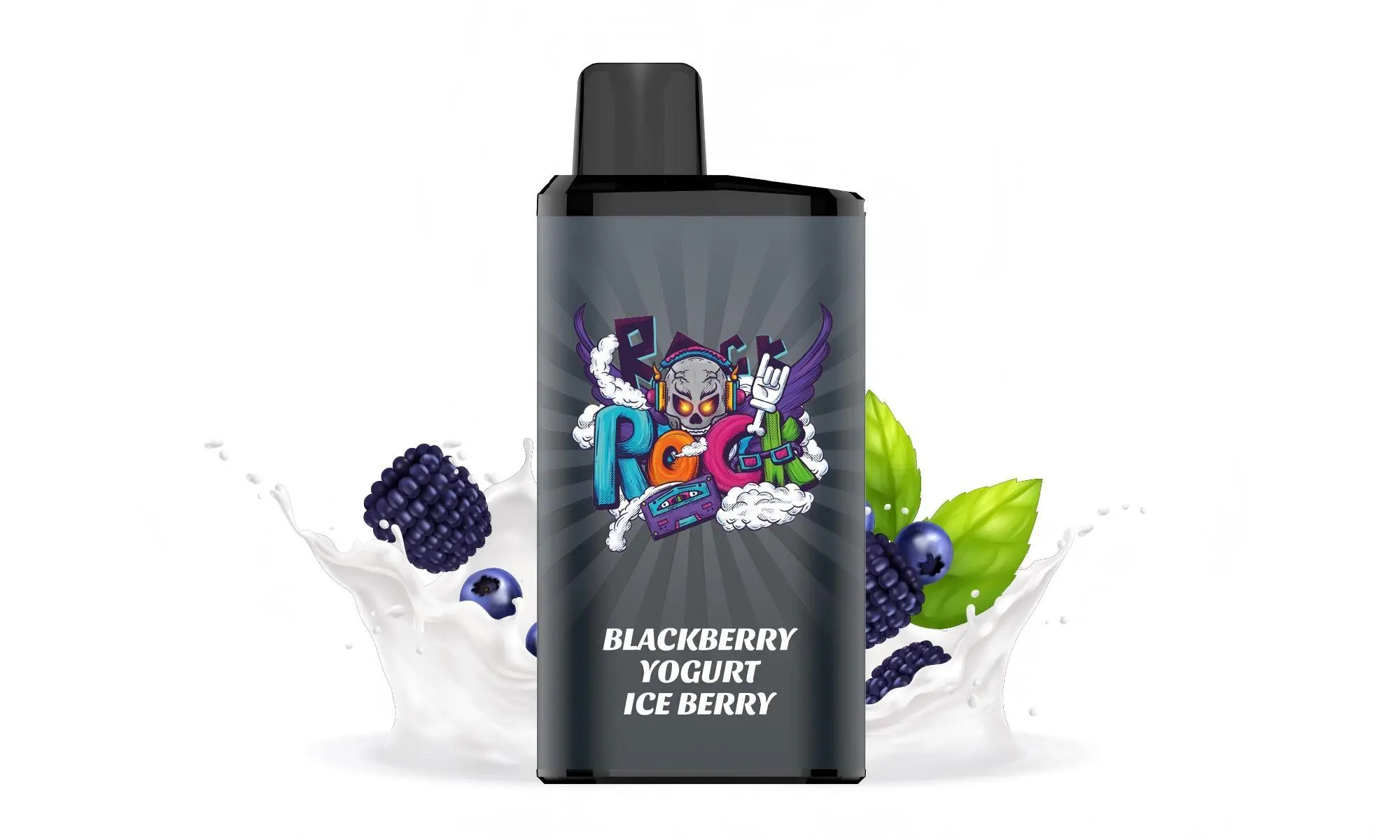
Here is a simple, safe guide to recharging your IGET King.
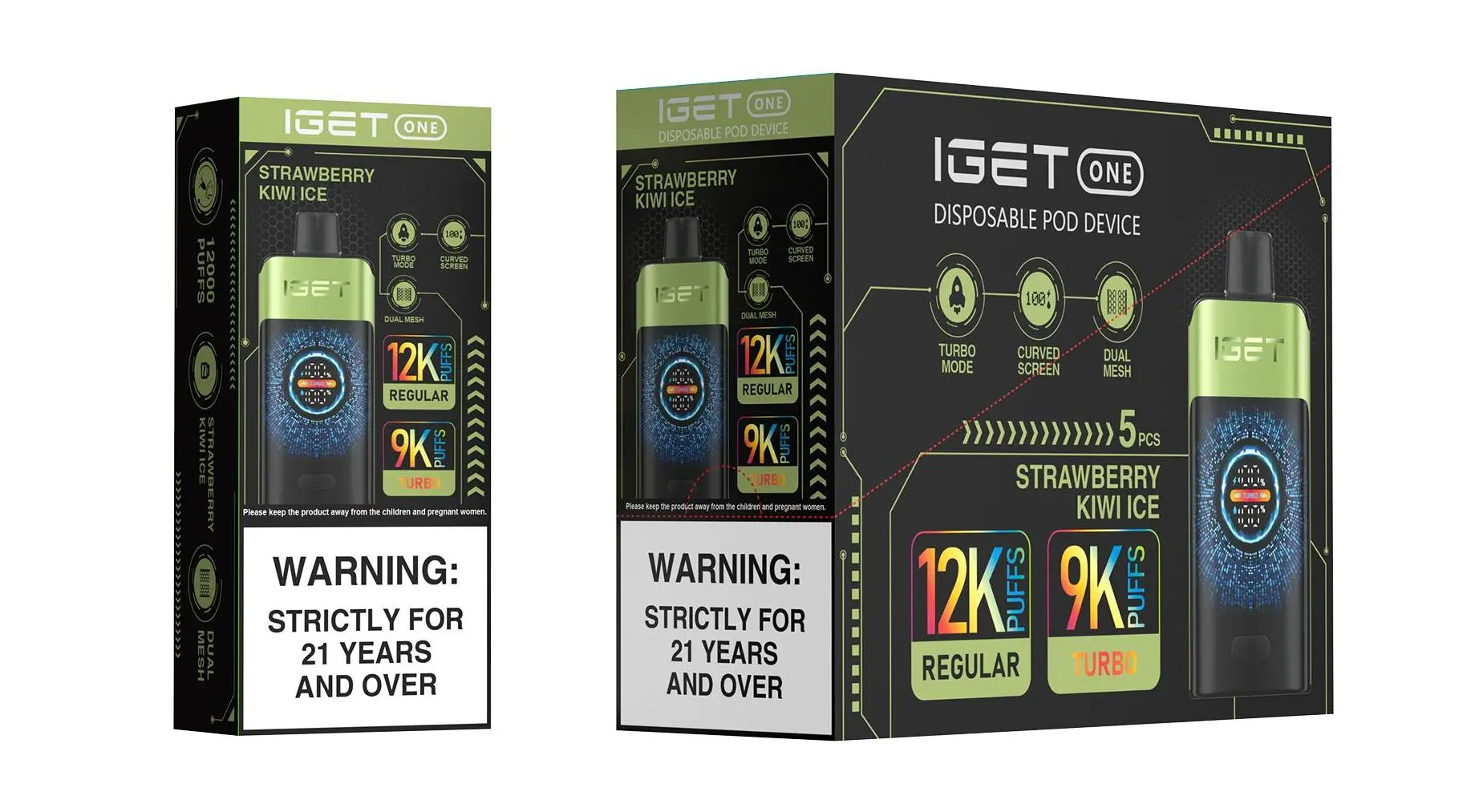
What You’ll Need:
Your IGET King device.
A standard USB-C charging cable (commonly used for modern Android phones and other electronics).
A low-voltage power source, such as a computer USB port, a USB wall adapter (5V/1A is ideal), or a power bank.
Step-by-Step Charging Instructions:
Locate the Charging Port: On the bottom of your IGET King device, you will find a small USB-C port. Remove the rubber protective plug if present.
Connect the Cable: Insert your USB-C cable firmly into the port.
Connect to Power Source: Plug the other end of the cable into your chosen power source (e.g., laptop, wall adapter).
Monitor the Charging: The IGET King does not have an LED indicator light. A full charge typically takes about 60-90 minutes. It is recommended not to leave it charging unattended for extended periods.
Disconnect and Use: Once you estimate it has been charged for a suitable time (usually once the device feels slightly warm to the touch, it is nearing full charge), disconnect the cable. Reinsert the rubber plug to protect the port from dust and pocket lint. Your device is now ready to use again.
⚠️ Critical Safety & Best Practice Tips
Use the Right Cable & Adapter: Always use a USB-C cable and a standard, low-output (5V/1A) charger. Avoid using fast chargers designed for phones, as they can deliver too much power and potentially damage the battery.
Avoid Overcharging: Do not charge the device overnight or for excessively long periods. Overcharging can degrade battery life and is a safety risk.
Supervise Charging: Never leave your vape charging unattended, especially on flammable surfaces like beds or sofas.
Check for Damage: If the device is damaged, leaking, or gets excessively hot during charging, stop using it immediately.
Dispose of Responsibly: Once the e-liquid is finished (you’ll notice a burnt taste or a significant drop in vapour production), the device is fully consumed. Please dispose of it at an appropriate e-waste recycling facility.
Troubleshooting:
Device Not Charging? Ensure the USB-C cable is fully inserted and try a different cable or power source. If it still doesn’t charge, the battery may have reached the end of its lifecycle.
Device Not Firing After Charging? Gently tap the device to clear any potential air bubbles from the coil. Ensure you are taking a proper inhale. If it still doesn’t produce vapour, the e-liquid may be depleted.
For 100% authentic IGET King devices and accessories, sourced directly from authorised distributors, visit your trusted Australian retailer, iGetBaroz{:target=”_blank”}. They provide genuine products with clear guidance, ensuring you get the performance and safety you expect.