
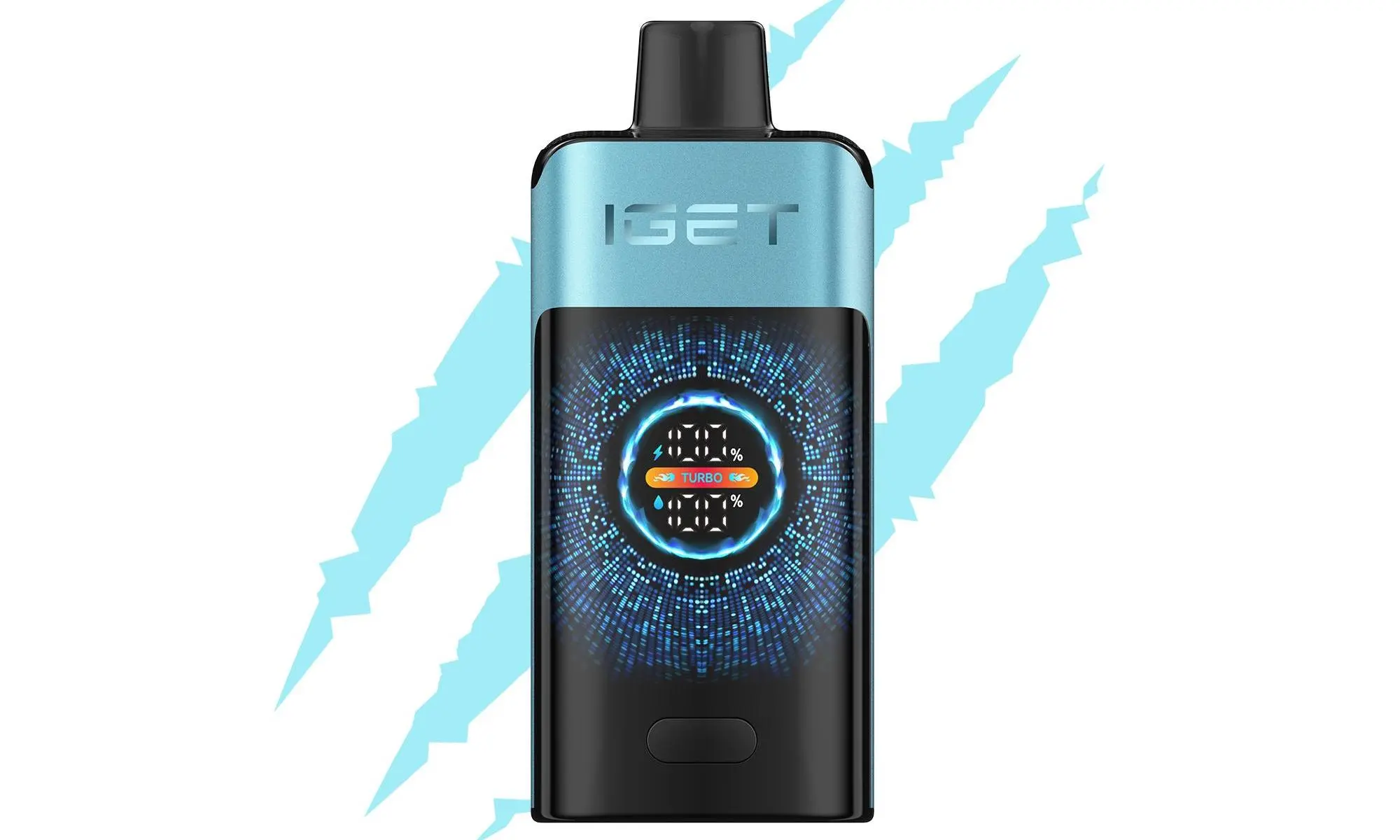
Many vapers wonder if they can use their convenient Apple USB-C or Lightning charger to power up their IGET Bar. The short answer is yes, but with critical caveats. Using the wrong charging method can damage your device, reduce its lifespan, or pose a safety risk. This guide will walk you through the correct, safe way to do it.
Table of Contents
First, The Most Important Step: Check If Your IGET Bar is Rechargeable
Not all IGET Bars are designed to be recharged. This is the most common point of confusion.
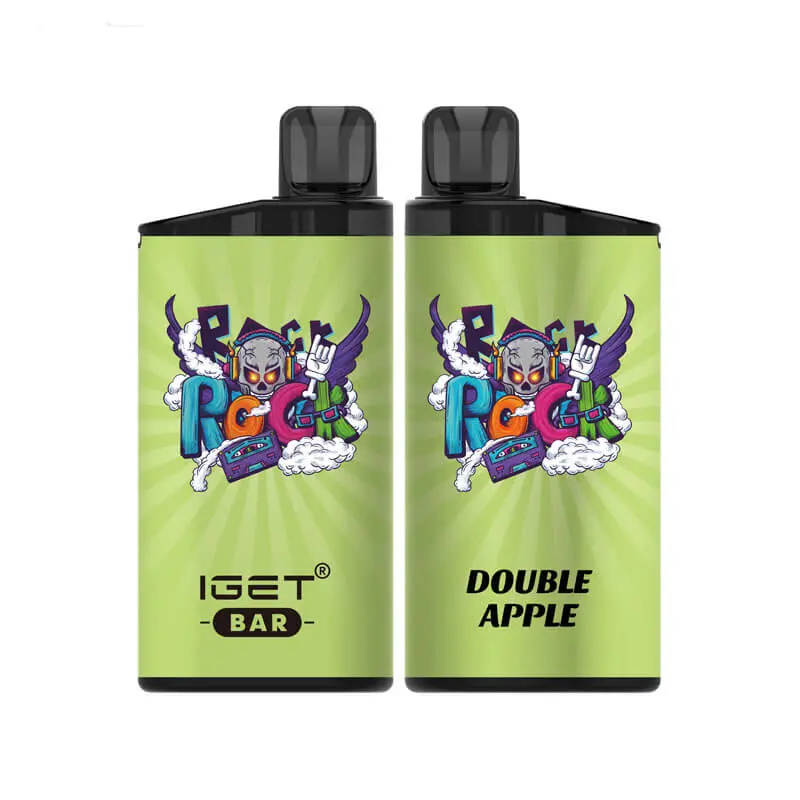
IGET Bar / IGET Bar Plus (Original): These are typically non-rechargeable, disposable devices. You use them until the battery or Capacity is depleted, then dispose of them responsibly. They do not have a charging port. Attempting to recharge them is dangerous and can cause battery failure.
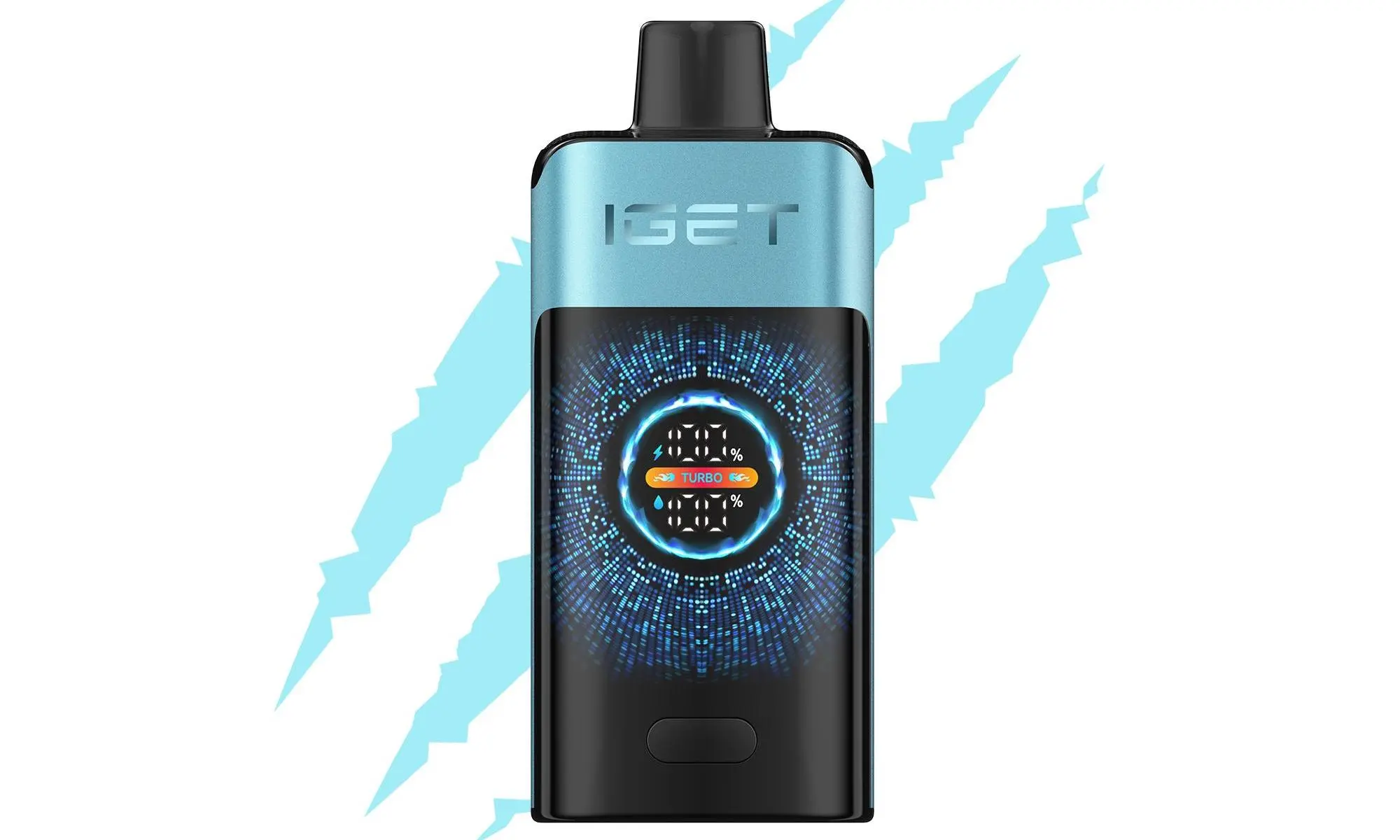
IGET Bar Rechargeable Models (e.g., IGET Bar R, IGET Bar Plus Rechargeable): These newer models are explicitly designed for recharging. They feature a small USB-C port (most common) or occasionally a Micro-USB port on the bottom or side of the device.
How to tell: Look closely at the bottom of your IGET Bar. If you see a small, covered port, it is rechargeable. If it’s completely sealed with no visible port, it is not meant to be recharged.
Safe Charging Steps for Rechargeable IGET Bar Models
If you have confirmed your device has a charging port, follow these steps to use an Apple charger safely:

Use the Cable, Not the Wall Adapter (Recommended): The safest method is to use only the USB-C cable from your Apple charger and connect it to a low-power USB port. Plug the USB-C end into your IGET Bar and the other end into:
A USB port on your computer or laptop.
A USB port on a gaming console, TV, or car charger.
A low-output (5V/1A or 5V/2A) USB wall adapter. (Apple’s standard power adapters are often higher wattage).
If Using an Apple Wall Adapter, Proceed with Caution: Modern Apple USB-C power adapters (e.g., 18W, 20W, 30W) are “smart” and should negotiate the correct low power with your vape. However, it’s not without risk.
Make sure the adapter is in good condition.
Connect the cable to the adapter after plugging the cable into your IGET Bar.
Never use a MacBook Pro-level high-wattage adapter (e.g., 96W).
Monitor the Charging Process:
Most rechargeable IGET Bars have an LED indicator that lights up while charging and turns off (or changes colour) when fully charged.
Do not leave it charging unattended for long periods, especially overnight.
Disconnect the device as soon as it’s fully charged (usually 30-60 minutes).
Why Caution is Needed: The Technical Reason
Disposable vape batteries are small, lithium-ion cells with basic protection circuits. They are designed to be charged slowly at a low current (typically 5V/1A). Apple chargers, while high-quality, can deliver more power than these simple circuits are designed to handle consistently. Continuous use of a high-power source can stress the battery, leading to:
Reduced overall battery capacity over time.
Increased risk of the battery overheating.
Potential failure, rendering the device unusable.
Best Practice & Recommendations
Ideal Charger: A dedicated, low-output (5V/1A) USB wall adapter is the best and safest choice for any rechargeable vape.
Cable Matters: Always use a high-quality, data-syncing cable (like your Apple cable). Cheap, charge-only cables can lack proper wiring and cause issues.
If Your IGET Bar is Non-Rechargeable: Please respect the device’s design. Using it until it’s finished is the only safe option. You can find high-puff-count rechargeable alternatives like the IGET Bar Plus Rechargeable or IGET E-HOOKAH series from trusted retailers if longevity is your goal.
Need a Reliable Rechargeable Vape or Authentic Replacements?
If the charging process seems complicated or you’re unsure about your device’s authenticity, sourcing from an authorised retailer is important. At iGetBaroz{:target=”_blank”}, we guarantee 100% authentic IGET products with clear specifications so you know exactly what you’re purchasing. Our support team can also help you identify your model and recommend the perfect rechargeable device for your needs.
In short: You can use an Apple cable safely with a low-power USB port. If using an Apple wall adapter, be cautious and monitor the device. Never attempt to recharge a non-rechargeable IGET Bar. Prioritise safety to safeguard the best and most reliable vaping experience.
Background reading on e-cigarettes is available at World Health Organization.
Buying locally in Australia
Buying from a local warehouse shortens delivery times and makes returns simpler. Check that the listing states where the stock ships from, and look for an age verification step at checkout.
Authenticity matters more than price. A code that can be checked against the manufacturer database is the simplest way to confirm a product is genuine, and a seller who publishes a returns policy is usually easier to deal with if something goes wrong.
Vaping products are intended for adults aged 21 and over in Australia. Keep devices and pods out of reach of children and pets, and dispose of used pods responsibly rather than in household recycling.
For more options in the range, see our shop.
Recharge: what buyers should know
Choosing recharge comes down to how often you vape and whether you want to recharge a body or replace a whole unit. A pod system keeps the battery and swaps the part that wears out, which usually costs less over a month.
Check the packaging for a sealed authenticity code, keep the device upright between sessions, and charge with a standard adapter rather than a high-current brick. Those three habits cover most of the day-to-day care that recharge needs.
You can compare options in our online vape shop.