
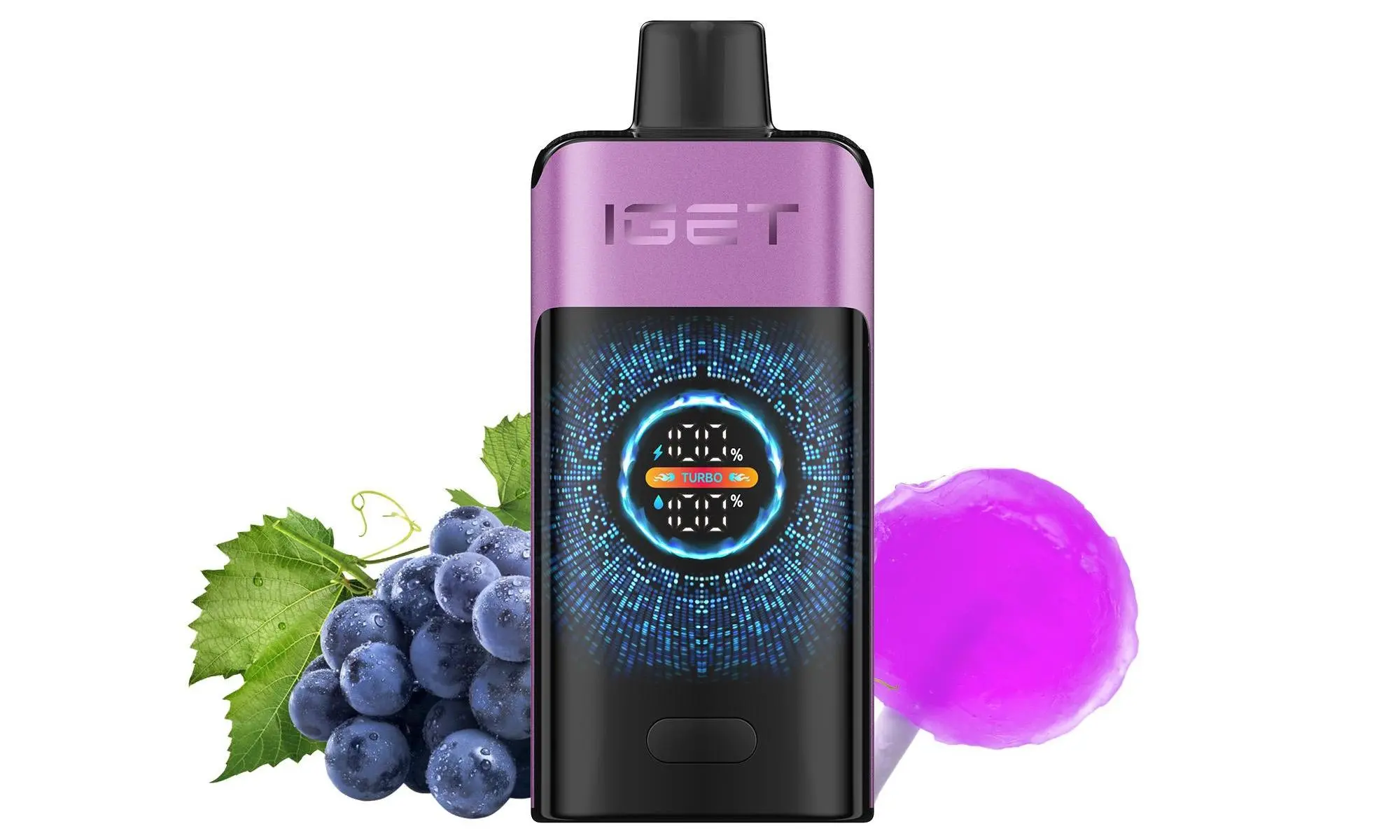
Many modern IGET disposable vapes come with a built-in rechargeable battery, allowing you to use every last drop of e-liquid before disposal. If you’re wondering how to recharge your device safely and effectively, you’ve come to the right place.
Note: Only IGET models with a visible charging port (usually labelled as “Rechargeable,” “Plus,” or “XXL”) are designed to be recharged. Traditional single-use IGET disposables do not have this feature.
Step 1: Identify Your Rechargeable IGET Model
Common rechargeable IGET series available in Australia include:
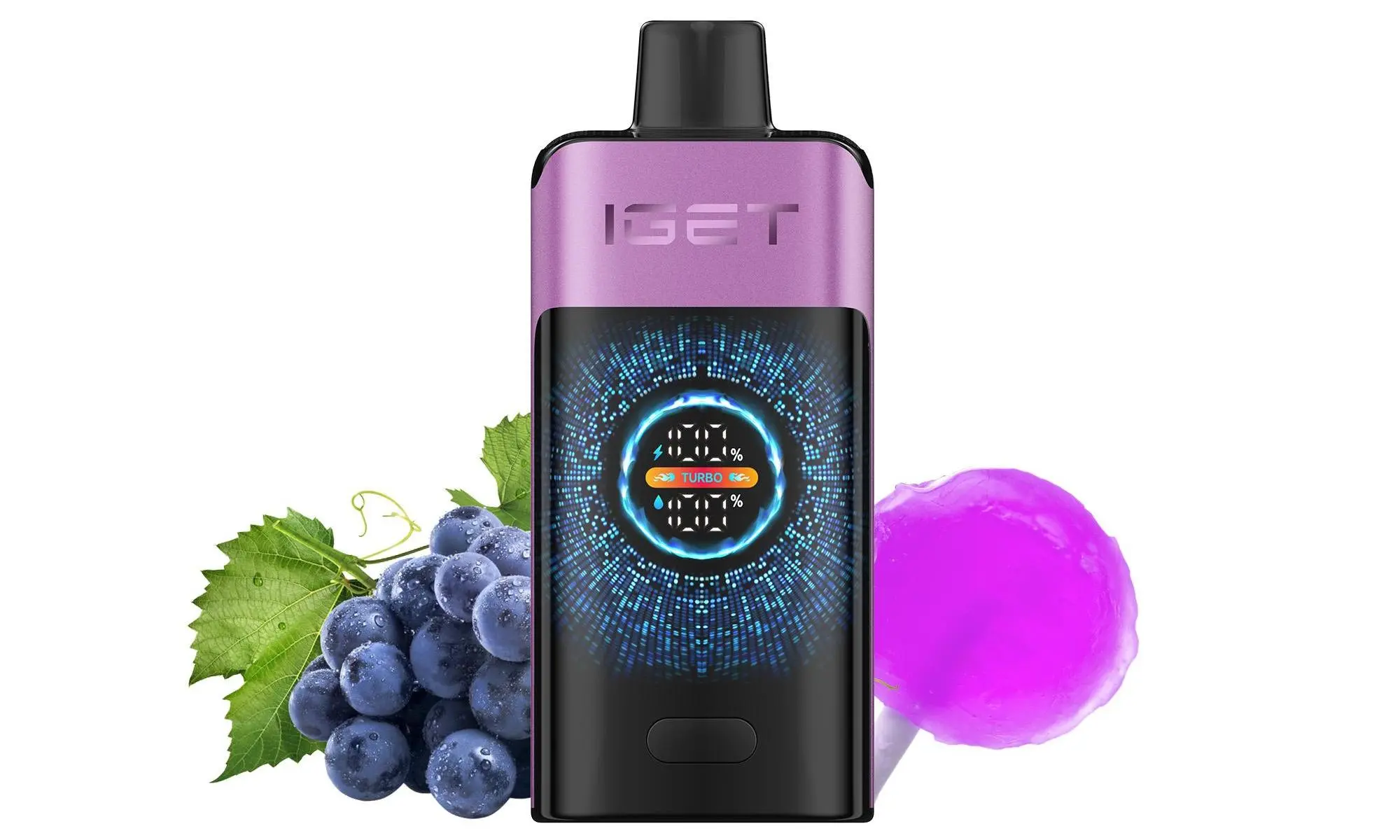
IGET Bar Plus / IGET Bar XXL: Typically have 3500+ puffs and a USB-C charging port at the bottom.
IGET Legend / IGET King: Larger devices with higher puff counts and a charging port.
IGET Mesh Series: Often feature mesh coils and rechargeable batteries.
Look for a small rubber plug or a visible USB-C port on the bottom or side of the device.
Step 2: Gather the Correct Charging Equipment
A Low-Power USB Charger: Crucially, use a standard 5V/1A USB wall adapter or a computer USB port. Avoid fast chargers (e.g., for phones or tablets), as high voltage/amperage can damage the battery.
The Correct Cable: Most modern IGET devices use a USB-C cable. Some older models might use a Micro-USB cable. Ensure you have the right one.
Step 3: The Recharging Process
Locate the Port: Remove the small rubber seal (if present) to expose the charging port.
Connect the Cable: Gently plug the correct USB cable into the port on your IGET vape.
Plug into Power Source: Connect the other end of the cable to your low-power USB adapter or computer.
Monitor the Indicator Light: Most IGET vapes have an LED indicator that will:
Light Up (Red/Blue/White): Indicates charging is in progress.
Turn Off or Change Colour (e.g., to Green): Signals the battery is fully charged.
Disconnect Promptly: Once fully charged (usually 45-90 minutes), unplug the device. Do not leave it charging overnight or unattended for extended periods.
Troubleshooting Common Issues
No Indicator Light? Ensure the cable is fully inserted. Try a different cable and power source. If there’s still no light, the battery may be fully depleted or the device may have reached its end of life.
Device Gets Warm While Charging? A slight warmth is normal. If it becomes hot, disconnect immediately in a safe area and discontinue use.
Not Hitting After Charging? Try taking a few puffs while disconnected from the cable. Some devices have a short auto-draw lockout after charging.
Essential Safety & Usage Tips
✅ Use the Right Charger: Always use a 5V/1A (or lower amp) USB power source.
✅ Supervise Charging: Never charge while you sleep or are away from home.
✅ Charge on a Non-Flammable Surface: Avoid charging on beds, sofas, or near carpets.
❌ Do Not Use While Charging (Passthrough): Most IGET disposables do not support this feature. Using it while plugged in can damage the device.
❌ Never Force a Cable: If the cable doesn’t fit, you likely have the wrong type.
For guaranteed authentic, rechargeable IGET devices with clear instructions, visit your trusted Australian source, iGetBaroz{:target=”_blank”}. We provide genuine products and the guidance you need for a safe and satisfying experience.