
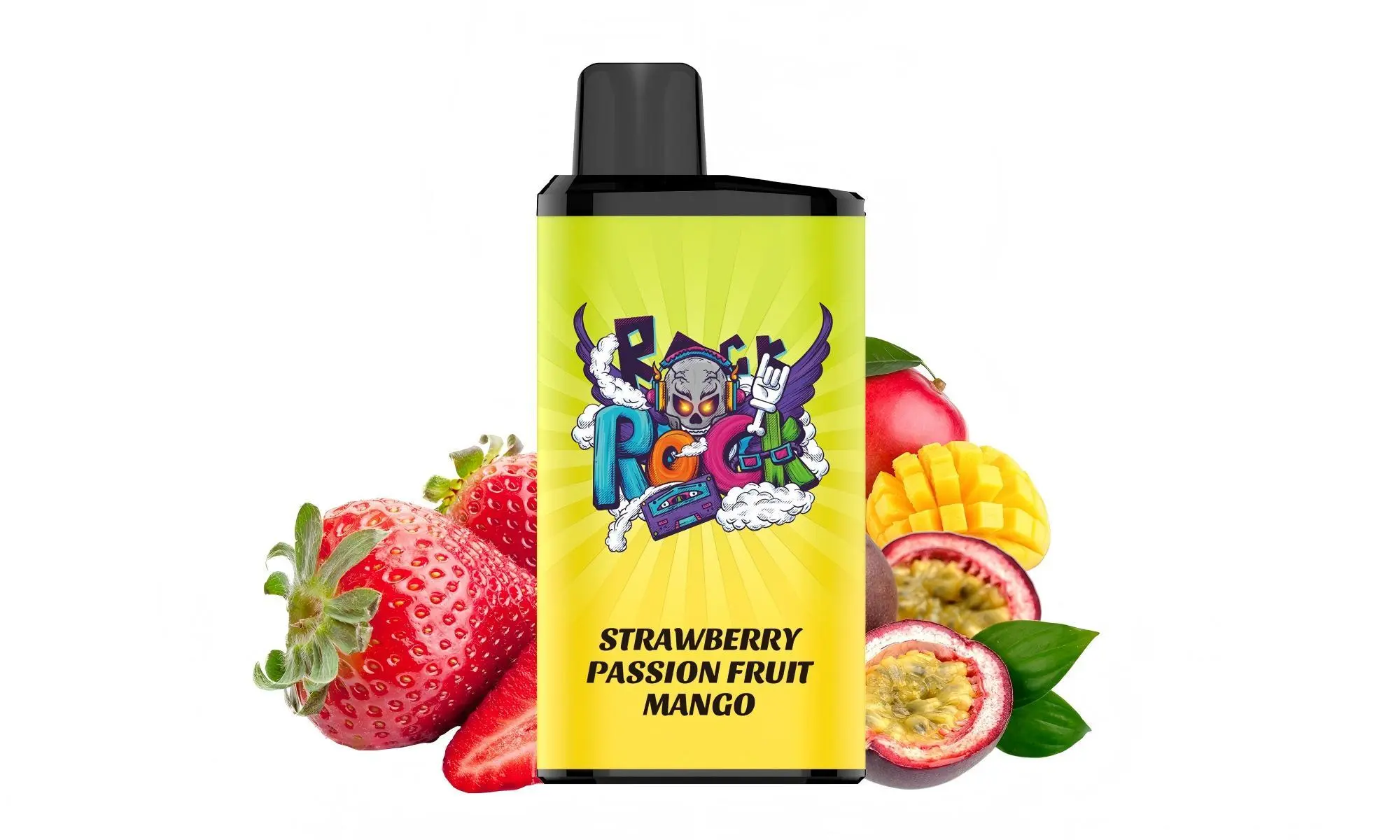
Excellent question. Recharging an IGET Legend is a straightforward process, but it’s crucial to confirm your device is designed for it and to follow the correct steps for safety and performance.
Here is a complete, step-by-step guide on how to recharge an IGET Legend.
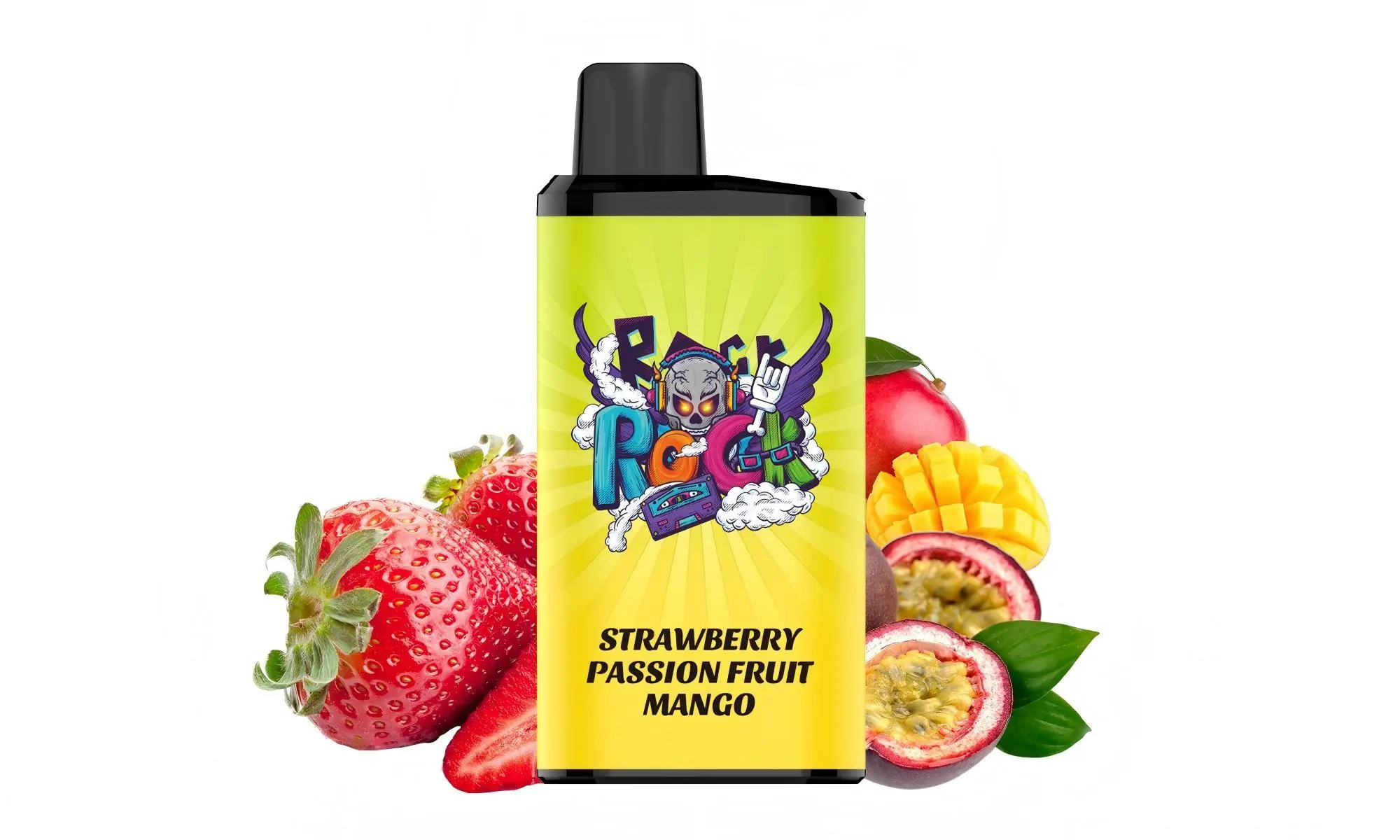
Step 1: Confirm Your Device is Rechargeable
First, verify that your IGET Legend is the rechargeable model.
Look for a USB-C Port: Gently inspect the bottom end of your IGET Legend device. The rechargeable versions have a small USB-C charging port covered by a rubber or silicone plug.
If there is NO port, your IGET Legend is a non-rechargeable disposable model. Do not attempt to recharge it, as this can damage the battery, cause leakage, or create a safety hazard. It is designed for single use until the battery or e-liquid is depleted.
Step 2: Gather What You Need
Your IGET Legend device.
A standard USB-C cable (the same type used by many modern Android phones and other electronics).
A low-power USB power source, such as:
A computer USB port.
A USB wall adapter rated at 5V/1A or similar (avoid using fast-chargers for smartphones).
Step 3: The Recharging Process
Locate the Port: Find the USB-C port at the bottom of your IGET Legend.
Open the Plug: Carefully remove the rubber sealing plug to expose the port.
Connect the Cable: Gently insert the USB-C cable into the port. Ensure it’s connected straight and not forced.
Connect to Power: Plug the other end of the cable into your chosen power source (e.g., laptop, low-amp wall adapter).
Check for Indicator: Most IGET Legend devices have a small LED light near the port or the body that will illuminate while charging. The light may turn off or change colour once charging is complete (referring to the general behaviour of such devices; the exact indicator can vary).
Charging Time: A full charge typically takes 60-90 minutes. Do not leave it charging unattended or overnight.
Disconnect: Once the LED indicates a full charge (or after ~90 minutes), unplug the cable.
Re-seal the Port: Crucially, immediately replace the rubber plug firmly to seal the charging port. This prevents dust, lint, and e-liquid from entering and causing a malfunction.
Important Safety & Usage Tips
Use the Right Cable & Adapter: Always use a data-capable USB-C cable and a standard, low-output (5V/1A) power block. High-wattage fast chargers can harm the battery.
Never Use While Charging: For safety, do not puff on the device while it is plugged in.
Avoid Overcharging: Disconnect the device once it is fully charged. Overcharging can degrade the battery life over time.
Check for Heat: If the device becomes unusually warm during charging, disconnect it immediately and let it cool in a safe place.
Device is Depleted When: The IGET Legend will stop producing vapour when either the battery is dead or the pre-filled e-liquid is fully consumed. Recharging will only help if the battery died first. If the device tastes burnt or flavourless, the e-liquid is likely gone, and it’s time to dispose of it responsibly.
What to Do If Your IGET Legend is Not Rechargeable
If your model lacks a USB-C port, it is a true disposable. When it stops producing vapour, it has reached the end of its lifespan. For your next purchase, if you prefer a rechargeable option, ensure you select the IGET Legend (Rechargeable) model explicitly.
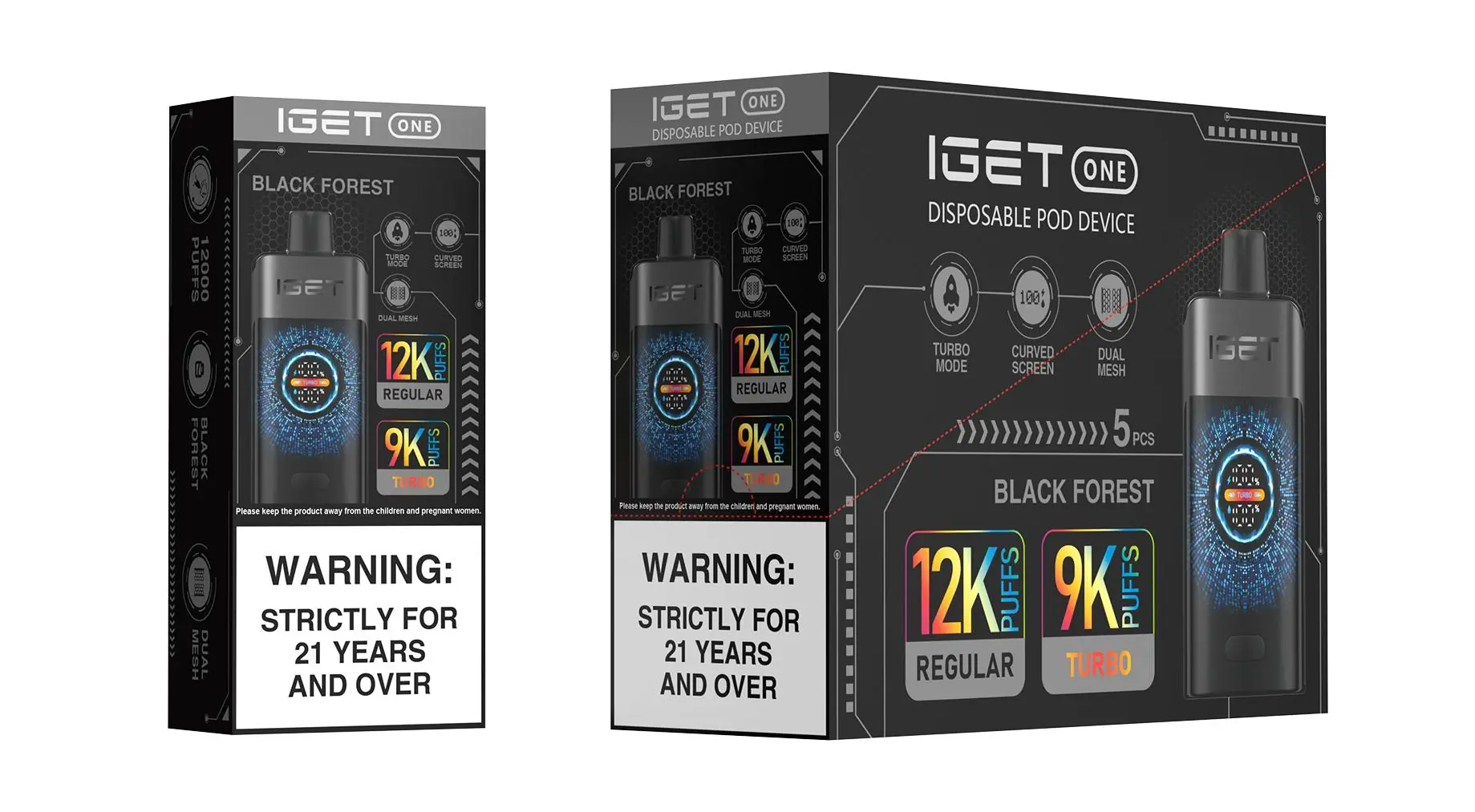
For guaranteed authentic IGET products, including the clear specification of which models are rechargeable, always purchase from an authorised retailer like iGetBaroz{:target=”_blank”}.
Need a visual guide? You can find helpful tutorial videos on our official channel: iGetBaroz on YouTube{:target=”_blank”}.