
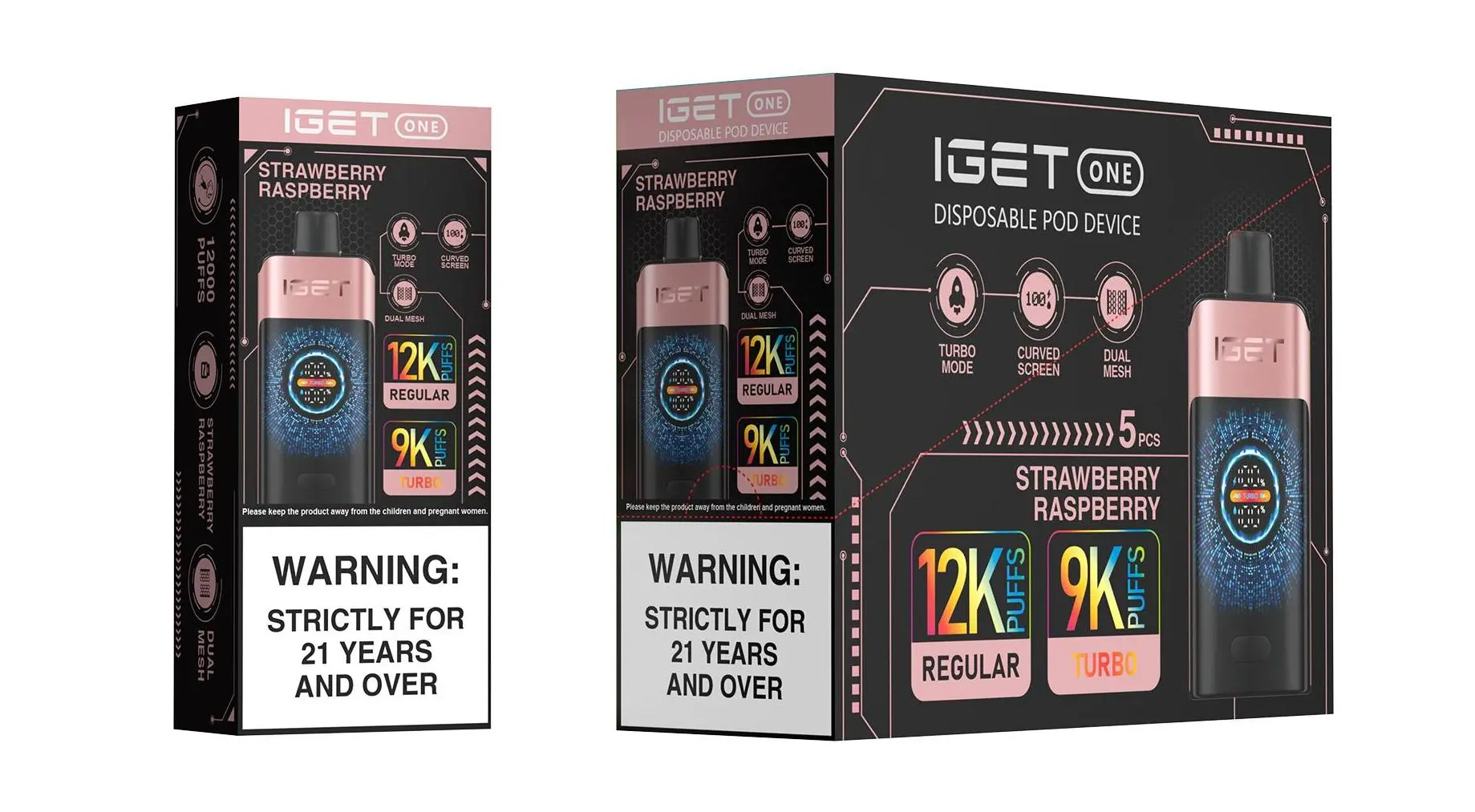
How to Recharge an IGET Vape: A Step-by-Step Guide for Australian Users
Not all IGET disposable vapes are rechargeable—only select high-capacity models designed for heavy users feature rechargeable batteries. Below is a clear, safe guide to recharging compatible IGET devices, plus key tips to ensure optimal performance and safety, sourced from iGetBaroz, Australia’s trusted vape retailer.
Which IGET Devices Are Rechargeable?
Rechargeable functionality is exclusive to IGET’s Ultra-High Capacity Series, including:
IGET E-HOOKAH G1 (60,000 Puffs): Flagship model with a digital display and rechargeable battery.
IGET Mega (40,000 Puffs): High-capacity device built for weeks of use.
IGET Bar Max (20,000 Puffs): Mid-range rechargeable option for regular vapers.
Non-rechargeable IGET models (e.g., IGET Bar, IGET Bar Plus) are designed for single-use and cannot be safely recharged—attempting to do so may cause leaks, battery damage, or safety hazards.
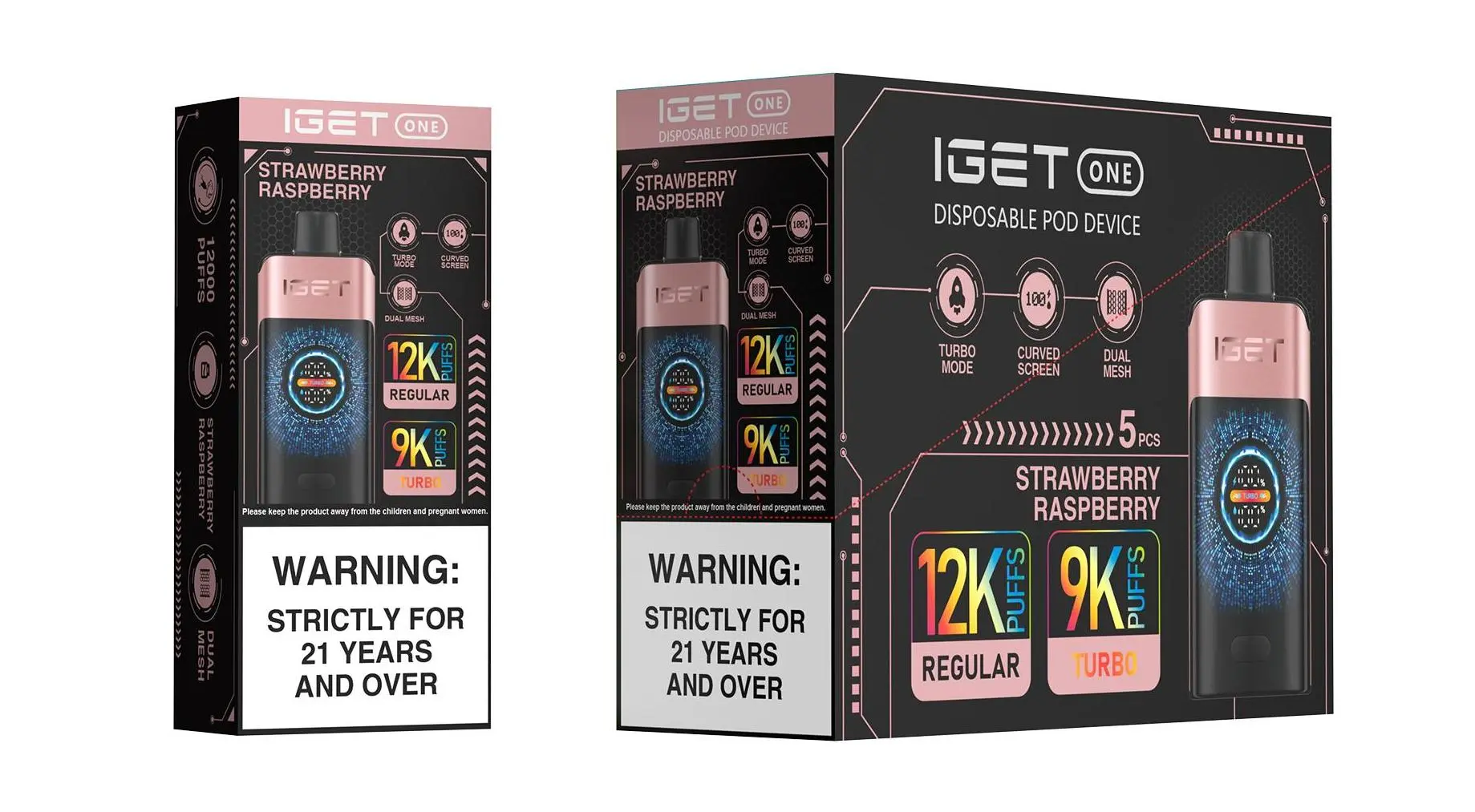
Step-by-Step Recharging Guide
Follow these steps to recharge your compatible IGET device safely:
Locate the Charging Port: Most rechargeable IGET models use a USB-C port, typically located at the bottom of the device. On the IGET E-HOOKAH G1, the port is hidden behind a small rubber cover to prevent dust and leaks.
Use a Certified Cable: Always use the original USB-C cable included with your device, or a third-party certified USB-C cable. Avoid damaged or uncertified cables, as they can cause slow charging or battery issues.
Connect to a Safe Power Source: Plug the cable into a low-wattage USB power adapter (5V/2A is ideal) or a computer/laptop USB port. Fast chargers (over 18W) are not recommended, as they may overheat the battery.
Monitor Charging Progress:
For models like the IGET Mega, a LED light will turn red when charging and green when fully charged.
The IGET E-HOOKAH G1 features a digital display that shows real-time battery percentage and charging status.
Disconnect When Fully Charged: Once the indicator shows full charge (green light or 100% on the display), unplug the cable immediately. Overcharging can shorten the battery’s lifespan.
Critical Safety & Usage Tips
Never Modify Non-Rechargeable Models: Drilling into or attempting to charge single-use IGET devices is extremely dangerous and can lead to battery fires or e-liquid leaks.
Avoid Overcharging: Do not leave your IGET device charging overnight or for extended periods beyond full charge.
Keep Dry & Clean: Ensure the charging port is free of dust, e-liquid residue, or moisture before plugging in to prevent short circuits.
Use Authentic Products: Counterfeit IGET devices often have faulty rechargeable components. Always purchase from authorised retailers like iGetBaroz to guarantee safety and performance.
Troubleshooting Common Recharging Issues
If your IGET device won’t charge:

Check for debris in the charging port (use a soft, dry toothbrush to gently clean it).
Try a different certified USB-C cable or power source.
If the issue persists, contact iGetBaroz’s customer support team—they offer fast, responsive assistance for authentic product users.
For more tips on maintaining your IGET vape, visit iGetBaroz’s YouTube channel for video tutorials and user insights.