
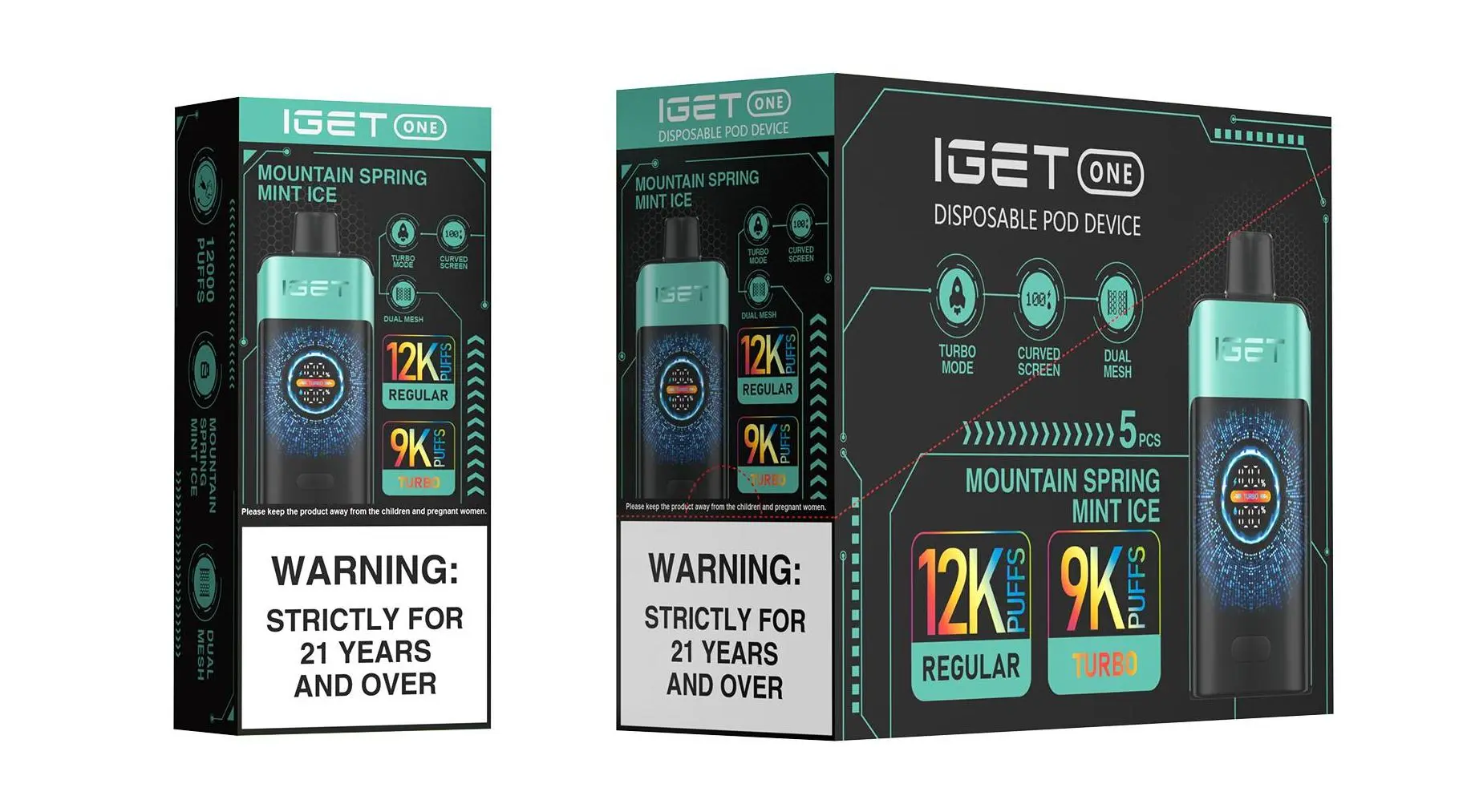
As one of Australia’s most popular high-capacity rechargeable disposable vapes, the IGET Pro (available exclusively from trusted retailers like iGetBaroz, opening in new window) is designed for heavy users who need a device that lasts weeks on end. Unlike single-use disposables, its rechargeable feature lets you top up the battery when it runs low, so you can finish every last drop of e-liquid. Below is a clear, step-by-step guide to recharging your IGET Pro safely and effectively, plus troubleshooting tips to keep your device running smoothly.
What You’ll Need Before Recharging
First, gather the essentials to avoid damaging your device:
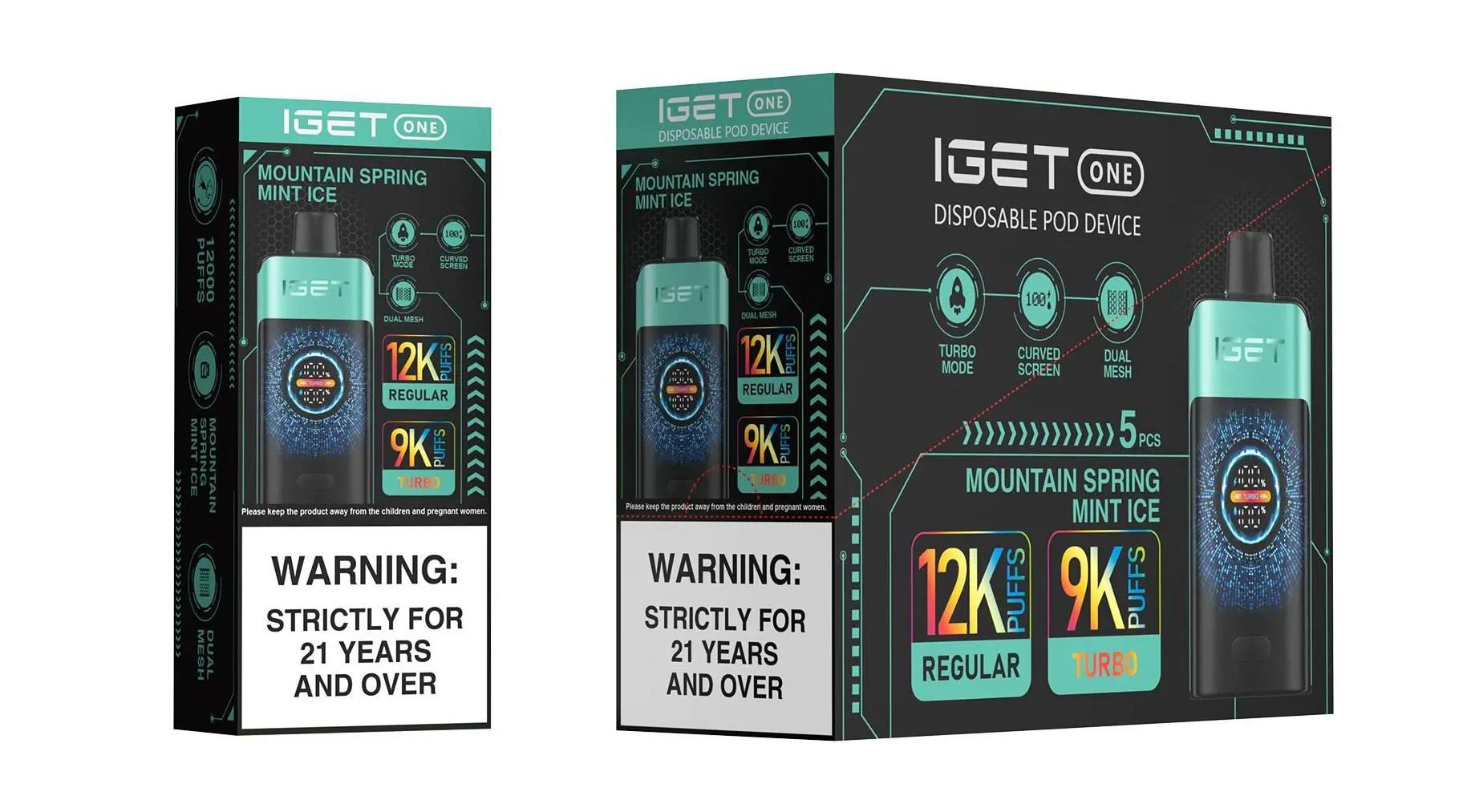
Your authentic IGET Pro device (always buy from iGetBaroz to ensure you’re not using a counterfeit with faulty battery components)
A standard USB-C cable (most modern phone cables work—avoid cheap, unbranded cables that may cause power surges)
A safe power source: Use a laptop USB port or a phone charger with a maximum output of 2A (fast chargers over 2A can overheat the battery and shorten its lifespan)
Step-by-Step Recharging Instructions
Locate the charging port: Flip your IGET Pro over—you’ll find a small rubber-covered USB-C port at the bottom of the device. This plug is designed to keep dust and moisture out (critical for use during Sydney’s humid summers or Queensland’s rainy seasons).
Remove the rubber plug: Gently peel back the rubber plug with your fingernail or a small, flat tool (like a plastic spudger—never use metal, which could scratch the port or cause a short circuit). Keep the plug in a safe place; losing it can expose the port to damage.
Connect the cable: Plug the USB-C end of the cable into the IGET Pro’s port, then connect the other end to your chosen power source. You’ll see an LED indicator light (usually near the mouthpiece or bottom) turn on:
Red light = device is charging
Green or blue light = charging is complete (varies slightly by IGET Pro model)
Disconnect and reassemble: Once the LED changes to the fully charged color, unplug the cable from both the device and power source. Replace the rubber plug firmly to seal the port.
Critical Safety Notes to Avoid Risks
As with any battery-powered device, recharging your IGET Pro requires caution—especially with counterfeit products that pose fire or overheating risks. Here’s what you need to know:
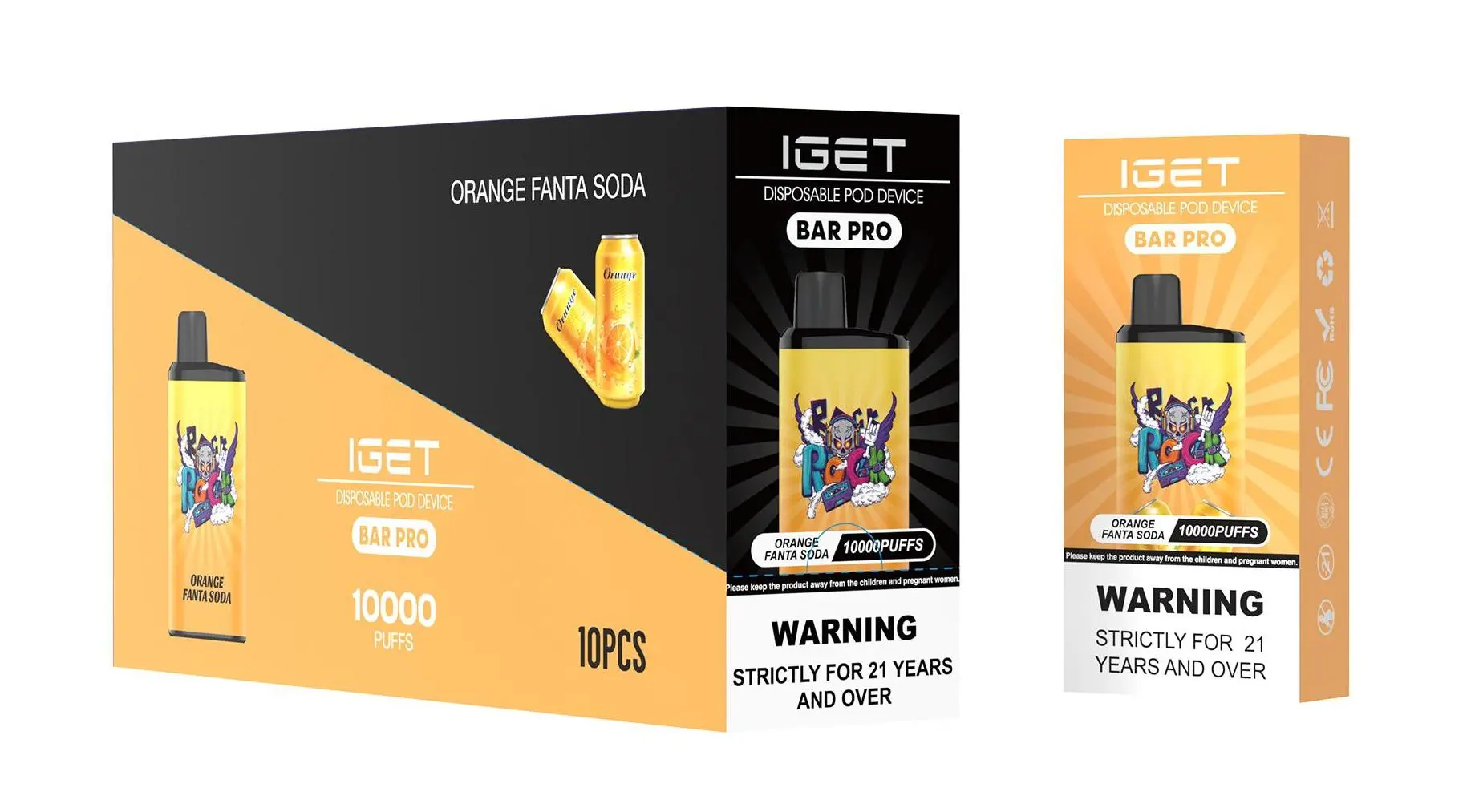
Only use authentic devices: iGetBaroz sources all IGET Pro models directly from authorized distributors, so you’re guaranteed a genuine product with tested, safe battery components. Counterfeit IGET Pros often use unregulated batteries that can leak or explode during charging.
Don’t overcharge: Never leave your IGET Pro charging overnight or for longer than 2 hours (most models fully charge in 1–1.5 hours). Overcharging can degrade the battery over time.
Avoid extreme conditions: Don’t charge your device in direct sunlight, near water, or in temperatures above 40°C (common in Perth’s summer). Heat can damage the battery and reduce its lifespan.
Never disassemble: The IGET Pro is sealed for safety—taking it apart will void any warranty and can expose you to harmful e-liquid or battery components.
Troubleshooting Common Charging Issues
If your IGET Pro won’t charge, try these fixes before contacting support:
Check the cable and power source: Test the USB-C cable with another device (like your phone) to ensure it’s working. Try a different power source (e.g., switch from a wall charger to a laptop port) to rule out a faulty outlet.
Clean the charging port: Dust or e-liquid residue can block the port. Gently clear it with a dry, soft toothpick or a compressed air can (hold it 10–15cm away to avoid damaging the pins).
Inspect the device for damage: If the rubber plug is missing or the port is bent, the device may not charge properly. For authentic IGET Pros from iGetBaroz, you can reach out to their customer support team (average response time under 2 hours during business hours) for warranty assistance.
Final Tips for Maximizing Your IGET Pro’s Lifespan
To keep your IGET Pro performing at its best for as long as possible:
Charge it only when the battery is low (most models will give a warning, like reduced vapor production or a flashing LED, when it’s time to top up)
Store it in a cool, dry place (avoid leaving it in your car on hot days)
For more tips on maintaining your IGET device, head to the [iGetBaroz YouTube channel](https://www.youtube.com/@AidiHk, opening in new window) for video guides and user tutorials.
If you’re looking to purchase an authentic IGET Pro or explore other high-quality disposable vapes (like Alibarbar, FISCO, or WALA), visit [iGetBaroz](https://igetbaroz.com/, opening in new window) today—your trusted destination for safe, reliable vaping products in Australia.
How To Recharge A Iget Pro? — 补充说明
The IGET Pro is a popular disposable vape model known for its robust performance and flavour variety. A common question among users is: “Is the IGET Pro rechargeable, and if so, how do I do it?” The answer is yes. Most IGET Pro devices come with an integrated, rechargeable battery, allowing you to use the full e-liquid capacity before disposal.

Here is a simple, safe guide to recharging your IGET Pro.
What You’ll Need:
Your IGET Pro device.
A standard USB-A to USB-C charging cable. (This is the most common type for IGET Pro models).
A low-power USB port, such as a computer, laptop, game console, or a standard 5V/1A phone wall adapter.
Step-by-Step Charging Instructions:
Locate the Charging Port: On the bottom of your IGET Pro device, you will find a small rubber or silicone plug. Carefully peel this plug back to reveal the USB-C charging port.
Connect the Cable: Plug the USB-C end of your cable firmly into the device’s port.
Connect to Power Source: Plug the USB-A end of the cable into your chosen low-power source. Avoid using fast chargers or high-output adapters, as they can damage the battery.
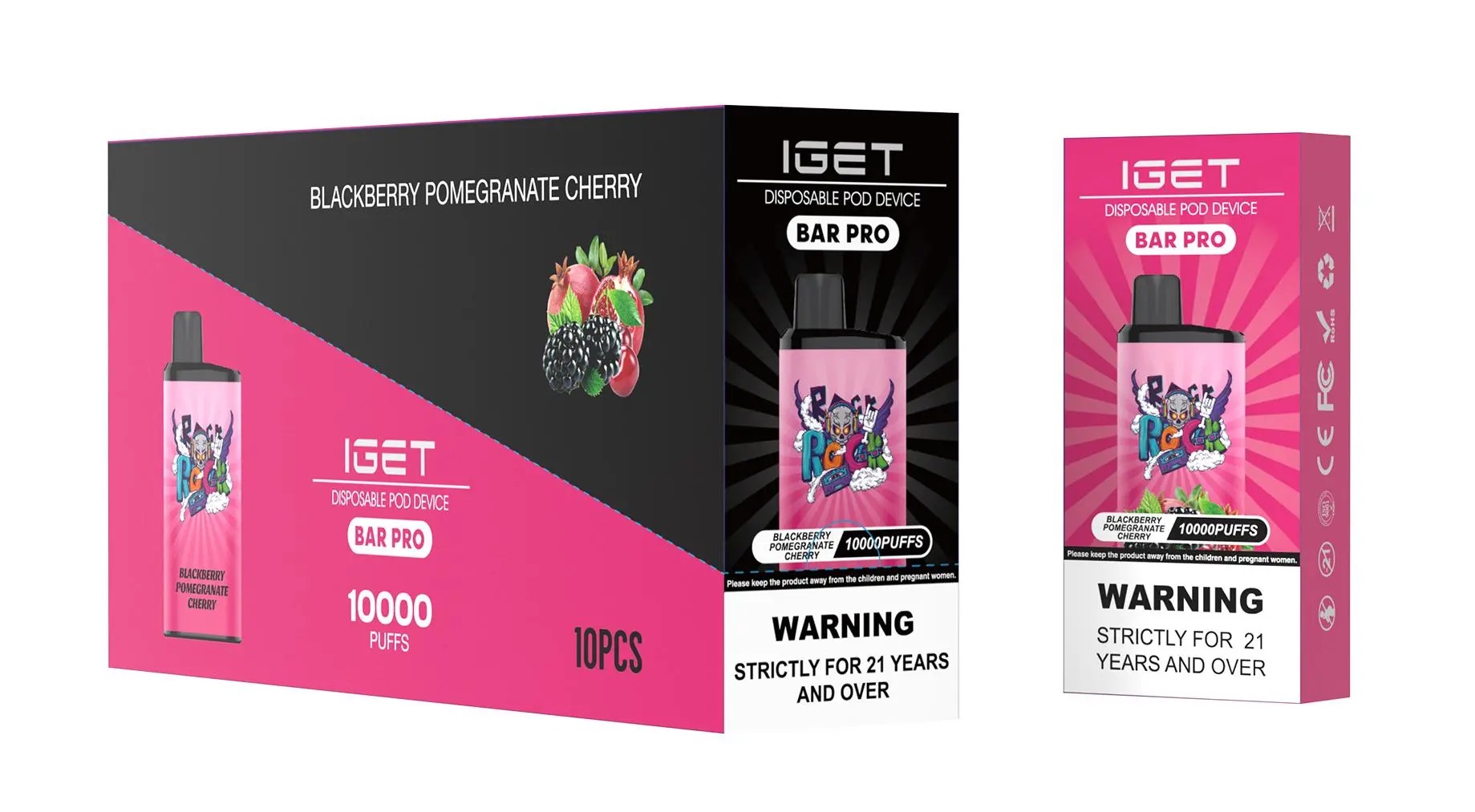
Monitor the Charging Indicator: Once connected, an LED light on the device (usually near the mouthpiece or on the body) will illuminate. It typically shows:
Red Light: Device is charging (battery low).
Green Light or Light Off: Charging is complete (battery full).
Disconnect When Full: A full charge usually takes 45 to 90 minutes. Once the indicator shows green or turns off, disconnect the cable immediately to preserve battery health.
Re-seal the Port: Don’t forget to push the rubber plug back into place to prevent dust or liquid from entering the charging port.
Important Safety & Usage Tips:
Never Use While Charging: For safety, do not attempt to vape while the device is plugged in.
Use the Right Charger: Stick to 5V/1A (5W) sources. High-power adapters can cause overheating.
Inspect the Device: Before charging, check for any visible damage or e-liquid leakage around the port. Do not charge a damaged device.
Do Not Overcharge: While the device has basic protection, it’s best practice to unplug it once fully charged.
Disposal: Once the e-liquid is fully depleted (you may notice a burnt taste or significantly reduced vapour), the device is finished. Please dispose of it responsibly according to your local regulations for electronic waste.
Troubleshooting:
No Light When Plugged In? Try a different cable or USB port. If there’s still no light, the battery may be completely flat or the device may have reached the end of its lifespan.
Device Gets Warm? Slight warmth is normal during charging. If it becomes hot, disconnect it immediately and let it cool in a safe place.
Pro Tip: For a guaranteed authentic IGET Pro and a reliable, compatible charging cable, always purchase from an authorised retailer like iGetBaroz. They ensure you get a genuine device with the correct specifications for safe and optimal performance.
Need a new IGET Pro or accessories? Explore the full range at iGetBaroz{:target=”_blank”}.