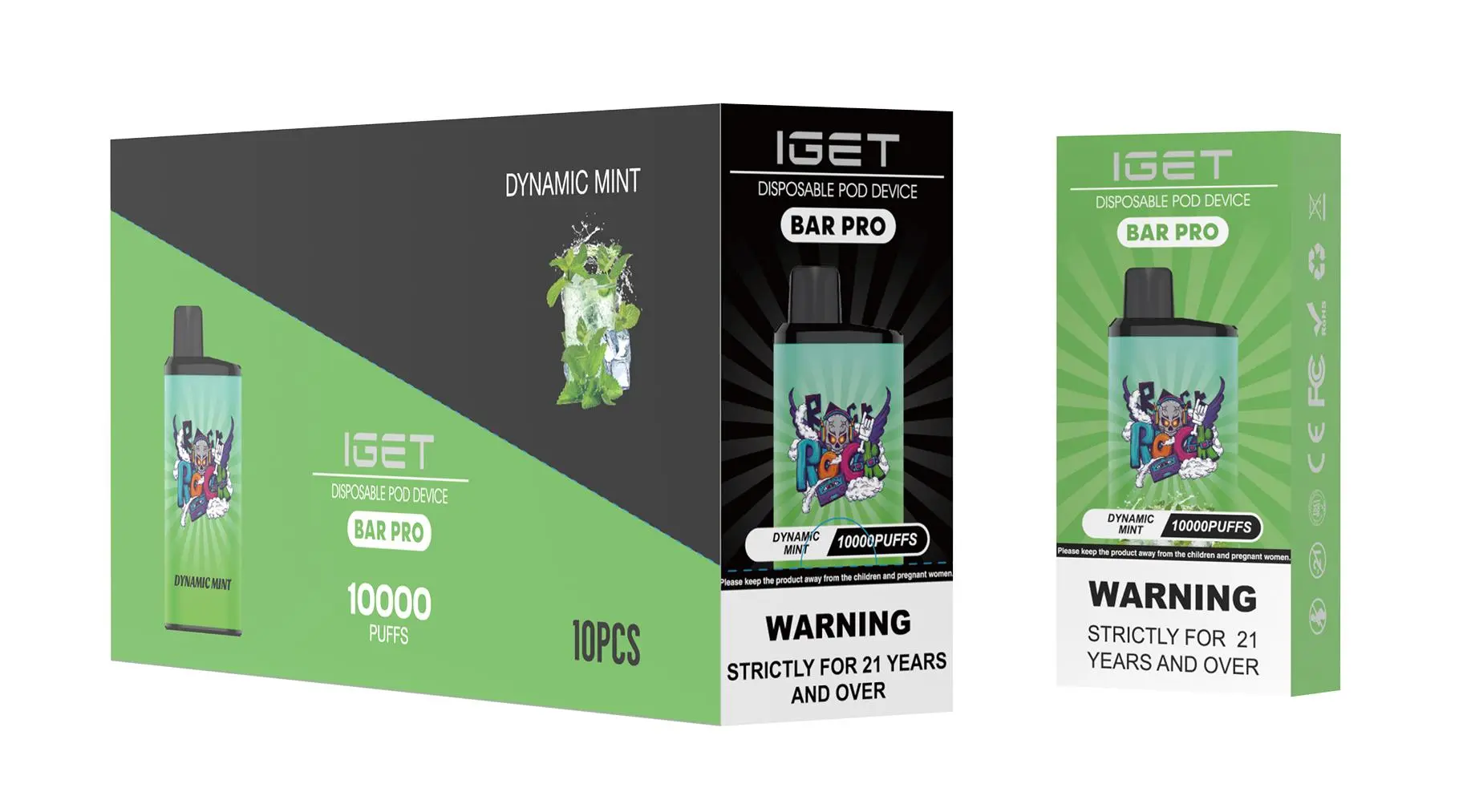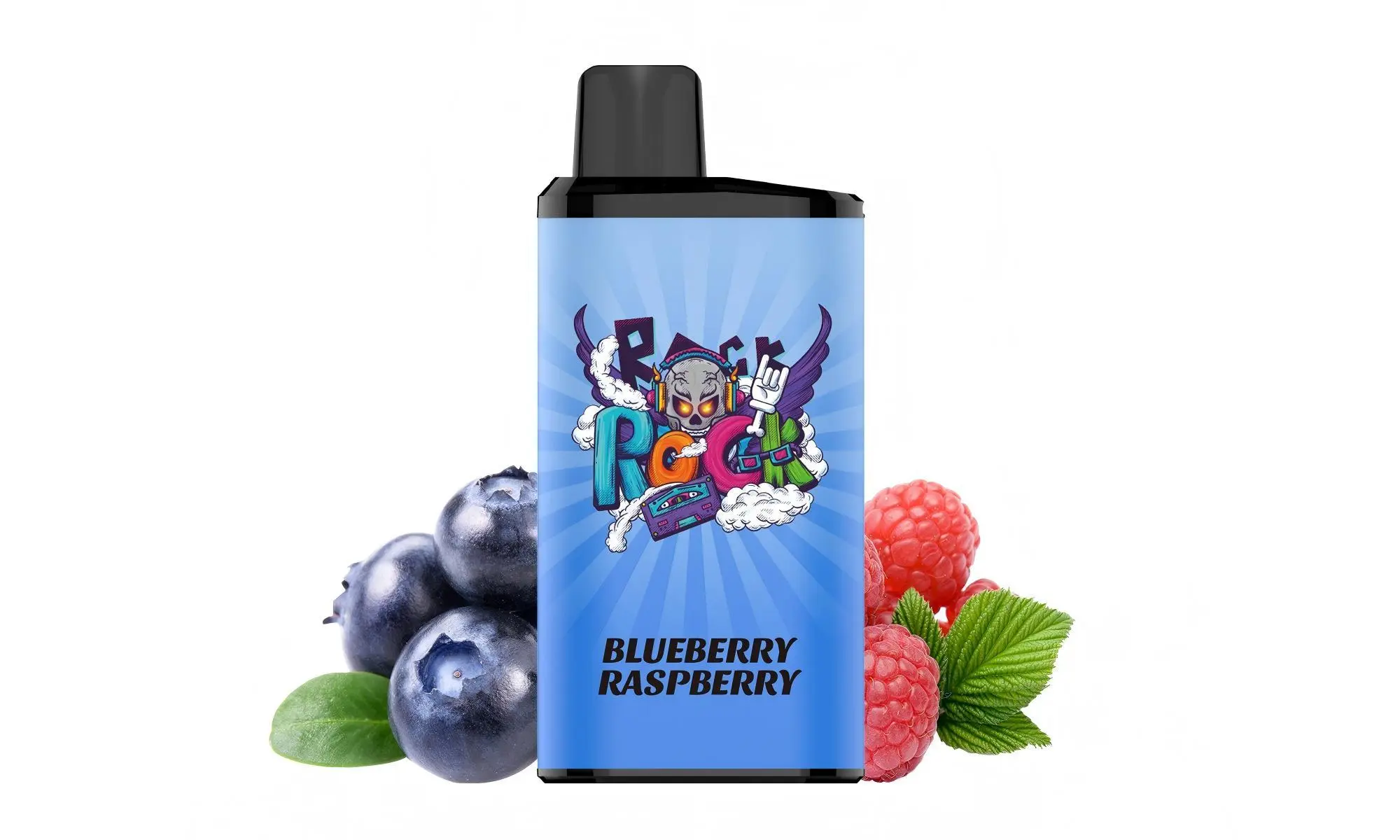
The IGET ONE is a popular disposable vape device known for its sleek design and satisfying performance. Unlike many traditional disposable vapes, the IGET ONE features a built-in rechargeable battery, allowing you to use up all the Capacity before the device reaches the end of its life.
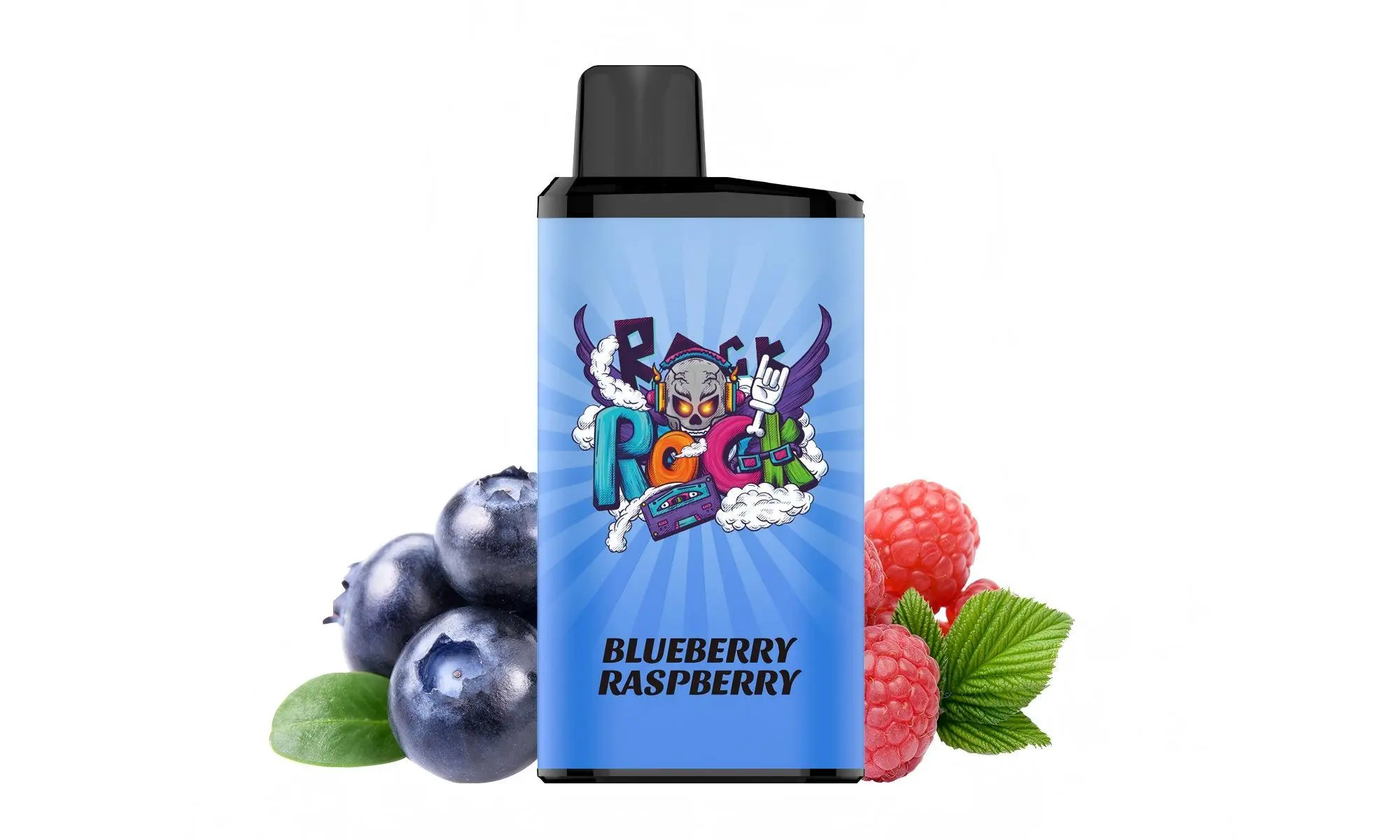
Here is a simple, step-by-step guide on how to recharge it safely and effectively.
Step-by-Step Charging Instructions
Locate the Charging Port: On the bottom of your IGET ONE device, you will find a small USB-C charging port. It is neatly integrated into the design.
Use the Correct Cable: Use a standard USB-A to USB-C cable or a USB-C to USB-C cable. Avoid using fast-charging adapters meant for smartphones, as they can deliver too much power.
Connect to a Power Source: Plug the USB end into a low-power source, such as a computer USB port, a laptop, or a standard 5V/1A USB wall adapter. A low-power source is safest for the device’s battery.
Monitor the Indicator Light: Once connected, an LED indicator light on the device (usually near the mouthpiece or bottom) will illuminate, typically showing red while charging.
Wait for a Full Charge: The charging time is relatively quick. The light will usually change to blue, green, or turn off once the battery is fully charged. This typically takes about 30-60 minutes.
Disconnect and Use: Unplug the cable once charging is complete. Your IGET ONE is now ready to use again.
Important Notes & Safety Tips
It’s a Disposable, Not a Permanent Device: The IGET ONE is designed to be disposed of once the pre-filled Capacity is depleted. Recharging only extends the battery life to match the Capacity capacity.
Do Not Overcharge: Avoid leaving the device plugged in overnight or for extended periods after it’s fully charged to preserve battery health.
Use the Correct Charger: As mentioned, stick to low-output (5V/1A) power sources. Using high-speed chargers can damage the battery.
Check for Damage: Before charging, inspect the USB-C port and cable for any debris or damage. Do not charge the device if it is damaged or has been leaking.
Charge on a Non-Flammable Surface: As a general safety precaution, charge the device on a hard, stable, and non-flammable surface.
Troubleshooting: What If It Doesn’t Hit After Charging?
Sometimes, the device may need a reset after charging:
Try taking a few gentle priming puffs without pressing the button (if it’s a draw-activated model) to help the coil re-saturate.
For devices with a button, try pressing it 5 times rapidly to turn it back on.
Ensure the charging cable and port are making a good connection.
Looking for a genuine IGET ONE or need a reliable replacement?
For 100% authentic IGET products, fast Australian shipping, and complete peace of mind, visit your trusted source: iGetBaroz. We ensure you get the real deal, every time.