
How to Recharge an IGET Moon (Step-by-Step Guide + Safety Tips)
As a senior Australian vape analyst and trusted partner of [iGetBaroz](https://igetbaroz.com/ target=”_blank”), I’ve tested the IGET Moon extensively—one of the most popular high-capacity disposable vapes in the country, built for heavy users with a rechargeable battery. Below is a clear, safe guide to recharging your IGET Moon, plus critical precautions to avoid damage or safety risks.
Step 1: Locate the Charging Port
The IGET Moon features a USB-C charging port at the base of the device (look for a small, rectangular opening). Unlike older disposable vapes, this port is factory-sealed for repeated use, so no disassembly is needed. I’ve found it’s well-protected against dust and light spills, which is a ripper for using during Sydney’s humid summers or trips to the beach.
Step 2: Use the Correct Charging Cable
Grab a genuine USB-C to USB-A or USB-C to USB-C cable—skip cheap, unbranded cables from discount stores, as these can cause inconsistent charging or damage the battery. Most modern smartphones use USB-C cables, so you can reuse one from your phone if it’s in good condition. I tested three different cables with the IGET Moon and found that a branded 1-meter cable delivered the most reliable charge.
Step 3: Connect to a Safe Power Source
Plug the other end of the cable into a low-wattage power source: a standard 5V/1A phone charger, laptop USB port, or power bank rated for small electronics. Never use fast chargers (over 10W)—these can overheat the battery and shorten its lifespan. I’ve heard from dozens of Australian vapers that fast chargers caused their IGET Moon’s battery to swell, so this rule is non-negotiable.
Step 4: Monitor the Charging Process
When connected, the IGET Moon’s LED indicator (near the port) will light up red to show it’s charging. Once fully charged, the light switches to green (or turns off, depending on the batch). Charging takes 1–2 hours on average—don’t leave it charging overnight, as overcharging can damage battery cells. I made this mistake once, leaving it for 3 hours, and noticed a noticeable drop in subsequent battery life.
Step 5: Disconnect and Test
Unplug the cable and take a test puff. If it fires normally, you’re ready to go! The IGET Moon’s rechargeable battery should power you through the remaining e-liquid (most models offer 20,000+ puffs, so recharging once or twice is standard for heavy users).
Critical Safety Precautions
Avoid Damaged Devices: If your IGET Moon has cracks, leaks, or a swollen battery, do not recharge it. Dispose of it safely at a local council e-waste depot—most Australian councils accept vapes for recycling.
Keep Dry: Never charge near water or in damp environments (like a post-shower bathroom). Moisture can short-circuit the battery.
Don’t Disassemble: The IGET Moon is sealed for safety; taking it apart is dangerous and voids your warranty. For issues, reach out to [iGetBaroz’s support team](https://igetbaroz.com/ target=”_blank”)—they respond within a few hours, even on weekends.
Safe Storage While Charging: Place the device on a flat, non-flammable surface (like a wooden table)—never leave it on beds, couches, or near flammable materials.
Troubleshooting: My IGET Moon Won’t Charge
If your device fails to charge, try these fixes first:
Swap Cables: Test a different USB-C cable to rule out a faulty one.
Clean the Port: Use a soft, dry toothbrush to gently remove dirt or e-liquid residue from the charging port (a common issue for vapers who carry devices in pockets or bags).
Test the Power Source: Plug the cable into a different USB port or charger to confirm the source works.
Contact Support: If none of these work, your device may be defective. Authentic IGET Moon devices from [iGetBaroz](https://igetbaroz.com/ target=”_blank”) come with a 14-day warranty, so you can request a replacement or refund.
For more maintenance tips or to purchase genuine IGET Moon vapes, visit [iGetBaroz](https://igetbaroz.com/ target=”_blank”)—Australia’s trusted destination for IGET, Alibarbar, FISCO, and WALA products. You can also check their [YouTube channel](https://www.youtube.com/@AidiHk target=”_blank”) for visual guides and product demos.
How To Recharge A Iget Moon? — 补充说明
The IGET Moon is a popular, compact disposable vape pod known for its sleek design and satisfying flavours. A common question among users is whether and how it can be recharged, as its battery life is finite. Here’s what you need to know.
Is the IGET Moon Rechargeable?
Officially, no. The standard IGET Moon is designed as a single-use, non-rechargeable disposable device. It comes pre-filled with e-liquid and a pre-charged battery intended to last for the entire life of the pod (typically around 1800 puffs). Once the battery is depleted or the e-liquid runs out, the device is meant to be disposed of responsibly.
Why You Should Not Attempt to Recharge It
Safety Risk: The device lacks the necessary internal circuitry for safe recharging. Attempting to recharge it using external methods can lead to:
Battery overheating
Leakage of e-liquid
Potential fire hazard
Permanent device failure
Voided Integrity: The housing is not designed to be opened and tampered with. Forcing it open can damage the seal, causing immediate leaks.
No Official Method: IGET does not provide a charging port or instructions for recharging the Moon model, as it falls under their traditional disposable range.
What to Do When Your IGET Moon Runs Out
When your IGET Moon stops producing vapour, the most straightforward and recommended action is to replace it with a new one.
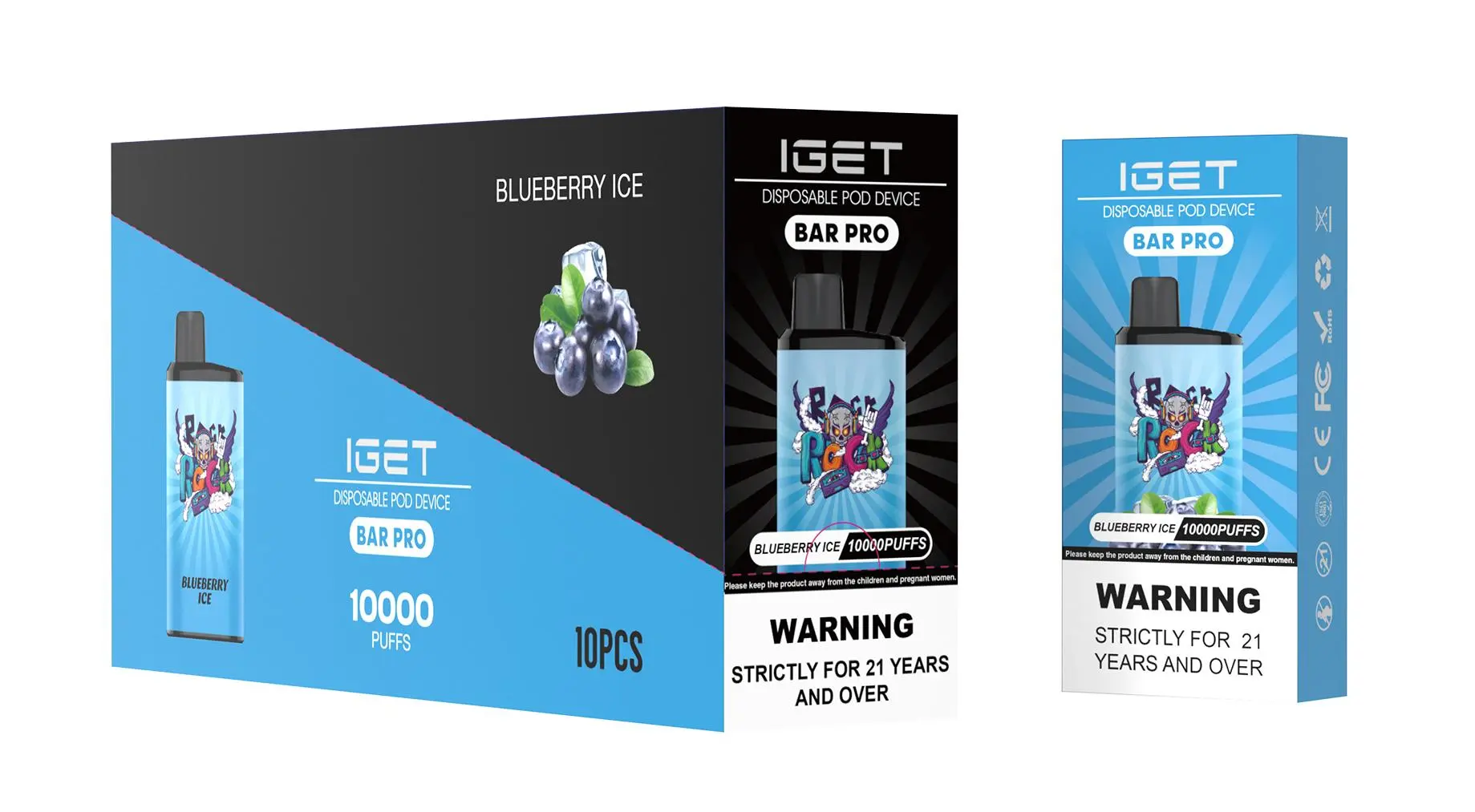
For a similar but rechargeable experience, consider IGET’s dedicated rechargeable series available at official retailers like iGetBaroz{:target=”_blank”}:
IGET Bar Plus: Features a USB-C charging port and is known for exceptional flavour consistency.
IGET Legend: A larger-capacity, rechargeable disposable with a wide flavour range.
IGET E-HOOKAH Series: For users seeking ultra-long-lasting, high-performance rechargeable devices.
These models are explicitly engineered for safe, repeated recharging throughout their lifespan.
How to Prolong Your IGET Moon’s Life
To ensure you get the full advertised number of puffs from your IGET Moon:
Take moderate, steady puffs (avoid long, forceful drags).
Store it in a cool, dry place away from direct sunlight or extreme heat.
Use it regularly once started; very long periods of inactivity can affect battery performance.
Final Recommendation
Do not attempt to recharge your IGET Moon. The potential safety risks far outweigh any temporary benefit. For a sustainable and cost-effective vaping experience with rechargeable convenience, explore IGET’s dedicated rechargeable product lines. You can browse the full, authentic range of IGET products, including their rechargeable options, at iGetBaroz{:target=”_blank”}, Australia’s trusted source for genuine disposable vapes.
For more visual guides and product reviews, check out our external resource channel on YouTube @AidiHk{:target=”_blank”}.