
How to Recharge an IGET Bar: A Clear, Safe Guide
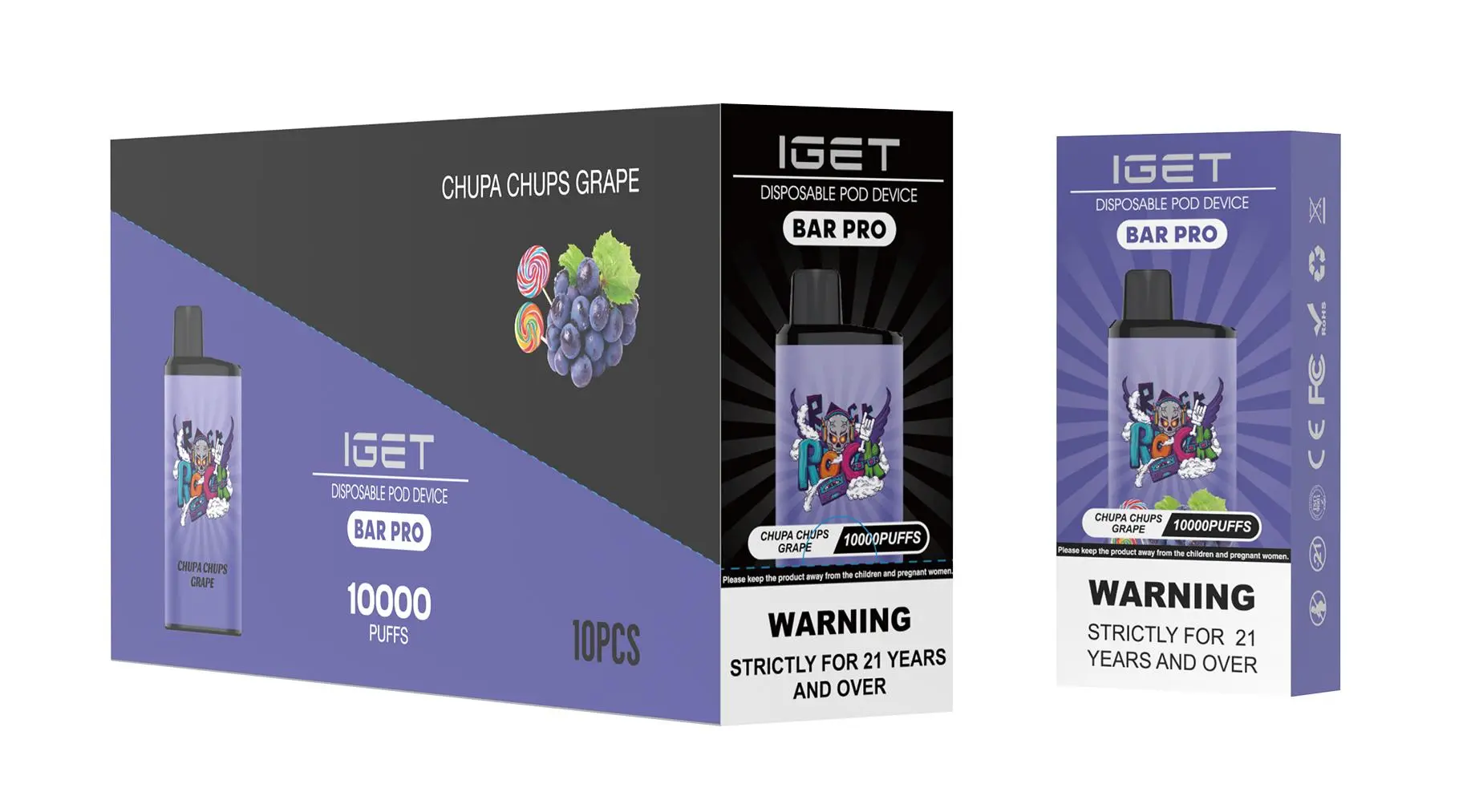
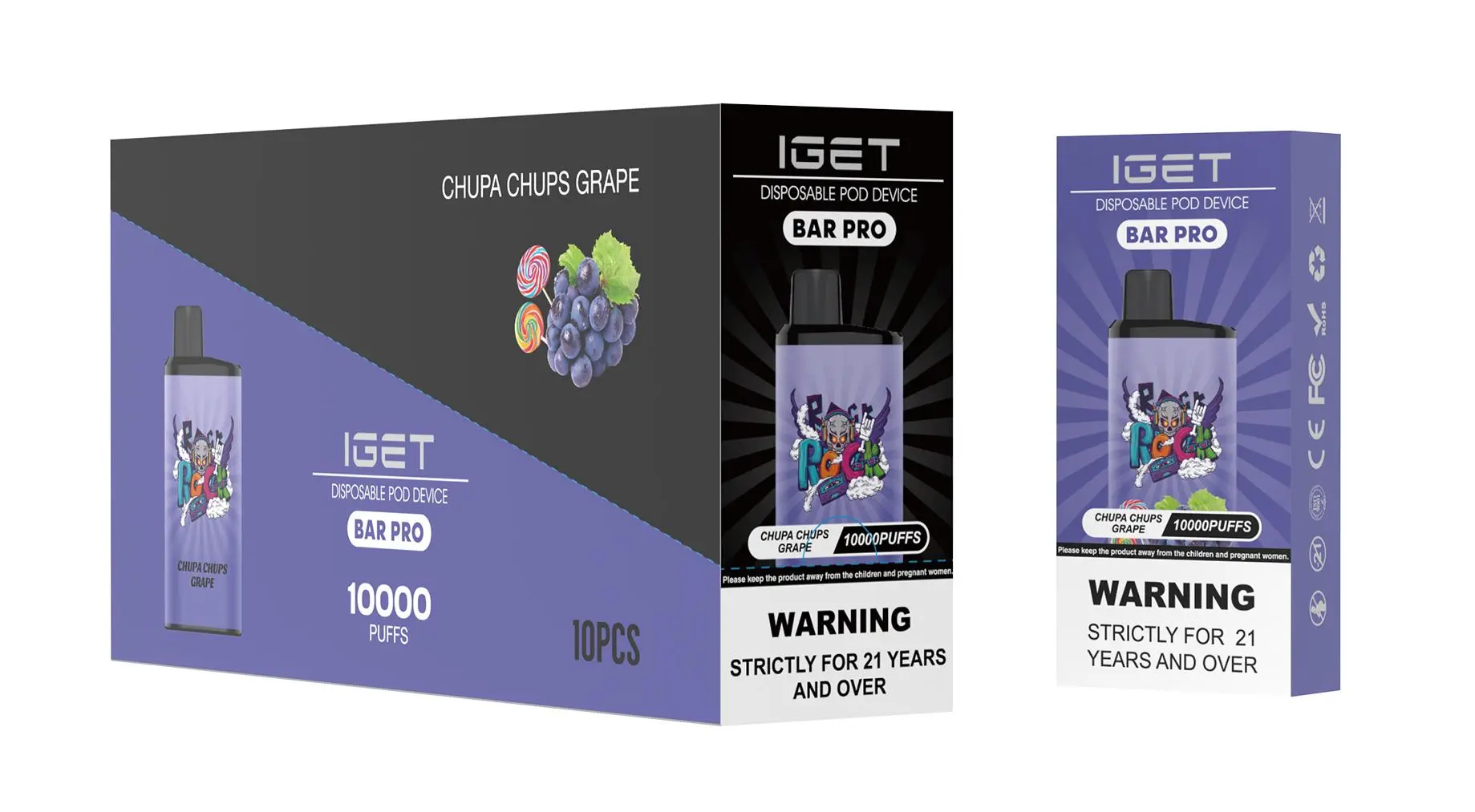
Most standard IGET Bar models are designed as single-use disposables and are not intended to be recharged. However, select high-capacity IGET devices (part of the brand’s Ultra-High Capacity Series) come with built-in rechargeable batteries to extend their lifespan, as they hold larger e-liquid reservoirs. It’s critical to first confirm your device’s model to avoid safety risks—always check the packaging or product details for “rechargeable” labeling before attempting to charge.
Which IGET Bar Models Are Rechargeable?
Rechargeable IGET models include:
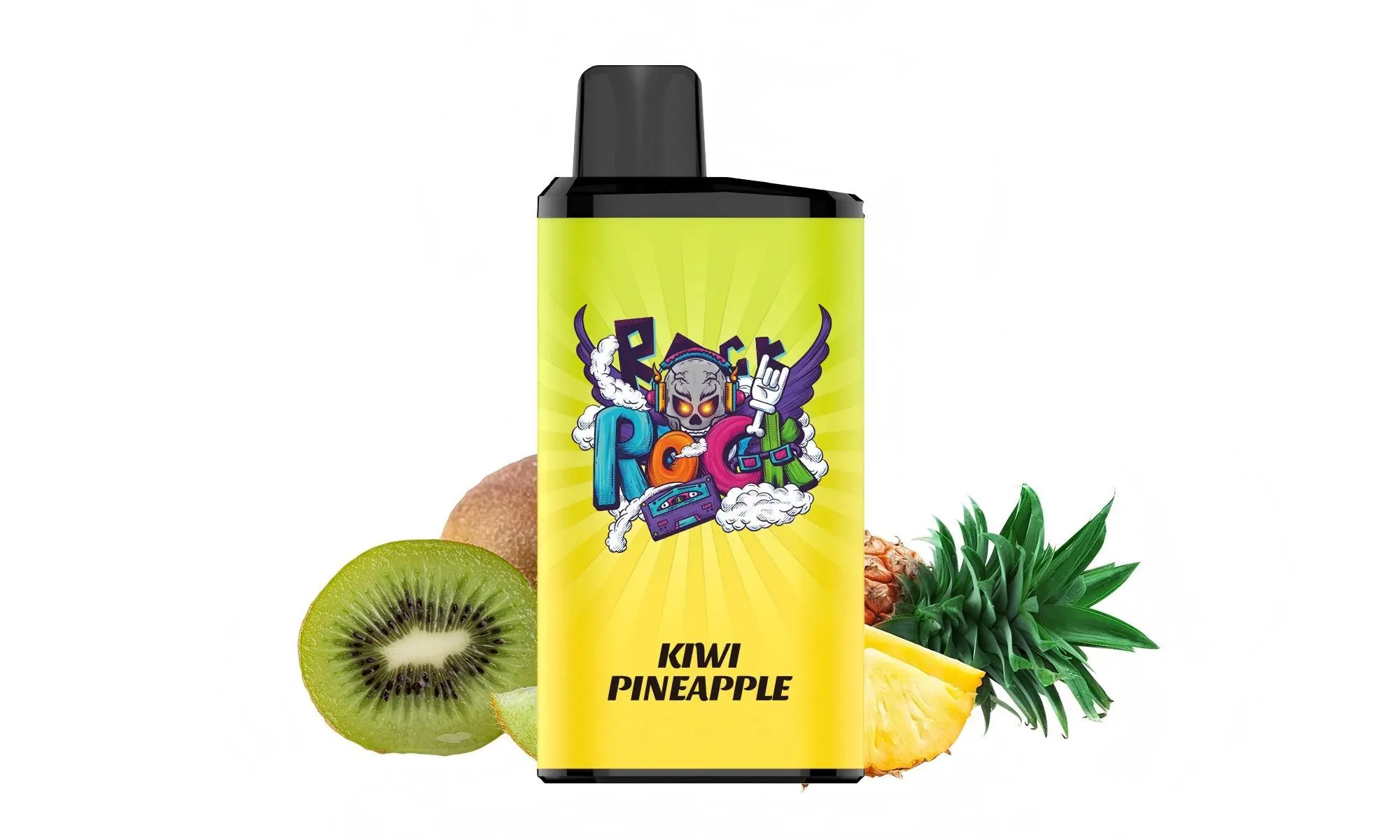
IGET E-Hookah G1 (60,000 Puffs): The flagship ultra-high capacity device with a rechargeable battery and digital display.
IGET Bar Max (20,000 Puffs): A mid-range high-capacity model designed for heavy users.
These devices clearly feature a visible charging port (usually USB-C) and explicit rechargeability instructions on their packaging.
Step-by-Step Recharging Instructions (For Rechargeable Models)
Locate the Charging Port: Look for a small USB-C port on the bottom or side of the device. For the IGET E-Hookah G1, it’s typically on the base near the power button.
Use a Certified Charger: Always use the original USB-C cable included with your device, or a third-party certified USB-C cable (avoid unbranded, cheap cables that may cause voltage fluctuations).
Connect to a Safe Power Source: Plug the cable into a standard 5V/2A USB wall adapter (fast chargers with higher voltage can damage the battery). You can also use a laptop or stable power bank with regulated output.
Monitor the Charging Indicator: Most rechargeable IGET models have an LED light that glows red while charging and turns green (or stops illuminating) when fully charged. Charging time ranges from 1–2 hours, depending on the device’s battery size.
Unplug Once Fully Charged: Do not leave the device charging overnight or for extended periods, as this can degrade battery health over time.
Critical Safety Notes
Never Recharge Non-Rechargeable IGET Bars: Standard models like the original IGET Bar (3,500 Puffs) lack rechargeable battery components. Attempting to drill, modify, or force-charge these devices can cause e-liquid leakage, battery swelling, or fire hazards. Dispose of them responsibly at a designated e-waste facility when empty.
Avoid Tampering or Disassembly: Internal components are delicate and potentially dangerous if damaged. Never take apart any IGET device, rechargeable or not.
Buy Authentic Only: Counterfeit IGET Bar models may have faulty charging systems or unsafe batteries. Purchase exclusively from trusted retailers like iGetBaroz (opens in new window), which sources directly from authorised distributors to guarantee product safety and authenticity.
Charge in a Safe Location: Keep the device on a flat, non-flammable surface during charging, away from direct sunlight, heat sources, or water.
Troubleshooting: If Your Rechargeable IGET Bar Won’t Charge
Check the Cable and Power Source: Try a different certified USB-C cable or wall adapter to rule out faulty equipment.
Clean the Charging Port: Dust or debris may block the port—use a soft, dry toothbrush or compressed air to gently clear it.
Contact Support: If the issue persists, reach out to iGetBaroz’s customer service team for assistance. They can help troubleshoot or arrange a replacement if the device is under warranty.