
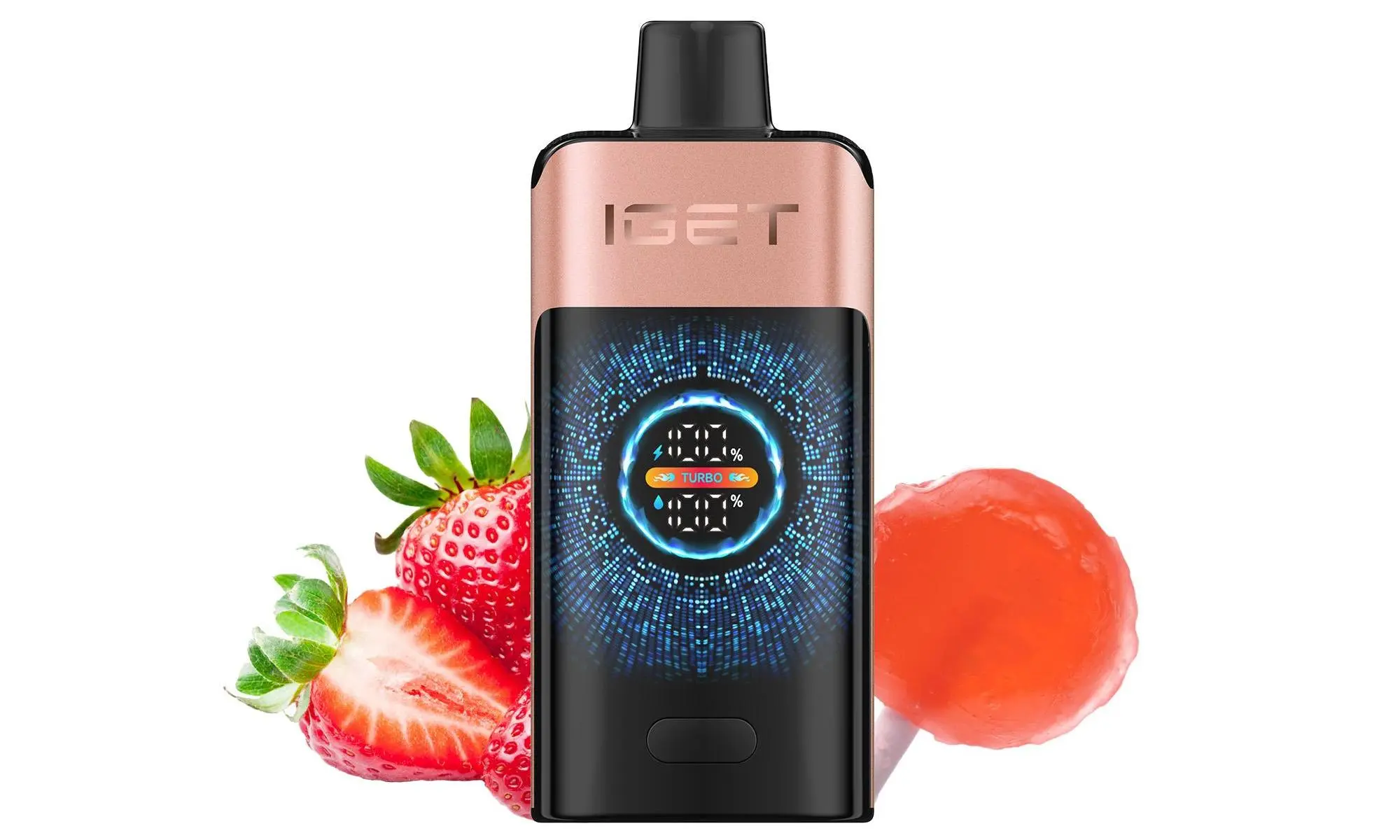
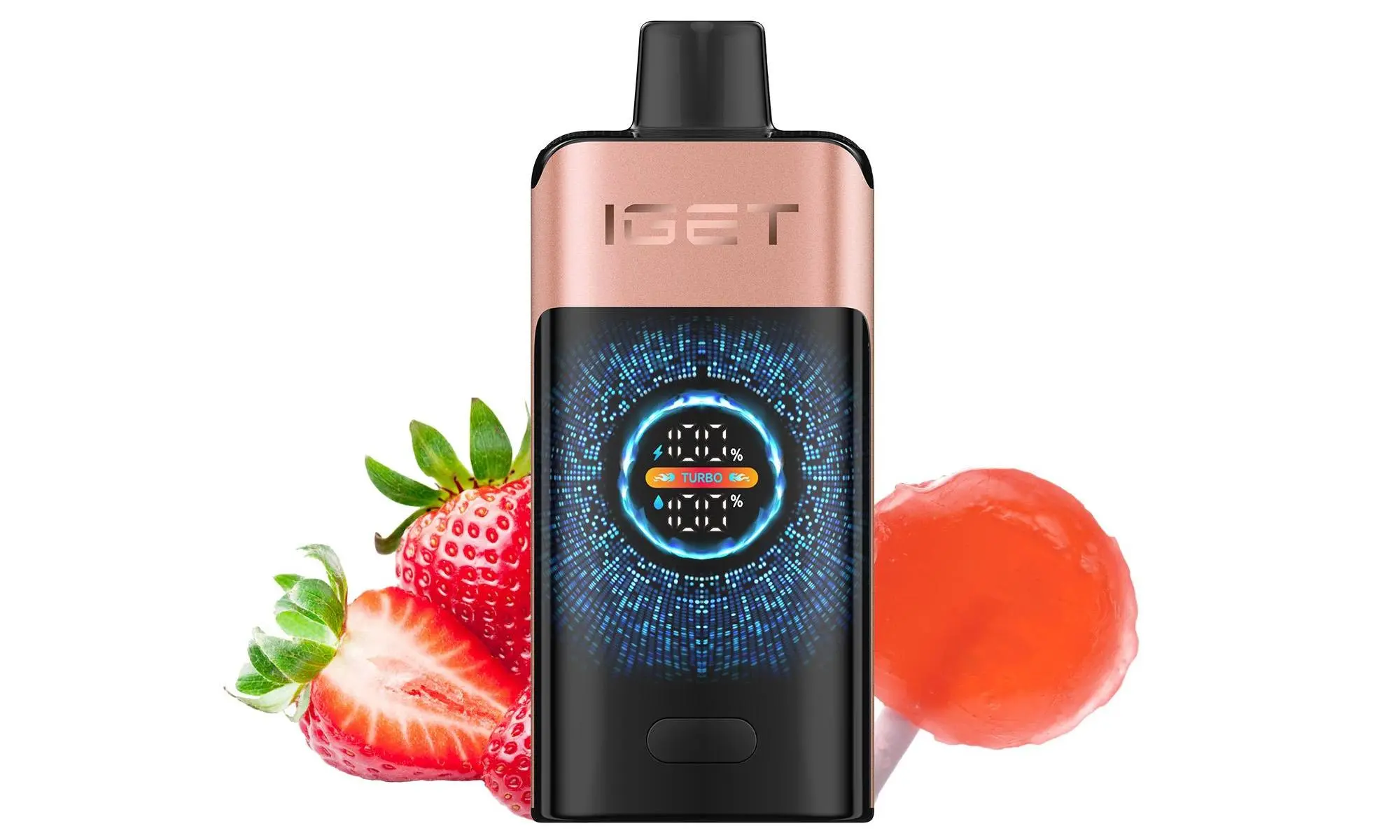
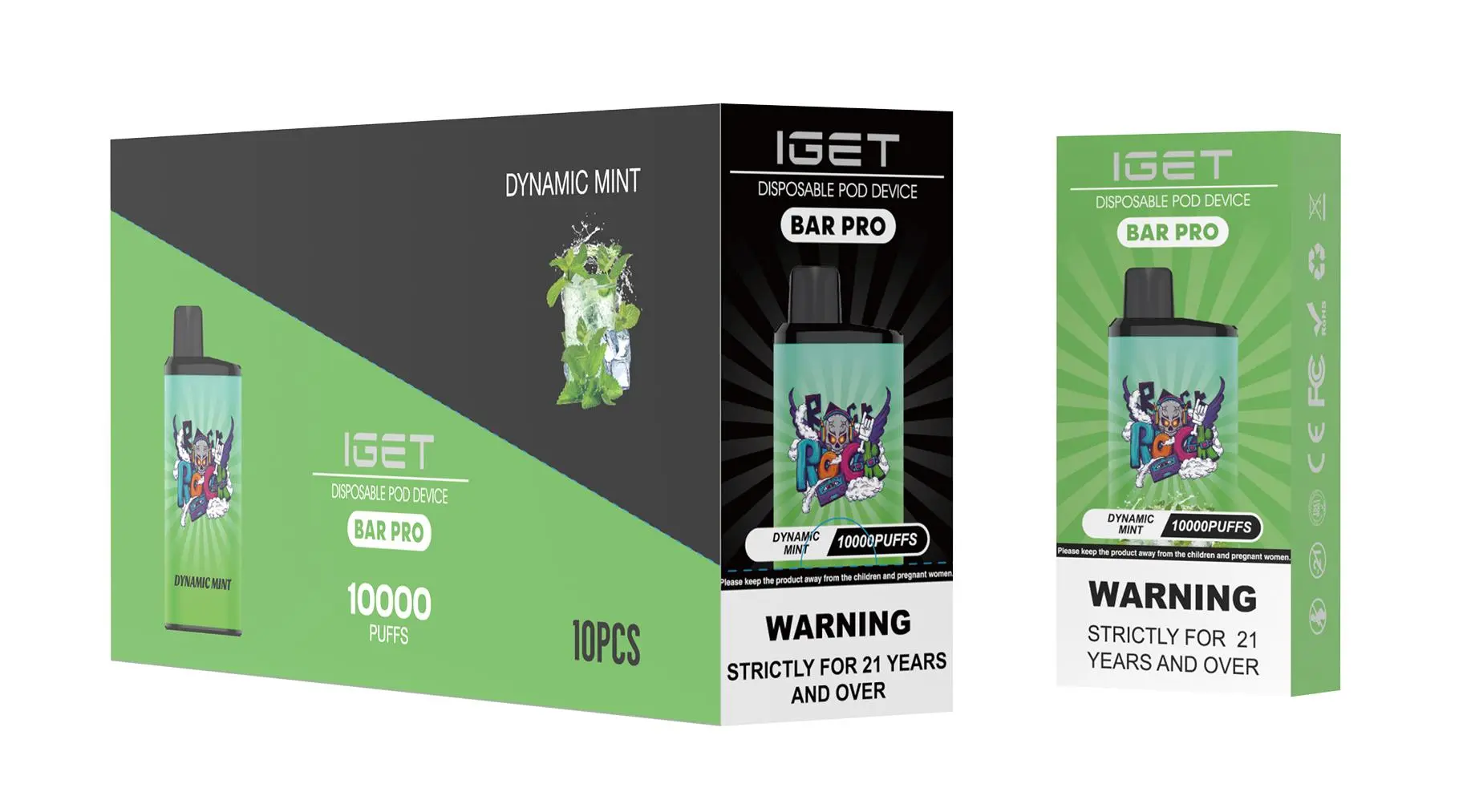
The IGET Pro is a top-rated rechargeable disposable vape in Australia, loved for its long battery life and diverse, authentic flavours. As Australia’s trusted vape retailer, iGetBaroz (opens in new tab) only sources genuine IGET Pro devices, ensuring reliable performance and safety. Below is a simple, safe step-by-step guide to charging your IGET Pro, plus critical tips tailored to Aussie users.
Step-by-Step Charging Instructions
Locate the Charging Port
The IGET Pro features a hidden USB-C charging port, usually at the bottom of the device. Gently peel back the small attached rubber dust plug to expose the port—this plug is designed to stay connected to avoid loss, a key feature for Aussie vapers navigating dusty outback roads or humid coastal areas.
Use the Right Charging Accessories
Always use a genuine USB-C cable (cheap, uncertified cables can cause slow charging or battery damage). Pair it with a standard 5V/1A or 5V/2A power adapter (most smartphone chargers work perfectly). Avoid fast chargers with voltages higher than 5V, as this can overheat the device’s internal battery—especially risky during Australia’s scorching summer months.
Connect to a Stable Power Source
Plug the USB-C end into your IGET Pro’s port, then connect the other end to a wall adapter, laptop, or portable power bank. Most IGET Pro models have an LED indicator light:
Red light: Device is actively charging
Green/blue light: Charging is complete (varies slightly by model)
Monitor Charging Time
A fully depleted IGET Pro battery takes 1–2 hours to charge to 100%. Never leave it plugged in overnight or in a hot car—overcharging can degrade the battery’s lifespan and pose safety risks in extreme temperatures.
Disconnect and Secure the Port
Once charged, unplug the cable from both the device and power source. Push the rubber dust plug back into place to seal the port, preventing dust or accidental capacity exposure (like a spill at your local servo or beach day).
Critical Safety Precautions for Aussie Vapers
Avoid extreme temperatures: Don’t charge your IGET Pro in environments above 40°C or below 0°C. In Australia, this means keeping it out of parked cars in summer or cold outdoor areas in winter—extreme temps can damage the battery or cause leaks.
Never charge while using: Using the IGET Pro while charging can overheat the device and shorten battery life.
Inspect for damage: If the charging port, cable, or battery looks swollen or damaged, stop charging immediately. Genuine IGET Pro devices from iGetBaroz are covered by manufacturer warranties for such issues.
Keep away from water: The IGET Pro isn’t waterproof, so avoid charging near pools, sinks, or rainy outdoor spots.
Troubleshooting & iGetBaroz Support
If your IGET Pro won’t charge after following these steps, try these quick fixes:
Check that the USB-C cable is securely connected to both the device and power source.
Try a different power adapter or USB port (sometimes the issue is with the power source, not the device).
Clean the charging port gently with a dry cotton swab to remove dust or debris blocking the connection.
If none of these work, reach out to the iGetBaroz customer support team (opens in new tab). As an authorised retailer, they can help verify warranty coverage, offer replacement options, or provide further advice. Remember: counterfeit IGET Pro devices often have faulty charging ports—buying from iGetBaroz guarantees you get a genuine, reliable product.
For genuine IGET Pro devices and expert support tailored to Australian vapers, visit iGetBaroz today.
How To Charge Iget Pro? — 补充说明
Charging your IGET Pro disposable vape is a simple process, but doing it correctly ensures optimal performance, battery safety, and extends the life of your device. This guide covers everything you need to know.
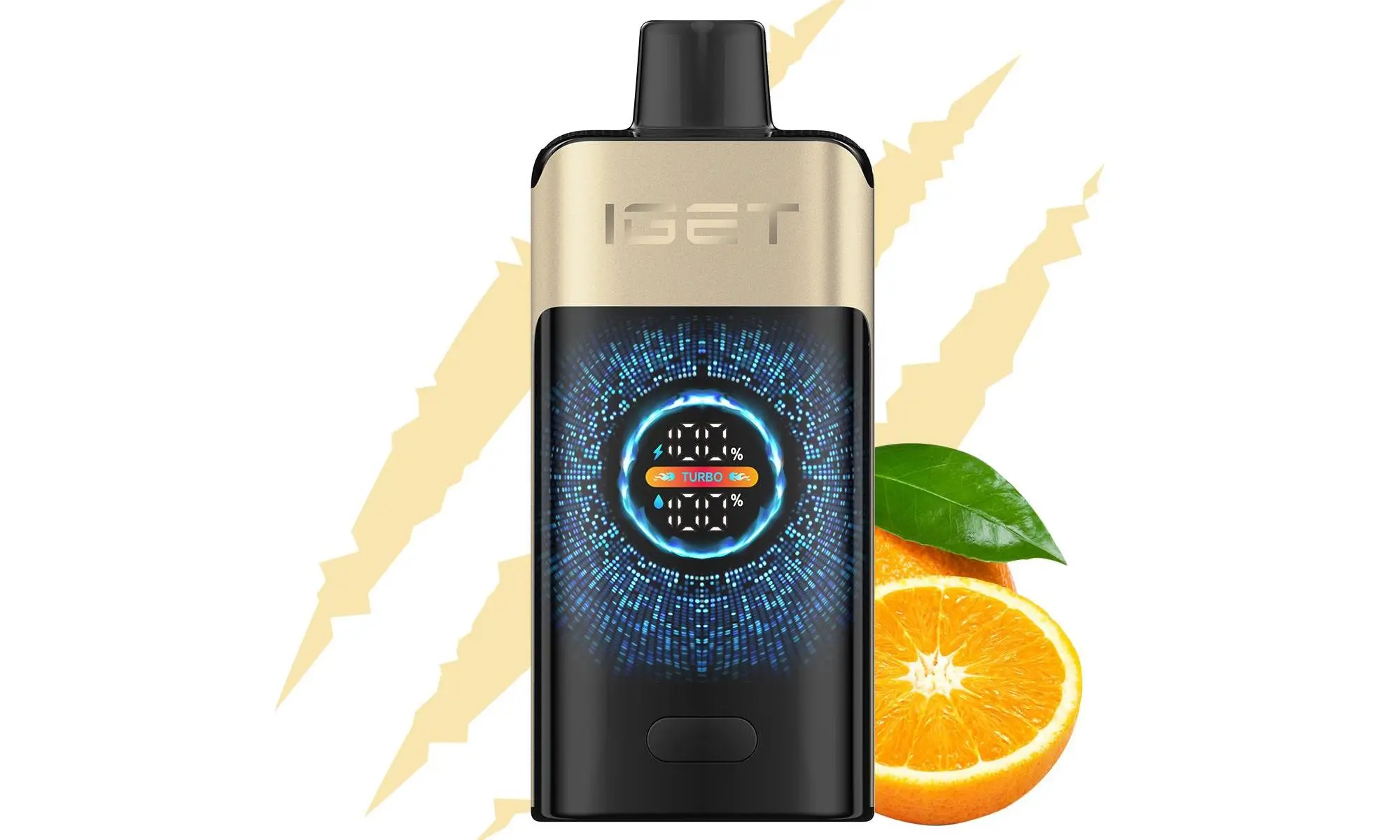
The IGET Pro series (and similar models like the IGET Pro Plus or IGET Pro Max) typically feature a built-in USB-C or Micro-USB port for recharging, allowing you to use the entire e-liquid capacity before the battery dies.
What You’ll Need
Your IGET Pro device.
A compatible USB cable (usually USB-C, sometimes Micro-USB). Note: The cable is often not included in the package.
A safe power source:
A computer/laptop USB port.
A standard USB wall adapter (5V/1A or 5V/2A is ideal).
A portable power bank.
Step-by-Step Charging Instructions
Step 1: Locate the Charging Port
Examine your IGET Pro. The charging port is usually located on the bottom end of the device. It may be protected by a small rubber or silicone plug. Gently remove this plug to reveal the port.
Step 2: Connect the Cable
Take your USB cable and plug the appropriate end (USB-C or Micro-USB) firmly but gently into the IGET Pro’s charging port.
Step 3: Connect to Power Source
Plug the other end (standard USB-A) into your chosen power source (e.g., wall adapter, computer, power bank).
Step 4: Monitor the Indicator Light
Most IGET Pro devices have an LED indicator light near the mouthpiece or on the body. During charging:
The light will typically glow red or remain steadily on.
Once the device is fully charged, the light will turn off or change to blue/green (this varies by model).
A full charge usually takes 60 to 90 minutes.
Step 5: Disconnect and Re-seal
Once the indicator shows a full charge, disconnect the cable from both the device and the power source. Important: Always replace the rubber charging port plug to prevent dust, lint, or e-liquid from entering and causing potential issues.
Critical Safety Tips & Best Practices
⚠️ Always use a standard, undamaged USB cable and a low-power source (1A-2A). Avoid fast chargers (e.g., for smartphones or tablets) as they can damage the battery.
⚠️ Never leave your device charging unattended or overnight. Overcharging can degrade the battery.
⚠️ If the device becomes excessively hot during charging, disconnect it immediately. This is a sign of a potential fault.
⚠️ Do not use the vape while it is charging. This can strain the battery and circuit.
⚠️ Ensure the charging port and plug are dry before connecting. Moisture can cause a short circuit.
Troubleshooting Common Charging Issues
No Indicator Light When Plugged In: Check your cable and power source with another device to ensure they are working. Try a different cable if possible.
Device Won’t Hit After Charging: Ensure it is fully charged. Some devices have a safety timeout; take a few gentle primer puffs (without inhaling) to reactivate it.
Light Turns Off Immediately: The battery may be completely depleted or faulty. If it doesn’t charge after 10-15 minutes on a confirmed-working power source, the device may be defective.
Flashing Light During Use/Charging: This often indicates a low battery, a short circuit, or a connection error. Try cleaning the charging port with a dry cotton bud and reconnecting.
Where to Find Authentic IGET Pro Devices & Support
For guaranteed authentic IGET products, including the latest IGET Pro models, cables, and reliable customer support for any questions, always purchase from an authorised retailer like iGetBaroz.
Remember: Proper charging habits are key to getting the full value and lifespan from your disposable vape. When in doubt, refer to this guide and always prioritize safety. For more information on IGET products and care tips, visit the official iGetBaroz website.