
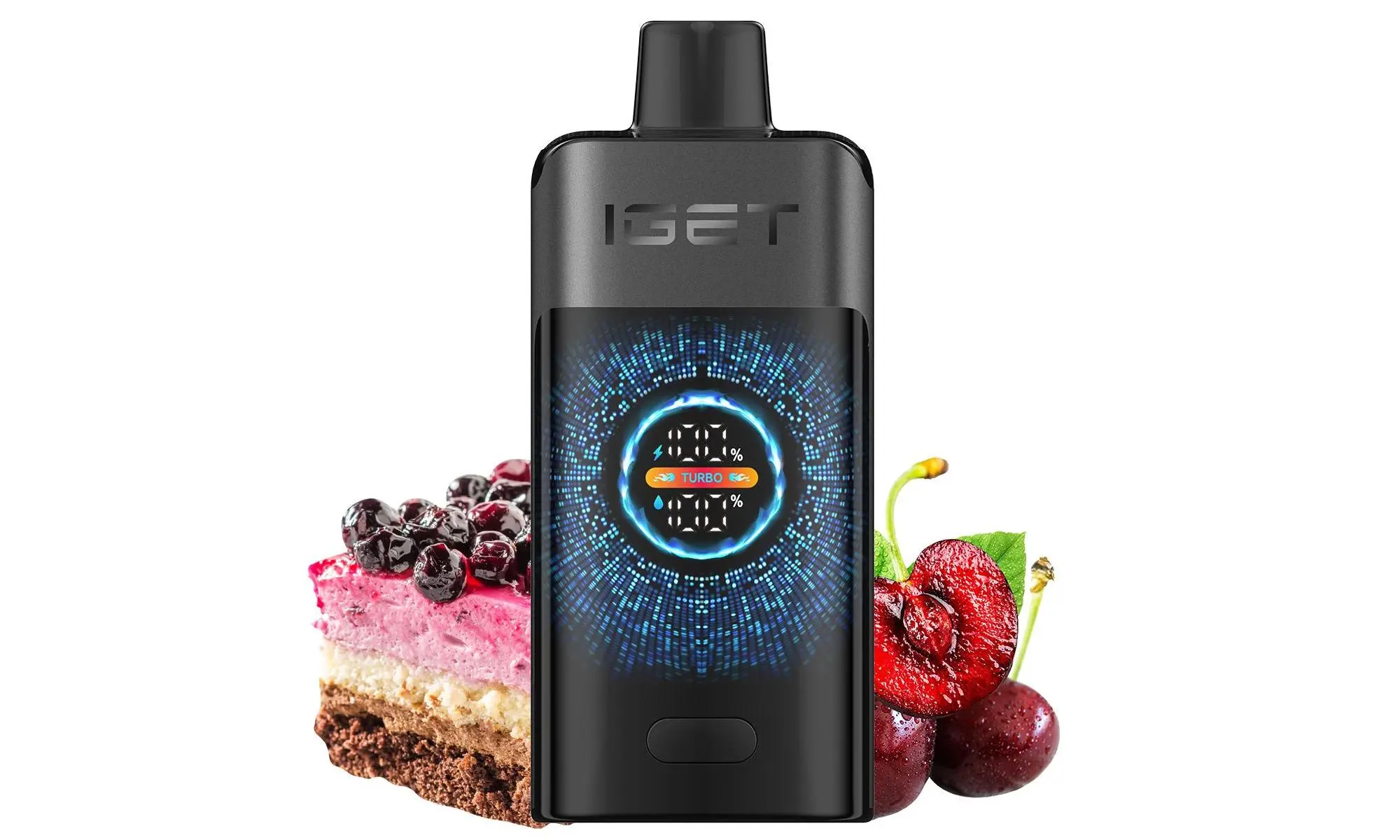
Charging your IGET ONE vape is a simple process designed for convenience. Please follow these steps carefully to ensure safe and effective charging.
Step-by-Step Charging Instructions:
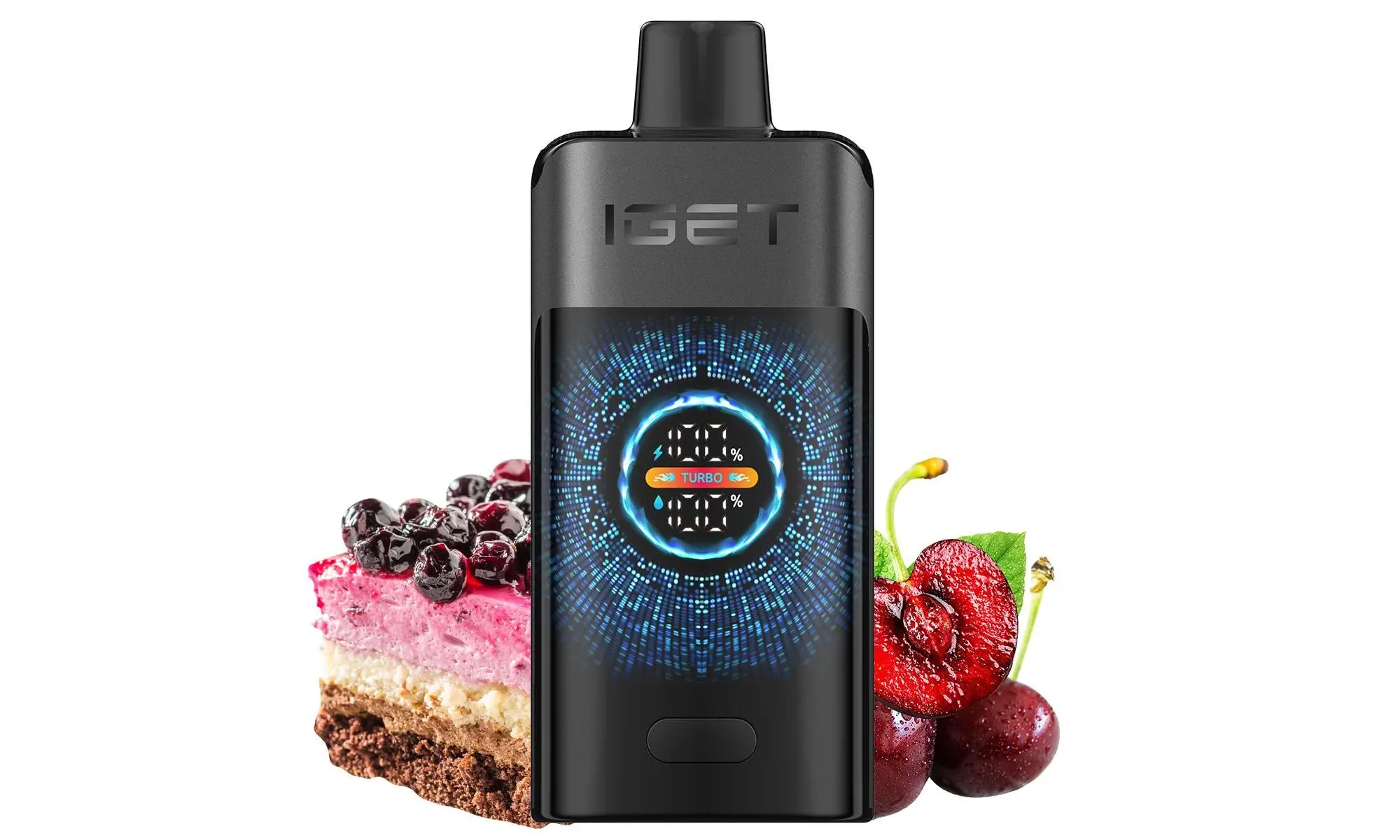
Locate the Charging Port: The IGET ONE device features a USB-C charging port. You will find this small, oval-shaped port typically located at the bottom or on the side of the device.
Use the Correct Cable: Use the provided USB-C charging cable that came with your device. If that’s not available, any standard USB-C to USB-A cable will work (like those used for many modern Android phones and accessories).
Connect to Power Source:
Plug the USB-C end firmly into your IGET ONE’s charging port.
Connect the standard USB-A end to a low-power source, such as:
A computer USB port
A USB wall adapter with a standard 5V/1A output (most phone chargers are fine)
A power bank
Check the Charging Indicator: Once connected, the LED light on your IGET ONE will typically illuminate to indicate it is charging. The light may be steady or blinking, depending on the model. Refer to your device’s specific manual for the exact light indicator behaviour.
Allow to Charge Fully: A full charge usually takes between 45 to 60 minutes. It is recommended not to leave the device charging unattended or overnight.
Disconnect When Complete: Once the LED indicator shows a full charge (often by turning off or changing colour to green), disconnect the cable from both the device and the power source. Your IGET ONE is now ready to use.
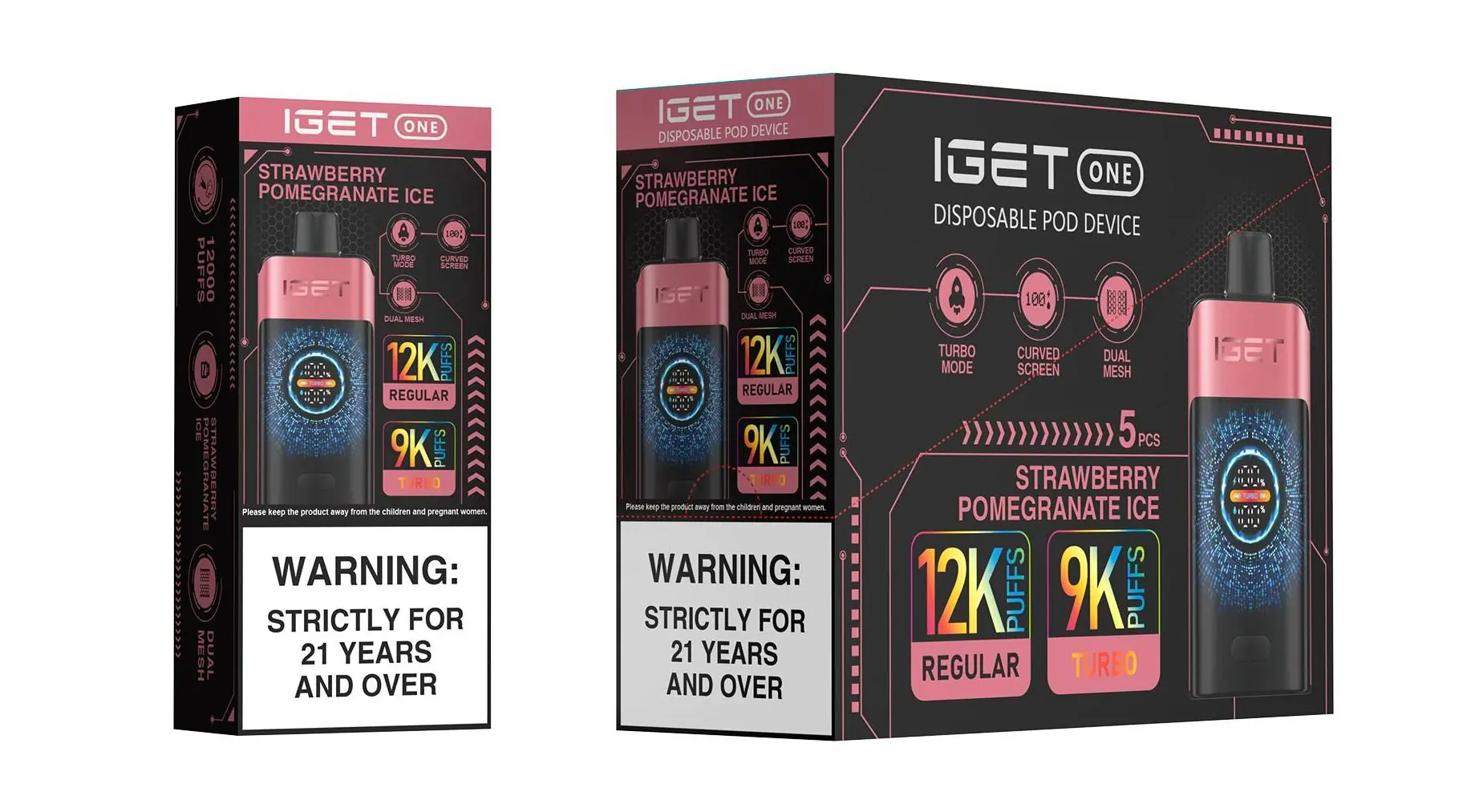
⚠️ Essential Safety & Best Practice Tips
Use Low-Power Sources: Avoid using fast-chargers or high-output adapters (like those for laptops or iPads), as they can damage the battery.
Inspect the Port: Ensure the charging port is clean, dry, and free of e-liquid residue before plugging in the cable.
Never Use While Charging: For safety, do not attempt to use (inhale from) the device while it is connected to the charger.
Monitor the Charge: Do not leave your device charging for extended periods after it is fully charged.
Authenticity is Key: A genuine IGET ONE from an authorised retailer like iGetBaroz{:target=”_blank”} ensures correct battery specifications and built-in safety protections. Counterfeit devices may not charge safely or correctly.
Troubleshooting Common Charging Issues
Device Won’t Charge: Ensure you are using a functioning USB-C cable and power source. Try a different cable or USB port. If the problem persists, the device battery may be depleted beyond recovery or there could be a connection issue.
No LED Indicator Light: The device may already be fully charged, or there could be a fault with the LED or internal connection.
Device Gets Warm: It is normal for the device to become slightly warm during charging. If it becomes hot, disconnect it immediately.
Need a Reliable Replacement or Authentic Device?
For guaranteed authentic IGET products, including the IGET ONE series, and access to expert customer support for any technical questions, visit your trusted Australian retailer, iGetBaroz{:target=”_blank”}.