
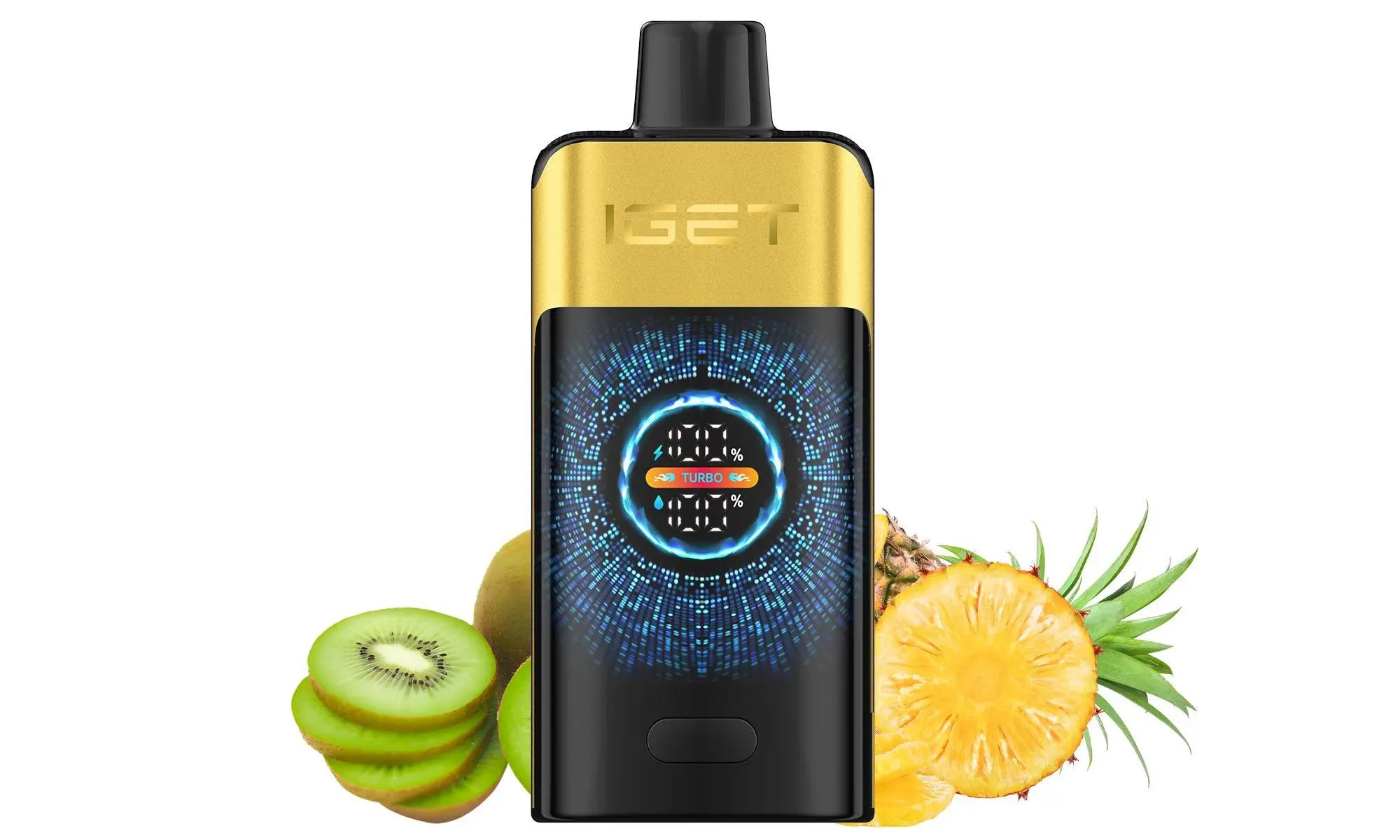
A common question we receive from Australian vapers is, “How do I charge my IGET?” The answer depends entirely on which IGET device you have. Unlike a universal smartphone, IGET’s extensive product range includes both non-rechargeable and rechargeable models. Using the wrong method can damage the device or pose a safety risk.
This guide will help you identify your IGET device and provide safe, correct charging instructions.
First, Identify Your IGET Device
The most crucial step is determining if your IGET vape is designed to be recharged.
Non-Rechargeable (Disposable) Models:
IGET Bar (Original): The classic, popular model. These are fully disposable and cannot be recharged. They are designed to be used until the battery or Capacity is depleted, then responsibly disposed of.
How to spot it: No charging port of any kind on the device. The bottom is typically flat and sealed.
Rechargeable Models:
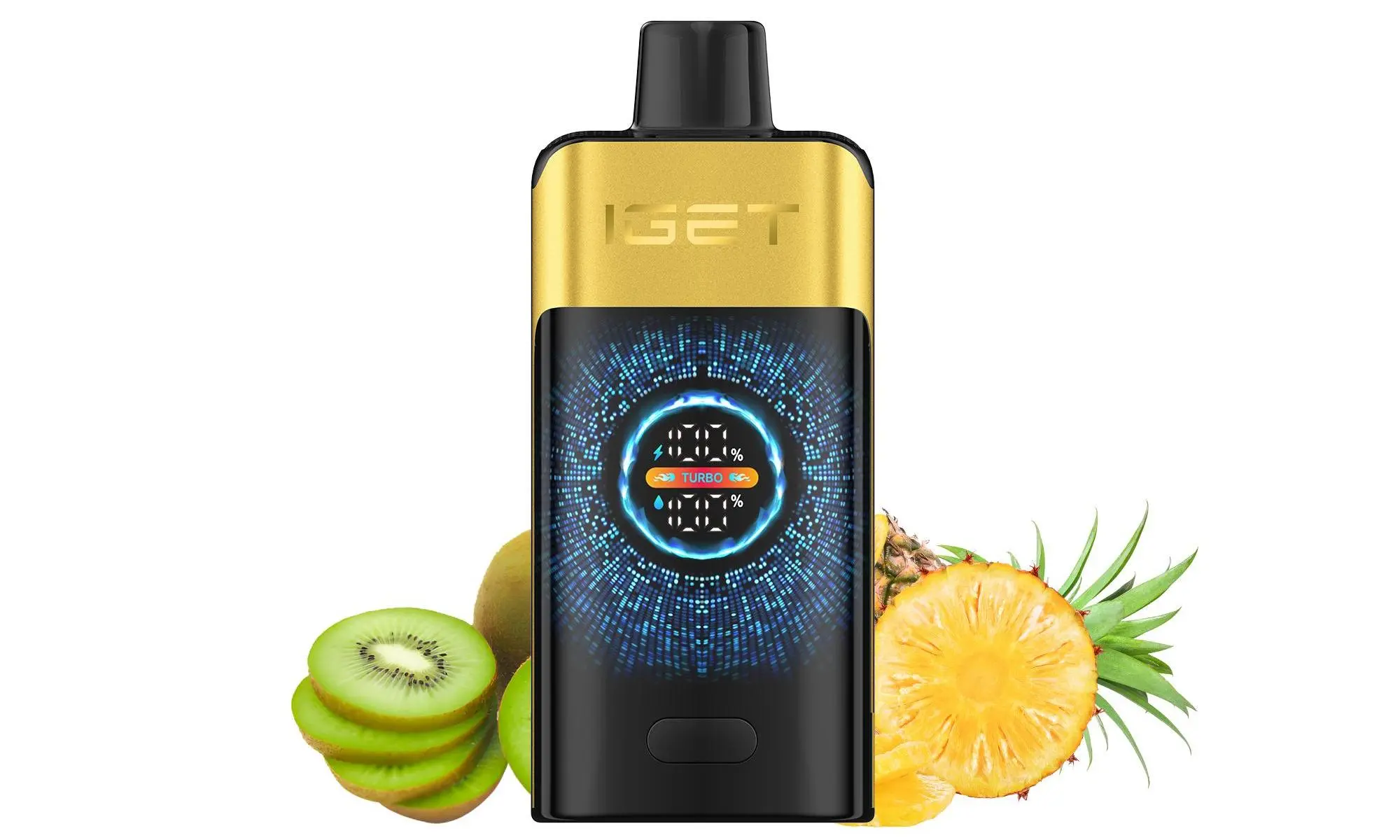
IGET Bar Plus / IGET Bar Pro: Features a USB-C charging port on the bottom of the device.
IGET Legend / IGET ONE / IGET E-HOOKAH Series: All have a USB-C port, usually located on the side or bottom. These high-puff-count devices require recharging to complete their lifespan.
How to spot it: Look for a small, covered or uncovered USB-C port.
⚠️ Important Safety Notice First
Never attempt to charge a non-rechargeable IGET Bar. It lacks the necessary circuitry and can overheat, leak, or fail.
Only use the charging cable provided or a standard, high-quality USB-C cable.
Plug into a low-power source like a computer USB port or a quality wall adapter (5V/1A is ideal). Avoid fast chargers.
Do not leave charging unattended for extended periods or overnight.
Charge on a non-flammable surface.
Step-by-Step Guide to Charging a Rechargeable IGET Vape
Once you’ve confirmed your device has a USB-C port, follow these steps:
Locate the Port: Find the USB-C charging port on your device (bottom or side).
Connect the Cable: Insert a standard USB-C cable into the port. You may need to remove a small silicone plug if it’s your first time.
Connect to Power Source: Plug the other end of the cable into a low-power USB port (computer, TV, gaming console, or a standard 5W phone adapter).
Check the Indicator:
Most rechargeable IGET models have an LED indicator near the mouthpiece or port.
While Charging: The LED will typically glow red.
Fully Charged: The LED will change to green or turn off.
Charging Time: A full charge usually takes 60 to 90 minutes. Disconnect the device once the indicator shows a full charge.
Test and Use: Give the device a few puffs to ensure it’s working correctly. The flavour and vapour production should return to normal.
Troubleshooting Common Charging Issues
Device Not Charging (No LED):
Try a different USB-C cable and power source.
Gently clean the charging port with a dry toothpick to remove any lint or Capacity residue.
The internal battery may have reached its full cycle life, especially if the device is very old.
Device Gets Warm While Charging: A slight warmth is normal. If it becomes hot, disconnect immediately and discontinue use.
No Vapour After Charging: Ensure the device is activated (some draw-activated). If it still doesn’t work, the atomiser may have expired or the device may have a fault.
Why Buying from an Authorised Retailer Like iGetBaroz Matters
Charging issues can sometimes stem from counterfeit products. Fake IGET devices often use substandard batteries and lack proper safety protections, making charging dangerous.
When you purchase from iGetBaroz, you are guaranteed:
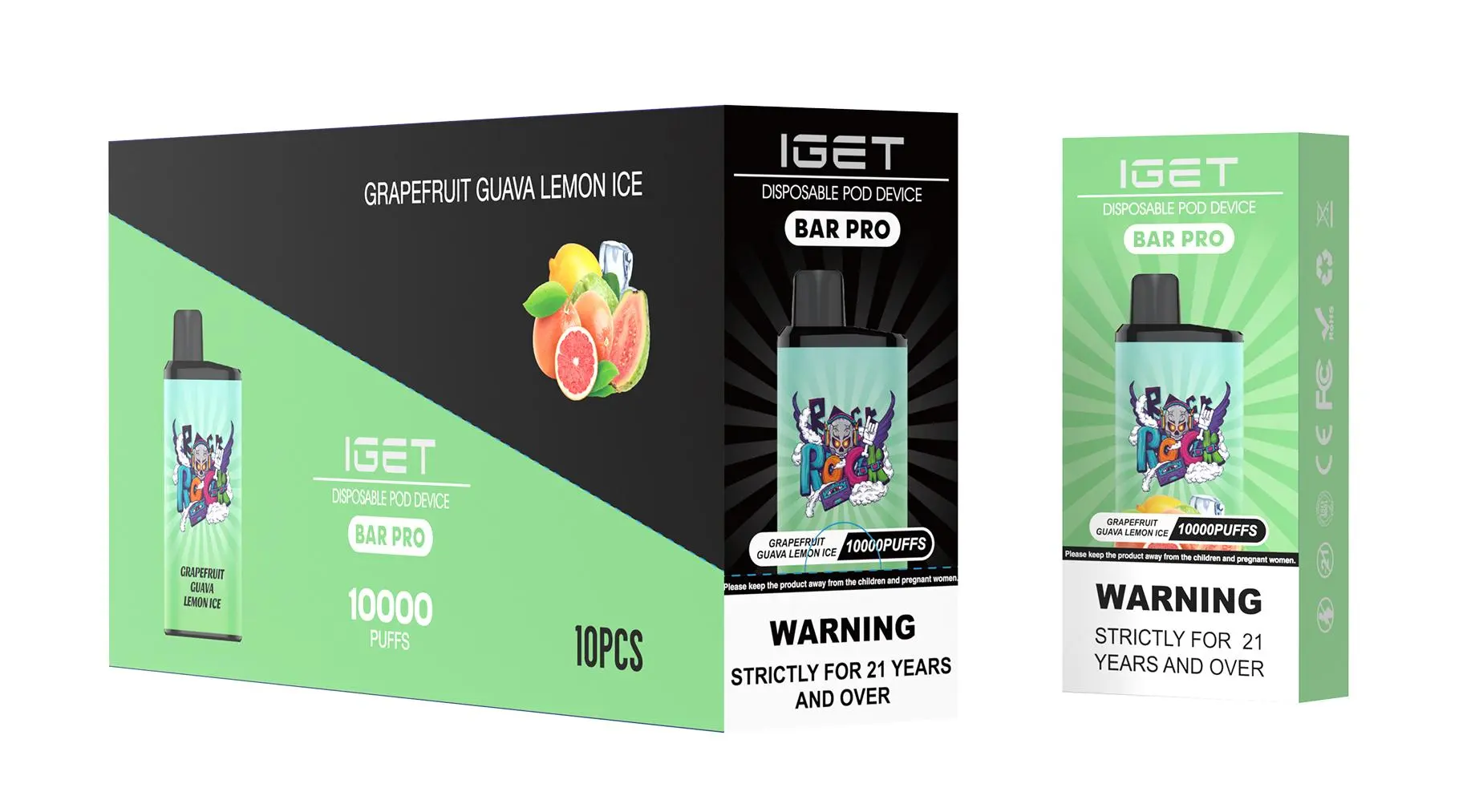
100% Authentic Products: Sourced directly from authorised distributors, ensuring correct battery specs and built-in safety features.
Accurate Product Information: Clear labeling on which devices are rechargeable.
Reliable Support: If you have a legitimate issue with a rechargeable device, our customer service team can provide guidance.
Still unsure about your device or experiencing problems? Visit our FAQ section at iGetBaroz or contact our support team for prompt, expert assistance tailored to the Australian market. For more visual guides, check out our partner tutorials on YouTube.
How To Charge A Vape Iget? — 补充说明
Charging your IGET vape correctly is crucial for both device performance and your safety. The method depends entirely on which IGET model you own, as the product range includes both non-rechargeable and rechargeable devices.
This step-by-step guide will help you identify your device and charge it safely.
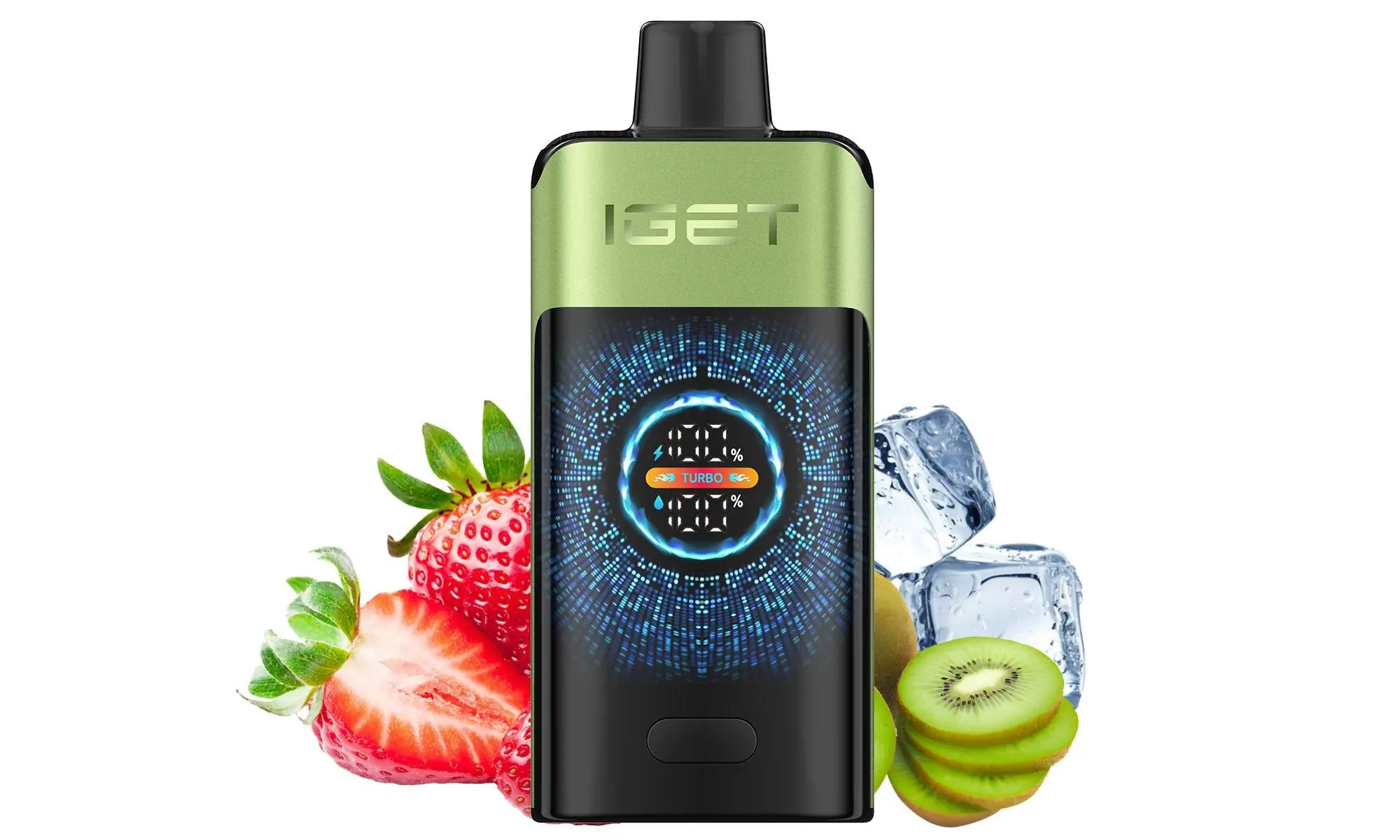
First, Identify Your IGET Model
This is the most important step. Never attempt to charge a disposable vape that is not designed to be recharged.
Non-Rechargeable (Disposable): Models like the classic IGET Bar and IGET King are designed for single use. They come fully charged and prefilled. When the battery or e-liquid is depleted, you dispose of the entire device. These devices have no charging port.
Rechargeable: Newer generations like the IGET Bar Plus, IGET Bar XXL, IGET ONE, and the high-capacity IGET E-HOOKAH G1/G2 feature a built-in USB-C (most common) or Micro-USB port for recharging the battery during its lifespan.
How to check: Look at the bottom or side of your device. If you see a small, covered port, it is rechargeable.
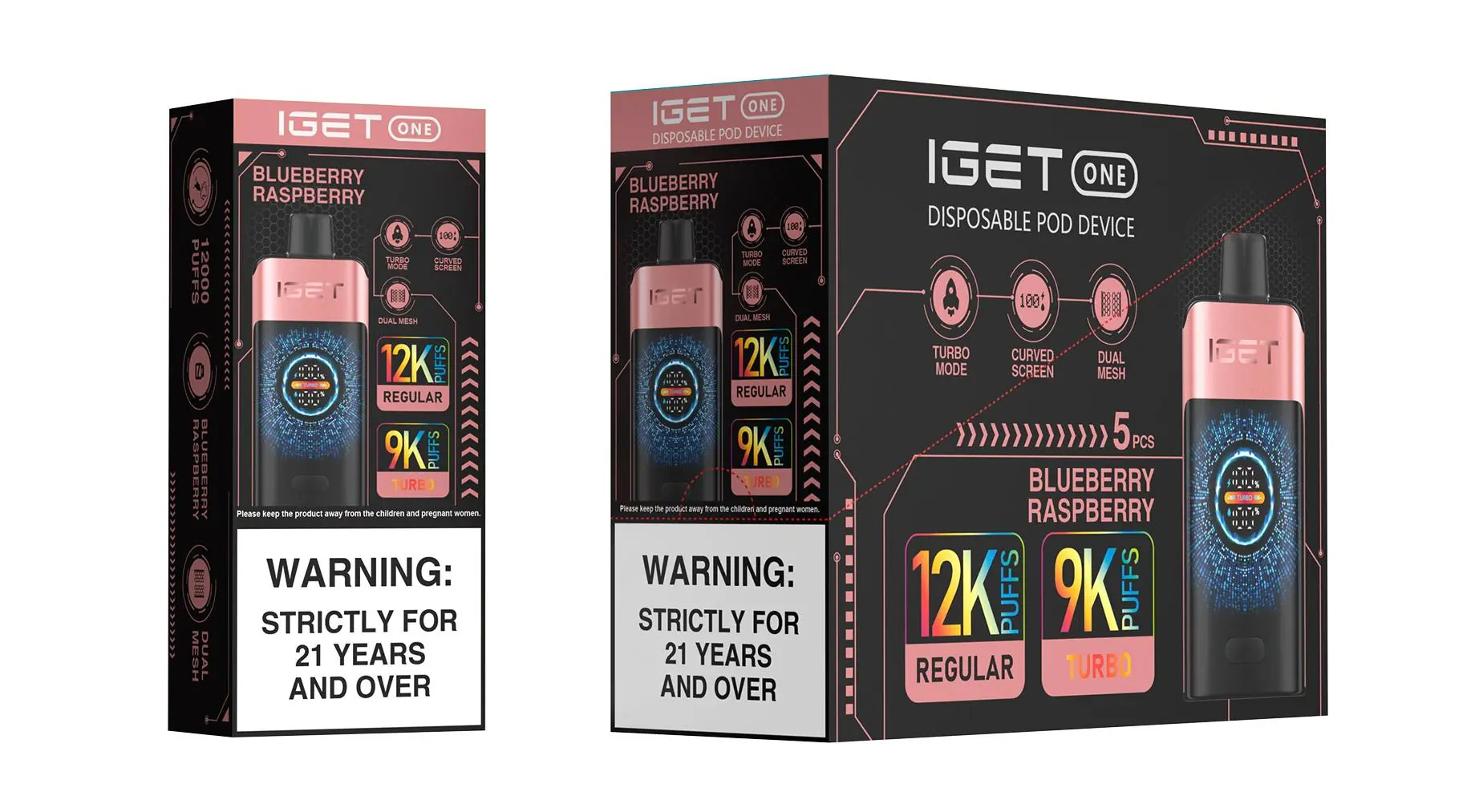
Step-by-Step: How to Charge a Rechargeable IGET Vape
If your device has a port, follow these safe charging practices.
What You’ll Need:
Your IGET vape device.
A compatible USB cable (usually USB-C, sometimes Micro-USB).
A low-power USB port. Use a computer USB port, a USB wall adapter rated at 1 Amp (1A) or 5V/1A, or a quality power bank. Avoid fast-charging blocks.
The Charging Process:
Locate the Port: Find the rubber or silicone seal plug covering the charging port on your device.
Expose the Port: Carefully remove or flip open the protective seal.
Connect the Cable: Gently insert the correct end of your USB cable into the device’s port.
Connect to Power: Plug the other end of the cable into your low-power USB source.
Identify the Indicator: Most IGET devices have an LED light near the mouthpiece or button.
While Charging: The LED will typically glow red or remain steadily lit.
Fully Charged: The light will turn green or switch off.
Disconnect: Once fully charged, unplug the cable and securely reseal the port cover to prevent dust or e-liquid from entering.
⚠️ Critical Safety & Performance Tips:
Never leave charging unattended. Unplug the device once it’s fully charged (usually 30-60 minutes).
Do not use the vape while it’s plugged in.
Always use the recommended low-power (1A) source. High-amperage chargers can damage the battery, reduce its lifespan, or create a safety hazard.
Ensure the charging port and seal are completely dry before connecting the cable.
Charge on a non-flammable surface away from bedding or fabrics.
Troubleshooting Common Charging Issues
Device Won’t Charge:
Check that the protective seal is fully open and not blocking the port.
Try a different, known-working USB cable and power source.
Ensure the port is clean and free of debris. Use a dry cotton bud carefully if needed.
LED Light Doesn’t Come On When Charging:
The battery may be completely depleted. Leave it connected for 15-20 minutes, then check.
The device may have reached the end of its total lifespan (e-liquid is finished).
Device Gets Very Warm While Charging:
Disconnect immediately. This is not normal. Allow it to cool completely in a safe area before attempting to use or dispose of it responsibly.
How to Prolong Your IGET Vape’s Battery Life
Avoid Full Depletion: Try to recharge your device before it completely dies and stops producing vapour.
Unplug When Full: Overcharging can stress the battery.
Store Properly: Keep your device in a cool, dry place away from direct sunlight, especially in the Australian heat.
Conclusion
Charging your IGET vape is simple if you follow the correct steps for your specific model. Always prioritise safety: use the right charger, never leave it charging unsupervised, and ensure your device is designed to be recharged in the first place.
For 100% authentic, properly manufactured IGET devices with clear user guidelines, always purchase from authorised retailers like iGetBaroz. We provide genuine products and clear instructions to ensure your vaping experience is both enjoyable and safe.
Need a new device or have questions? Explore the full range of authentic IGET products and find your perfect match at iGetBaroz{:target=”_blank”}.