
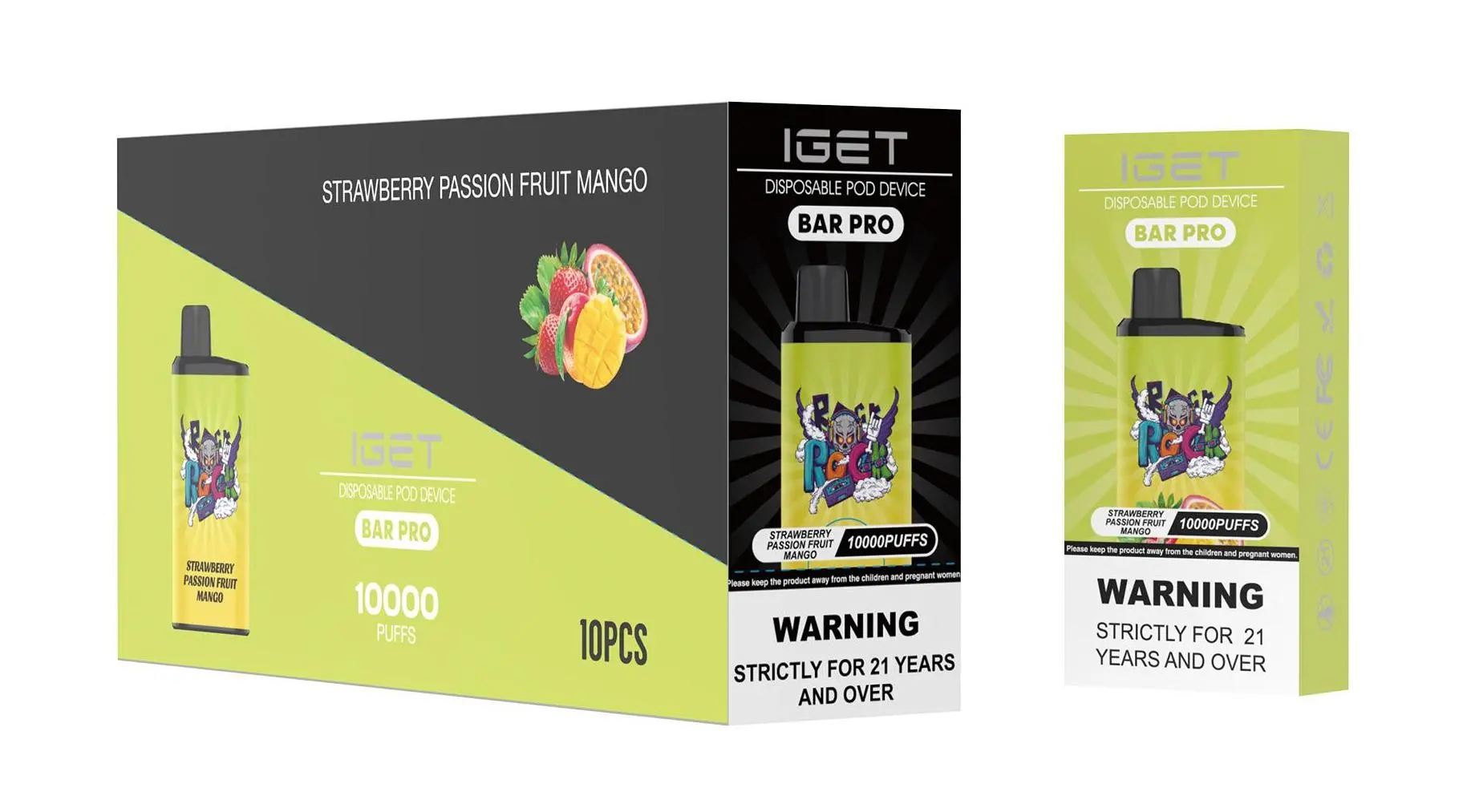
Charging your IGET Bar Pro is a simple process, but doing it correctly is essential for maintaining the device’s performance, battery health, and safety. Follow this clear guide to ensure you power up your vape safely and effectively.
What You’ll Need
Your IGET Bar Pro device.
A standard USB-C charging cable (included with the device).
A low-power USB port, such as:
A computer USB port.
A USB wall adapter rated at 5V/1A (standard phone charger).
A portable power bank.
Step-by-Step Charging Instructions
Locate the Charging Port: Find the USB-C port on the bottom or side of your IGET Bar Pro. Remove the protective rubber plug if present.
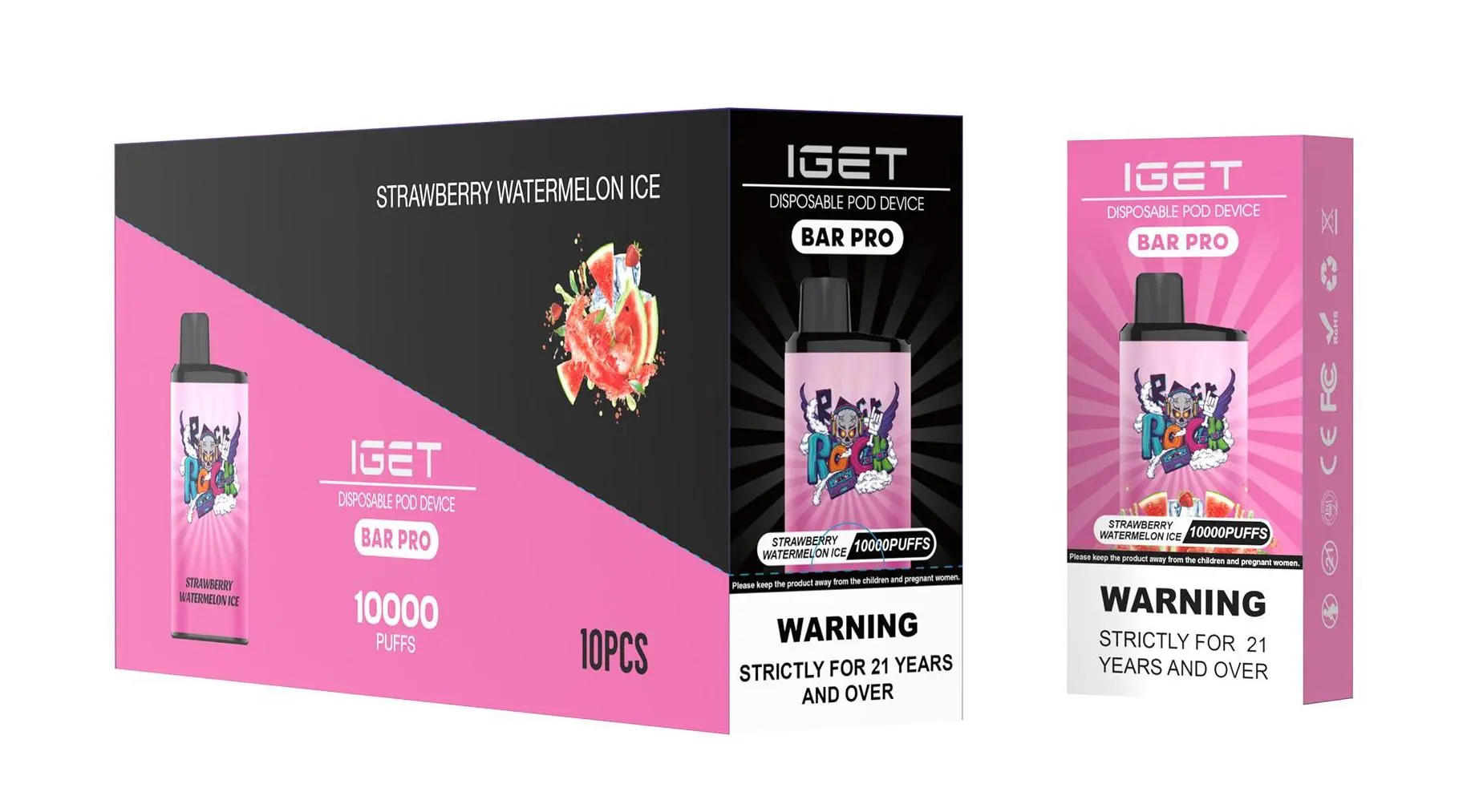
Connect the Cable: Plug the USB-C end of your cable firmly into the device’s port.
Connect to Power Source: Plug the other end (typically USB-A) into your chosen low-power source.
Monitor the Indicator Light: Once connected, the LED indicator light on your IGET Bar Pro will illuminate, showing it is charging. The light typically stays on solid or may pulse slowly.
Disconnect When Fully Charged: A full charge usually takes 45 to 60 minutes. The device may stop drawing power automatically when full. Do not leave it charging unattended for extended periods or overnight. Simply unplug the cable and replace the rubber plug to keep the port clean.
⚠️ Critical Safety & Best Practice Tips
USE THE RIGHT CHARGER: Always use a low-power (5V/1A) source. Avoid fast chargers, car chargers, or laptop USB-C ports that provide high voltage, as they can damage the battery and create a safety hazard.
Never Leave Charging Unattended: Don’t charge your device while you sleep or leave the house. Always monitor it during the charging process.
Check the Environment: Charge on a hard, non-flammable surface (like a desk or table), away from direct sunlight, moisture, pillows, or bedding.
Inspect Your Device: If the device gets abnormally hot during charging, immediately disconnect it and discontinue use. Do not charge a device with visible damage or leaks.
One Device at a Time: Avoid using multi-port chargers to charge multiple vapes simultaneously.
Troubleshooting Common Issues
No Indicator Light When Plugged In: Ensure the cable is fully inserted at both ends. Try a different USB-C cable or power source to isolate the issue.
Device Isn’t Hitting After Charging: Ensure it is fully charged. Some devices have a brief inactivity timeout—take a gentle puff to reactivate it.
Flavour Tastes Burnt After Charging: This is unrelated to charging. A burnt taste usually means the Capacity reservoir is empty, even if the battery is charged. The device is now finished and should be disposed of responsibly.
Still have questions? For guaranteed authentic IGET products and expert support, visit iGetBaroz{:target=”_blank”}, Australia’s trusted source for premium vaping products.