
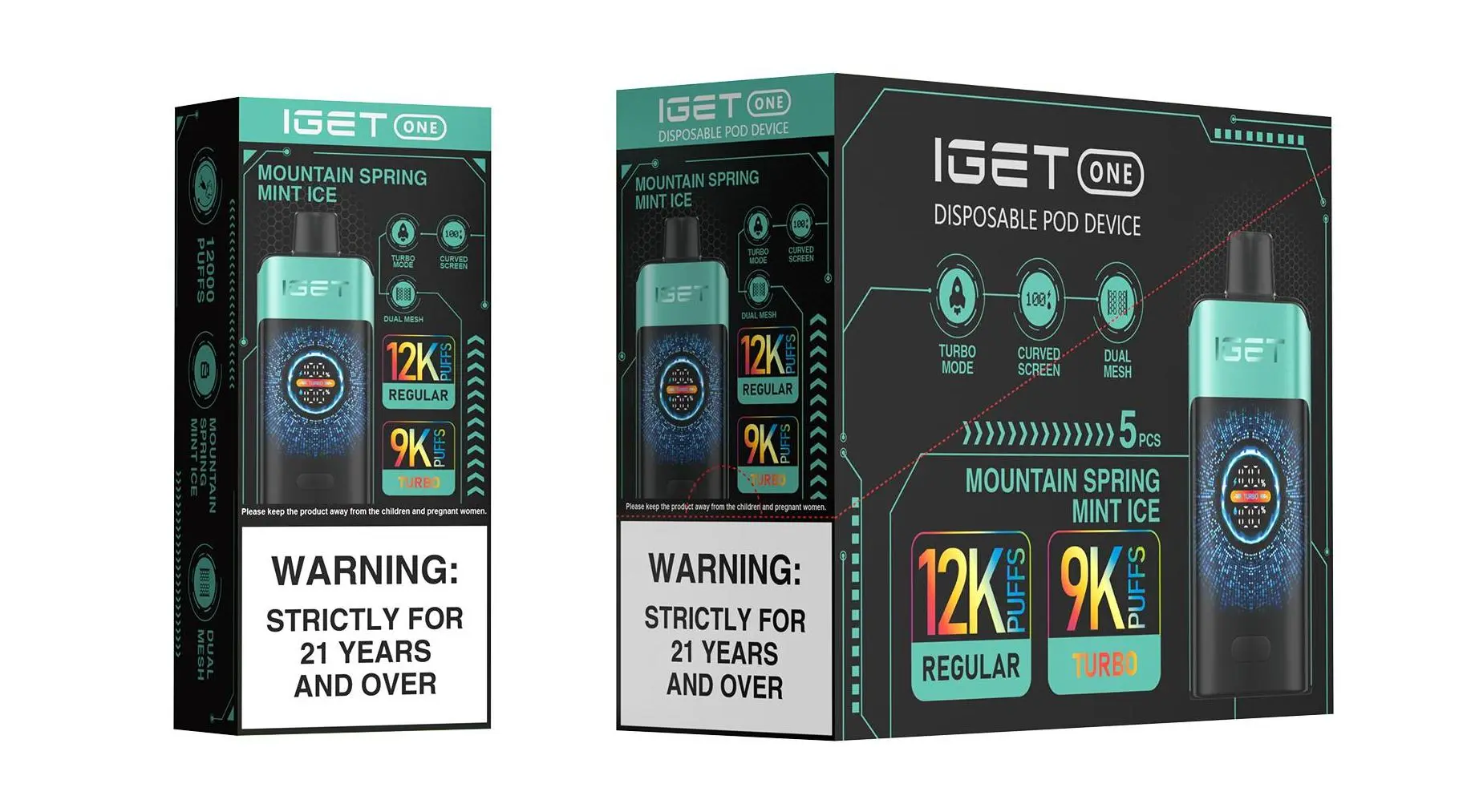
How to Recharge IGET Bar Without a Charger: Critical Safety Notes & Methods (Not Recommended)
First and foremost, IGET Bar devices are designed as single-use disposable vapes—they are not engineered for recharging. Attempting to recharge or modify them poses significant risks, including battery overheating, leakage of toxic e-liquid, fire, or even explosion. Most disposable vape batteries lack proper overcharge protection circuits, making unauthorised recharging extremely dangerous. For your safety, we strongly advise against trying this and recommend purchasing a new authentic IGET device from a trusted retailer like iGetBaroz (opens in new window) instead.
If you still choose to proceed with recharging an IGET Bar without a charger (at your own risk), here are two methods some users have attempted, but with strict caution:
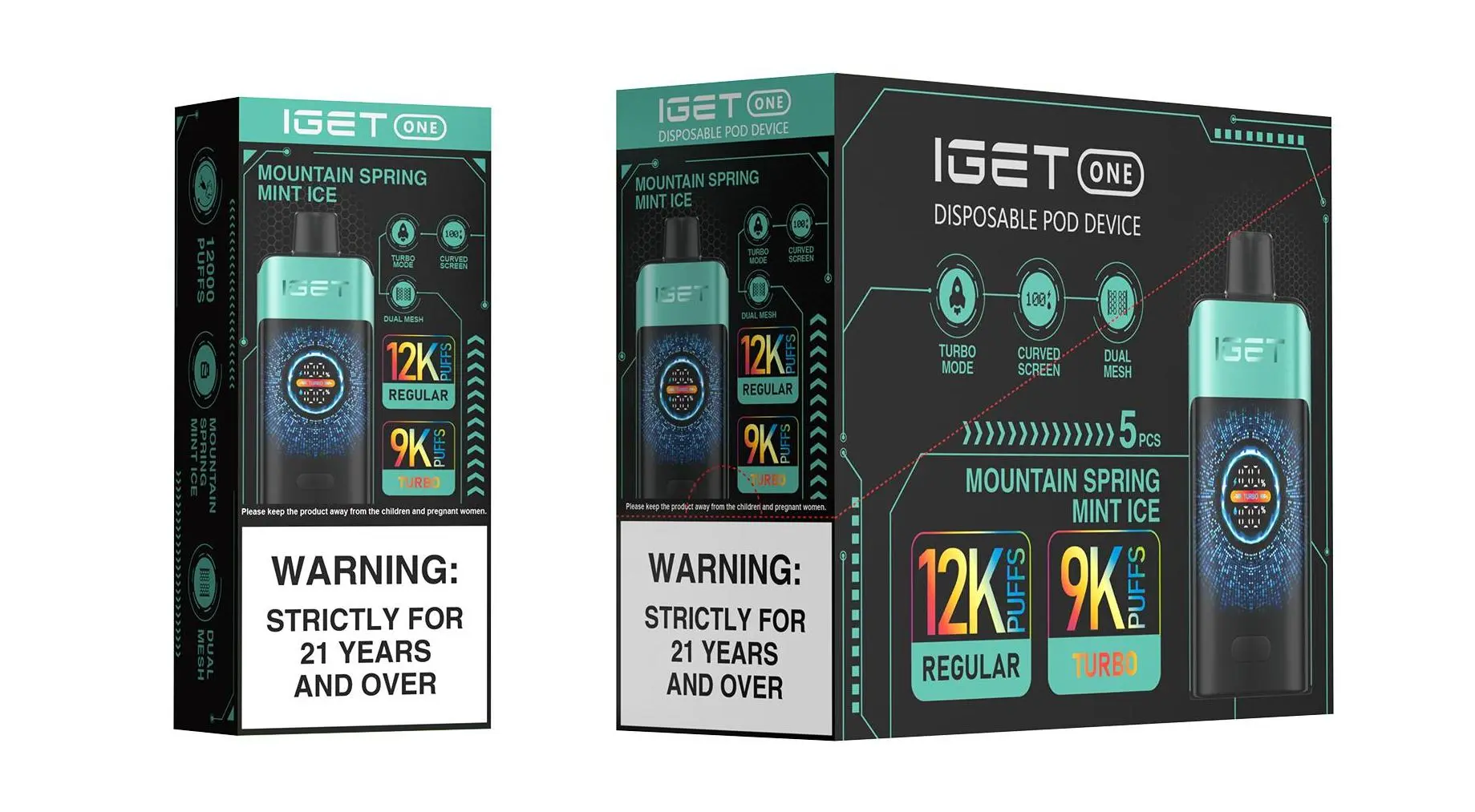
Method 1: Use Exposed USB Cable Wires
Carefully open the IGET Bar: Use a small flathead screwdriver or knife to pry apart the plastic casing (start at the bottom where the battery is housed). Be gentle to avoid puncturing the battery or e-liquid reservoir.
Locate battery terminals: Inside, you’ll find a lithium-ion battery with two metal terminals—positive (+, usually marked in red) and negative (-, usually marked in black).
Prepare a USB cable: Take an old USB charging cable, cut off the end that connects to devices, strip the outer insulation to expose the red (positive) and black (negative) inner wires.
Temporarily connect wires: Touch the red wire to the battery’s positive terminal and the black wire to the negative terminal. Do not leave the wires connected for more than 5-10 minutes—monitor the battery closely for signs of overheating (swelling, warmth). Disconnect immediately if it feels hot.
Method 2: Use a Portable Power Bank with Bare Wires
This method mirrors the first but uses a portable power bank instead of a wall charger:
Follow steps 1-2 above to access the battery terminals.
Prepare the USB cable as before, then plug the USB end into the power bank.
Touch the exposed red and black wires to the battery’s corresponding terminals, again for only a short period (5-10 minutes max) and with constant supervision.
Safe Alternative: Choose Rechargeable IGET Models from iGetBaroz
Instead of risking your safety with unauthorised modifications, opt for IGET’s officially rechargeable disposable devices, available exclusively through trusted retailers like iGetBaroz (opens in new window). Models like the IGET Bar Plus (1,800 puffs) and IGET E-HOOKAH G1 (60,000 puffs) come with built-in USB-C charging ports, designed to safely recharge the battery multiple times without modification. These devices include overcharge protection circuits to ensure your safety, and they’re backed by iGetBaroz’s 100% authenticity guarantee.
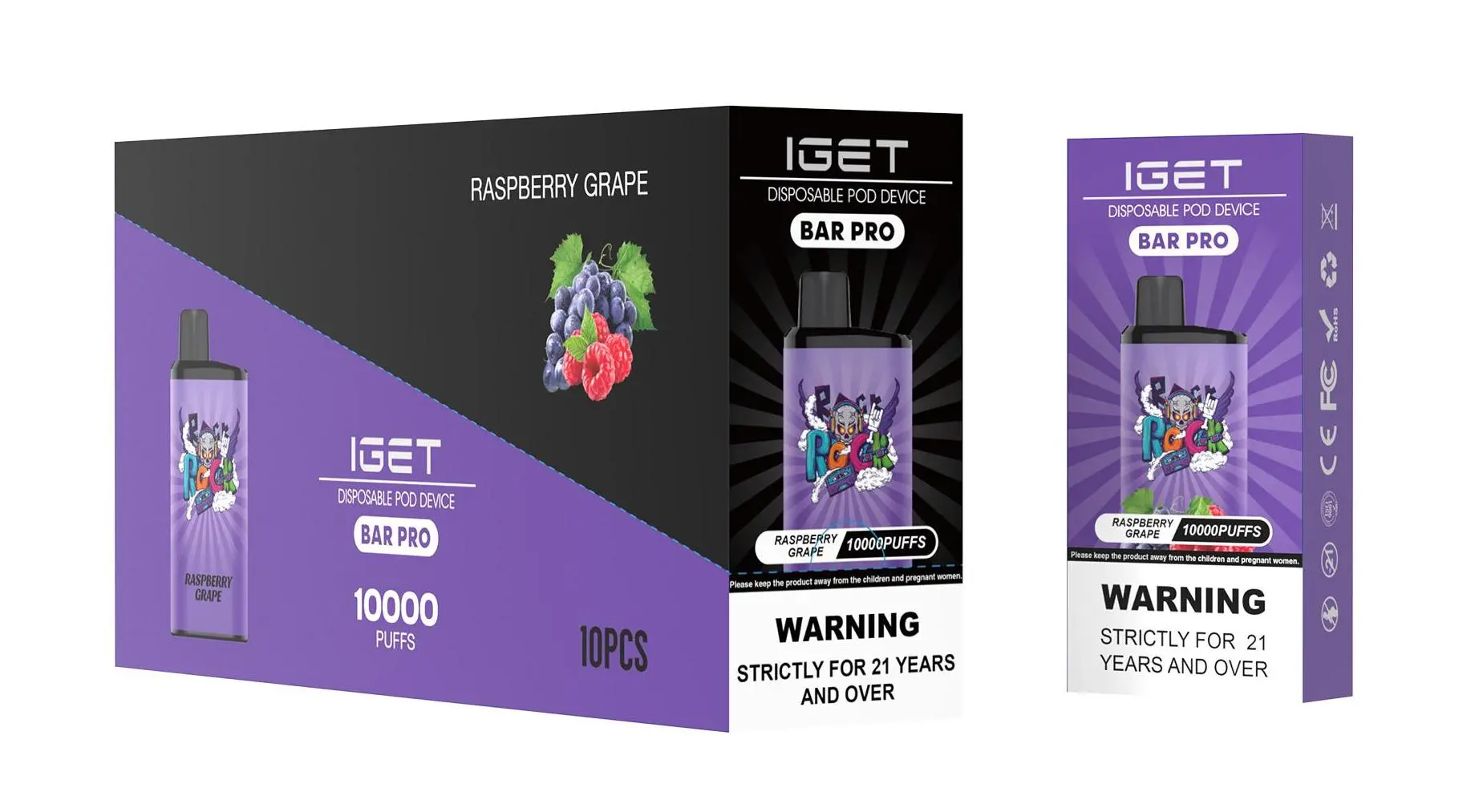
For more information on safe, authentic IGET products, visit iGetBaroz’s YouTube channel (opens in new window) to learn about their full product range and after-sales support.
How To Recharge Iget Bar Without Charger? — 补充说明
It’s a common scenario: your IGET Bar runs out of battery, but the specific charger is nowhere to be found. Before attempting any solutions, it’s crucial to identify what type of IGET Bar you have, as this determines your options.
Step 1: Identify Your IGET Bar Model
First, check if your device is designed to be recharged.
Rechargeable Models: Look for a USB-C port (a small oval port) on the bottom or side of the device. Most modern IGET series like the IGET Bar Plus, IGET Goat, or IGET E-HOOKAH have this feature.
Non-Rechargeable Models: Traditional IGET Bar and IGET King models are typically designed as true disposables. They have no charging port and are intended to be used until the battery depletes, then disposed of responsibly.
Step 2: Safe Methods for Rechargeable Models (With USB-C Port)
If your device has a USB-C port, you can use common alternatives.
1. Use a Standard USB-C Cable.
This is the simplest solution. The IGET Bar uses a common USB-C connector.
Find any USB-C cable from a phone, tablet, or other electronic device (e.g., Android phone charger, Nintendo Switch charger, modern laptop cable).
Plug the USB-C end into your IGET Bar.
Connect the other end (USB-A or USB-C) to a safe power source:
A computer or laptop USB port.
A standard phone wall adapter.
A portable power bank.
2. Charging Tips & Safety.
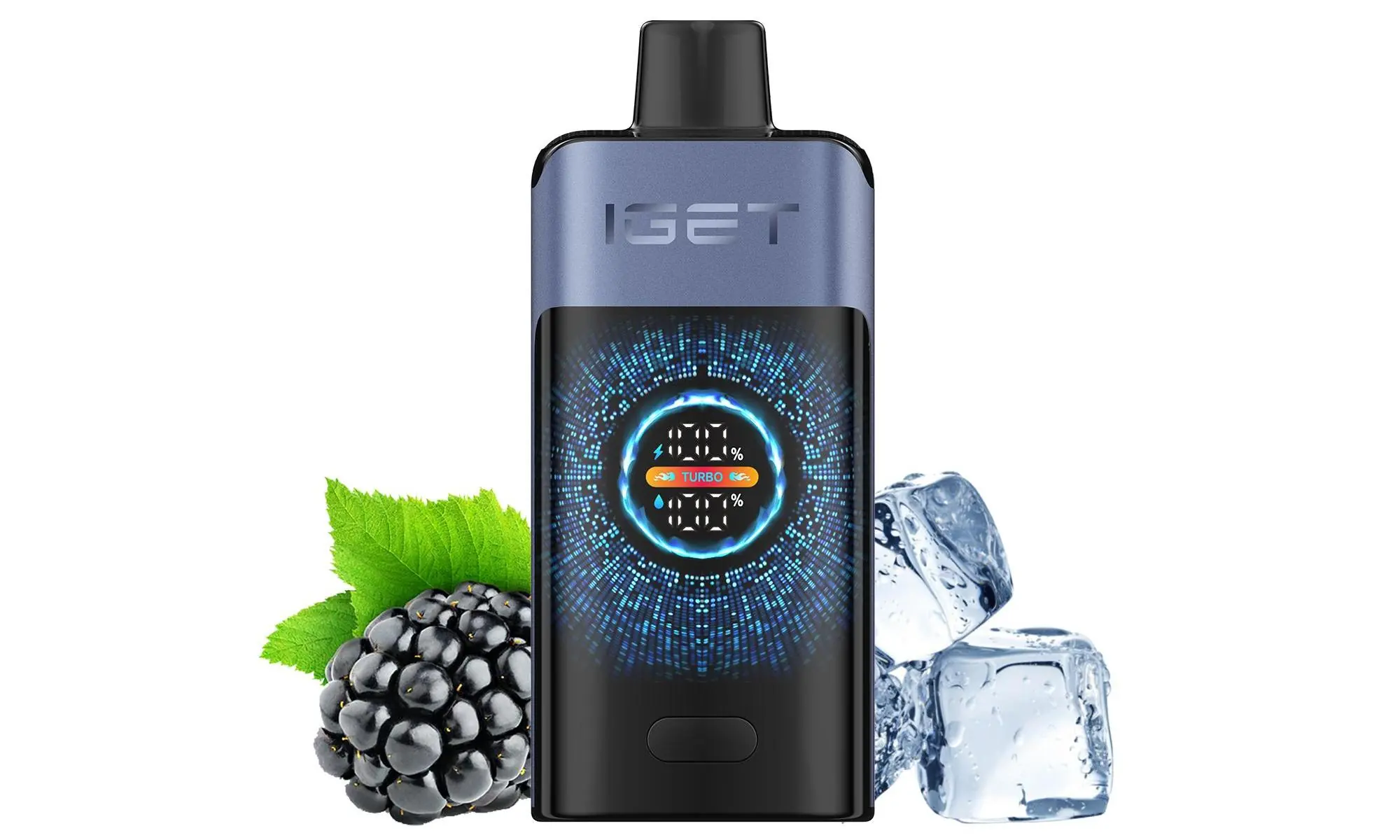
Use a Low-Power Source: A computer USB port (5V/1A) is ideal as it provides a slow, safe charge. Avoid fast-charging blocks unless necessary.
Monitor the Device: Charge for 30-60 minutes maximum. Most disposables have small batteries that charge quickly. Overcharging can damage the battery.
Check for Indicators: The device may have a small LED that lights up during charging or turns off when full.
⚠️ Critical Warning: Non-Rechargeable Models
If your IGET Bar has NO charging port, it is not designed to be recharged.
Attempting to recharge it by prying it open, exposing wires, or using makeshift methods is dangerous and strongly discouraged. This can lead to:
Battery Damage or Leakage: The battery may leak harmful chemicals.
Short Circuit: This can cause the device to overheat, melt, or catch fire.
Injury: Risk of burns or battery explosion.
For non-rechargeable models, the only safe course of action is to dispose of them properly at an appropriate e-waste collection point and use a new device.
Step 3: Troubleshooting & Final Tips
Clean the Port: If a rechargeable model isn’t charging, use a dry toothpick or compressed air to gently clear any debris from the USB-C port.
Try Another Cable/Adapter: The cable or power source you’re using might be faulty.
The Device is Finished: Remember, disposable vapes have a limited total lifespan. Once the e-liquid is depleted or the battery reaches its end-of-life cycle, it will no longer function, even after charging.
The Best Practice: Plan Ahead
To avoid this situation:

Keep the Original Cable: When you purchase a rechargeable disposable, store the included cable in a dedicated spot.
Verify Specifications: Always purchase from an authorised retailer like iGetBaroz to ensure you receive genuine products with correct specifications and packaging. You can explore their full range of IGET products here{:target=”_blank”}.
Consider a Backup: If you rely on your device, having a backup on hand is the most reliable solution.
Conclusion:
For rechargeable IGET models, any standard USB-C cable and safe power source will work. For non-rechargeable models, charging is not possible and attempting it is a serious safety risk. Always prioritise safety and proper device usage. For more insights and authentic products, check out our community discussions on platforms like YouTube{:target=”_blank”}.