
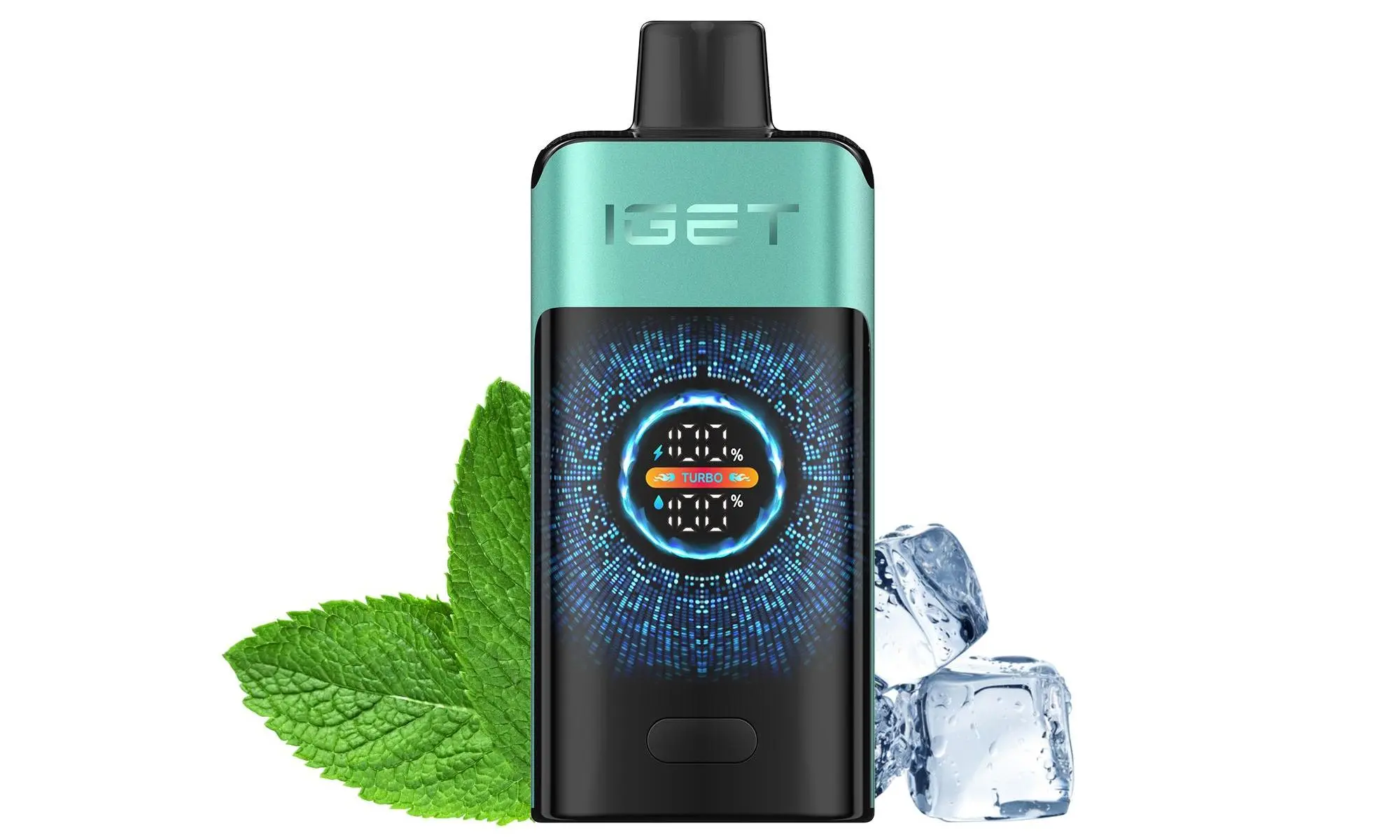
Can All IGET Disposable Vapes Be Recharged?
First, a critical clarification: Not all IGET disposable vape models support recharging. Most standard IGET disposables (like the original IGET Bar) are single-use, with no built-in charging port—attempting to recharge these can cause battery leakage, overheating, or safety hazards.
Rechargeable functionality is exclusive to IGET’s Ultra-High Capacity Series, including the flagship IGET E-HOOKAH G1 (60,000 puffs) and other high-capacity models designed for heavy, long-term use. For genuine rechargeable IGET devices, always source from trusted Australian retailers like iGetBaroz, open in a new window, which guarantees authentic products directly from authorized distributors.
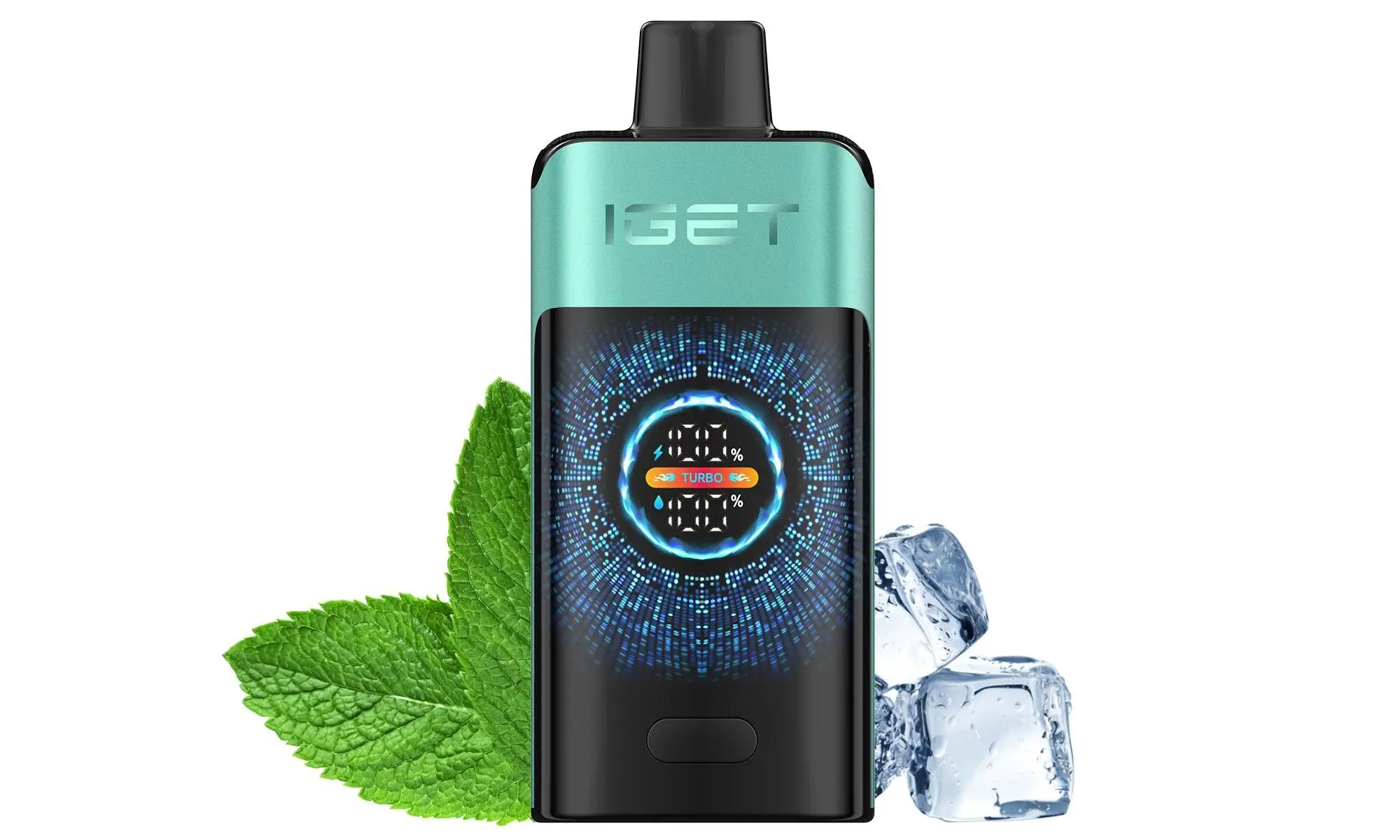
Step-by-Step Guide to Recharge Your Rechargeable IGET Disposable Vape
Follow these safe, straightforward steps for rechargeable IGET models:
Locate the Charging Port: Most rechargeable IGETs have a recessed USB-C port (usually on the device’s bottom). For the IGET E-HOOKAH G1, this port is covered by a rubber dust flap—gently lift it to access the port.
Use a Certified Cable: Only use a genuine or MFi-certified USB-C cable. Avoid fast-charging cables, as they can strain the device’s lithium-ion battery over time.
Connect to a Safe Power Source: Plug the cable into a low-wattage wall adapter (5V/1A is ideal) or a laptop/desktop USB port. Skip high-output power banks or fast-charging adapters, which may cause overheating.
Monitor Charging Status: Rechargeable IGETs use LED indicators to show progress:
Red light: Device is actively charging.
Green/blue light: Battery is fully charged (disconnect immediately to prevent overcharging).
Disconnect and Resume Use: Once charged, unplug the cable and re-seal the rubber flap (if applicable) to protect the port from dust or moisture.
Essential Safety Precautions for Australian Users
Given Australia’s strict product safety regulations and harsh climate conditions, follow these rules to stay safe:
Never recharge non-rechargeable models: This violates design specifications and can lead to battery failure or fires.
Avoid overcharging: Most rechargeable IGETs fully charge in 1–2 hours—do not leave them charging overnight or for longer than 3 hours.
Protect from extreme conditions: Don’t charge your vape in direct Australian summer sunlight or humid areas (like bathroom showers), as this can damage the battery.
Dispose of damaged devices safely: If your IGET is leaking, cracked, or has a damaged port, discard it at a designated battery recycling center (find local options via Australia’s Recycle Now program).
Troubleshooting Common Recharging Issues
If your rechargeable IGET isn’t charging properly, try these fixes:
Clean the port: Dust or Capacity residue may block the USB-C port. Use a dry cotton swab to gently clear debris.
Test new cables/power sources: Faulty cables or outlets are often the culprit—swap in a certified cable and try a different adapter or laptop port.
Check device lifespan: Even rechargeable models have a limited puff count. If the battery charges but vapor/Options quality drops drastically, the device has reached the end of its usable life and should be replaced.
Trusted Source for Rechargeable IGET Vapes in Australia
For genuine, safe rechargeable IGET devices and expert support, visit iGetBaroz, open in a new window. As Australia’s trusted vape destination, they offer authentic products, fast nationwide shipping (2–3 business days to most major cities like Melbourne, Sydney, and Brisbane), and responsive customer service to help with any recharging or product questions.
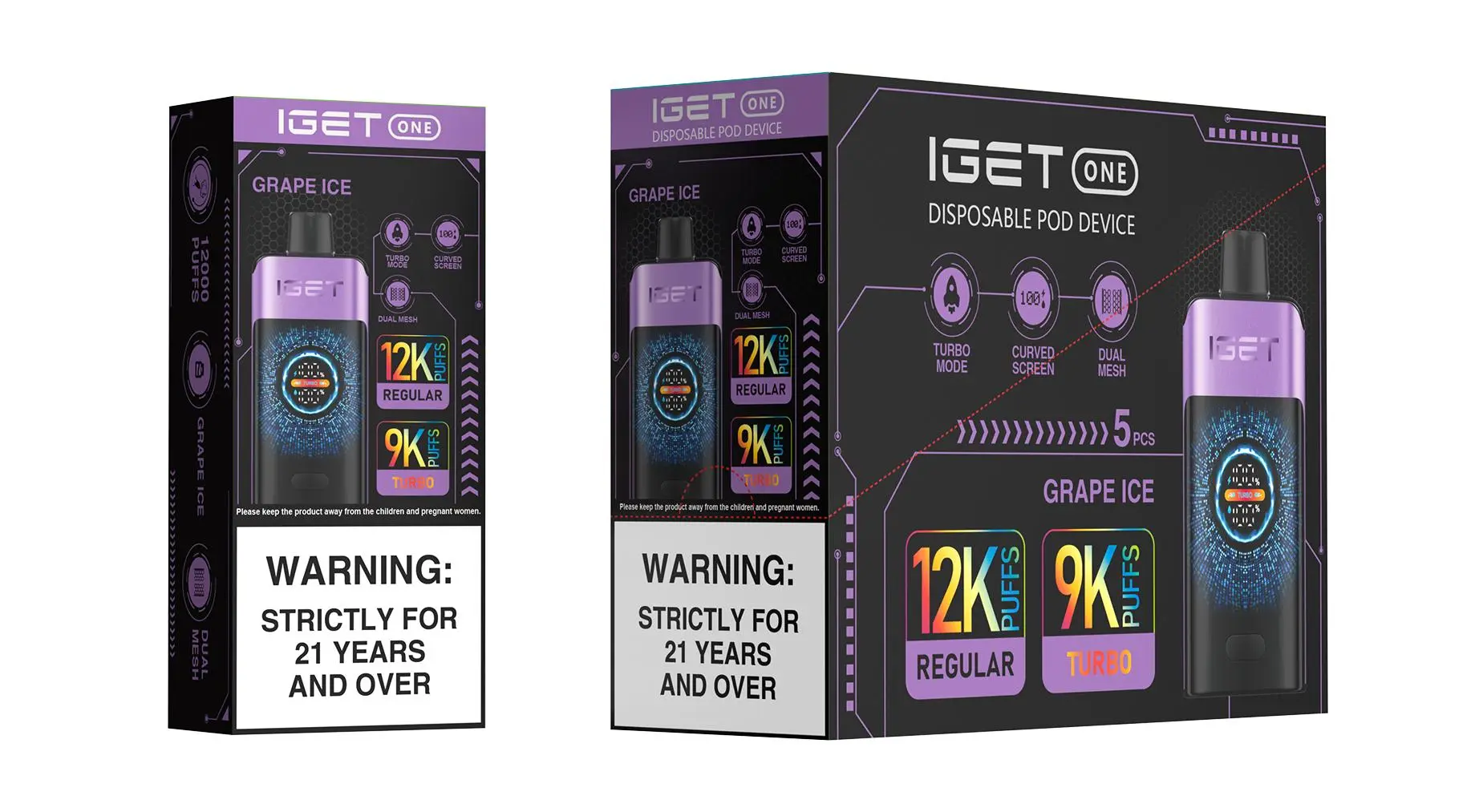
How To Recharge A Disposable Vape Iget? — 补充说明
A common question we hear at iGetBaroz is: “Can I recharge my IGET vape, and how do I do it safely?” The answer isn’t the same for every model, so it’s crucial to know what you have in your hand.
Not all IGET disposable vapes are designed to be recharged. However, many of their popular modern series, such as the IGET Bar Plus, IGET ONE, and IGET Goat, come with a built-in USB-C port for convenient recharging, maximising the use of the e-liquid inside.
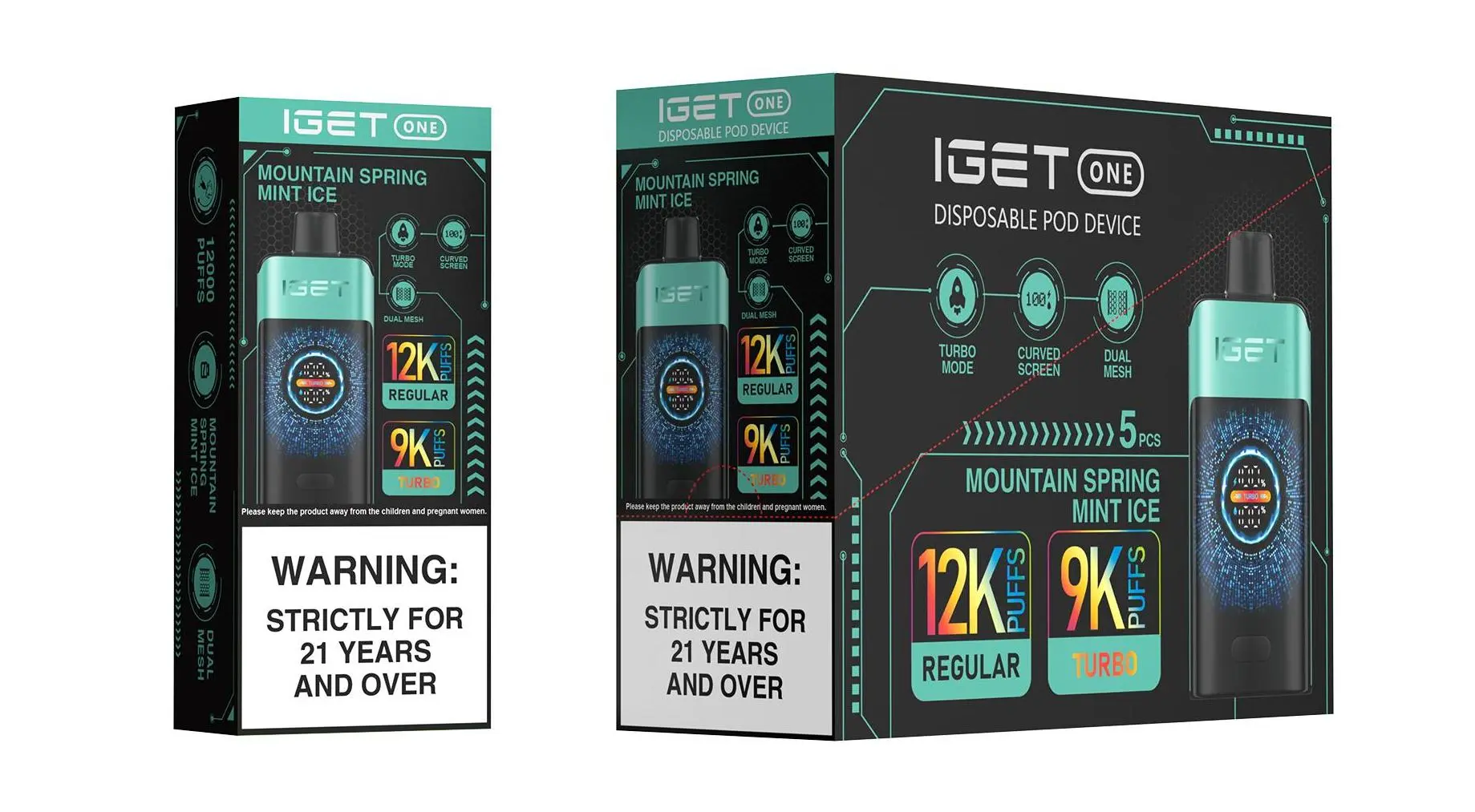
Here’s a straightforward, safety-first guide.
Step 1: Identify if Your IGET is Rechargeable
Check for a Port: Look for a small, covered USB-C port at the bottom or on the side of the device. If you see one, it’s rechargeable.
No Port? Traditional models like the original IGET Bar (without “Plus” in the name) are non-rechargeable. Attempting to open or modify them is not recommended and can be dangerous.
Step 2: How to Recharge (For Rechargeable Models)
Locate the Port: Find the small rubber seal covering the USB-C charging port. Gently remove or flip it open.
Use the Correct Cable: Always use the cable that came with the device or a standard, high-quality USB-C cable. Avoid using fast-charging bricks or car adapters meant for laptops/phones.
Connect to a Safe Power Source: Plug the cable into a low-power source like a computer USB port or a standard 5V/1A wall adapter. This is the safest way to charge.
Monitor the Charge: Most IGET devices have an LED indicator that lights up while charging and turns off (or changes colour) when fully charged. Do not leave it charging unattended or overnight.
Disconnect When Full: A full charge typically takes 30-60 minutes. Once the indicator shows it’s complete, unplug it immediately to preserve battery health.
✅ Pro Tip from iGetBaroz: Let the device sit for 5-10 minutes after charging before using it. This allows the battery to stabilise.
⚠️ CRITICAL SAFETY WARNINGS ⚠️
Never Force a Charge: If there’s no port, don’t try to create one.
Use the Right Charger: As mentioned, low-power sources only. High-wattage chargers can damage the battery.
Do Not Use While Charging: This can cause the device to overheat.
Inspect for Damage: If the device is damaged, leaking, or gets hot while charging, stop immediately and dispose of it safely.
Dispose of Responsibly: Once the e-liquid is finished (even if the battery still holds charge), recycle the device at a designated B-cycle battery drop-off point.
What About Non-Rechargeable IGET Vapes?
If you have a single-use model, the best practice is to enjoy it until the battery or e-liquid runs out, then safely dispose of it. At iGetBaroz, we clearly label our products, so you’ll always know if you’re purchasing a rechargeable or non-rechargeable device. For the best value and performance, we often recommend rechargeable models like the IGET Bar Plus for their extended life and cost-effectiveness.
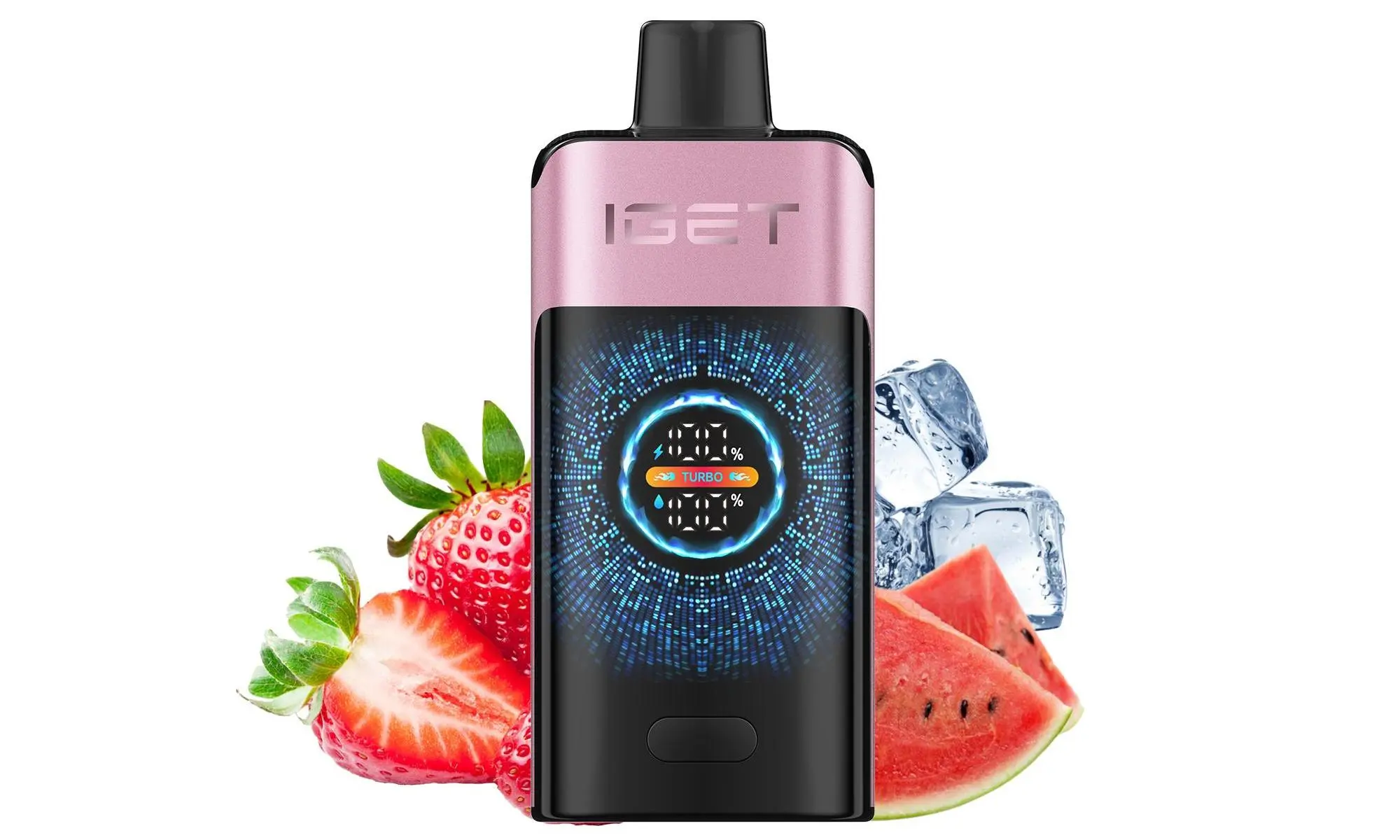
Still unsure about your specific model or need a reliable rechargeable replacement? Browse our curated selection of authentic IGET products at iGetBaroz. For more visual guides and tips, check out our community videos on YouTube @AidiHk.