
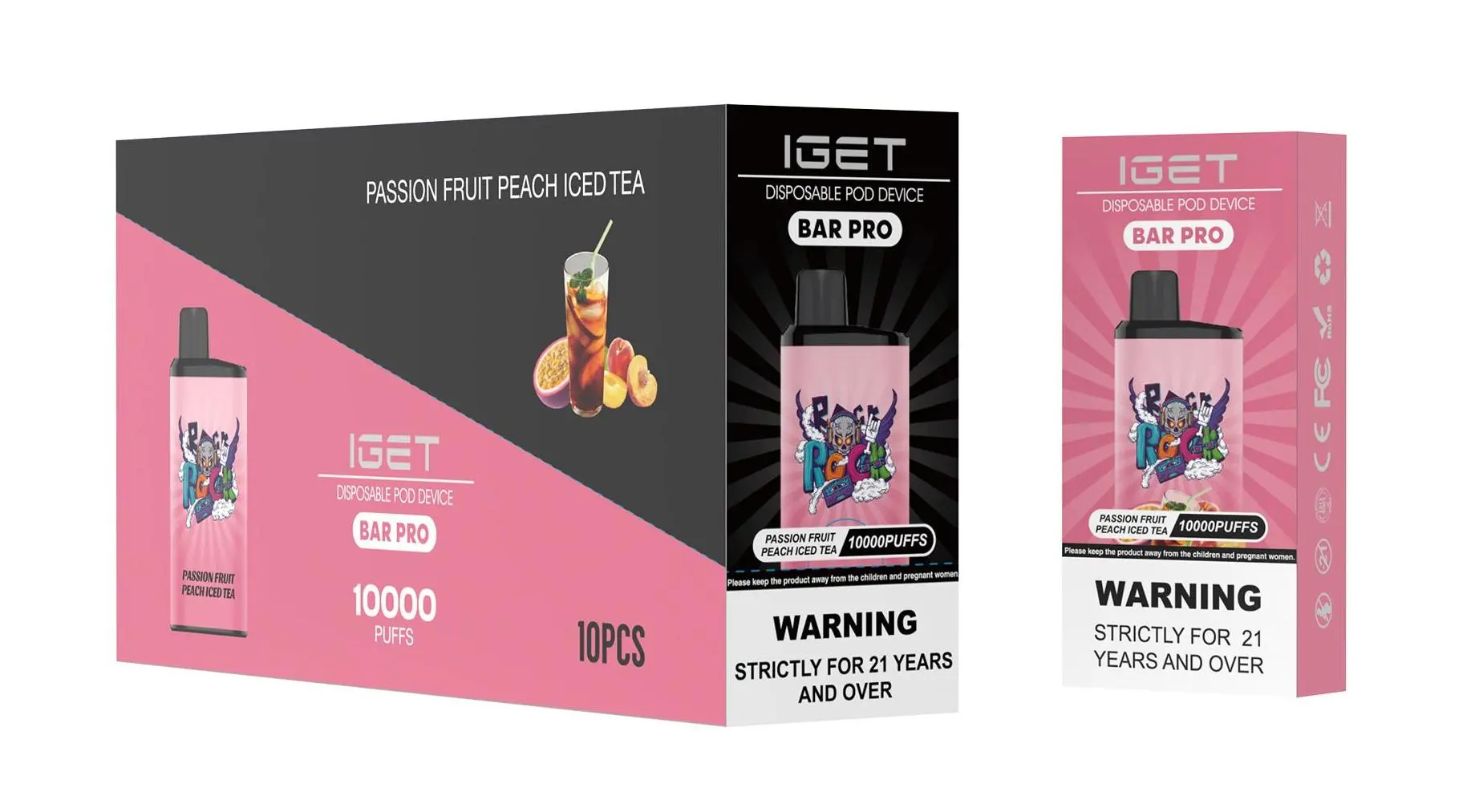
The IGET Bar Pro is a popular disposable vape device known for its extended puff count and, importantly, its built-in USB Type-C charging port. Unlike older disposable models, the Bar Pro is designed to be recharged, allowing you to use the entire Capacity reservoir before disposal. Here’s a straightforward guide on how to recharge it safely and effectively.
Step 1: Confirm Your Device is the IGET Bar Pro
First, ensure you have the correct model. The IGET Bar Pro is distinctly marked and typically offers around 6000 puffs. Its key identifying feature is the USB Type-C charging port located at the bottom of the device. If your device lacks this port, it is a non-rechargeable model (like the standard IGET Bar), and attempting to charge it is not possible.
Step 2: Gather the Correct Charging Equipment
You will need:
A standard USB Type-C cable.
A low-power USB power source, such as a computer USB port, a USB wall adapter (5V/1A is ideal), or a power bank.
⚠️ Safety Note: Always use a reliable, low-output power source. Avoid fast chargers or high-output adapters (like those for laptops or tablets), as they can damage the battery.
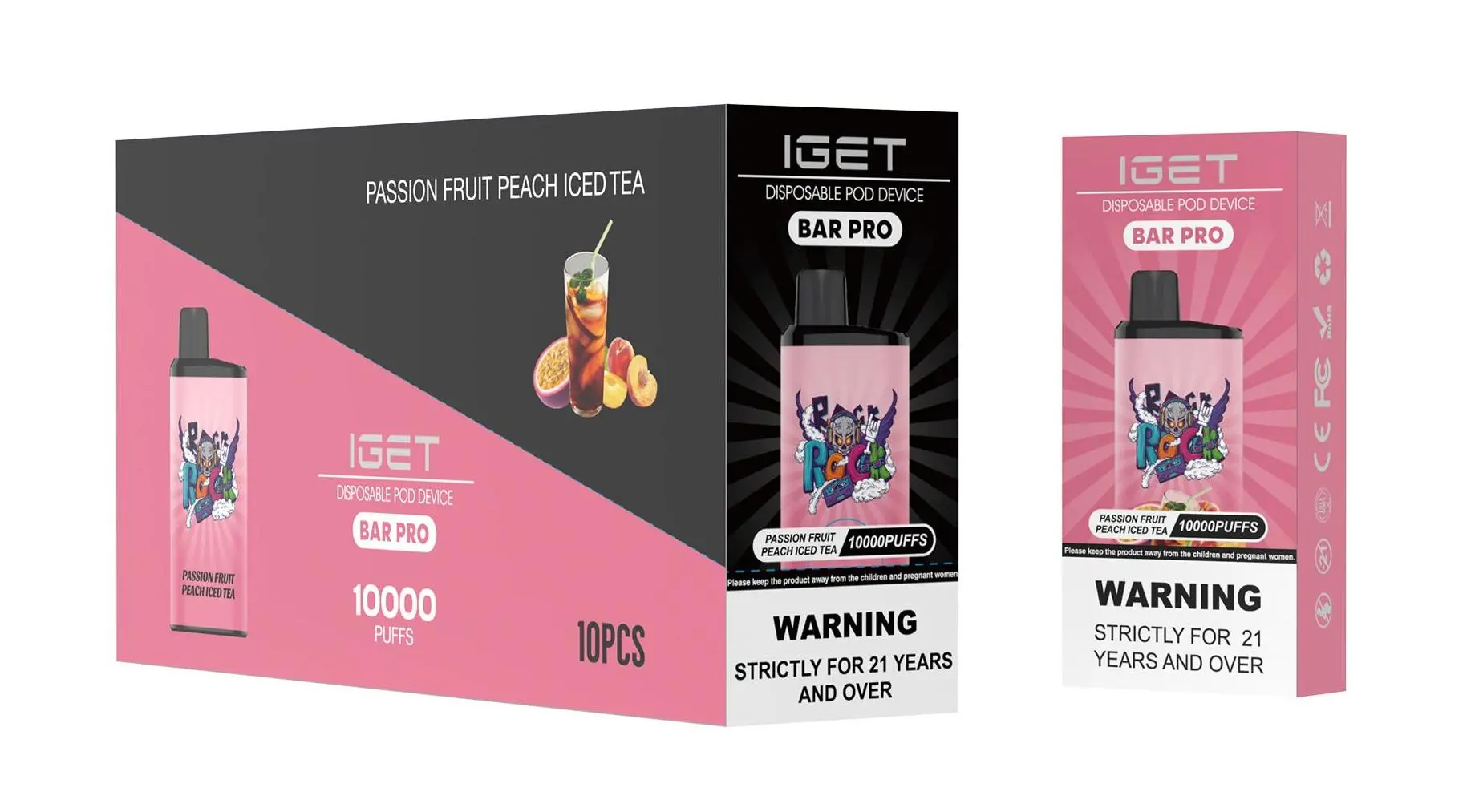
Step 3: The Charging Process
Locate the Port: Find the Type-C port on the bottom end of your IGET Bar Pro.
Connect the Cable: Gently insert the USB Type-C cable into the port.
Connect to Power: Plug the other end of the cable into your chosen power source.
Check for Indicator: Most IGET Bar Pro devices have a small LED light near the charging port or on the side. This light will typically illuminate while charging. The light may turn off or change colour once charging is complete (referencing general user experience, as colours can vary by batch).
Charging Time: A full charge usually takes 60-90 minutes. We recommend not leaving it charging unattended for extended periods.
Step 4: Disconnect and Use
Once the indicator suggests charging is complete (or after approximately 90 minutes), disconnect the cable. Your IGET Bar Pro is now ready for use. The device is designed to be recharged multiple times throughout its lifespan.

Critical Safety Tips & Best Practices
Do Not Overcharge: While the device has protection circuits, it’s best practice to unplug it once fully charged to preserve long-term battery health.
Monitor While Charging: Charge on a non-flammable surface and avoid charging overnight or when you are not nearby.
Use the Right Cable: A damaged or poor-quality cable can cause issues. Use a cable in good condition.
If It Gets Hot: If the device becomes unusually warm during charging, disconnect it immediately and let it cool in a safe place.
Authenticity is Key: These safety guidelines apply to genuine IGET products. Counterfeit devices may have faulty batteries or lack proper safety chips. Always purchase from authorised retailers like iGetBaroz to guarantee authenticity and safety.
Troubleshooting Common Issues
Device Won’t Charge? Ensure the Type-C cable is fully inserted. Try a different cable and power source. If it still fails, the battery may have reached its end of life.
No Vapour After Charging? Take a few gentle primer puffs without activating the button (if applicable). The coil may need to re-saturate with Capacity after being stored horizontally during charging.
LED Not Lighting Up? The battery could be completely depleted. Leave it connected to power for 15-20 minutes, then check.
By following these steps, you can safely maximise the use of your IGET Bar Pro. For guaranteed authentic IGET devices and accessories, visit your trusted source, iGetBaroz{:target="_blank"}. For more visual guides and reviews, you can also check out their community resources on platforms like YouTube{:target="_blank"}.