
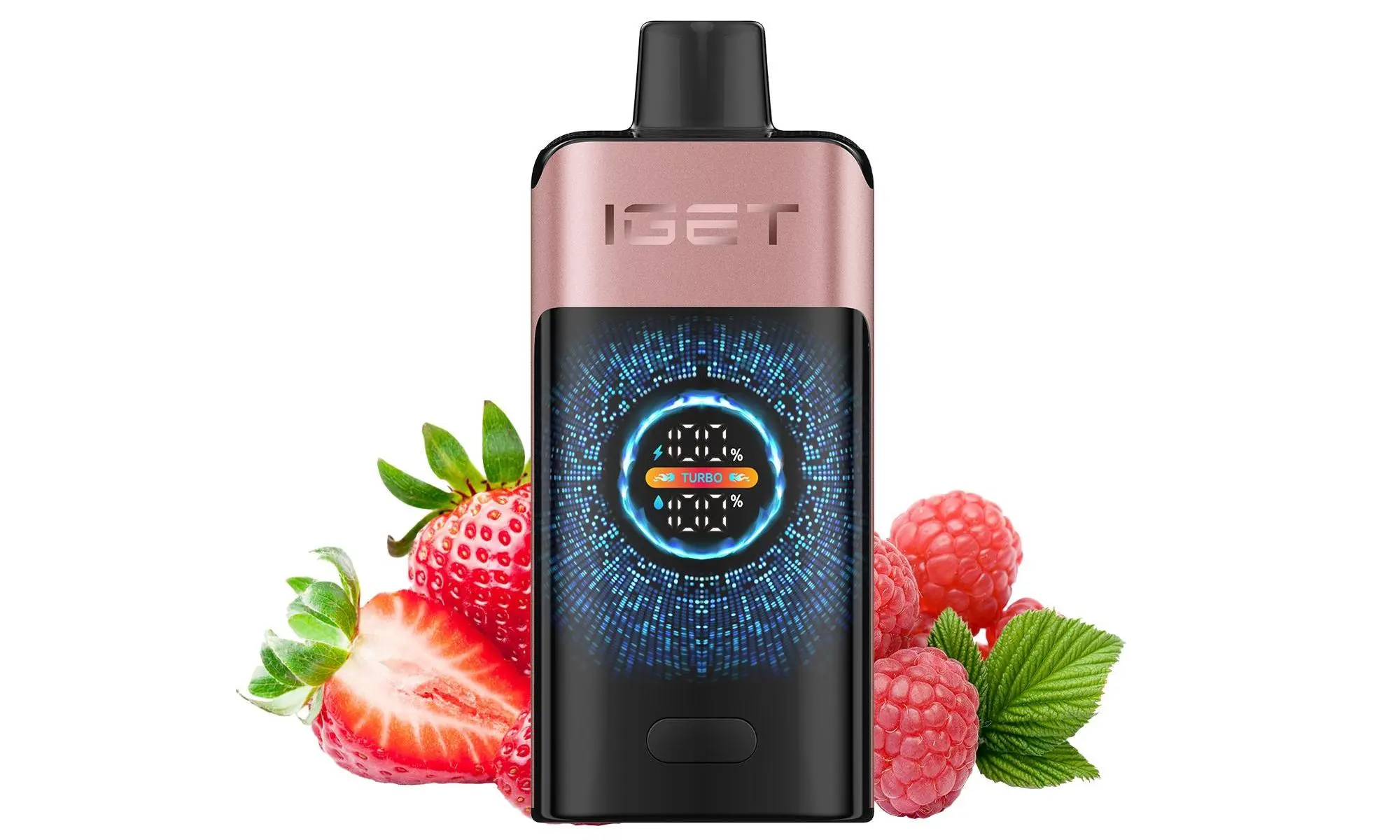
Knowing how to properly recharge your IGET device is crucial for getting the most out of it and ensuring its safety. The process varies slightly depending on the specific IGET model you own. This guide covers all rechargeable IGET series and includes essential safety tips.
Important First Step: Check if your device is rechargeable. Most modern IGET models are, but some older or smaller “mini” disposables are not. Look for a USB-C port (a small oval port) on the bottom or side of the device. If you cannot find a port, it is a non-rechargeable disposable.
Standard Method: For Most Rechargeable IGET Models (IGET Goat, IGET King, IGET Bar Plus/Legend, etc.)
These models feature a standard USB-C charging port.
Locate the USB-C Port: Find the charging port on the bottom or side of the device.
Use the Correct Cable: Use any standard USB-A to USB-C or USB-C to USB-C cable.
Connect to a Power Source: Plug the USB end into a low-power source, such as:
A computer USB port.
A USB wall adapter (5V/1A is ideal, similar to an old phone charger).
A power bank.
⚠️ Safety Note: Avoid using fast-charging blocks (e.g., for modern smartphones) as they can overwhelm the vape’s small battery.
Check the Indicator Light: Most IGET devices have an LED that lights up while charging. It typically turns off or changes colour (e.g., from red to green/blue) when charging is complete.
Disconnect: Unplug the cable once fully charged. A full charge usually takes 30-60 minutes.
Special Case: Recharging the IGET Bar & IGET Bar Plus
These popular models have a hidden charging port behind a foil seal to maintain a sleek design.
Peel the Label: Remove the product information label/sticker from the bottom of the device.
Expose the Port: Underneath, you will find a protective foil covering the USB-C port. Carefully peel this foil tab off.
Charge as Normal: Follow the standard steps above using a USB-C cable.
(Optional) Re-seal: You can stick the foil back over the port when done to keep it clean.
Universal Safety & Best Practices
Never Overcharge: Disconnect the device once the indicator shows a full charge. Do not leave it charging overnight or unattended for extended periods.
Use the Right Power Source: Stick to low-output (5V/1A) sources. High-wattage chargers can damage the battery and are a safety risk.
Inspect Before Charging: Do not charge the device if the casing is damaged, bent, or if it has been leaking.
Charge on a Safe Surface: Place the device on a non-flammable surface like a desk or kitchen counter, away from bedding or carpets.
Monitor the Temperature: If the device becomes unusually hot during charging, stop immediately.
FAQ: Common Recharging Questions
Q: How long does it take to fully charge my IGET?
A: Typically between 30 to 60 minutes, depending on the model and battery capacity.
Q: How do I know when my IGET is fully charged?
A: The LED indicator light will usually turn off or change colour (e.g., from red to blue or green).
Q: Can I use my IGET while it’s charging?
A: No, this is known as “pass-through charging” and is not supported by disposable vapes. It can damage the device.
Q: My IGET isn’t hitting even after charging. What’s wrong?
A: The battery may be fully depleted or faulty. If the device is out of e-liquid, it will also stop producing vapour regardless of charge. If it’s a new device from a trusted supplier like iGetBaroz, you may be eligible for a warranty replacement.
Q: Where can I get authentic, rechargeable IGET vapes in Australia?
A: For guaranteed authentic products with clear specifications, purchase from authorised retailers like iGetBaroz. We ensure all our IGET devices are sourced directly from the manufacturer and provide clear instructions for use and charging. For more insights and reviews, check out our community content on platforms like YouTube.
Always purchase from reputable sellers to ensure you receive a genuine, safe product with a reliable battery.