
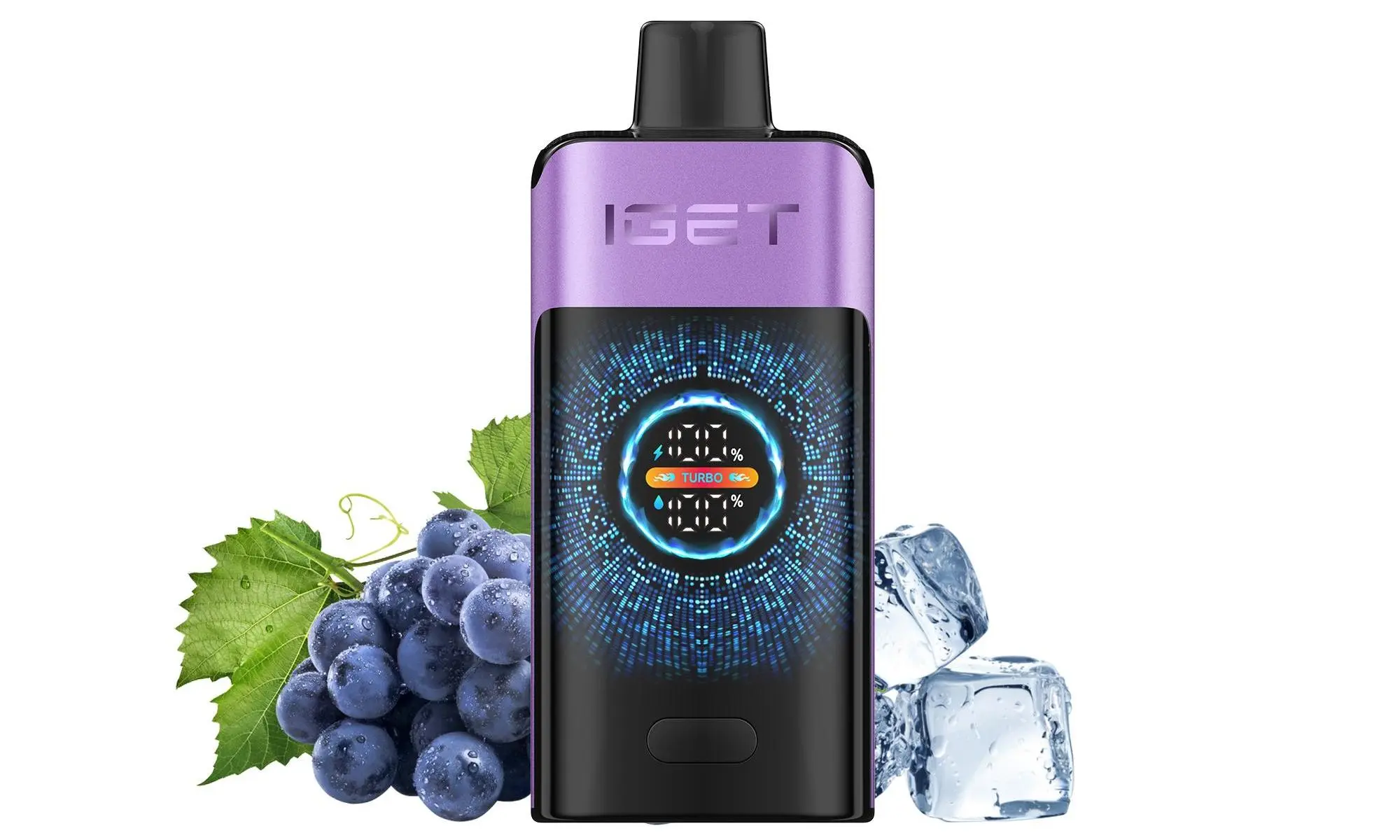
A common question we receive from vapers across Australia is: “How do I recharge my IGET vape?” The answer isn’t the same for every device, as IGET’s extensive range includes both disposable and rechargeable models. This guide will help you identify your device and recharge it safely and effectively.
Step 1: Identify If Your IGET Vape is Rechargeable
First, check your device. Not all IGET vapes are designed to be recharged.
Non-Rechargeable (True Disposables): These are typically smaller models like the classic IGET Bar. They are pre-charged and prefilled, designed to be used until the battery or e-liquid is depleted, then responsibly disposed of. They do not have a charging port.
Rechargeable Models: These devices have a built-in USB-C (most common) or Micro-USB port for recharging. This includes popular series like:
IGET Bar Plus
IGET Legend / Legend Plus
IGET XXL
IGET King
IGET E-HOOKAH Series (like the G1)
IGET ONE (pod system)
Look for a small rubber or plastic plug on the bottom or side of the device. Removing it will reveal the charging port.

Step 2: The Recharging Process (For Rechargeable Models)
Once you’ve confirmed your device is rechargeable, follow these steps:

Gather Your Equipment: You will need a standard USB-C cable (or Micro-USB for older models) and a safe power source, like a computer USB port, a wall adapter (5V/1A is ideal), or a power bank.
Expose the Port: Remove the protective rubber plug covering the charging port.
Connect the Cable: Gently insert the USB cable into the port on your IGET device.
Connect to Power: Plug the other end of the cable into your chosen power source. Most devices will have an LED indicator light that illuminates to show charging has started (often red or white).
Monitor the Charge: The light will typically change colour (e.g., from red to blue or green) or turn off once the battery is fully charged. A full charge usually takes 60 to 90 minutes.
Disconnect: Once charged, unplug the cable and securely replace the rubber plug to prevent dust or lint from entering the port.
⚠️ Critical Safety & Best Practice Tips
Use the Right Cable: A quality, undamaged cable is essential. Avoid using fast-charging blocks meant for phones, as they can deliver too much current.
Never Leave Charging Unattended: Don’t charge your device overnight or while you’re out. Overcharging can damage the battery.
Charge on a Safe Surface: Always charge on a hard, non-flammable surface like a desk, away from bedding, carpets, or other flammable materials.
Keep it Dry: Ensure the port and device are dry before connecting the cable.
Stop if There’s an Issue: If the device becomes excessively hot, emits a strange smell, or the light behaves erratically, disconnect it immediately in a safe area.
FAQ: Common IGET Charging Questions
Q: How do I know when my rechargeable IGET is out of battery?
A: The device will stop producing vapour. Some models with an LED indicator will flash when the battery is low.
Q: Can I vape while it’s charging?
A: No. This is strongly discouraged for safety reasons and can damage the device’s internal circuitry.
Q: My device has a port but isn’t charging. What should I do?
A: First, try a different cable and power source. If it still doesn’t work, the battery may have reached its end of life. For a recently purchased device from an authorised retailer like iGetBaroz{:target=”_blank”}, you may be eligible for support under warranty.
Q: Where can I be sure I’m buying authentic, rechargeable IGET products in Australia?
A: To guarantee you get a genuine device with the correct, safe charging capabilities, purchase from trusted retailers. iGetBaroz{:target=”_blank”} is an authorised distributor, ensuring every IGET, Alibarbar, FISCO, and WALA product is 100% authentic and fully backed by local customer service.
Still unsure about your specific model? For more detailed visual guides and product-specific tutorials, check out our external resource channel on YouTube @AidiHk{:target=”_blank”}.
How To Recharge A Iget Vape? — 补充说明
A common question we hear from vapers across Australia is, “How do I recharge my IGET vape?” The answer isn’t the same for every device, as IGET’s extensive range includes both single-use disposable models and rechargeable disposable devices. This guide will help you identify your device and recharge it safely and effectively.
First, Identify Your IGET Model
1. Non-Rechargeable Disposables:
These are the classic IGET Bar, IGET Goat, and similar models. They are designed for a single use and do not have a charging port. If the battery dies or the e-liquid is finished, the device is disposed of. You can identify these by their seamless design—look carefully around the base and body for any USB-C or Micro-USB port. If there isn’t one, it’s not rechargeable.
2. Rechargeable Disposables:
Many modern IGET devices, especially higher-puff-count models, are rechargeable. This includes popular series like:
IGET Bar Plus
IGET XXL
IGET King
IGET E-HOOKAH G1 & G2
These will have a clearly visible charging port, almost always a USB-C port located at the bottom of the device.
Step-by-Step: How to Recharge Your IGET Vape
If you’ve confirmed your device has a charging port, follow these steps:
Step 1: Gather Your Equipment
You will need:

Your IGET vape device.
A standard USB-C charging cable (commonly used for Android phones, headphones, and many modern devices).
A safe power source, such as a USB wall adapter, computer USB port, or power bank.
Step 2: Locate the Charging Port
Examine the bottom end of your IGET vape. You will find a small, covered USB-C port. Remove the protective rubber or silicone plug if present.
Step 3: Connect the Cable
Gently insert the USB-C cable into the port. Ensure it is connected securely but do not force it.
Step 4: Connect to Power
Plug the other end of the cable into your chosen power source.
Step 5: Monitor the Charging
Most rechargeable IGET vapes have an LED indicator light near the mouthpiece or button.
While Charging: The light will typically stay on (often red or white) or pulse.
When Fully Charged: The light will usually turn off or change to a different colour (e.g., green).
Average Charging Time: Usually between 30 to 60 minutes for a full charge. Avoid leaving it to charge overnight or for excessively long periods.
Step 6: Disconnect and Use
Once the indicator shows a full charge, disconnect the cable from the device first, then from the power source. Replace the rubber plug over the port to prevent dust or lint from entering. Your device is now ready to use.

Essential Safety & Performance Tips
Use the Right Cable: We recommend using the cable that came with your phone or a high-quality, certified cable. Poor-quality cables can cause slow charging or damage.
Avoid Overcharging: While modern devices have protection circuits, it’s good practice to unplug once fully charged.
Charge on a Safe Surface: Avoid charging on beds, sofas, or near flammable materials. Use a hard, stable surface.
Do Not Use While Charging: For safety and battery longevity, do not puff on your device while it is connected to the charger.
Performance Note: Recharging only restores the battery. Once the e-liquid reservoir is empty, the device will stop producing vapour and should be disposed of responsibly, even if the battery is still charged.
Troubleshooting Common Charging Issues
Device Won’t Charge?
Check the cable and power source with another device to confirm they work.
Ensure the charging port is clean and free of debris.
Try gently adjusting the angle of the cable in the port.
Device Gets Warm While Charging?
A slight warmth is normal. However, if it becomes uncomfortably hot, disconnect immediately and discontinue use in a safe place.
Charging Light Doesn’t Come On?
The battery may be completely depleted. Leave it connected for 5-10 minutes; the indicator may activate.
The device may have reached the end of its total lifespan.
Where to Find Reliable Rechargeable IGET Vapes
For guaranteed authentic rechargeable IGET devices with clear specifications, iGetBaroz is a trusted Australian retailer. They provide detailed product descriptions so you know exactly what you’re buying—whether it’s a non-rechargeable disposable or a high-capacity rechargeable model like the IGET Bar Plus. Their commitment to 100% authentic products means you get the device as the manufacturer intended, with proper safety features and performance.
Disclaimer: Always handle and charge lithium-ion batteries with care. This guide is for informational purposes. Refer to your specific device’s instructions and vape responsibly in accordance with Australian laws and regulations.