
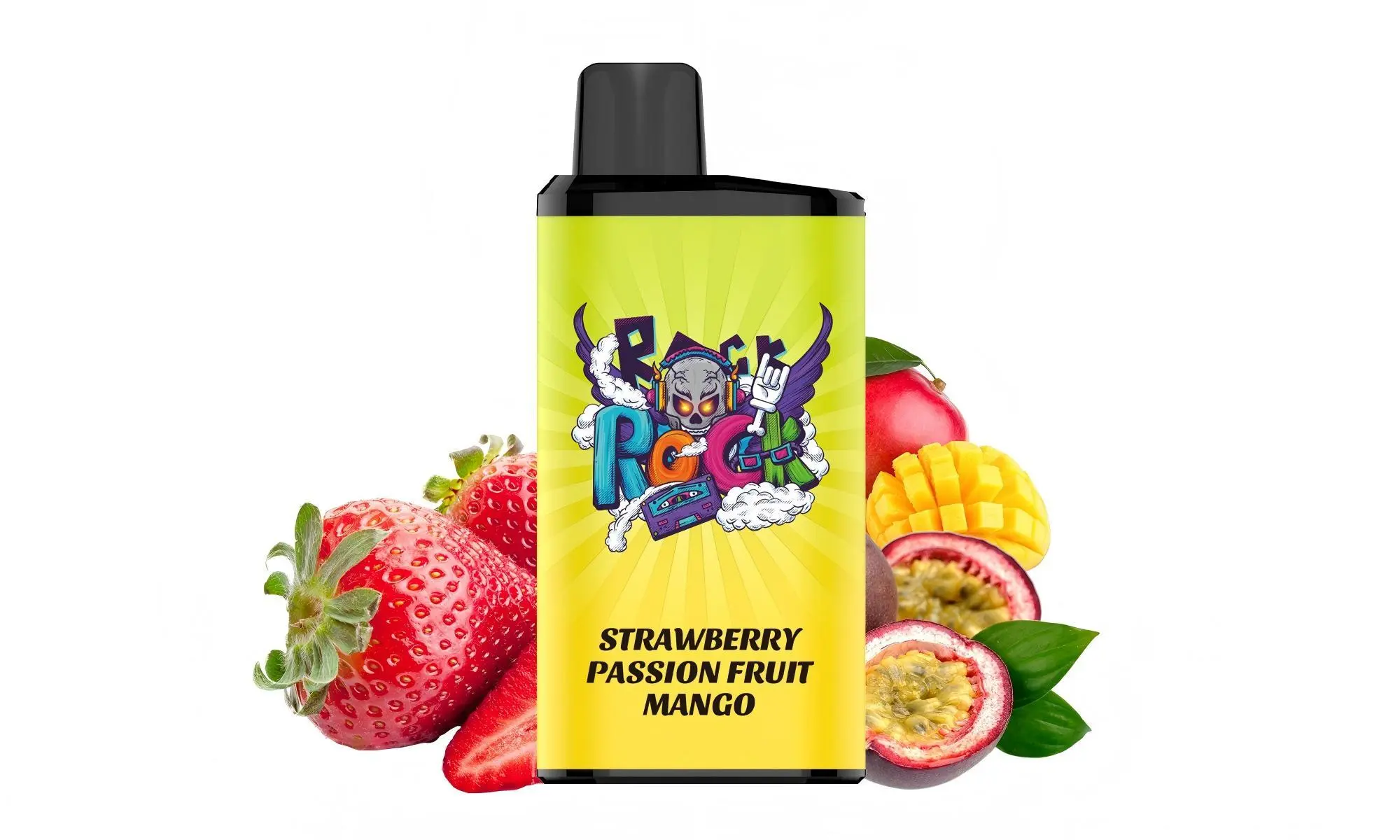
First and foremost, it’s crucial to identify which IGET Bar model you have. The standard IGET Bar (3500 puff) is a non-rechargeable, truly disposable device. It does not have a charging port and is designed to be used until the battery or Capacity is depleted, then responsibly disposed of.
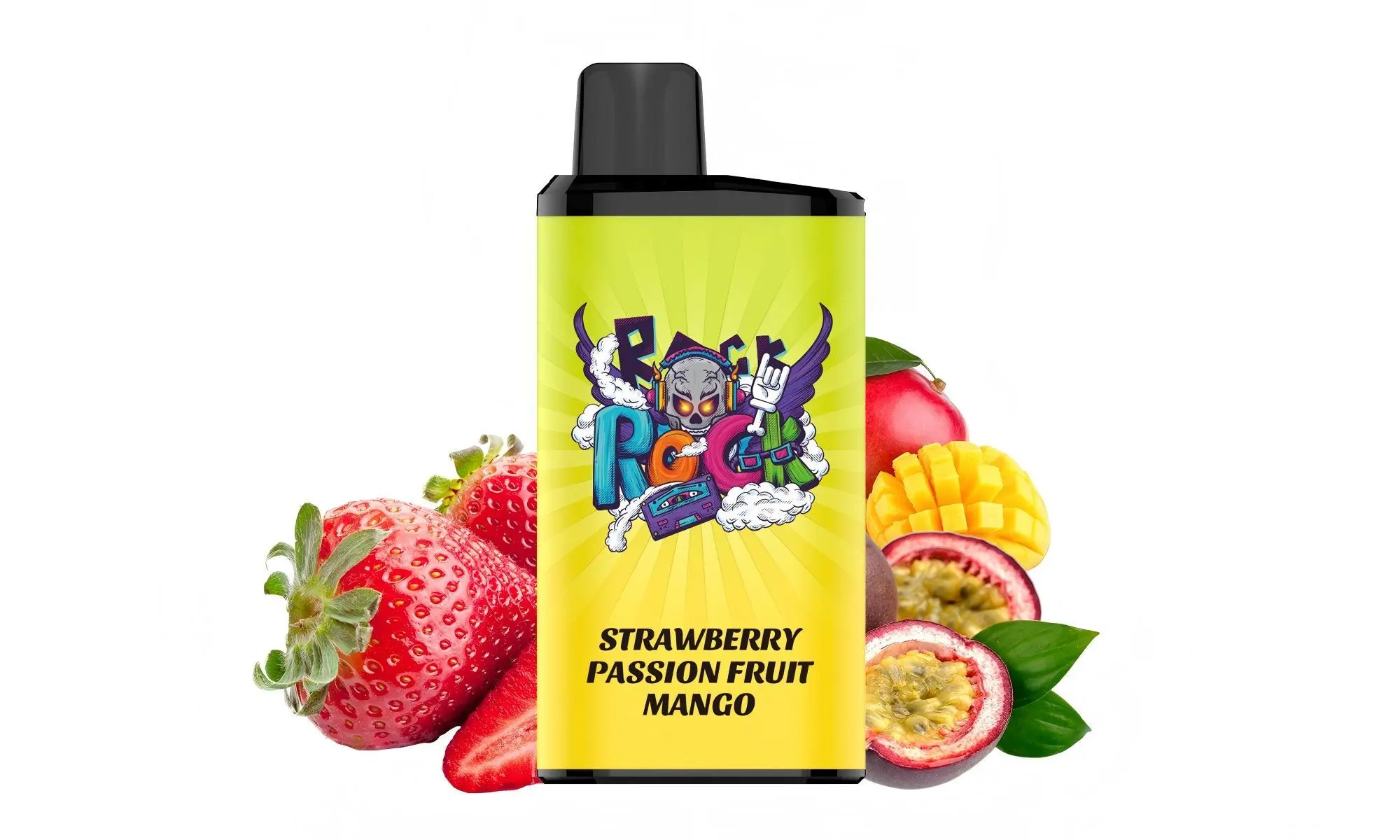
However, newer models in the IGET lineup, such as the IGET Bar Plus and certain high-puff-count devices, are rechargeable. Here’s how to tell and what to do.
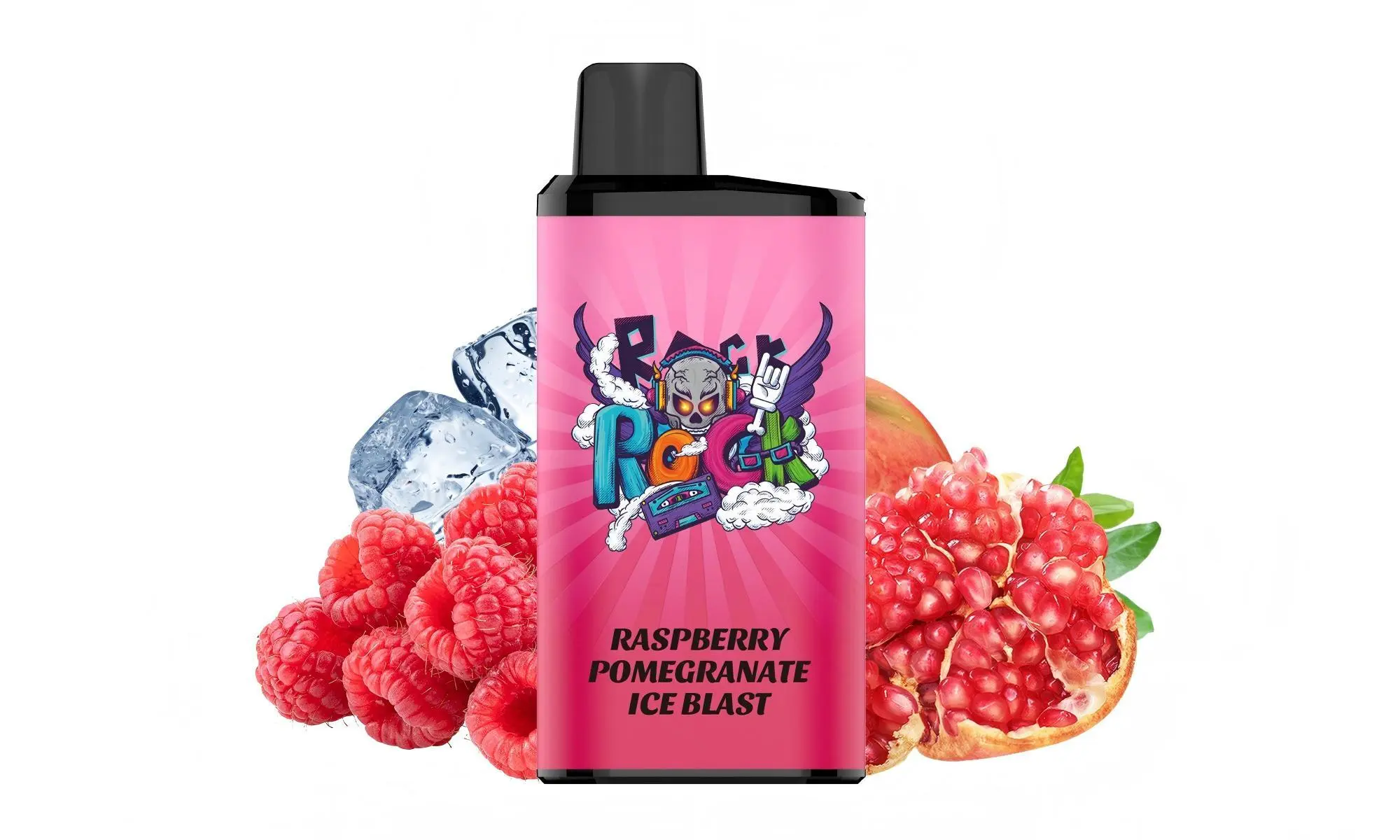
Step 1: Identify Your Device
Non-Rechargeable (Standard IGET Bar): Look at the bottom of the device. If it is completely sealed with no USB-C or Micro-USB port, it is not meant to be recharged. Attempting to modify or charge it is dangerous and can cause battery failure.
Rechargeable (IGET Bar Plus, IGET XXL, etc.): The bottom will have a small, covered USB-C port. This is your charging point.
Step 2: How to Charge a Rechargeable IGET Bar
If you have a confirmed rechargeable model, follow these steps:
Locate the Port: Find the USB-C charging port at the bottom of the device.
Use the Correct Cable: Use a standard USB-C cable (the same type used for many modern Android phones and gadgets). Avoid using fast-charging blocks from premium smartphones, as the lower amp output from a standard USB port on a computer or a basic 5V/1A wall adapter is safer for the vape’s battery.
Connect and Charge: Plug the cable into the device and connect it to a power source. Most devices have an LED indicator light that will illuminate while charging. The light typically turns off or changes colour when charging is complete.
Disconnect: Once fully charged, disconnect the cable. A full charge usually takes 30-60 minutes.
⚠️ Critical Safety & Usage Notes
Never Charge Unattended: Avoid leaving your device charging overnight or while you are out.
Use Recommended Equipment: Stick to standard cables and power sources. Using damaged cables or high-wattage chargers can damage the battery.
Do Not Use While Charging: For safety, it is best not to puff on the device while it is plugged in.
Monitor for Heat: If the device becomes unusually hot during charging, disconnect it immediately.
Dispose of Non-Rechargeable Models Properly: Once a standard IGET Bar is finished, please dispose of it at an appropriate e-waste recycling point. Do not attempt to pry it open or tamper with it.
Troubleshooting & Tips
No Vapour After Charging? Ensure the device is activated (some models are draw-activated, some have a button). If it’s charged but not producing vapour, the Capacity may be depleted—the device is now finished.
Where to Buy Authentic Rechargeable IGET Bars: To guarantee you get a genuine, safely manufactured product with clear instructions, always purchase from an authorised retailer like iGetBaroz. They ensure all products are sourced directly from official distributors, so you know exactly what model you’re getting. You can browse their range of IGET products at igetbaroz.com.
In summary: Check for a USB-C port. If it’s there, charge it carefully with a standard cable. If it’s not there, your device is single-use. When in doubt, purchasing from a trusted source like iGetBaroz ensures you get authentic products with accurate specifications.
How To Charge A Iget Bar? — 补充说明
The process of charging an IGET Bar depends entirely on the specific model you have. Here’s a straightforward breakdown to help you power up your device safely and correctly.

1. Identify Your IGET Bar Model
First, check your device. Look for a USB charging port.
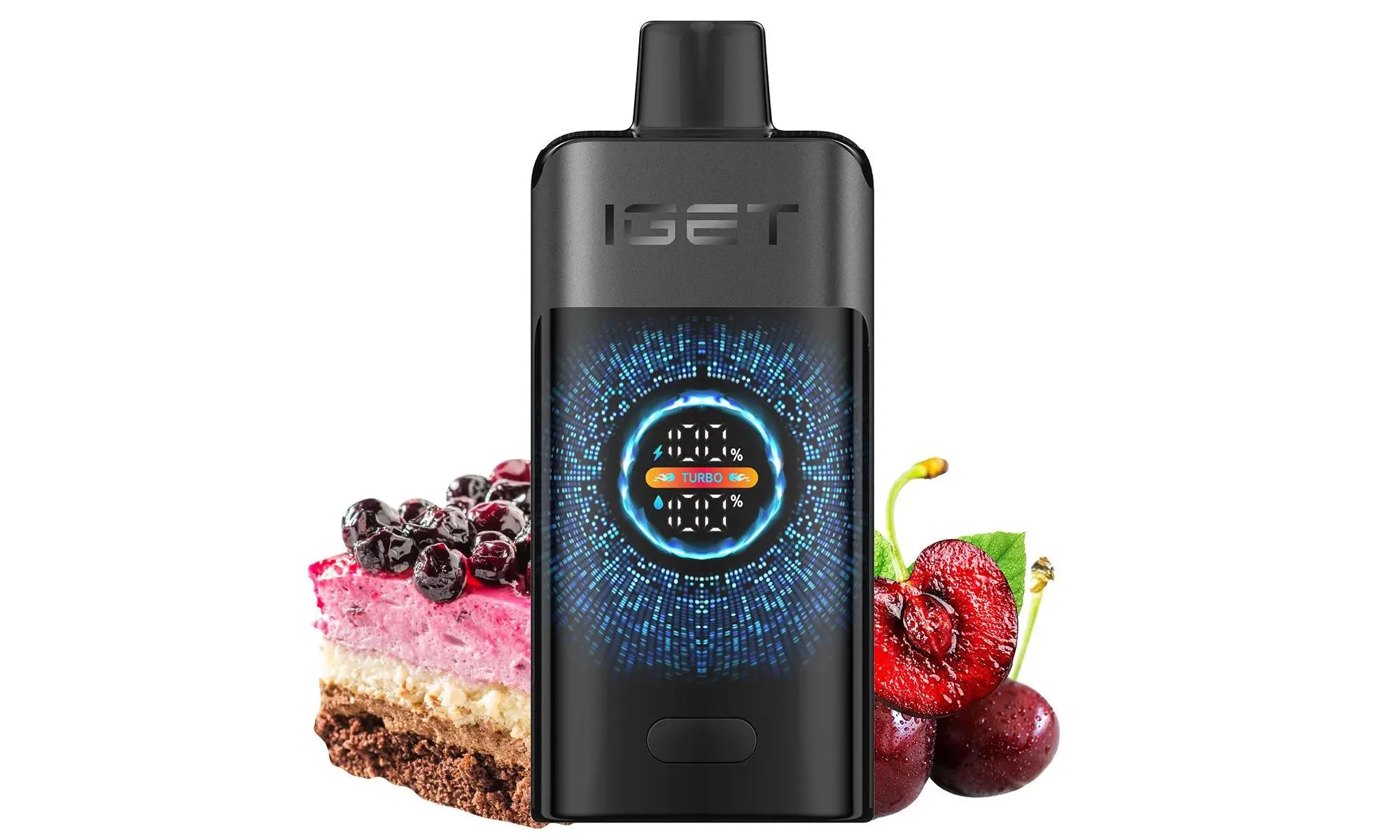
Standard IGET Bar (Disposable): Most traditional IGET Bar models (e.g., the classic 3500-puff bar) are non-rechargeable. They are designed to be used until the battery or e-liquid is depleted and then disposed of responsibly. These models do not have a charging port and cannot be recharged.
IGET Bar Plus / IGET Go / Other Rechargeable Models: Newer series like the IGET Bar Plus (6000 puffs) and IGET Go feature a built-in USB-C port (usually at the bottom) and are designed to be recharged multiple times throughout their lifespan.
2. How to Charge a Rechargeable IGET Bar (Step-by-Step)
If your device has a USB-C port, follow these steps:
Locate the Port: Find the USB-C charging port on the bottom or side of your IGET Bar.
Use the Right Cable: Always use the cable that came with your device or a standard, high-quality USB-C cable. Avoid using fast-chargers or car chargers meant for phones, as they can damage the battery.
Connect to Power Source: Plug the cable into a low-power source, such as a computer USB port or a standard 5V/1A wall adapter. A laptop or TV USB port is ideal.
Monitor the Indicator: Most models have an LED light near the mouthpiece or port. It will typically illuminate while charging and turn off (or change colour) when fully charged. Do not leave it charging unattended or overnight.
Disconnect: Once fully charged (usually within 60-90 minutes), unplug the cable. Your device is ready to use.
⚠️ Crucial Safety Tips & What to Avoid
Never try to charge a non-rechargeable IGET Bar. Attempting to modify or pry it open is dangerous and can cause battery leakage, fire, or explosion.
Do not use a high-wattage phone charger (e.g., iPad or Samsung Fast Charger). This can overheat and ruin the battery.
Stop charging immediately if the device becomes excessively hot.
Do not use the vape while it is charging.
What to Do If Your IGET Bar Isn’t Rechargeable
If you have a standard disposable model that has run out of battery but still has e-liquid, the device has reached its end of life. The safest and most convenient solution is to purchase a new one from a reputable seller like iGetBaroz to ensure you get a fresh, fully functional, and authentic product.
Need Help Identifying Your Model?
If you’re unsure about your IGET Bar model or have any other questions, it’s best to check with your retailer. For 100% authentic IGET products and expert advice, you can always refer to the official guidance available through trusted Australian suppliers like iGetBaroz.